




New Trade Zone
Trade Zone is now live
Use the new Trade Zone for auctions and instant-price trades so Pokemon and item offers are easy to find.

Nessu
Registered User
-
Joined
-
Last visited
Everything posted by Nessu
-
Start
-
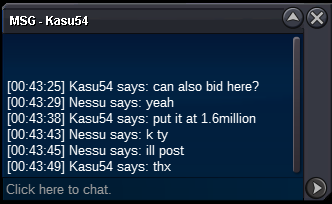
bumpbumpS.O 1m C.O : - Ends 24h after start No Insta Minimum raise 100k CC = 400k Auction rules : - An offer can't be canceled - No fake offers, bid only if you have sufficient money on your account -ING: Nessu -Discord: Ness#8954
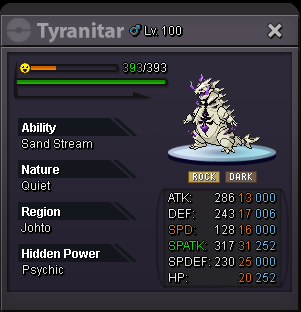
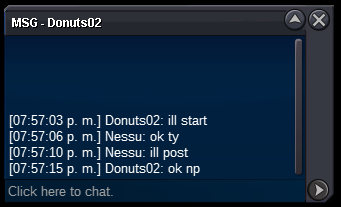
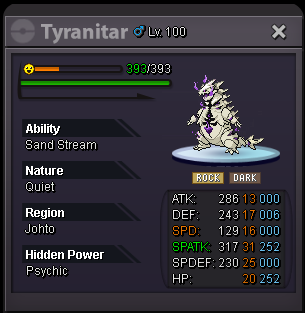
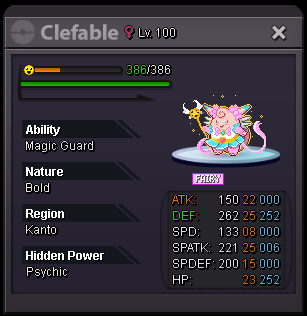 1h left11 hrs remaningS.O 2m C.O : 3.6m by Titania Ends 48h after start Minimum raise 100k CC = 400k Auction rules : - An offer can't be canceled - No fake offers, bid only if you have sufficient money on your account -ING: Nessu -Discord: Ness#8954 Countdown: https://reloj-alarma.es/temporizador/#countdown=48:00:00&date=2020-08-19T19:57:15&title=Halloween+Tyranitar&sound=xylophone&loop=1
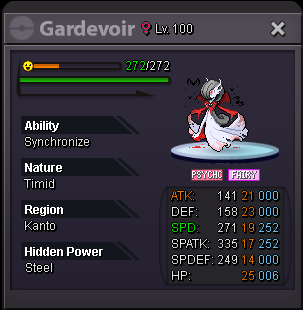
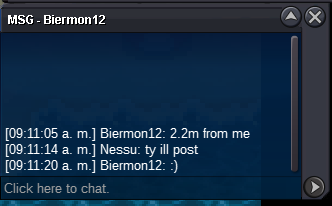
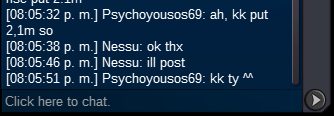
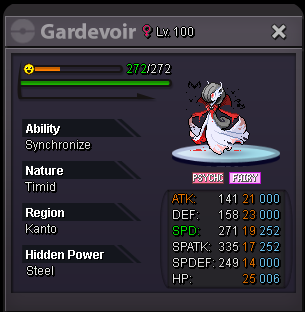
 Im online Right nowI'll buy both sirKlefki price? I'll buy the 30-100k price Sawk@kotzf Congrats ^^1:30 hours lefts. C.O 3.5m9 hours lefts c.o 3.1mS.O 1.5m C.O : 3.5m by Kotzf Ends 24h after start Minimum raise 100k CC = 300k Ms 30d = 250k IV Reroll = 600k Nature Reroll = 300k Bms = 150k Auction rules : - An offer can't be canceled - No fake offers, bid only if you have sufficient money on your account -ING: Nessu -Discord: Ness#8954 Countdown:
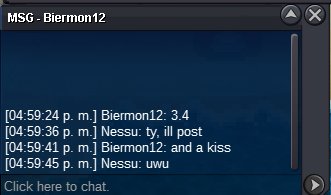
 @nazmihafiz92 Congrats ^^


Account
Navigation
Search
Configure browser push notifications
Chrome (Android)
- Tap the lock icon next to the address bar.
- Tap Permissions → Notifications.
- Adjust your preference.
Chrome (Desktop)
- Click the padlock icon in the address bar.
- Select Site settings.
- Find Notifications and adjust your preference.
Safari (iOS 16.4+)
- Ensure the site is installed via Add to Home Screen.
- Open Settings App → Notifications.
- Find your app name and adjust your preference.
Safari (macOS)
- Go to Safari → Preferences.
- Click the Websites tab.
- Select Notifications in the sidebar.
- Find this website and adjust your preference.
Edge (Android)
- Tap the lock icon next to the address bar.
- Tap Permissions.
- Find Notifications and adjust your preference.
Edge (Desktop)
- Click the padlock icon in the address bar.
- Click Permissions for this site.
- Find Notifications and adjust your preference.
Firefox (Android)
- Go to Settings → Site permissions.
- Tap Notifications.
- Find this site in the list and adjust your preference.
Firefox (Desktop)
- Open Firefox Settings.
- Search for Notifications.
- Find this site in the list and adjust your preference.