New Trade Zone
Trade Zone is now live
Use the new Trade Zone for auctions and instant-price trades so Pokemon and item offers are easy to find.


Iamtanu
Registered User
-
Joined
-
Last visited
Everything posted by Iamtanu
-
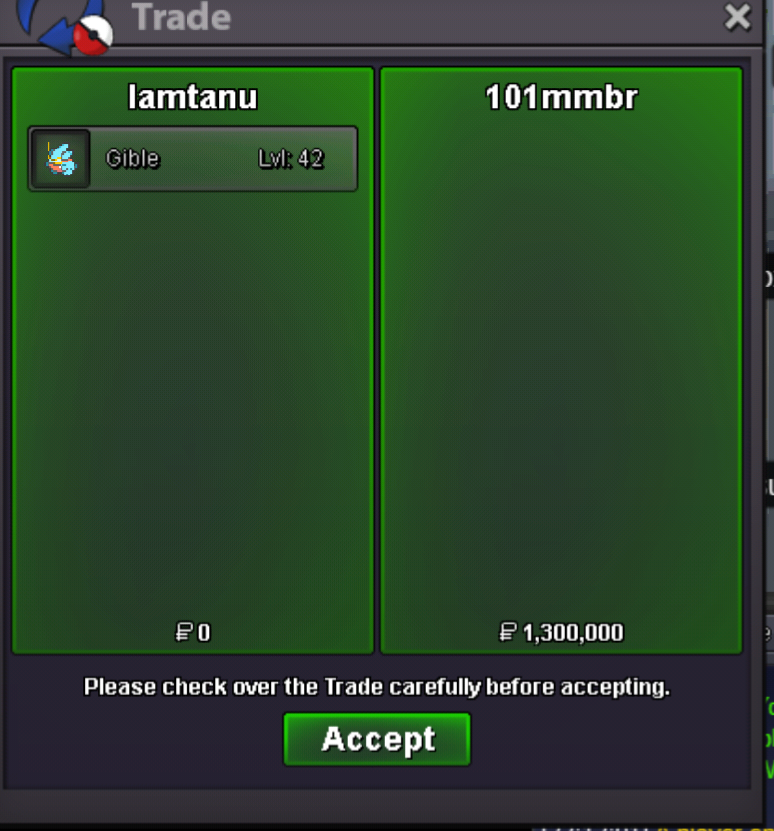
Trade done, thanks everyone for participating.
-
@Balladeer please help with the transfer, I cannot reach him.
-
Auction Ended, Winner @101mmbr Contact Me In-Game: Iamtanu or Discord: IamTanu#2012
-
We still have 4+ hours left
-
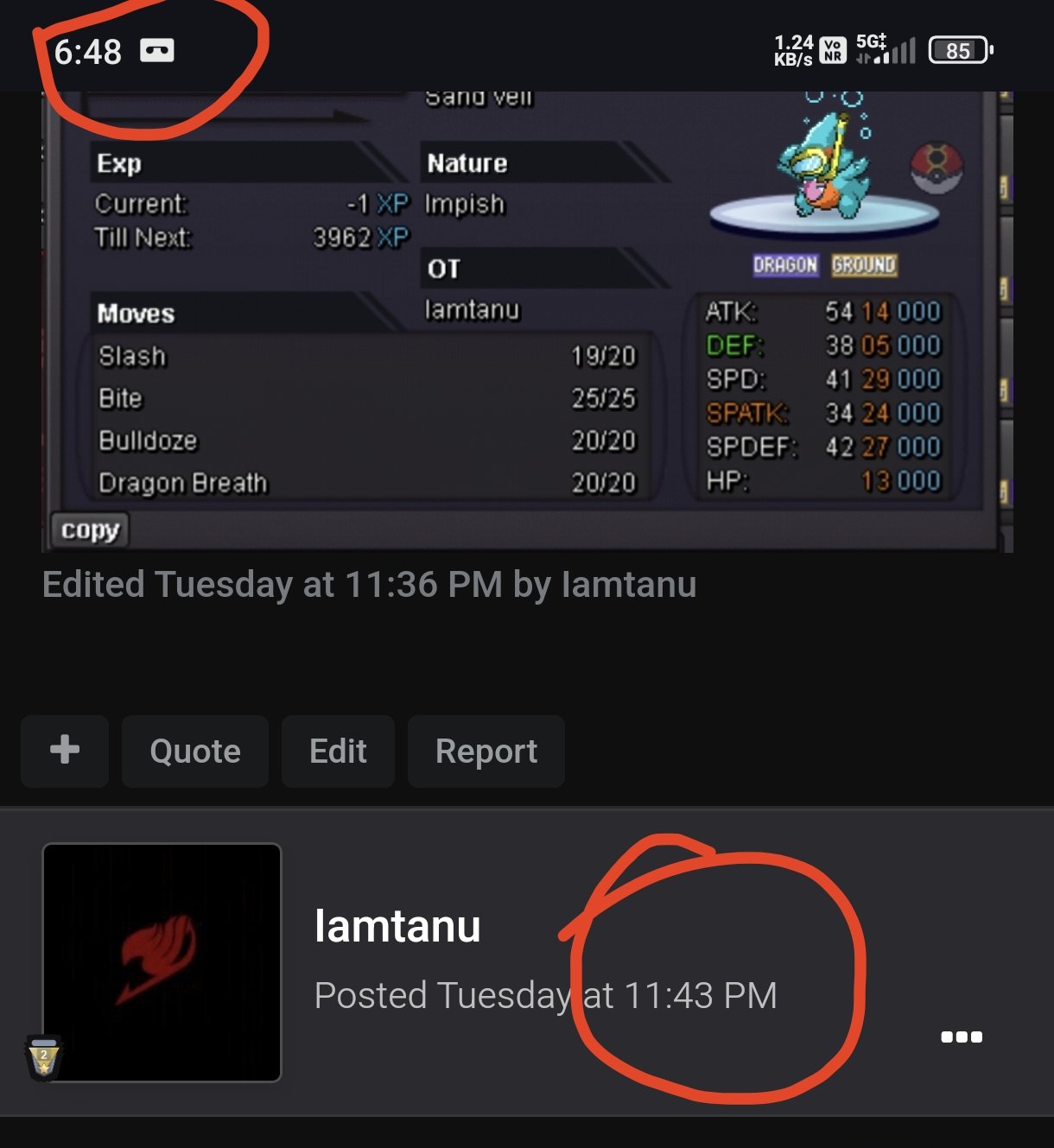
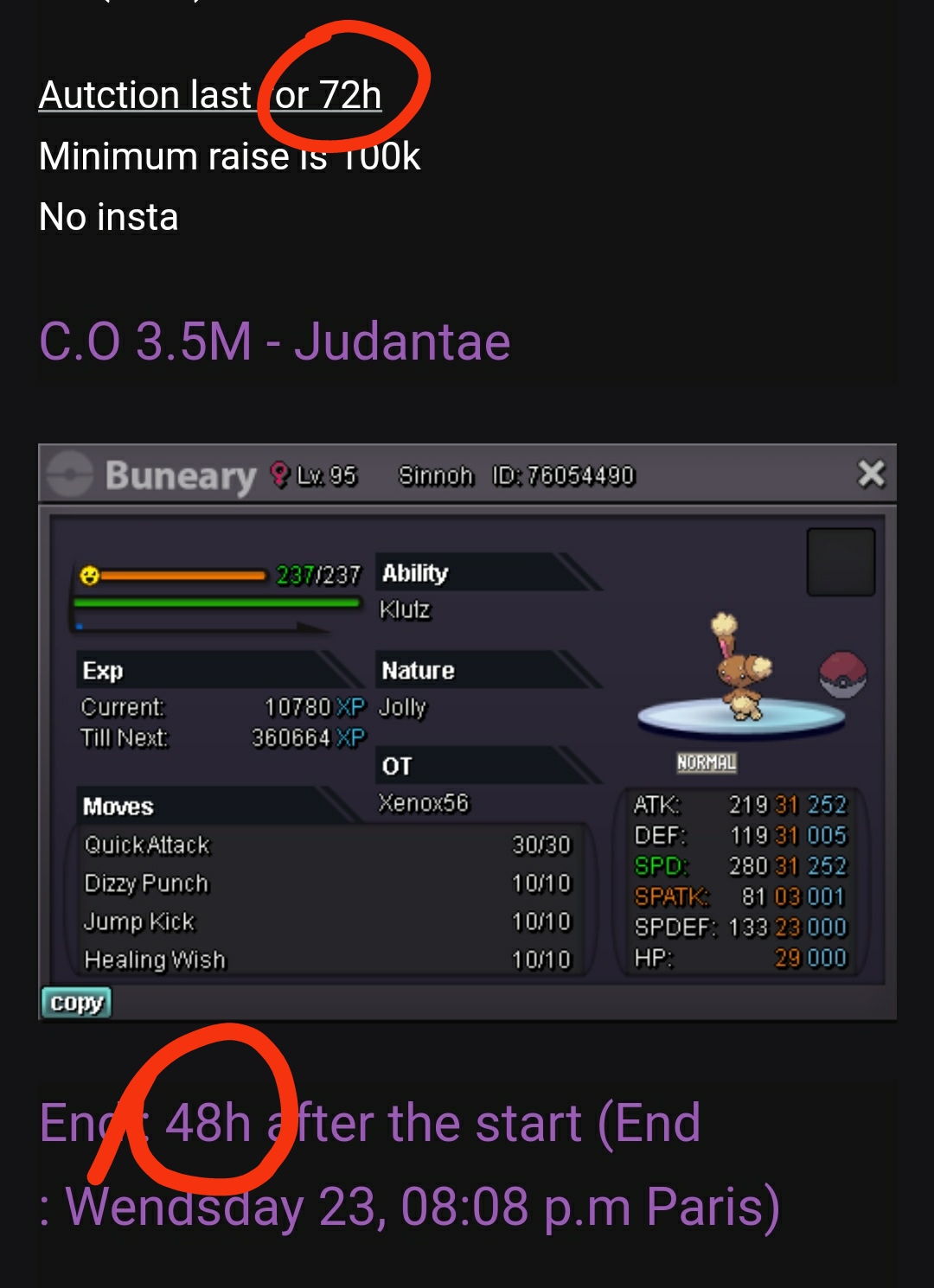
Start Point/Price: 500k End Point: 48h after first bid Insta : 4m Min. Raise: 100k Accepted Payment(s): CC 450k each - RR 500k each
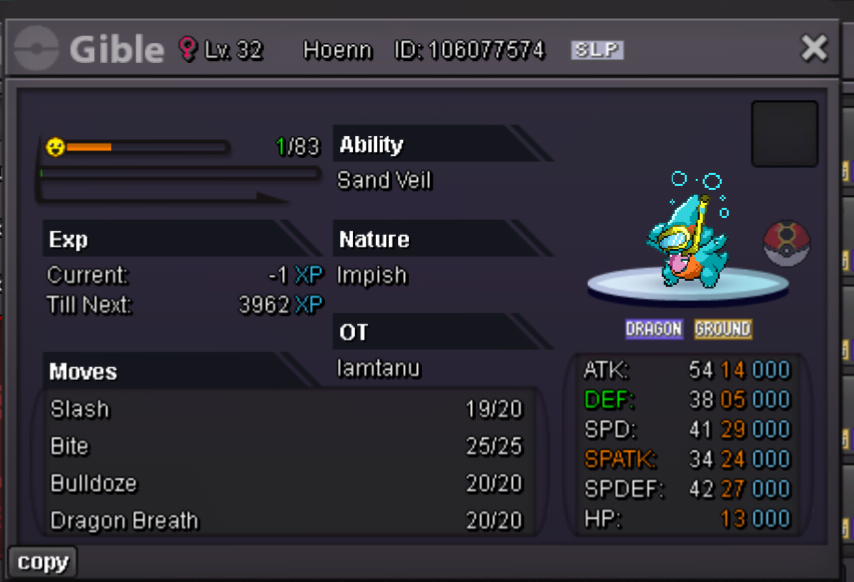 InstaWhich one is correct?
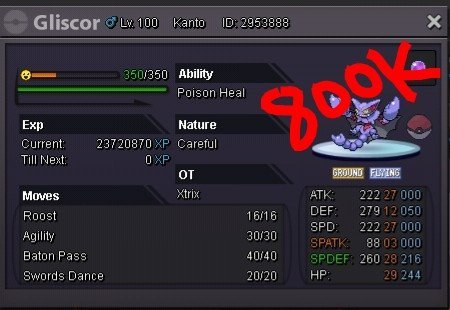
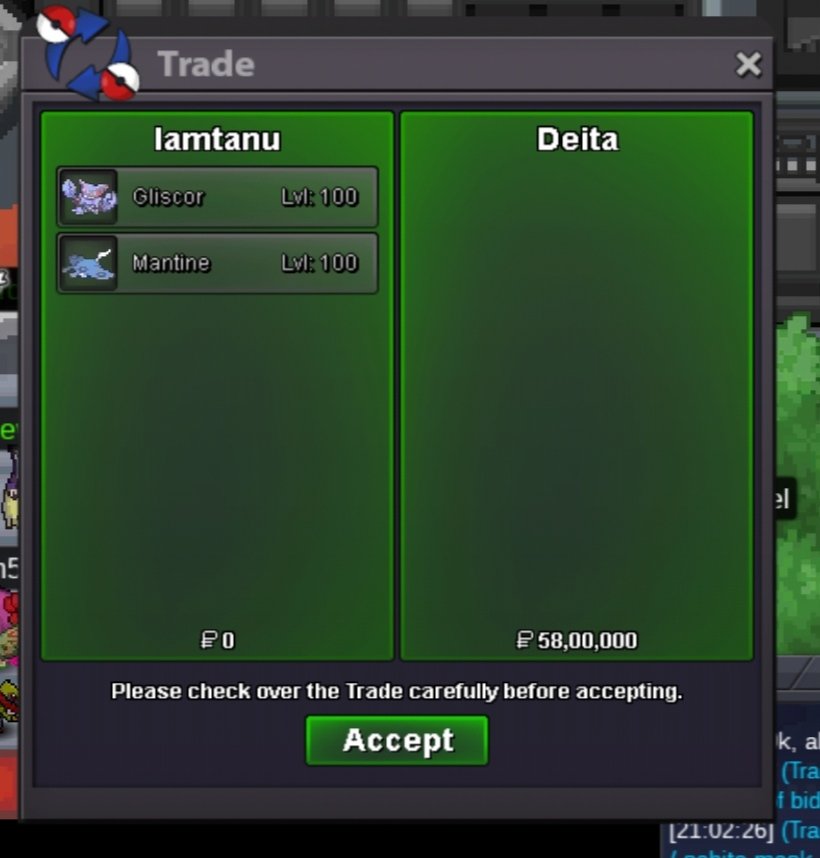
 5m1.5m2mSold mantine and gliscor to @DeIta Ty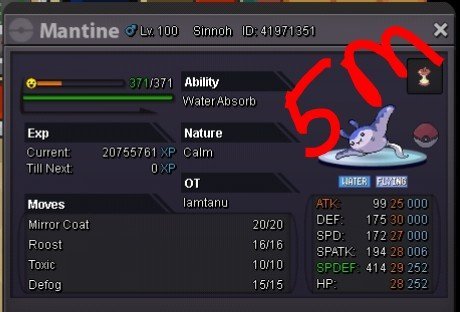
 Sold Umbreon, ty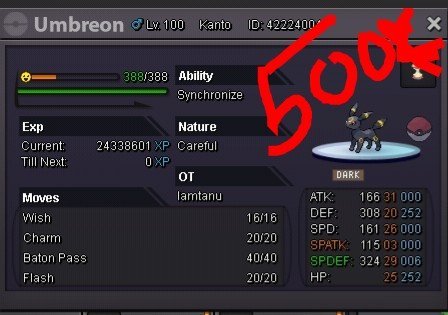
 Gliscor Impish sold to @CherryBaby ty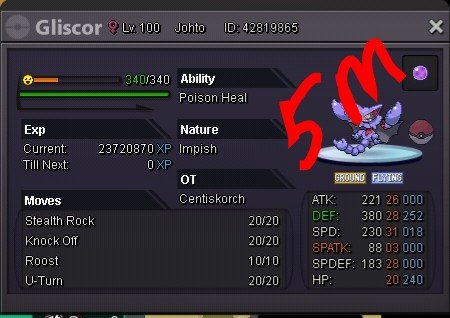
 Infernape sold
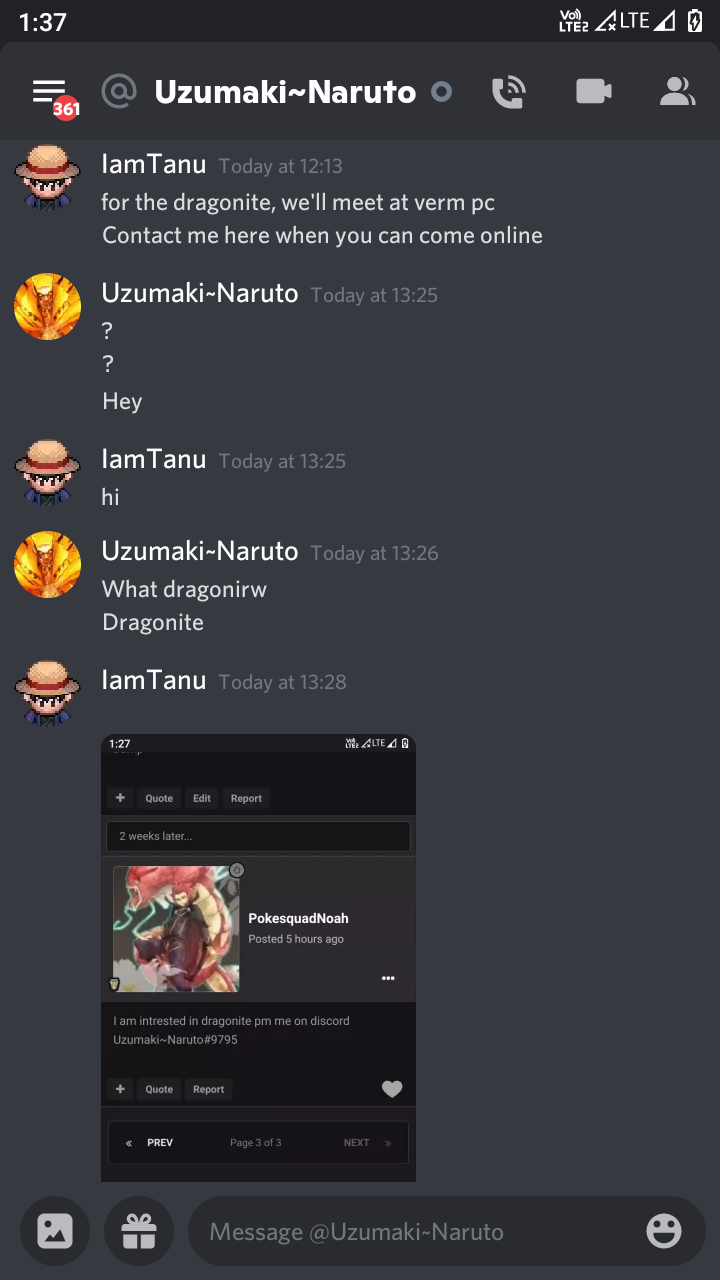
 Is this your discord I'd?
 bumpTyranitar Sold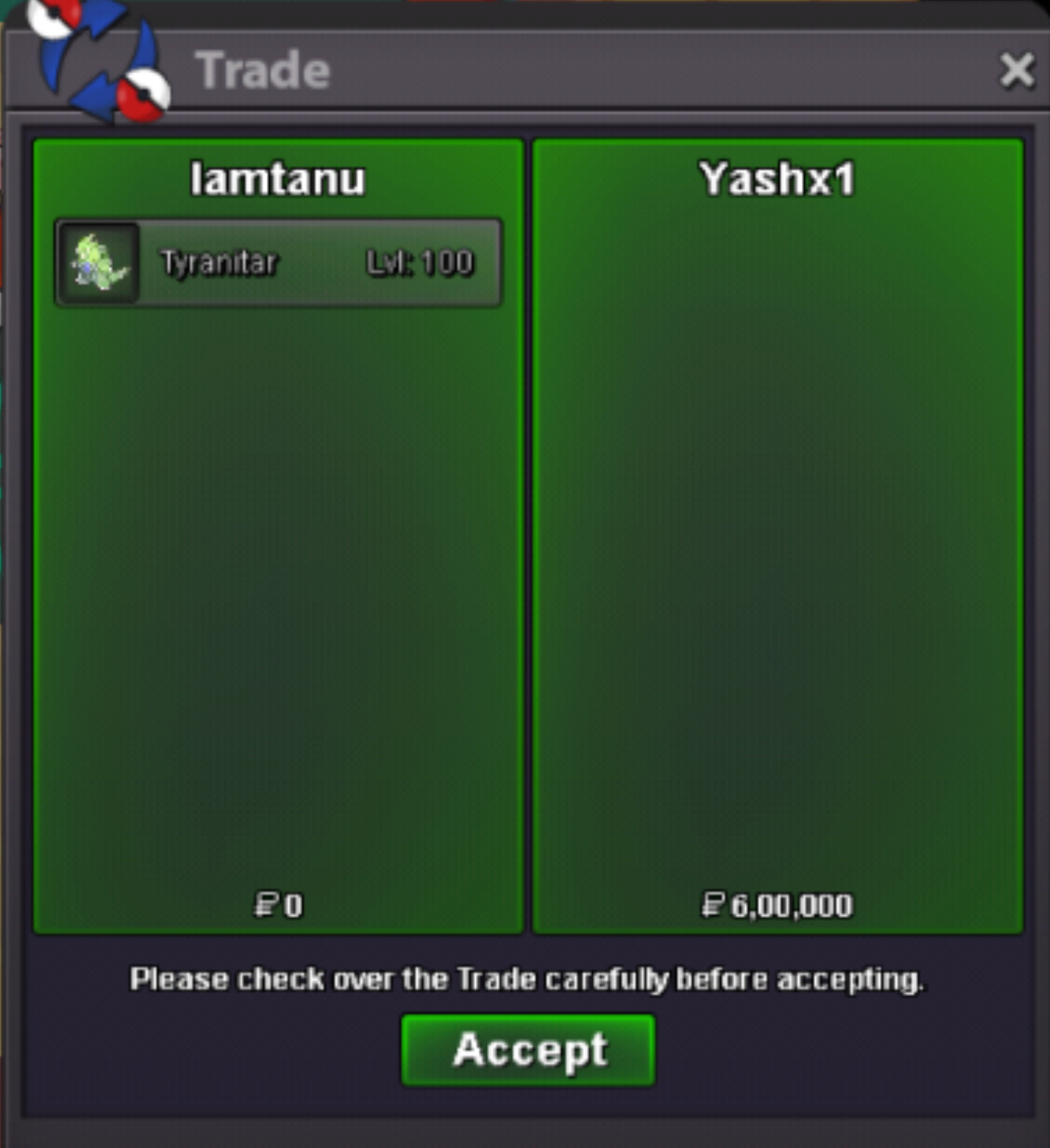
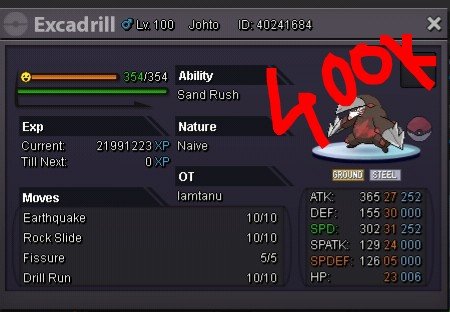
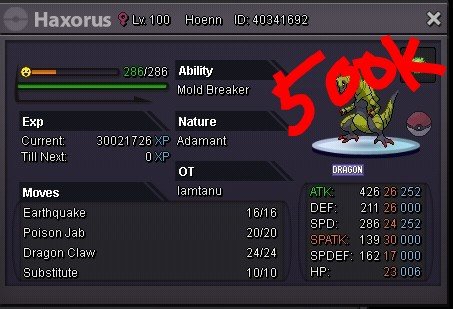
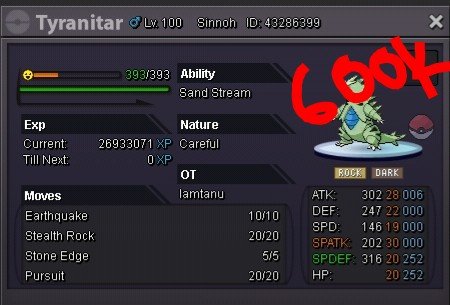 UpLucario, Excadrill and Haxorus sold to @araragiKunThanks

 upi'm online rn in-game, contact me IamTanu or Discord IamTanu#2012Ninetales sold