New Trade Zone
Trade Zone is now live
Use the new Trade Zone for auctions and instant-price trades so Pokemon and item offers are easy to find.
.jpg.936b6b370394989aa49e74b4cf98e773.jpg)

Delicouspokemon
Registered User
-
Joined
-
Last visited
-
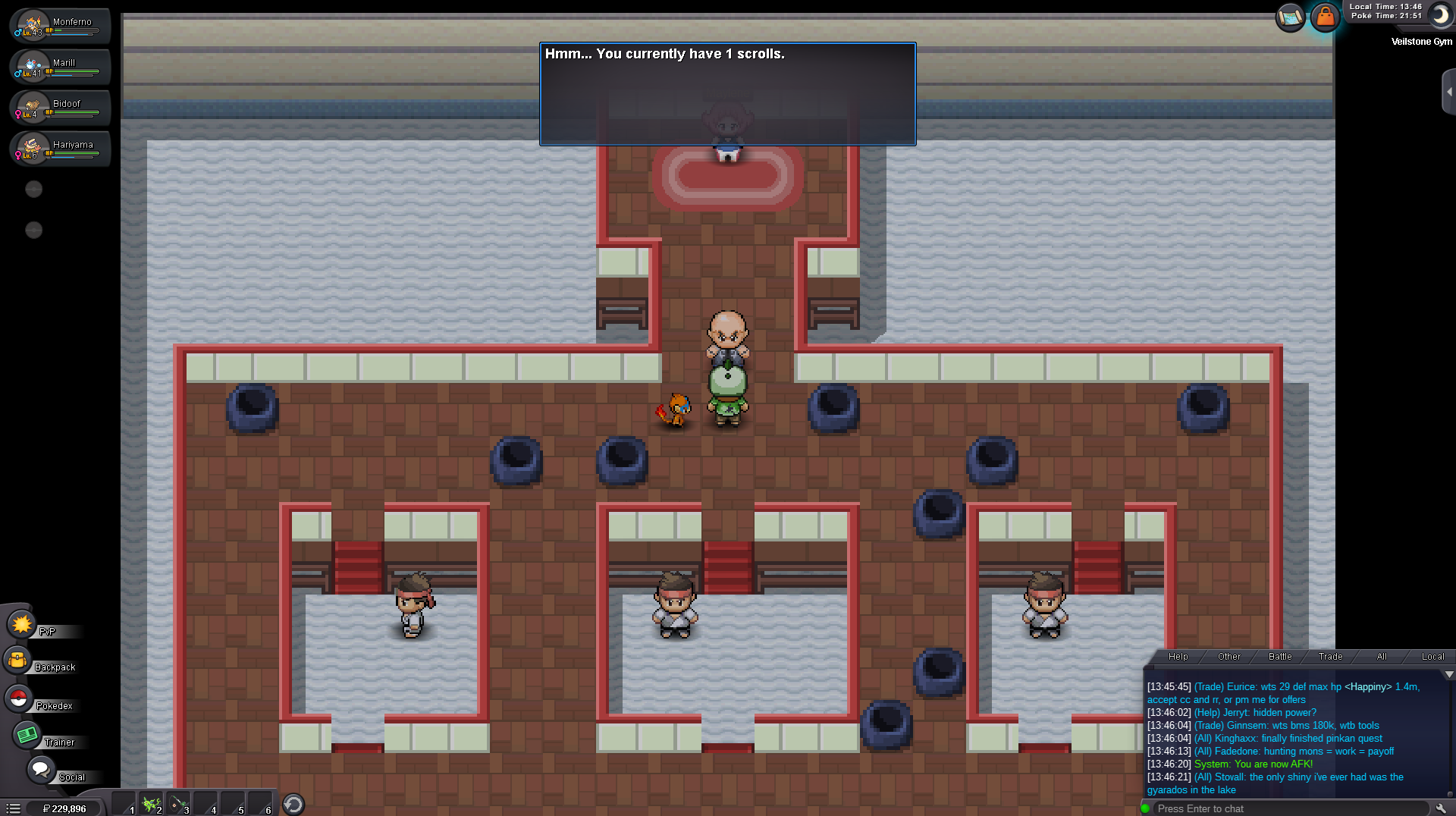
I was able to get the scroll from the trainer and get to the Gym leader. So, I was able to fight the middle bottom trainer before getting the message that I needed the scrolls. Only until after leaving the gym to heal my Pokémon and re-entering the gym did I get the message. Somehow I bypassed the initial message and I'm guessing that's what caused this. My internet is a little spotty up at campus, maybe causing the bypass? I'm not sure, but regardless I appreciate it a lot. Thanks for the fix! ❤️
-
Probug1.mp4 Probug2.mp4
-
Delicouspokemon changed their profile photo
-
I've been having this issue for the past couple days, as it wont let me progress past the gym. I know that there was a bug with having 3 scrolls, but I have defeated all trainers and somehow only managed to get only one scroll (2 scrolls to get to gym leader). I have talked to all the trainers multitudes of times over the past couple days with no change (With logging and relogging).