




Skip to content
View in the app

A better way to browse. Learn more.

Pokemon Revolution Online

A full-screen app on your home screen with push notifications, badges and more.

To install this app on iOS and iPadOS
  1. Tap the Share icon in Safari
  2. Scroll the menu and tap Add to Home Screen.
  3. Tap Add in the top-right corner.
To install this app on Android
  1. Tap the 3-dot menu (⋮) in the top-right corner of the browser.
  2. Tap Add to Home screen or Install app.
  3. Confirm by tapping Install.
New Trade Zone
Trade Zone is now live
Use the new Trade Zone for auctions and instant-price trades so Pokemon and item offers are easy to find.
Open Trade Zone

Rodolfozapatan

Registered User
  • Joined

  • Last visited

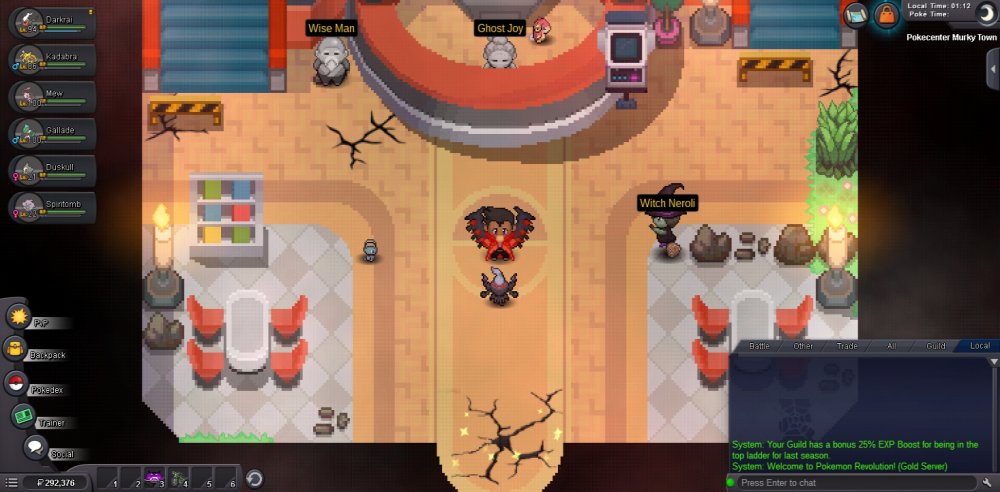
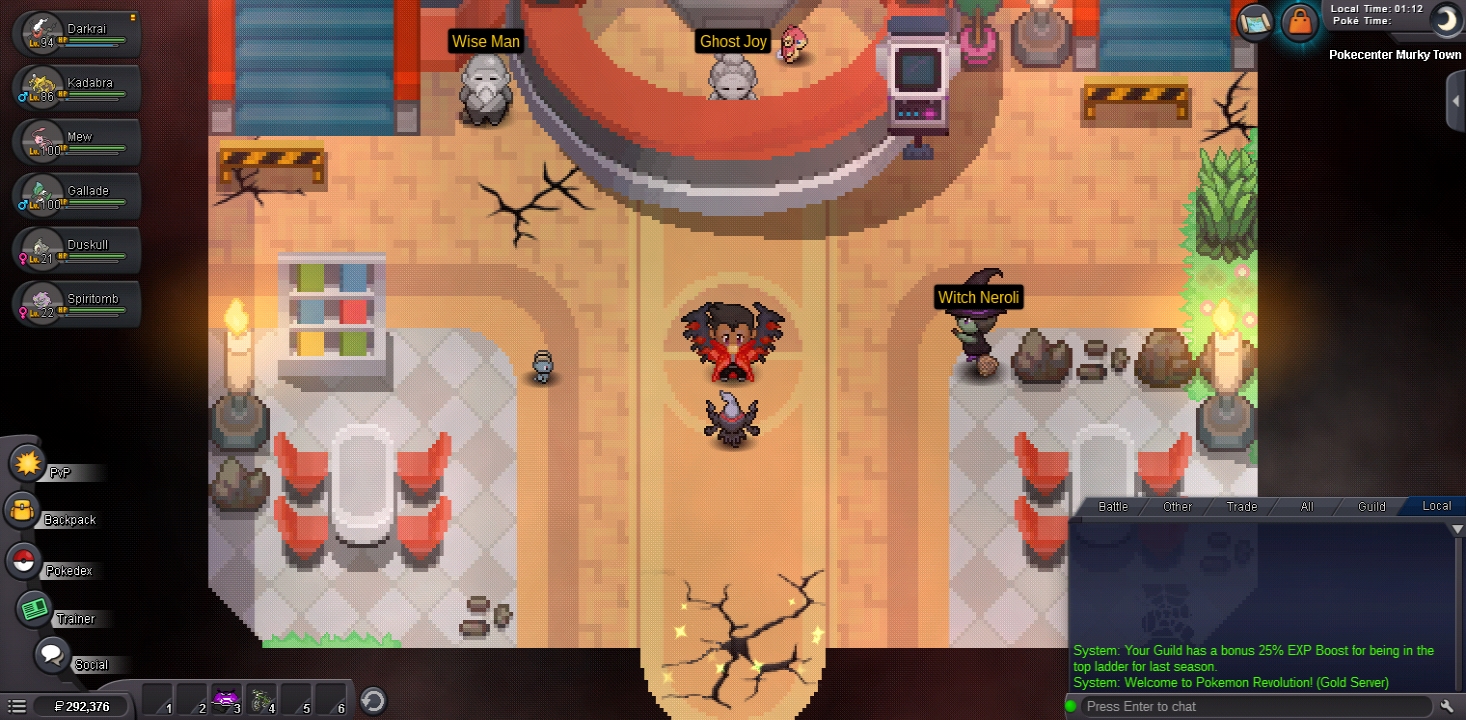
  1. Help, I can not move in the game, try to close and open, switch to the PC to check if Android failed and remain the same, just turn in the direction that I want to move I am in the middle of the murky town Pc.
  2. Me quede bug en murky town pc y no puedo salir ni moverme, llevo días así, intente cambiar de Android a Windows y es la cuenta, desde ya gracias
  3. Ayuda, no me puedo mover en el juego, intente cerrar y abrir, cambie al pc para revisar si Android fallaba y sigo igual, solo giro hacia la dirección que me quiero mover estoy en medio del pc de murky town
Account

Navigation

Search

Search

Configure browser push notifications

Chrome (Android)
  1. Tap the lock icon next to the address bar.
  2. Tap Permissions → Notifications.
  3. Adjust your preference.
Chrome (Desktop)
  1. Click the padlock icon in the address bar.
  2. Select Site settings.
  3. Find Notifications and adjust your preference.