




New Trade Zone
Trade Zone is now live
Use the new Trade Zone for auctions and instant-price trades so Pokemon and item offers are easy to find.


Fafouney
Registered User
-
Joined
-
Last visited
Everything posted by Fafouney
-
Bump
-
Bump and:
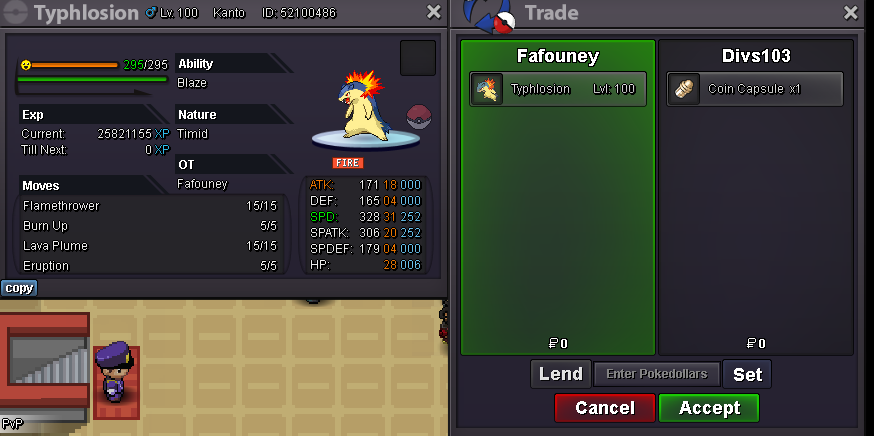
-
KAGE NO BUMP
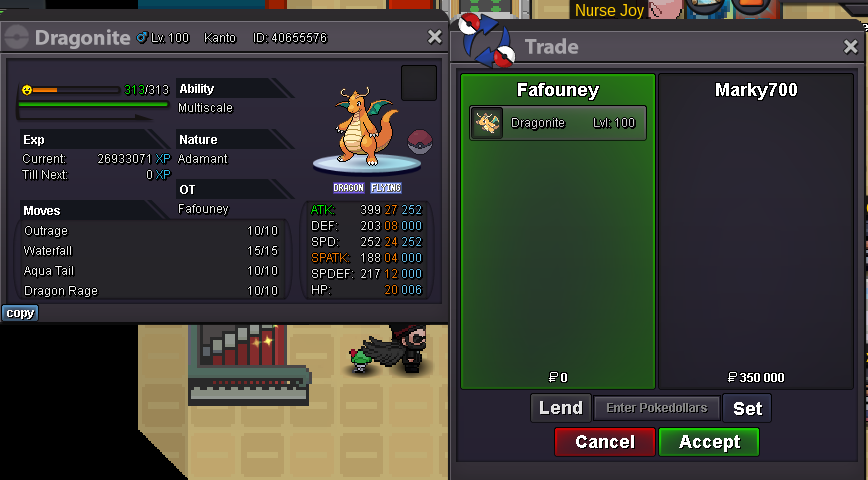
-
StartI ATTACK WITH BUMPAHHHH BUMPBump and:
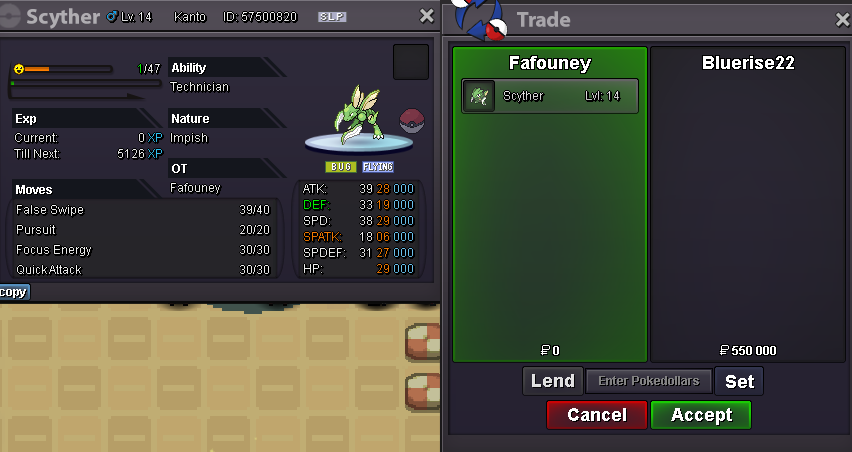 BumpHey, sure come in-game.
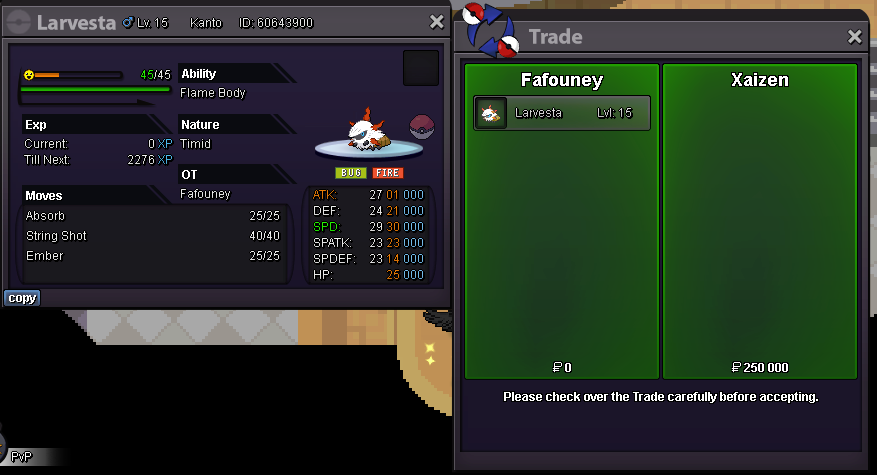 Bump and:
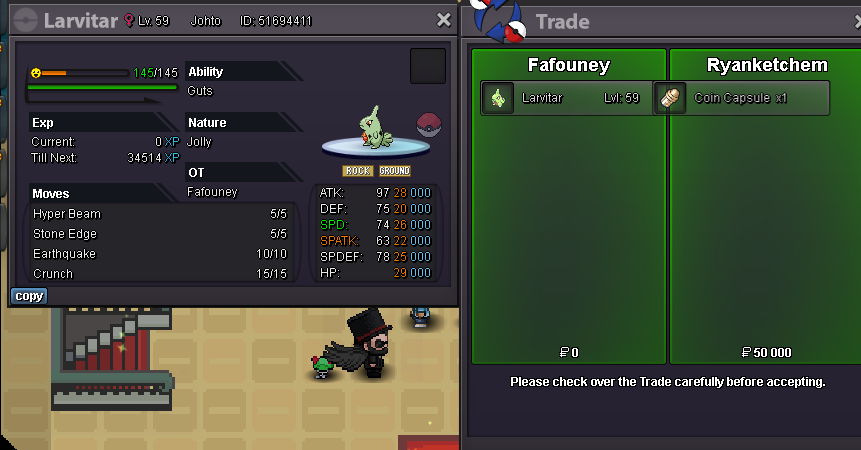
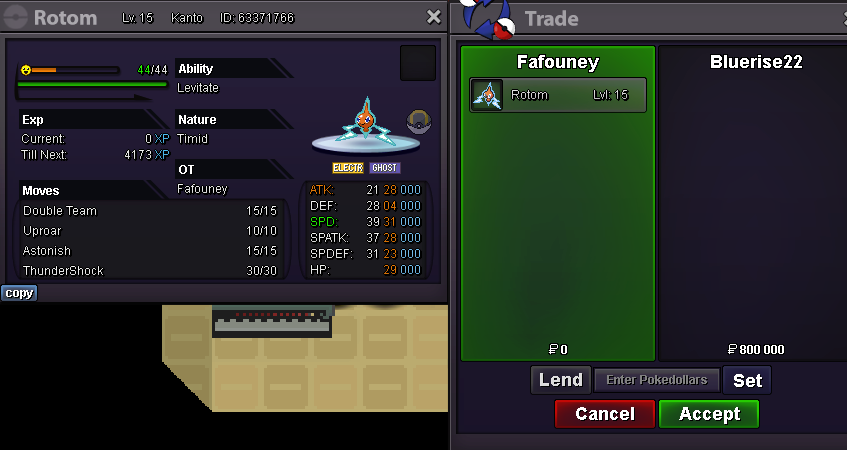
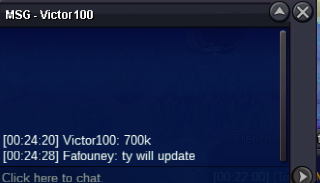
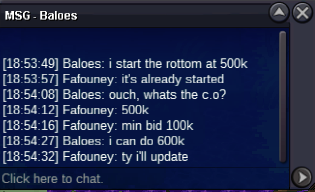
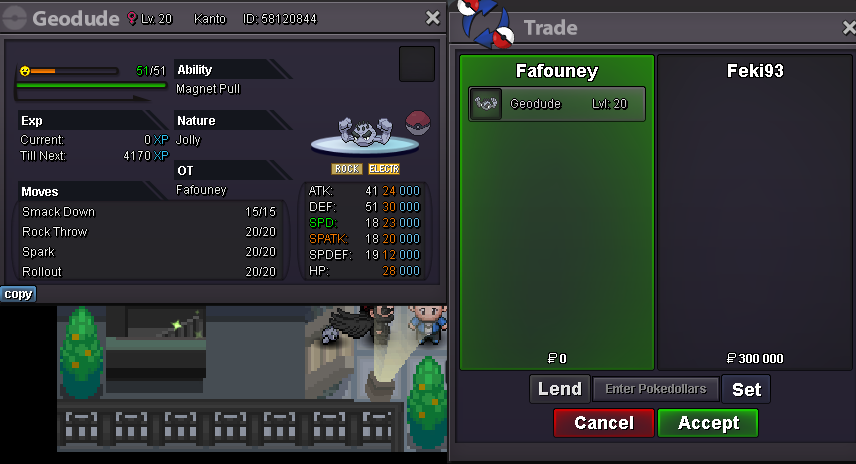 S.O : 500k. Min Raise : 100k. Insta : 3m. Duration : 48 hours after the first bid. Accepted payments : Reroll Ticket : 650k each. Nature Reroll : 325k each. Coin Capsule : 350k each. Pokedollars. Quick Reminder : Don't forget this !

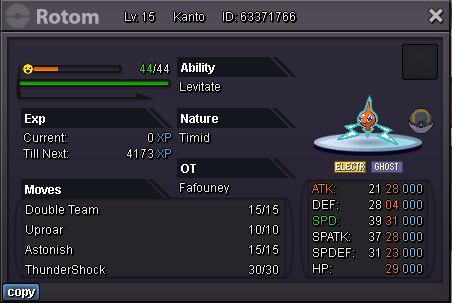 Bump and:
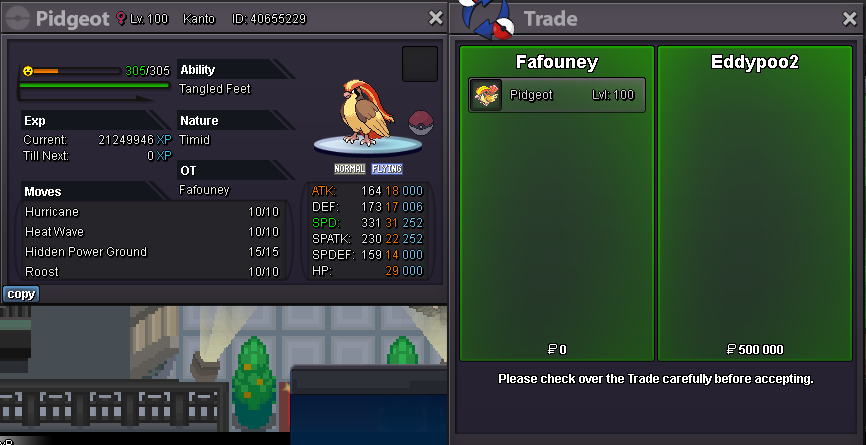 BumpitoBumpDid you know that in term of...Bump and added Gallade
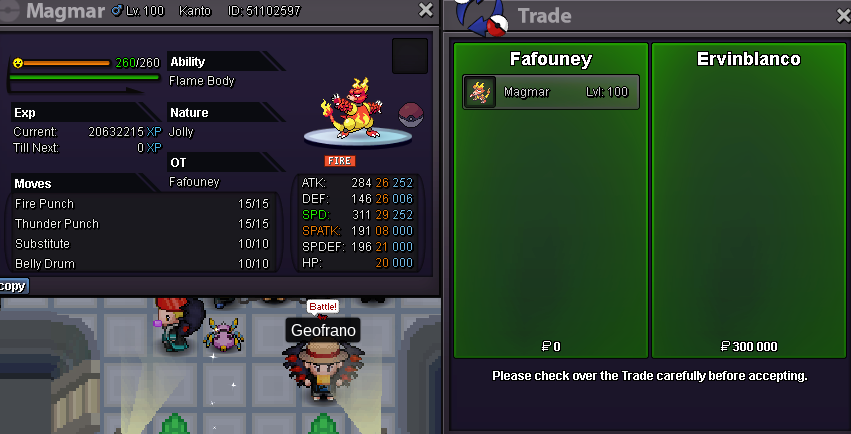 For Trade Mods, The trade has been made, Norival transfered.
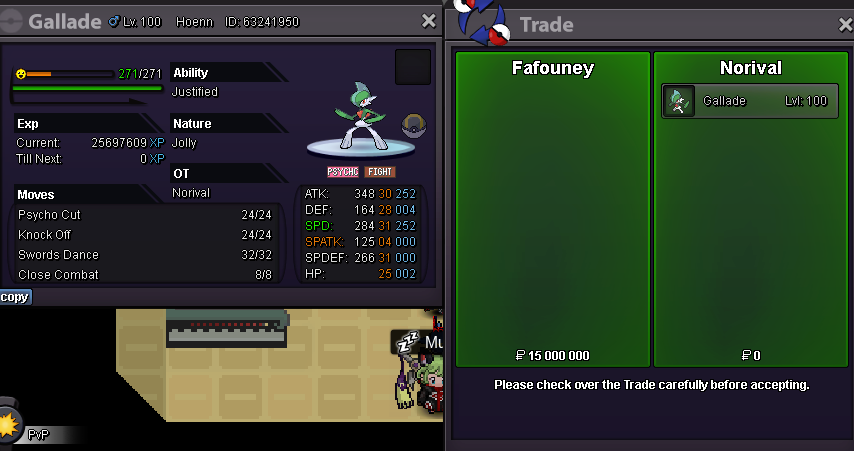 BumpAdding an Insta when an auction is already started is forbidden, see forums and in-game auction rules. Don't sabotage your own auction please.
 BumpJudging from your screenshot, a meeting place hasn't been decided. For a deal to be "legit", you need both Price and Location, what he did cannot be punishable. Unless you have extra PM proof with the location. Cheers.
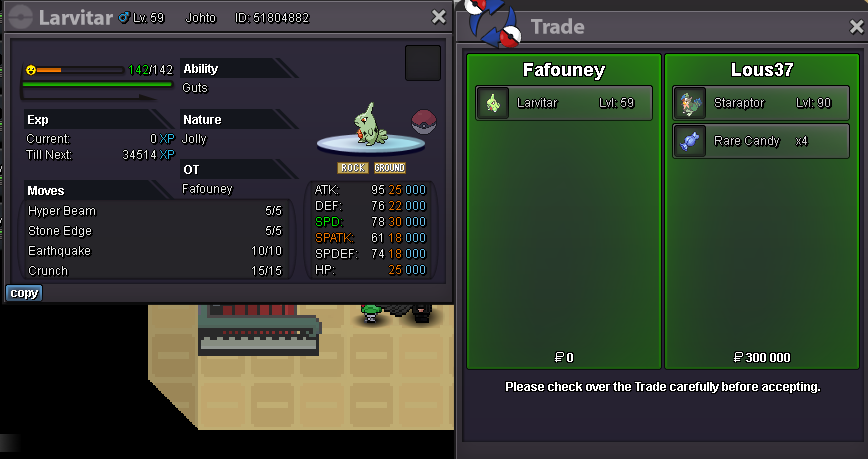
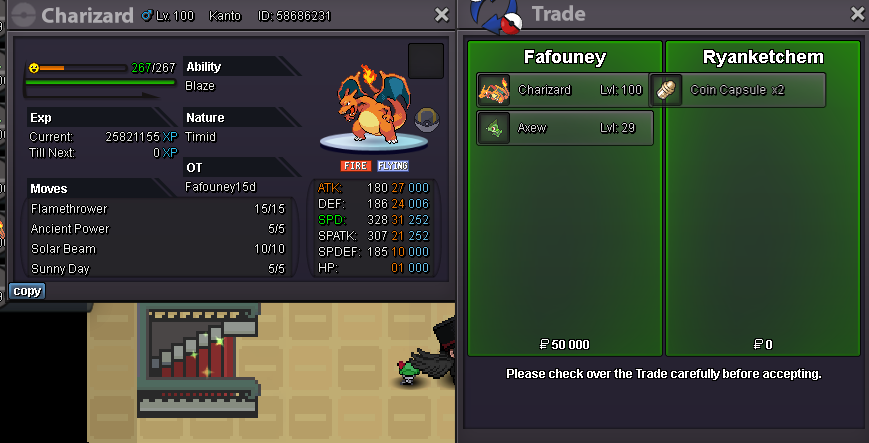
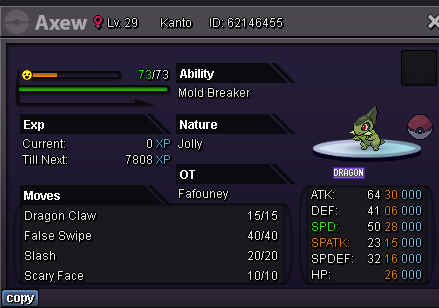

Account
Navigation
Search
Configure browser push notifications
Chrome (Android)
- Tap the lock icon next to the address bar.
- Tap Permissions → Notifications.
- Adjust your preference.
Chrome (Desktop)
- Click the padlock icon in the address bar.
- Select Site settings.
- Find Notifications and adjust your preference.
Safari (iOS 16.4+)
- Ensure the site is installed via Add to Home Screen.
- Open Settings App → Notifications.
- Find your app name and adjust your preference.
Safari (macOS)
- Go to Safari → Preferences.
- Click the Websites tab.
- Select Notifications in the sidebar.
- Find this website and adjust your preference.
Edge (Android)
- Tap the lock icon next to the address bar.
- Tap Permissions.
- Find Notifications and adjust your preference.
Edge (Desktop)
- Click the padlock icon in the address bar.
- Click Permissions for this site.
- Find Notifications and adjust your preference.
Firefox (Android)
- Go to Settings → Site permissions.
- Tap Notifications.
- Find this site in the list and adjust your preference.
Firefox (Desktop)
- Open Firefox Settings.
- Search for Notifications.
- Find this site in the list and adjust your preference.