New Trade Zone
Trade Zone is now live
Use the new Trade Zone for auctions and instant-price trades so Pokemon and item offers are easy to find.

Bidous
Registered User
-
Joined
-
Last visited
Everything posted by Bidous
-
I tried on a Windows and it works. Unfortunatly, it was a temporary access to a Windows, so not able to use it to fix the isue... But still not on Mac EDIT: It's working now on mac. I did the exact same steps an hour ago and this time it's working... I don't understand why, but now I'm happy to know I can play 😄 Thanks a lot Houndstone for your followup
-
I changed the password due to special characters. But still the same. I'm a bit surprise because I can login everywhere (forum, profil on the website...) but not on the game...
-
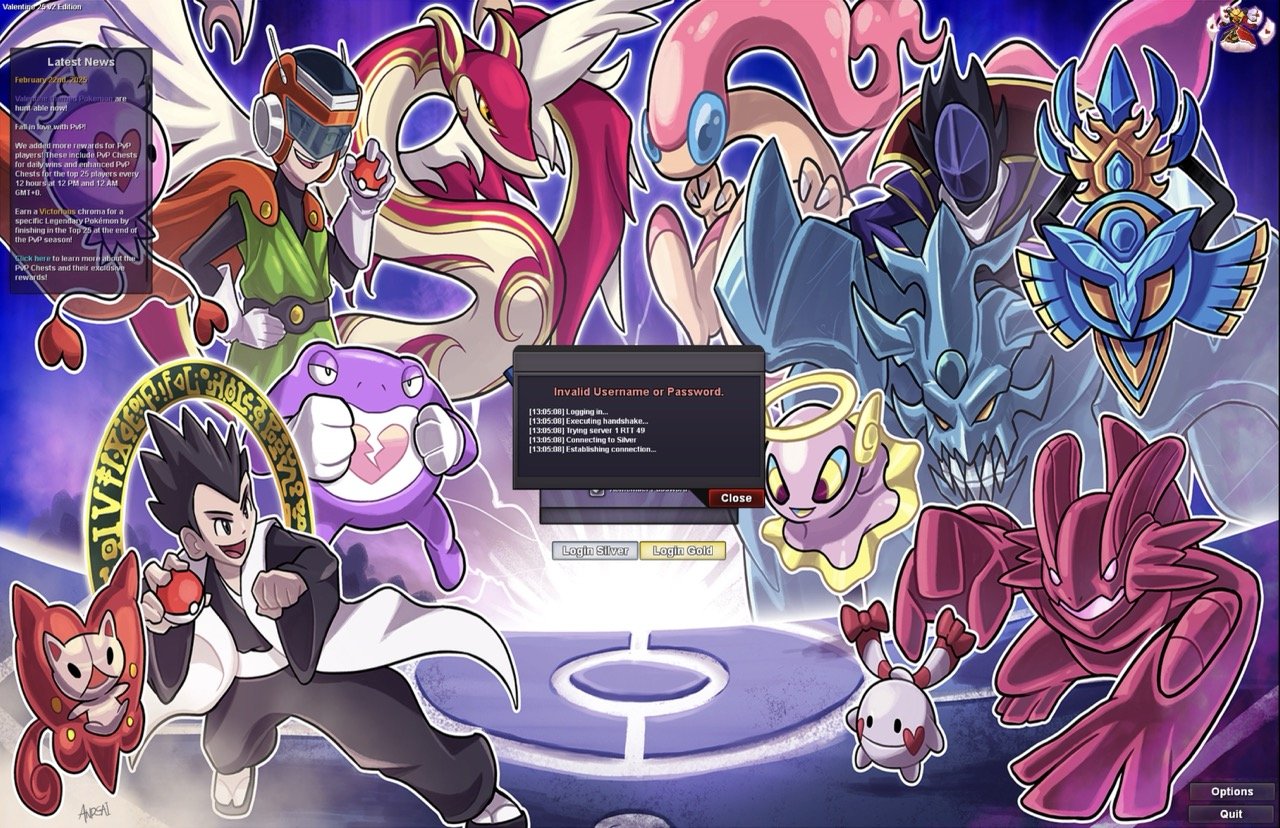
Hello Houndstone, thank you for your feedback. I did your recommendations but, unfortunatly still not possible... Something I forgot to mentioned: I'm using a mac (apple cpu) Hope any other options are possible? Thanks in advance
-
Hello all, Long time again I didn't play, but I miss the game and wanted to login. I'm able to connect to the forum and the dashboard, but not possible to login to the game... Any help please ? Thanks in advance