




New Trade Zone
Trade Zone is now live
Use the new Trade Zone for auctions and instant-price trades so Pokemon and item offers are easy to find.


Cardivon
Registered User
-
Joined
-
Last visited
-
Cardivon changed their profile photo
-
Finish...winner is ArieSlinger
-
Ok gl
-
Auction finished ...
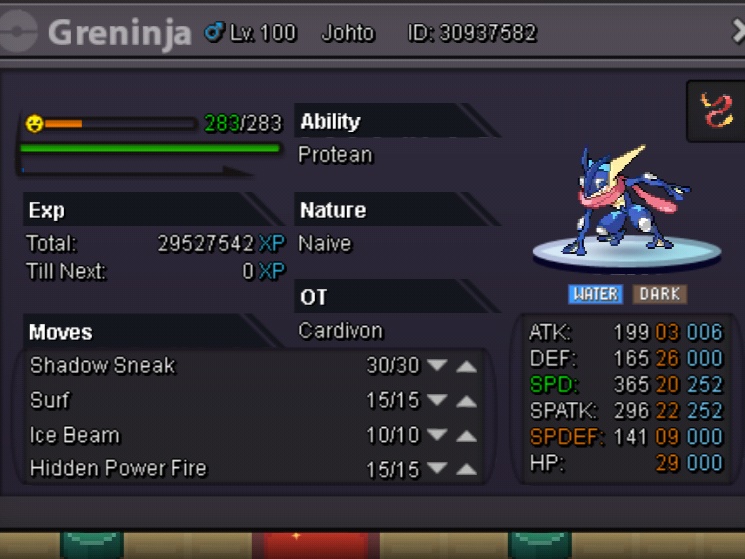
-
SERVER TRANSFER Username:Cardivon Server to charge the money from:Silver Main Server to transfer:silver to gold
-
● What's your Name/IGN? A: My name is George and my IGN in game PRO is Cardivon. ● Are you active in Discord? A: Yeah, ofc and me name Cardivon#0604. ● Where are you from? A: I'm from Greece and i live in beautifull city Larissa. ● What's your playtime?/How often do you play PRO? A: My playtime is 597h and i play every day usually 3-5h in day. ● What's your goal in PRO? A: I want to go in top10 of ranking and learn my skills in pvp. ● Why do you want to be part of Chaos? A: I want to join on Chaos because i want to meet friends and because the Chaos is the best guild :). ● What's your favorite Pokemon and why? A: My favorite pokemon is : Breloom why is very good poke for pvp and is very beauty. ● What's your favorite animal and why? A: My favorite animal is dog why i have 1 and her name is Bella . I love her and we sleep everyday together in my room. The best pet on world.
