




New Trade Zone
Trade Zone is now live
Use the new Trade Zone for auctions and instant-price trades so Pokemon and item offers are easy to find.

Imperfecton
Suspended
-
Joined
-
Last visited
Everything posted by Imperfecton
-
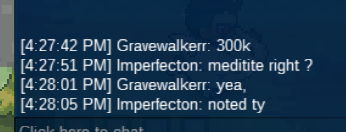
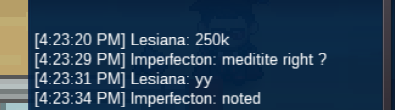
end auction @ImmortalS u won.end auction @ImmortalS u won.20 hours leftNot sure he stall or the game crash. The situation last about 10 mins but my memory in PC run out, then i logout and lost some rt and banned 10mins. https://drive.google.com/file/d/1hNXpOd7WniWWAZpM2u0ex-MyrGeilhMq/view?usp=sharingNoted. End: 11/05/2022 19:14 (GMT +7)i just back from work still online ?i just upload a new one can u see it now ?Yes you won, are you online now ? Or u can contact me on discord: Imperfecton#2514noted End: 09/08/2022 13:35 (GMT +7)Winner 500k by Kingsoccer Min raise: 50k Insta : 1m Duration: 24 hours after first bid Accept payments: - Coin Capsule (390k) - IV Reroll (690k) - NRR (340k) End: 09/08/2022 13:35 (GMT +7)Winner: 6m by ImmortalS Min raise: 200k Insta : 20m Duration: 48 hours after first bid Accept payments: - Coin Capsule (400k) - IV Reroll (700k) - NRR (340k) End: 11/05/2022 19:14 (GMT +7)
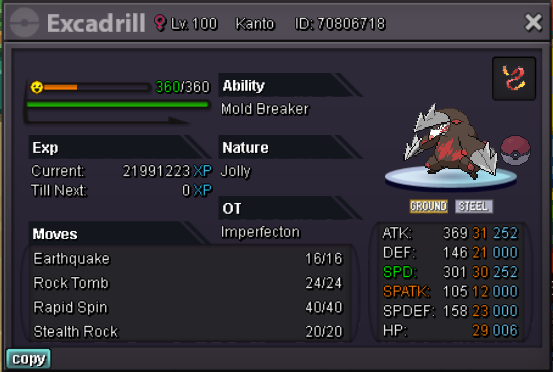 noted. End: 08/05/2022 23:15 (GMT +7)
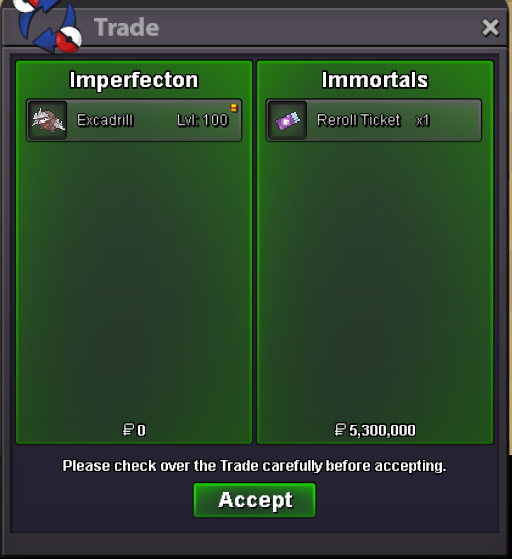
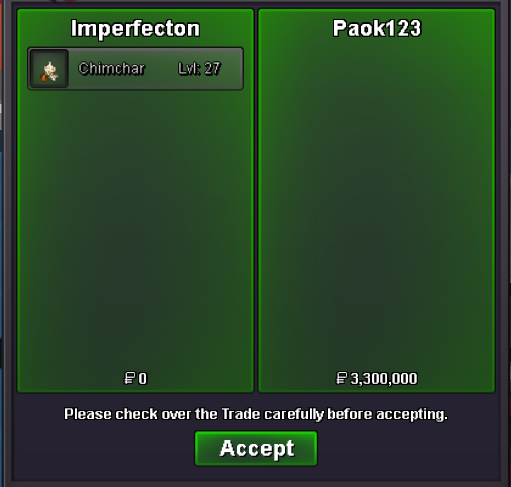
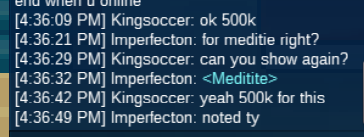

Account
Navigation
Search
Configure browser push notifications
Chrome (Android)
- Tap the lock icon next to the address bar.
- Tap Permissions → Notifications.
- Adjust your preference.
Chrome (Desktop)
- Click the padlock icon in the address bar.
- Select Site settings.
- Find Notifications and adjust your preference.
Safari (iOS 16.4+)
- Ensure the site is installed via Add to Home Screen.
- Open Settings App → Notifications.
- Find your app name and adjust your preference.
Safari (macOS)
- Go to Safari → Preferences.
- Click the Websites tab.
- Select Notifications in the sidebar.
- Find this website and adjust your preference.
Edge (Android)
- Tap the lock icon next to the address bar.
- Tap Permissions.
- Find Notifications and adjust your preference.
Edge (Desktop)
- Click the padlock icon in the address bar.
- Click Permissions for this site.
- Find Notifications and adjust your preference.
Firefox (Android)
- Go to Settings → Site permissions.
- Tap Notifications.
- Find this site in the list and adjust your preference.
Firefox (Desktop)
- Open Firefox Settings.
- Search for Notifications.
- Find this site in the list and adjust your preference.