New Trade Zone
Trade Zone is now live
Use the new Trade Zone for auctions and instant-price trades so Pokemon and item offers are easy to find.

Cattybandit
Registered User
-
Joined
-
Last visited
Everything posted by Cattybandit
-
sure i can do that
-
Trained Untrained I'll respond whenever i see your post. Thanks for your interest Discord - CattyBandit#9853
-
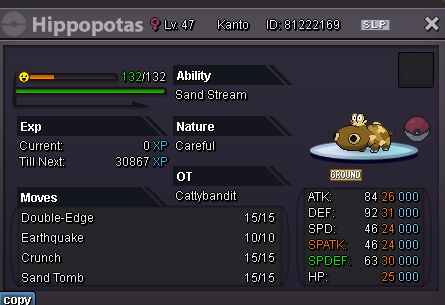
s.o 1k min bid 1k lasts 72hours after first bid accept cc- 360k and pokedollars only
-
+1
-
2m7
-
start
-
+1, maybe the setting is off by default at first and have to turn it on (i know this is mentioned but i feel having it start off as being turned off would be better). Otherwise, i don't really see an issue, maybe you could also have a setting to not see these messages, if there is a reason they wouldnt want to see it in chat.
-
-
-
yeah ill be free
-
you on silver or gold? may be the issue
-
-
been at suzuka town pc for few mins just trade me whenever
-
same as here, ill be 1 min
-
was too late
-
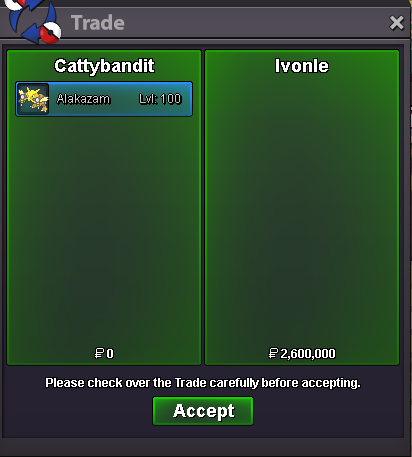
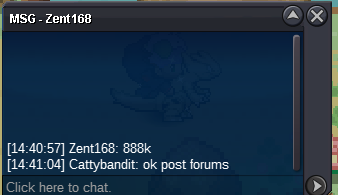
you won, lmk when u wnat to meet, im on right now if your free also
-
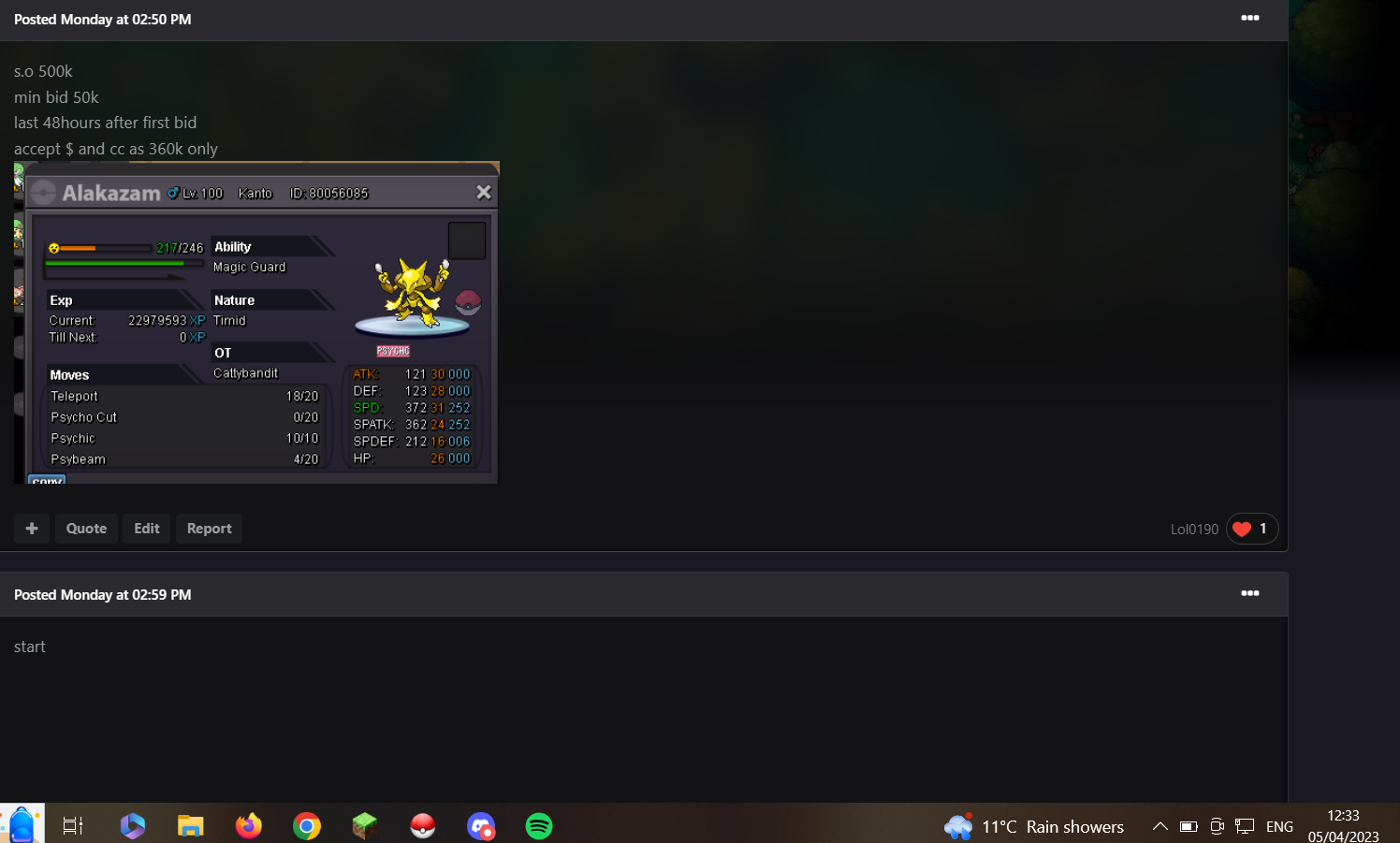
48 hours from start, fisrt bid at 02:59pm bst, currently seen bottom right of ss the time is 12:33 pm bst
-
ends 14:59 bst so around 3hrs30min
-
+50k hawlucha, alakazam
-
-
s.o 500k min bid 50k last 48hours after first bid accept $ and cc as 360k only

-