




New Trade Zone
Trade Zone is now live
Use the new Trade Zone for auctions and instant-price trades so Pokemon and item offers are easy to find.

Cattybandit
Registered User
-
Joined
-
Last visited
Everything posted by Cattybandit
-
-1, maybe increase it to top 4 or top 5, but I feel that it should remain a pve reward.
-
bumpbump550k
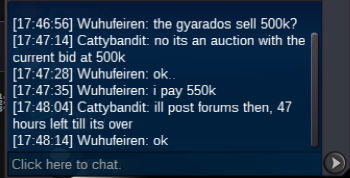 s.o 350k min bid 50k accept pokedollars only last 48 hours after first bid
 sold, can be closed
 +15 mins ends 20;56
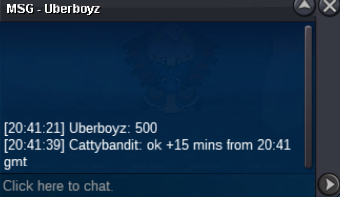 +15 mins ends 20:45gmt
 plus 15 mins from 20:22 gmt, so auction ends 20:37 gmt
 s.o 100k min bid 50k lasts 24hrs after 1st bid accept pokedollars only
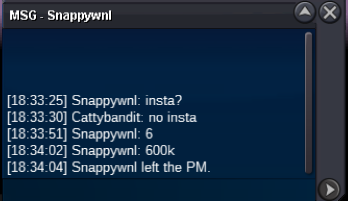
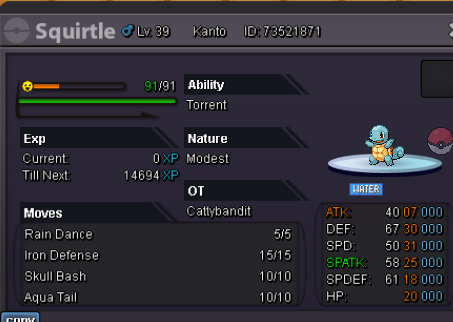 s.o 1k min bid 1k auction duration 24 hours after 1st bid accept pokedollars only
 Thanks, the mount is now on the silver account.HI, I was wondering if possible i could have the Xmas Metagross mount change accounts. I completed the requirements on Gold server, on my main account. I then later on transferred servers to silver, before the mount was given out. The mount is on my Gold server account with 10 hours and i was wondering if it could be transferred to my main account on Silver server. Account with mount Main account on silver, id like the mount to be transferred to, if possible.
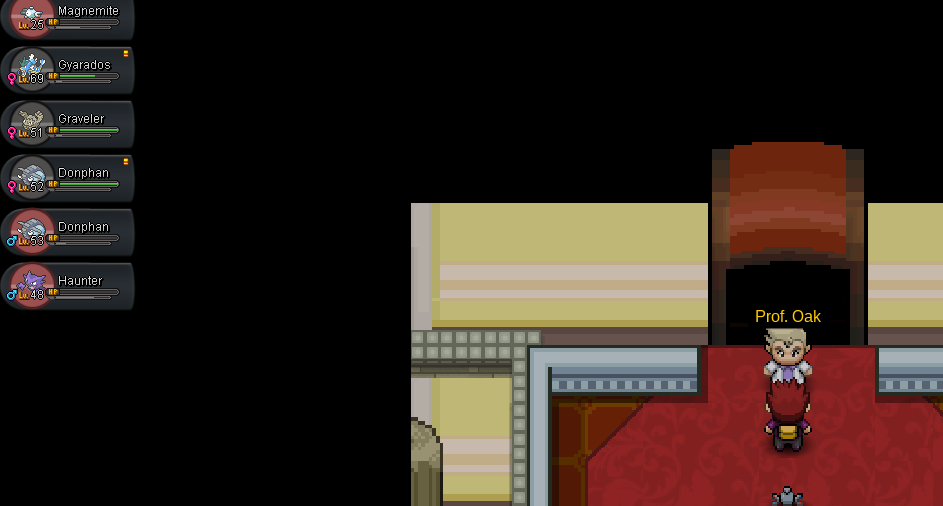
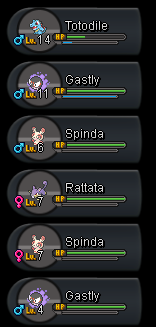
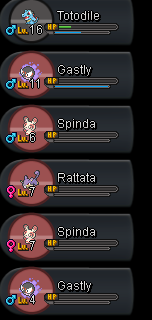
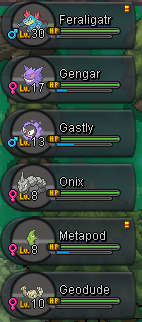
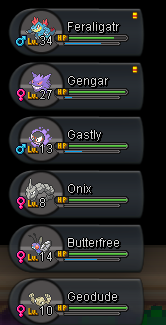
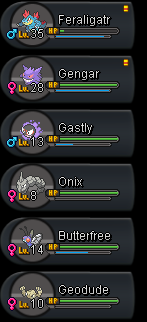
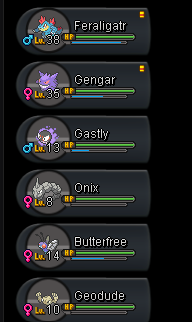
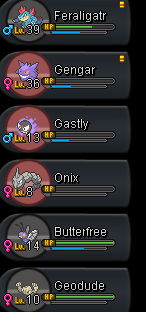
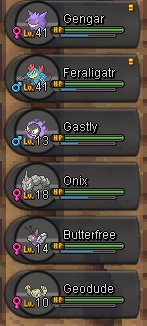
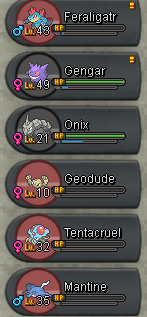
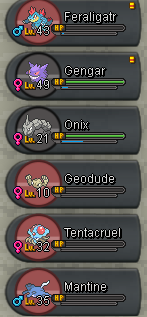
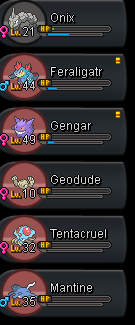
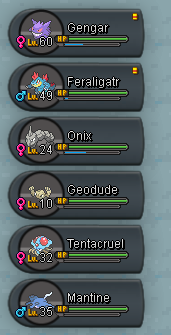
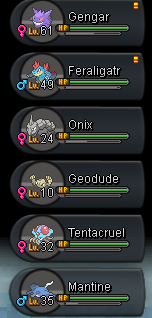
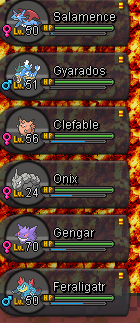
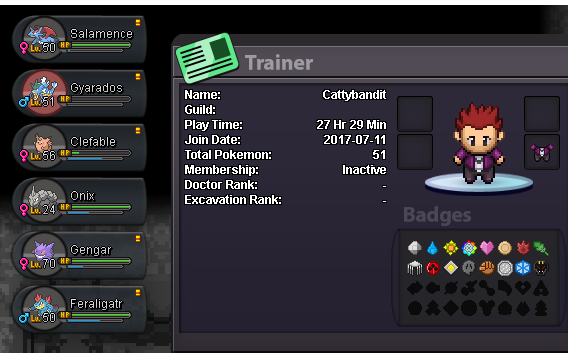
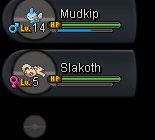
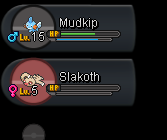
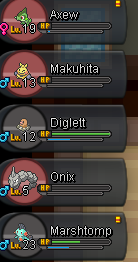
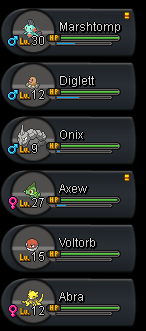
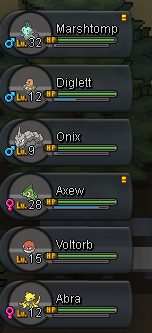
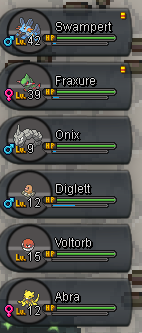
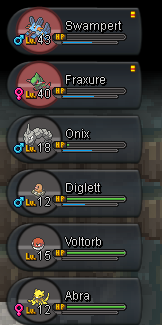
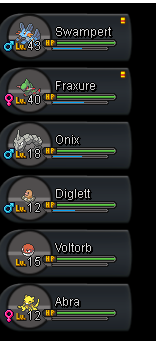
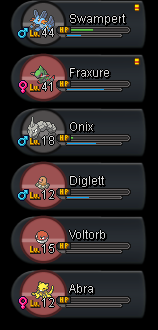
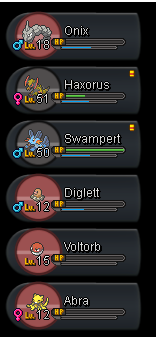
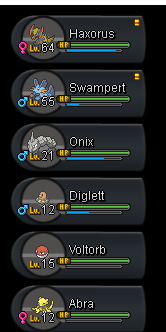
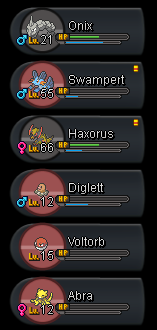
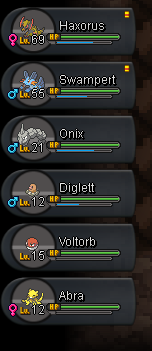
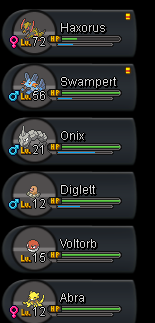
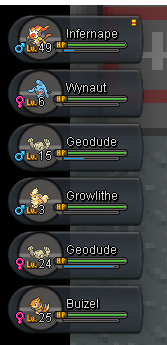
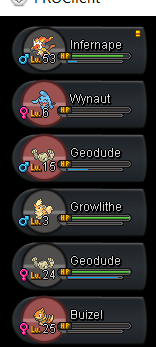
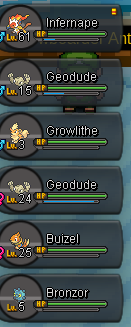
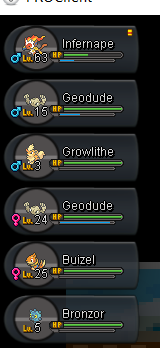
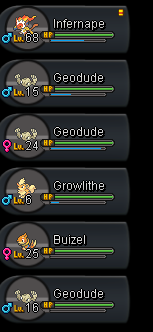
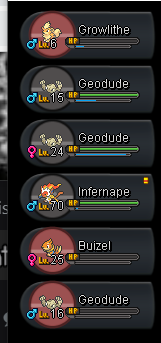
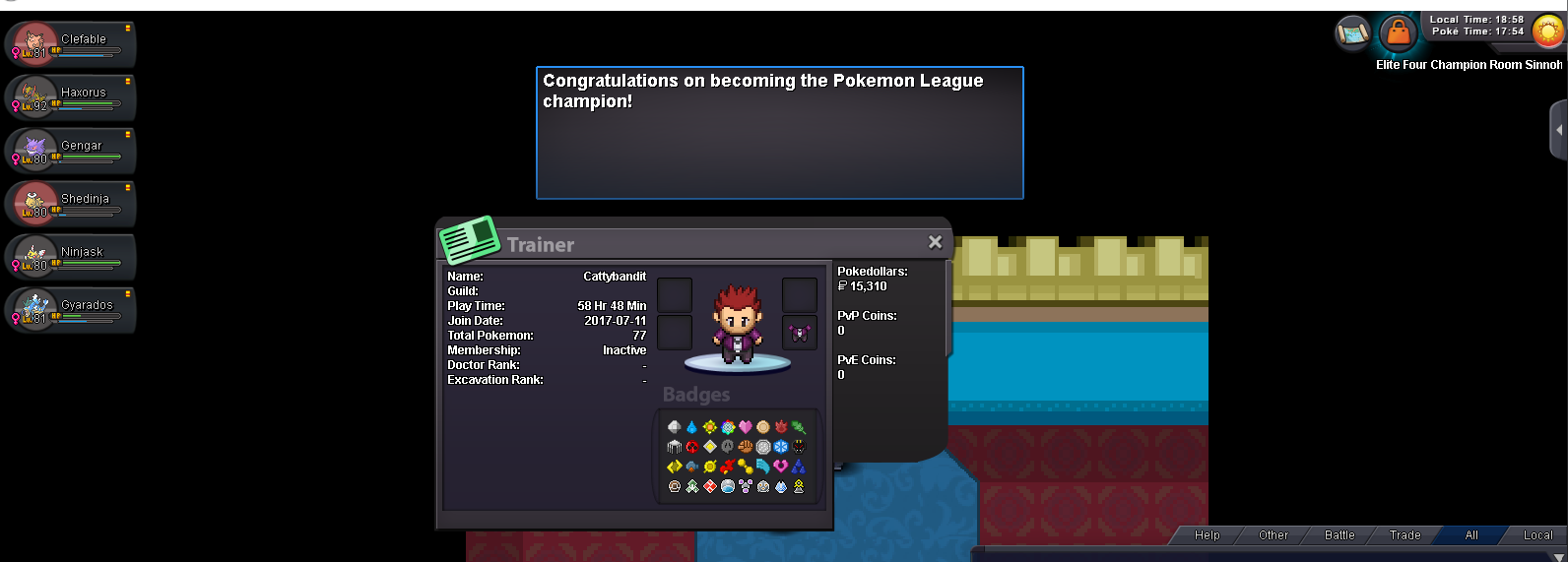
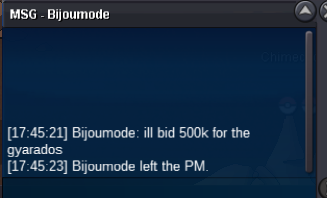
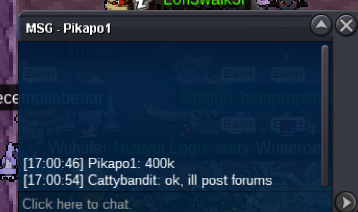
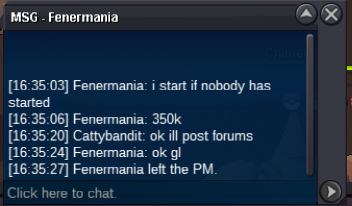
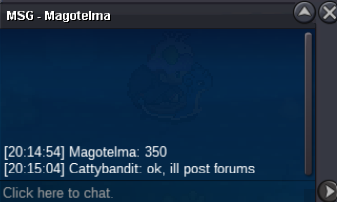
 https://pokemonrevolution.net/forum/topic/202875-godly-impish-gyarados-18h-auctionsold/#comment-1167822 he created 2 threads dont know whyDoesnt let me ad to sinnoh spoiler after gym 6, so gym7-8 are here thoughts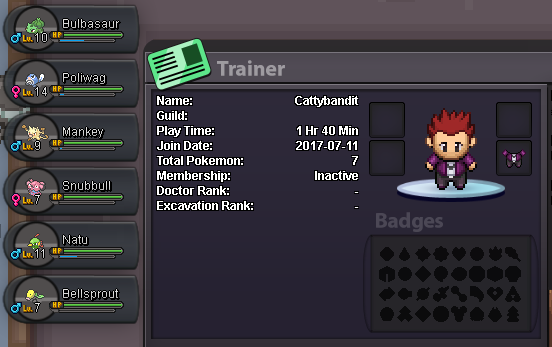
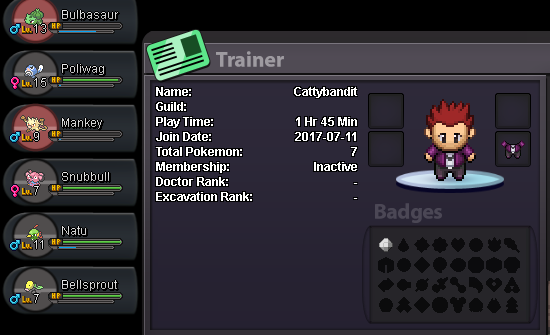
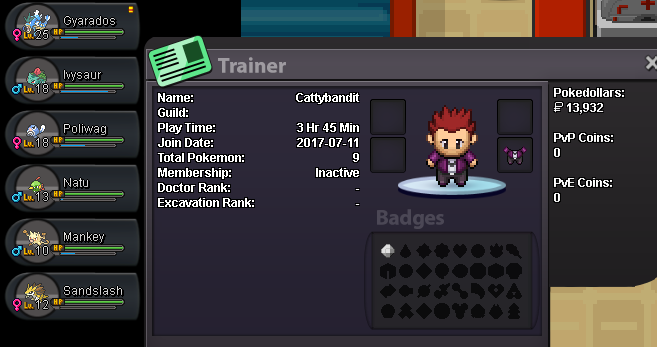

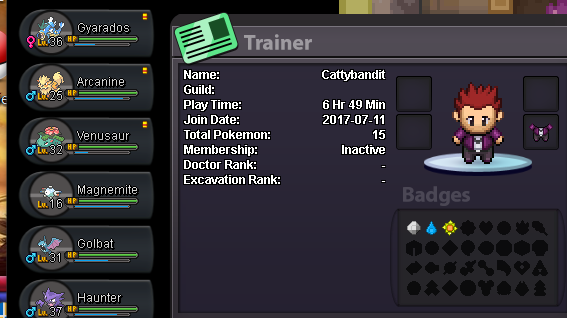
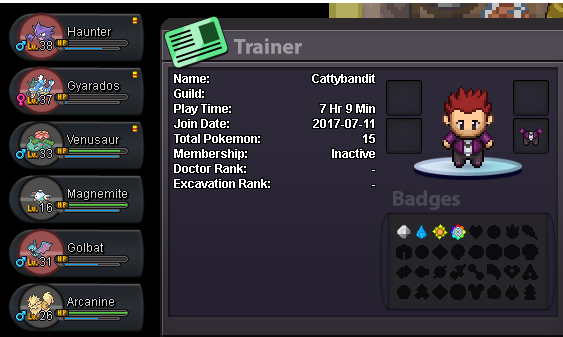
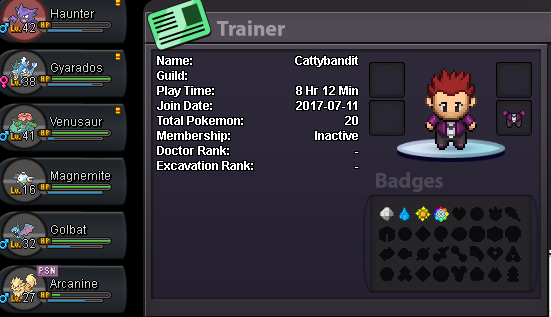
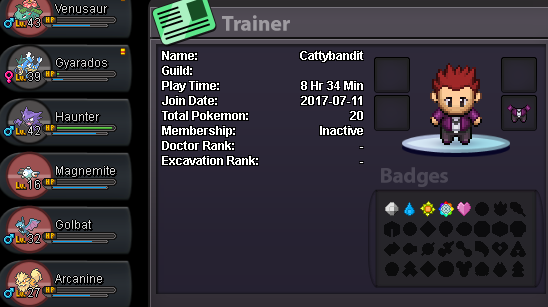
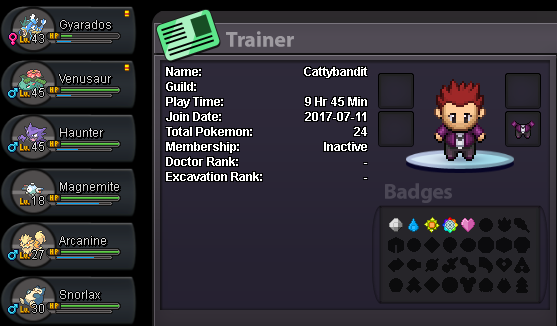
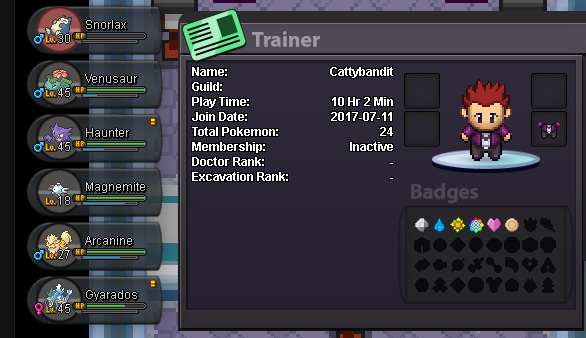
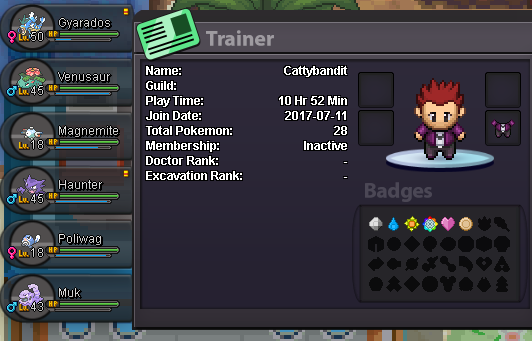
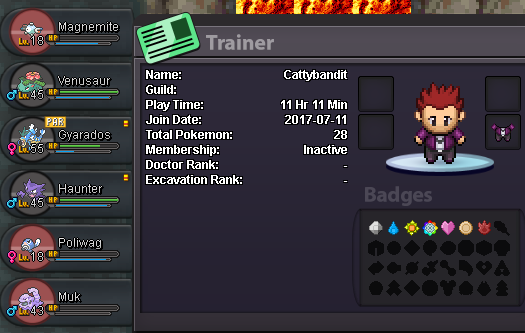
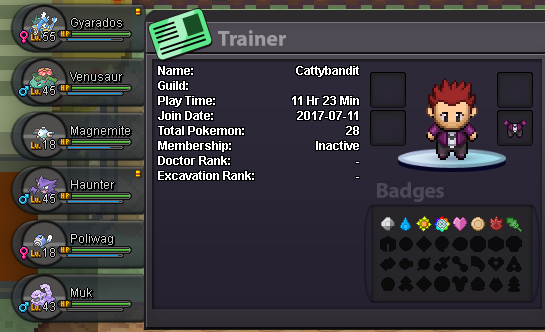
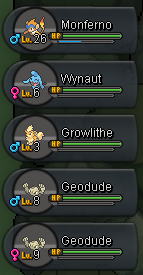
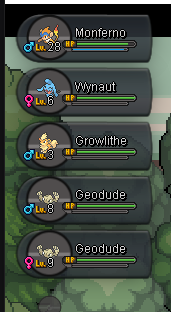
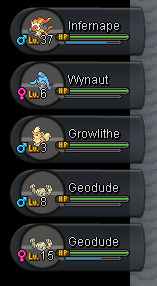
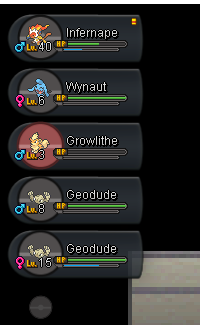
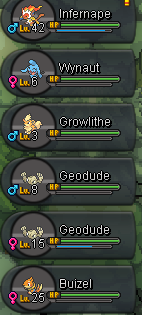
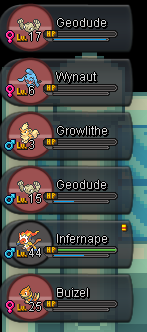
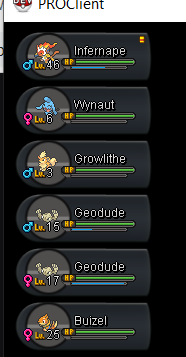
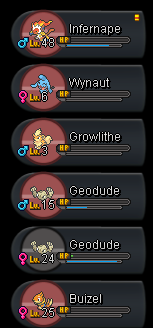


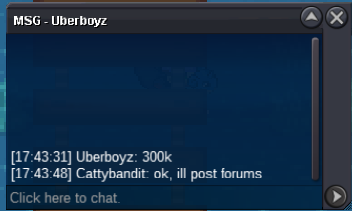
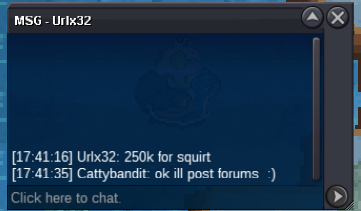
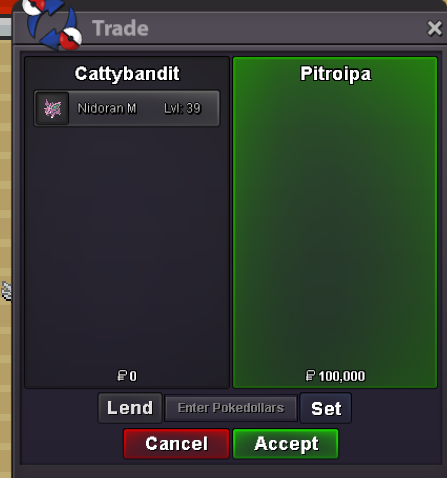
Account
Navigation
Search
Configure browser push notifications
Chrome (Android)
- Tap the lock icon next to the address bar.
- Tap Permissions → Notifications.
- Adjust your preference.
Chrome (Desktop)
- Click the padlock icon in the address bar.
- Select Site settings.
- Find Notifications and adjust your preference.
Safari (iOS 16.4+)
- Ensure the site is installed via Add to Home Screen.
- Open Settings App → Notifications.
- Find your app name and adjust your preference.
Safari (macOS)
- Go to Safari → Preferences.
- Click the Websites tab.
- Select Notifications in the sidebar.
- Find this website and adjust your preference.
Edge (Android)
- Tap the lock icon next to the address bar.
- Tap Permissions.
- Find Notifications and adjust your preference.
Edge (Desktop)
- Click the padlock icon in the address bar.
- Click Permissions for this site.
- Find Notifications and adjust your preference.
Firefox (Android)
- Go to Settings → Site permissions.
- Tap Notifications.
- Find this site in the list and adjust your preference.
Firefox (Desktop)
- Open Firefox Settings.
- Search for Notifications.
- Find this site in the list and adjust your preference.