Skip to content
View in the app

A better way to browse. Learn more.

Pokemon Revolution Online

A full-screen app on your home screen with push notifications, badges and more.

To install this app on iOS and iPadOS
  1. Tap the Share icon in Safari
  2. Scroll the menu and tap Add to Home Screen.
  3. Tap Add in the top-right corner.
To install this app on Android
  1. Tap the 3-dot menu (⋮) in the top-right corner of the browser.
  2. Tap Add to Home screen or Install app.
  3. Confirm by tapping Install.

Pato123

Registered User
  • Joined

  • Last visited

Everything posted by Pato123

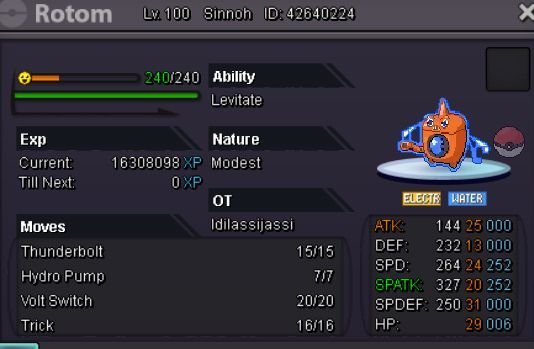
  1. S.O 300k Min bid 50k Not insta
  2. Goodra mount plss
  3. My pokemon evolved without the screen appearing to say whether or not I gave it an lvl and it appeared already evolved and I did not want this evolution, please help me
  4. Ayúdenme por favor no aparece ya que pareciera que esta bugeado porque mate a todos los espíritus y me dice que falta 1 ayúdenme porfavor

Account

Navigation

Search

Search

Configure browser push notifications

Chrome (Android)
  1. Tap the lock icon next to the address bar.
  2. Tap Permissions → Notifications.
  3. Adjust your preference.
Chrome (Desktop)
  1. Click the padlock icon in the address bar.
  2. Select Site settings.
  3. Find Notifications and adjust your preference.