




New Trade Zone
Trade Zone is now live
Use the new Trade Zone for auctions and instant-price trades so Pokemon and item offers are easy to find.

Jeflo
Registered User
-
Joined
-
Last visited
-
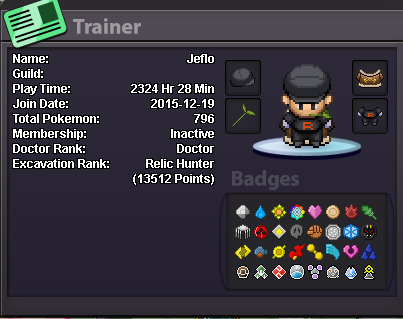
Hi I'm friend with Jeegolo and Moholin and we would like to join the guild together. What's your IGN? Jeflo ● How old are you? 25 ● Where are you from? Switzerland ● What's your total playtime? ~2k ● What do you enjoy doing in the game? Doing new quests, complete pokedex ● Would you like to offer some kind of service to the guild? (ex. Daycare service) Participate in dungeon And the most important question of them all: Which Bidoof Form do you like the most? SUIDOOF
-
Trade done. Auction closed and post can be closed also.
.png.90742fa9fd4fa6bc937d426a01fe1692.png)
-
Well you won the auction. I don't know if we have to wait for an admin to confirm or we can trade directly. In any case you can pm me in-game right now if you want and gg. Ah and tell me in which server you are please.
-
Noted + bump Updated the countdown (tickcounter link)
-
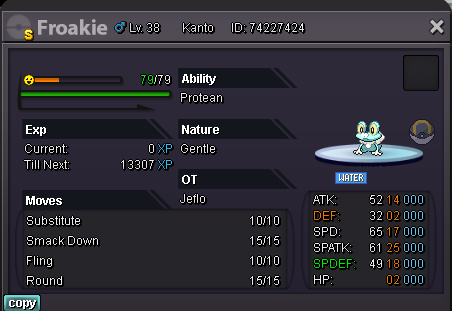
Yo sadly not it's just protean
-
Current offer: 30M by Donator Min Raise : 100K Insta Price : 60M Accepted Payment(s) : IV Reroll (650K), Coin Capsule (350k) & Cash. Auction Start : At first bid. Auction End : 7 days after first bid. Auction length : https://www.tickcounter.com/countdown/3588034/froakie-auction-end (will update after first bid)
-
No sorry
-
