New Trade Zone
Trade Zone is now live
Use the new Trade Zone for auctions and instant-price trades so Pokemon and item offers are easy to find.


Nepehewmoon
Registered User
-
Joined
-
Last visited
Everything posted by Nepehewmoon
-
auction start current offer - 700k - bider name - Phongpaladin 47hrs left
-
Above bid is invalid as player from Gold server, and this bid was done through discord.
-
Munchlax Start Point/Price: 600k End Point: 48hr after first bid Insta: 5m Min. Raise: 100k Accepted Payment(s): Pokedollars and CC (coin capsule) CC = 400k

-
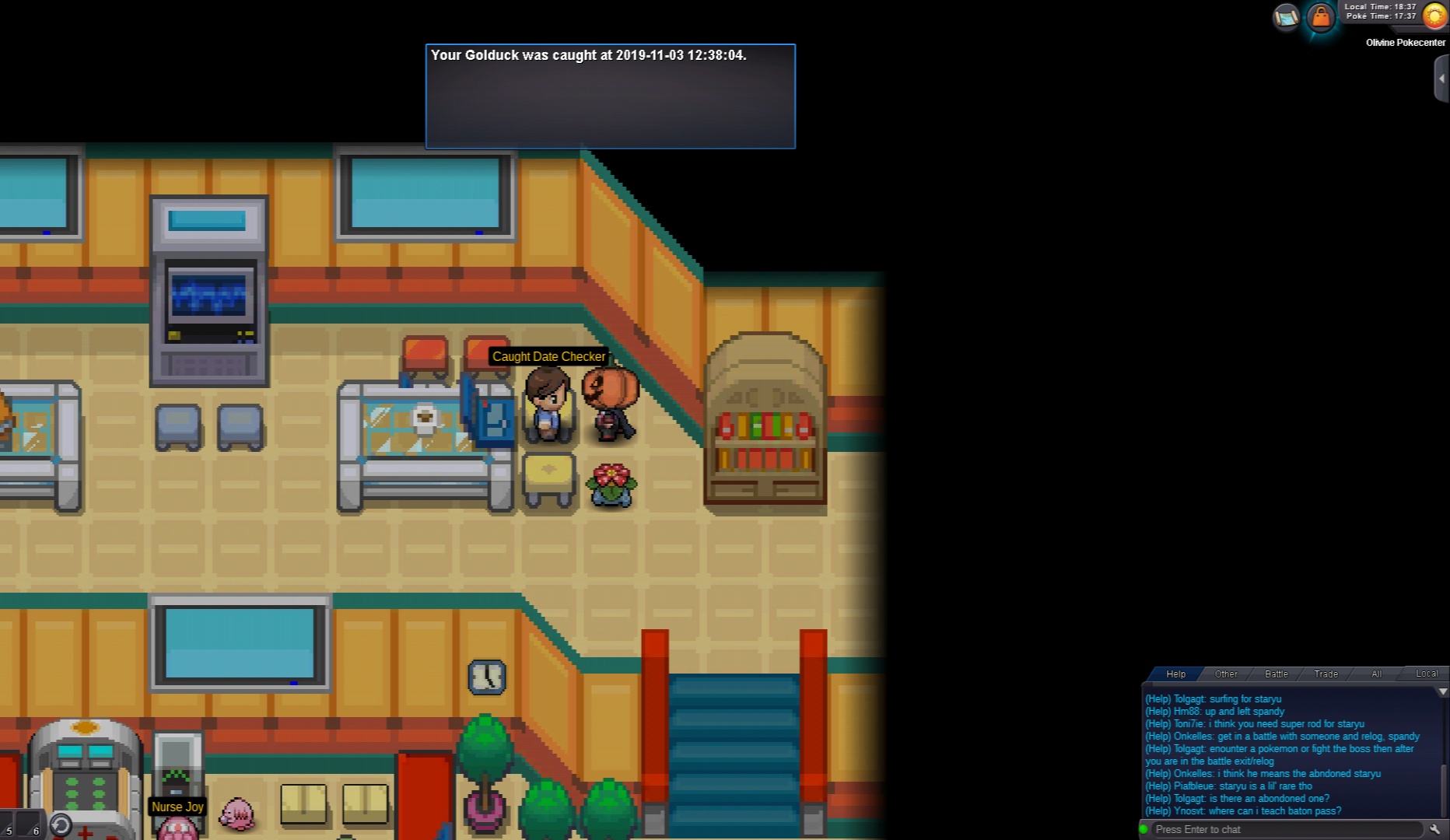
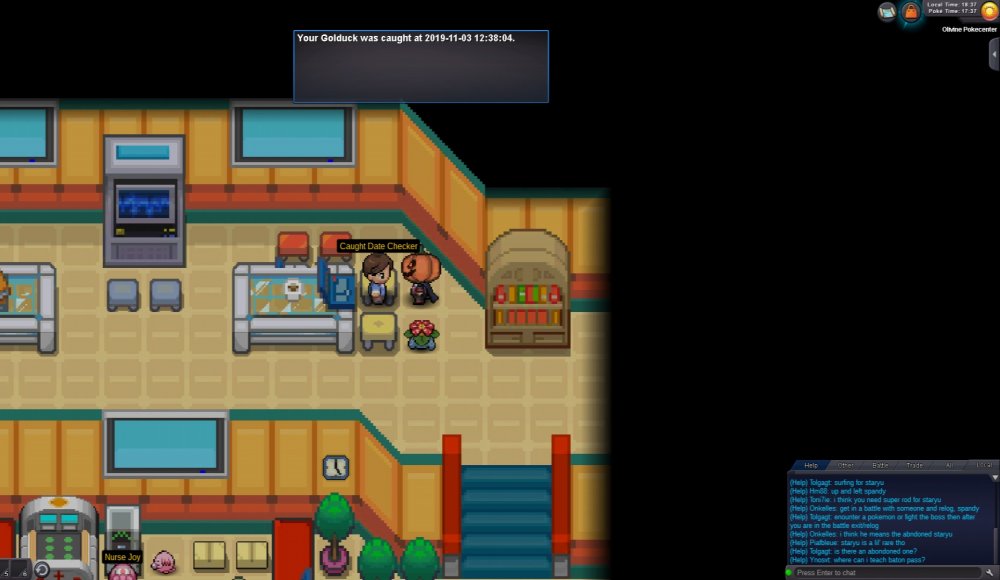
So i was in dragons den and encountered a shiny Golduck which when i throw the great ball on it got stuck on loading screen and even when there were no issues with my data/wifi it never moved i was able to use chat and Pm options without delay/issue. After the reconnection when i checked the pc i found the golduck turned into a regular. I have confirmed the caught date and added the encounter screen shots. Please help me find any solution for it as we know the encountee rate of shiny.

-
I I have trying for long time I have a lvl98 Gengar but I'm not able to defeat Lance's Dragonite with either shadow ball/ psychic attack and I have ice beam on gayrados but he can't last on Dragonites attack