




New Trade Zone
Trade Zone is now live
Use the new Trade Zone for auctions and instant-price trades so Pokemon and item offers are easy to find.

Duglaszh
Registered User
-
Joined
-
Last visited
-
Ready. Thank you very much, it did work for me. :DDDDDDDD
-
I've already tried everything suggested and had no success at all. :s
-
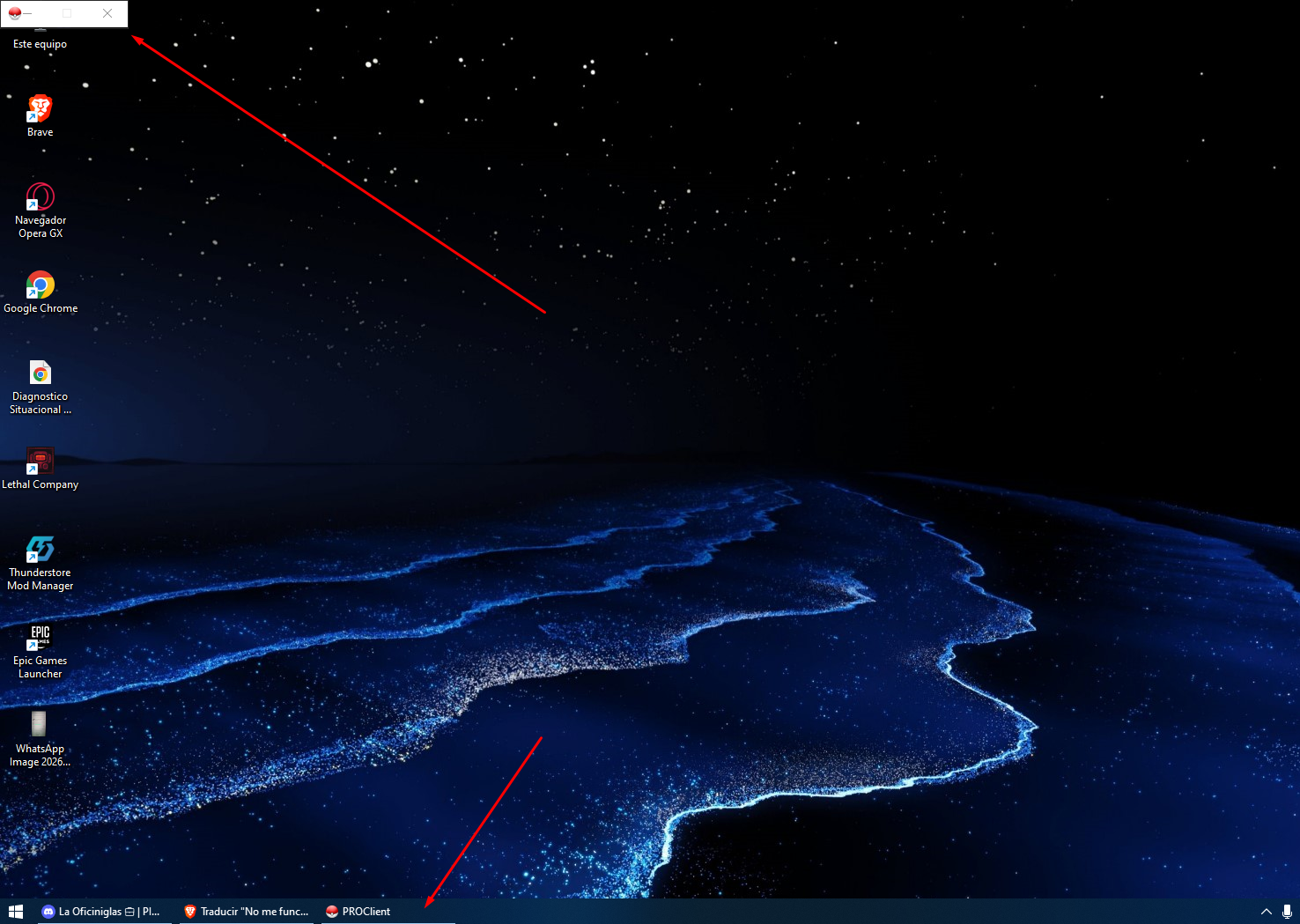
The game won't open and I've already tried several things like reinstalling it, downloading it again, running it as administrator, among others. What can I do?
-
Duglaszh changed their profile photo
-
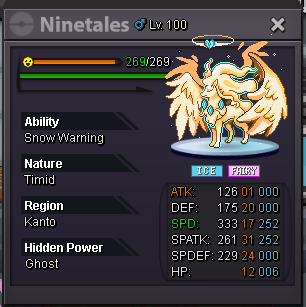
Could someone help me with the price of this Pokémon, please? Just an approximation.
-
S.o. 20m min bid. 500k insta:35m end 3days after first bid
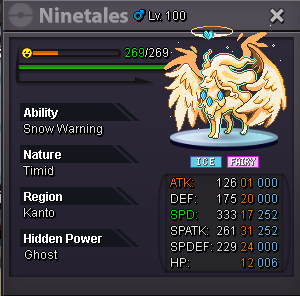 You're right. I got the wrong place. I closeI close due to a mistake in the place of publicationCheck price plis. 😄
 Closed auction.You won the auction. when you can write me to duglaszh in the game.1 hour to end the auction. :D2hour left1 day left2 days left
