New Trade Zone
Trade Zone is now live
Use the new Trade Zone for auctions and instant-price trades so Pokemon and item offers are easy to find.

Kaylelott
Registered User
-
Joined
-
Last visited
Everything posted by Kaylelott
-
The problem have been resolved If the problem happen again , I will notice you as soon as possible . And I will post on the right articles in the future . Thanks for your support :D
-
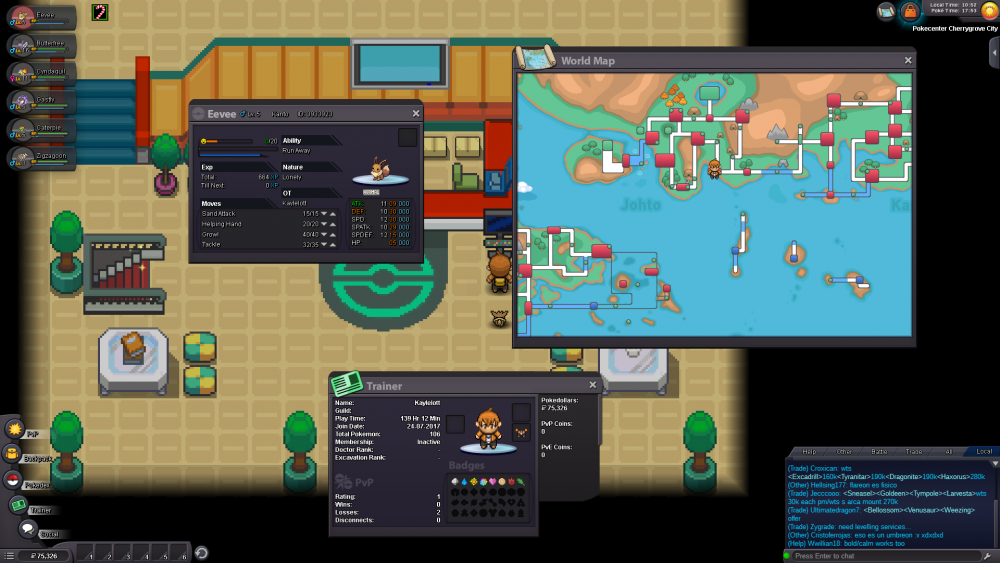
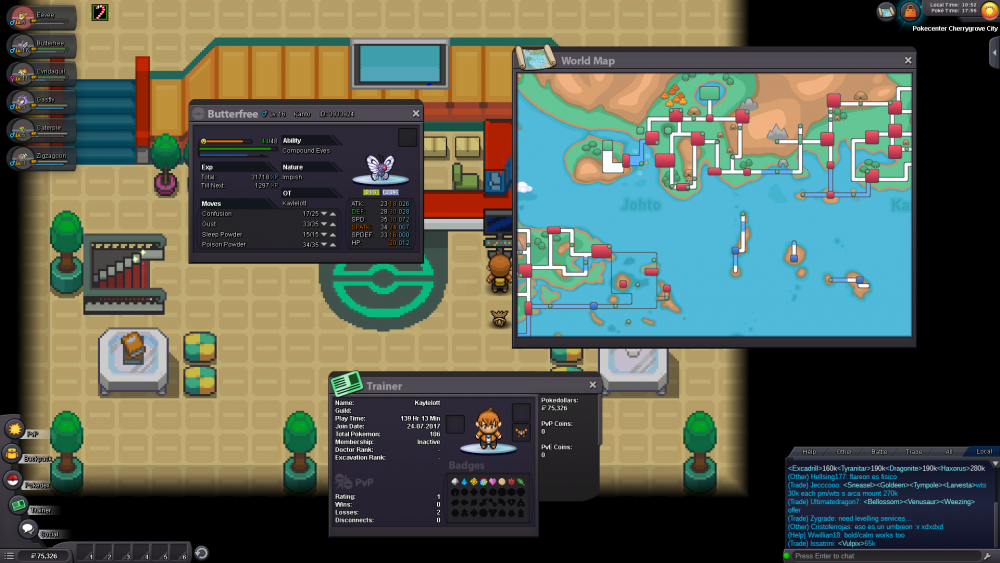
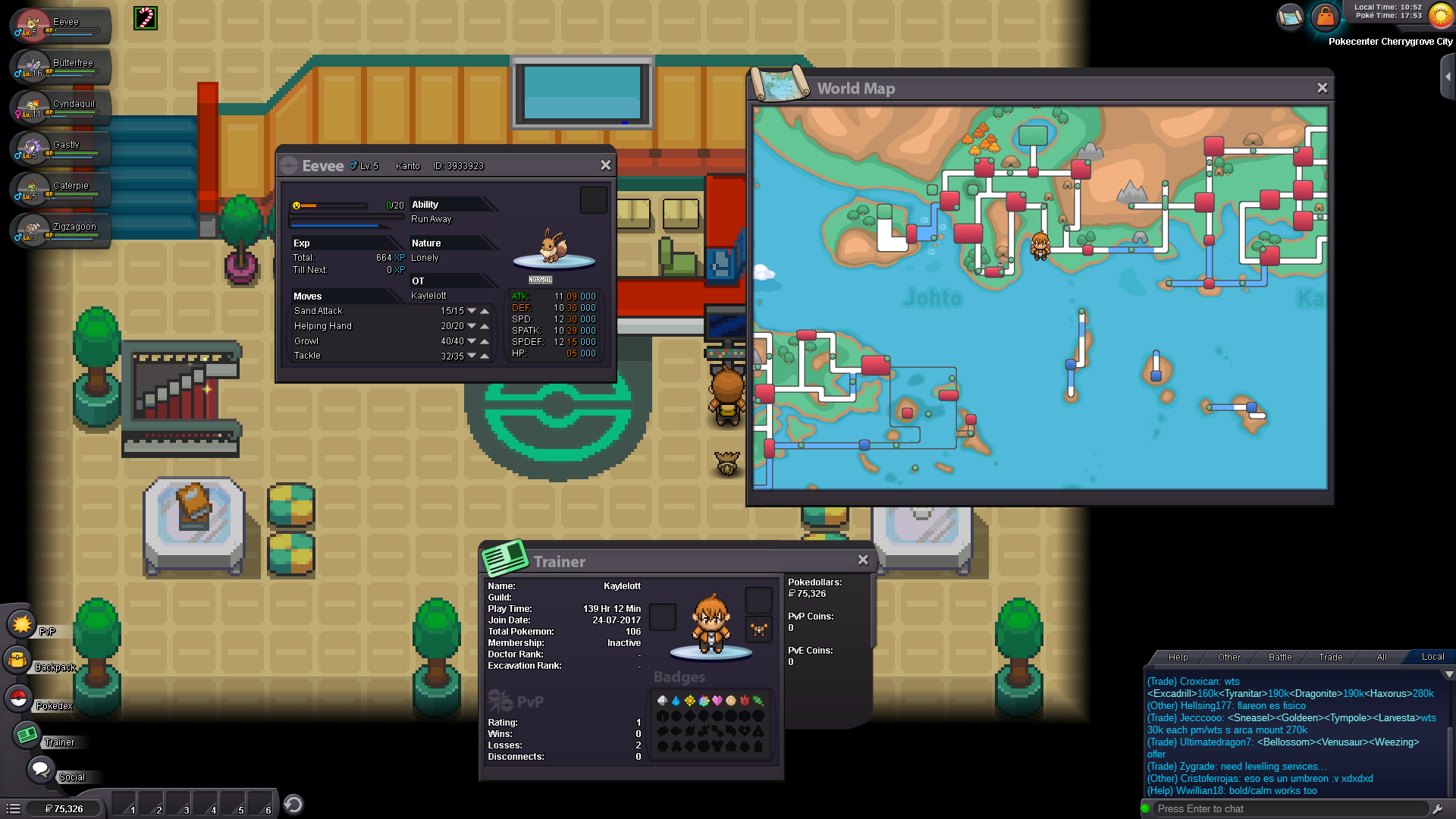
I'm a comeback trainer from years ago . After combine into silver server , my team queue have some problem . My location is in Johto , I know that I can't bring Kanto's pokemon on my team queue before I become a champion in Johto . But my team queue have 2 pokemon (Eevee & Butterfree) from Kanto and I can't move it into computer . Also I can't do any thing with them ( like change queue ) Is there any guide or MODs can fix it? (I want them restore into computer , please don't release them T_T) My player name is Kaylelott