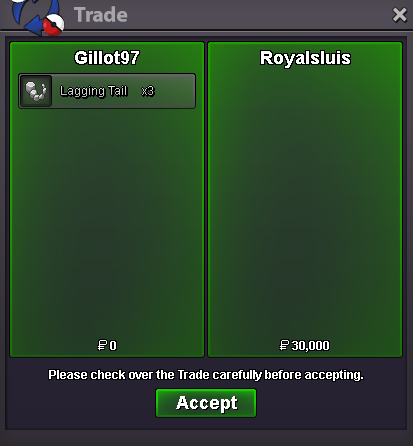
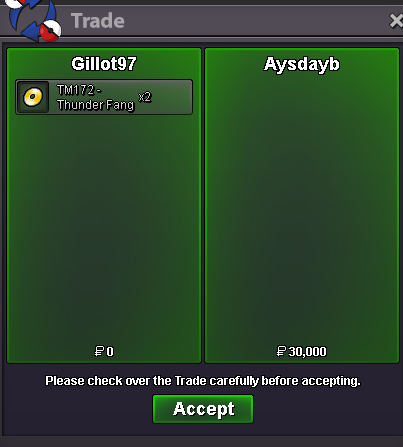
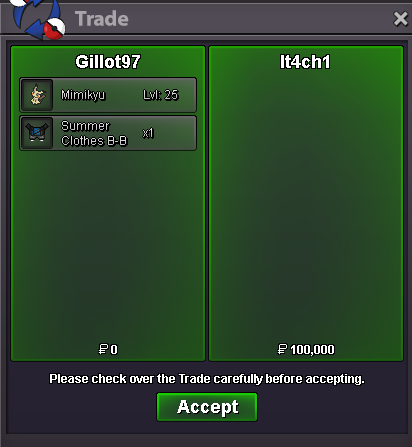
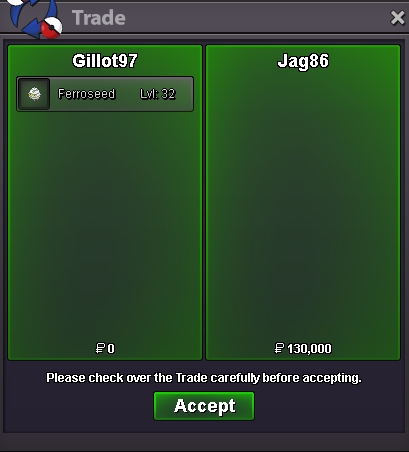
New Trade Zone
Trade Zone is now live
Use the new Trade Zone for auctions and instant-price trades so Pokemon and item offers are easy to find.

Gillot97
Registered User
-
Joined
-
Last visited
Everything posted by Gillot97
-
someone close this post for me pls
-
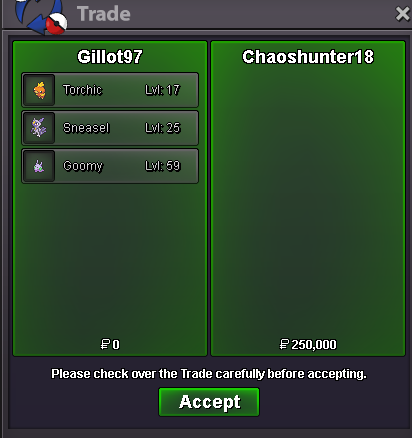
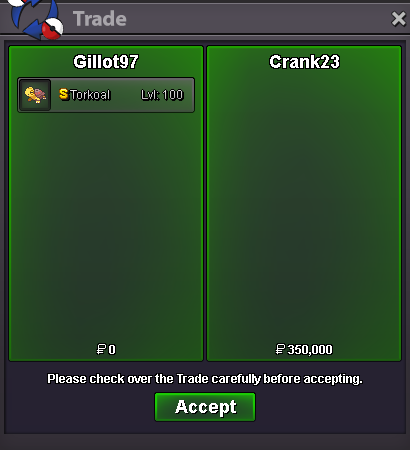
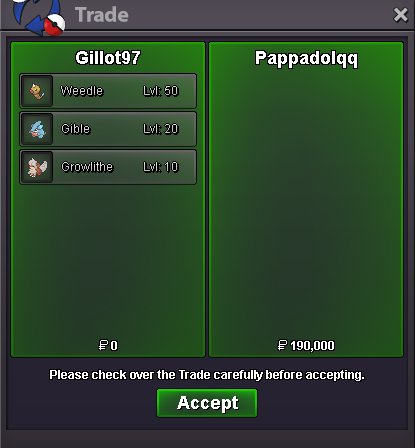
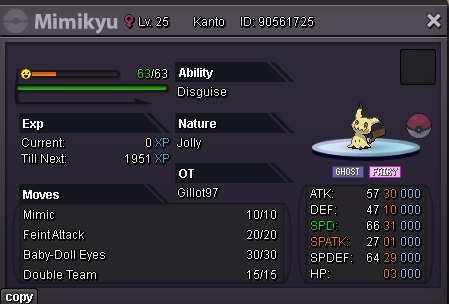
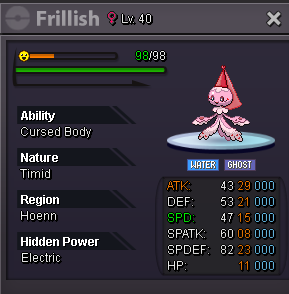
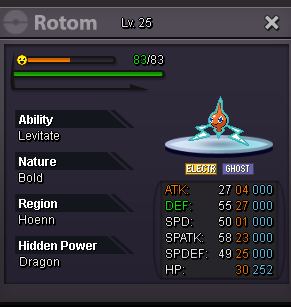
350k peli@Justdaycare on next for next couple hours600k ttar600k jangttar and jang 500k each350k heliostart heracan some1 check this? i asked to close topic be4 it started, and would prefer if it didnt countcbcStart Point: 500k End Point: [48 hours after start is met] Insta: N/A Min. Raise: 50k Accepted Payment(s): Poke dollars , Coin Capsules ( 1 x Coin Capsule = 500k ), IV Reroll ( 1 x IV Reroll = 700k ) Start Point: 500k End Point: [48 hours after start is met] Insta: N/A Min. Raise: 50k Accepted Payment(s): Poke dollars , Coin Capsules ( 1 x Coin Capsule = 500k ), IV Reroll ( 1 x IV Reroll = 700k ) Start Point: 500k End Point: [48 hours after start is met] Insta: N/A Min. Raise: 50k Accepted Payment(s): Poke dollars , Coin Capsules ( 1 x Coin Capsule = 500k ), IV Reroll ( 1 x IV Reroll = 700k ) Important Reminders - This is a Gold Server auction. You may bid from any server but you must transfer to Gold Server upon winning the auction. - If you intend to purchase with an alternate account or from other server, please specify the account name and/or server name alongside your bid. - 15 minutes rule is applied. (If a bid is received in the final 15 minutes of the auction, the end point will be delayed by 15 minutes from that bid, and will be delayed by 15 minutes for each new bid thereafter, until the current offer has been held for a full 15 minutes) - Please check the Trade Rules and Auction Rules if you are new to trading in PRO.
Account
Navigation
Search
Configure browser push notifications
Chrome (Android)
- Tap the lock icon next to the address bar.
- Tap Permissions → Notifications.
- Adjust your preference.
Chrome (Desktop)
- Click the padlock icon in the address bar.
- Select Site settings.
- Find Notifications and adjust your preference.
Safari (iOS 16.4+)
- Ensure the site is installed via Add to Home Screen.
- Open Settings App → Notifications.
- Find your app name and adjust your preference.
Safari (macOS)
- Go to Safari → Preferences.
- Click the Websites tab.
- Select Notifications in the sidebar.
- Find this website and adjust your preference.
Edge (Android)
- Tap the lock icon next to the address bar.
- Tap Permissions.
- Find Notifications and adjust your preference.
Edge (Desktop)
- Click the padlock icon in the address bar.
- Click Permissions for this site.
- Find Notifications and adjust your preference.
Firefox (Android)
- Go to Settings → Site permissions.
- Tap Notifications.
- Find this site in the list and adjust your preference.
Firefox (Desktop)
- Open Firefox Settings.
- Search for Notifications.
- Find this site in the list and adjust your preference.