




New Trade Zone
Trade Zone is now live
Use the new Trade Zone for auctions and instant-price trades so Pokemon and item offers are easy to find.

Gillot97
Registered User
-
Joined
-
Last visited
Everything posted by Gillot97
-
@Blunder124 is your id ig the same?
-
-
-
i buy
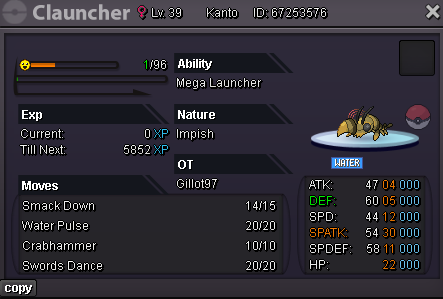
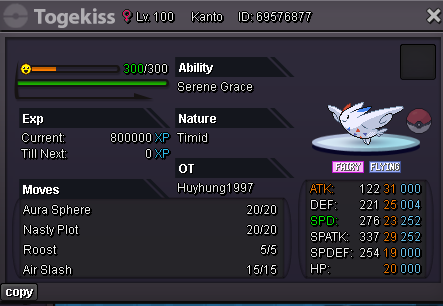
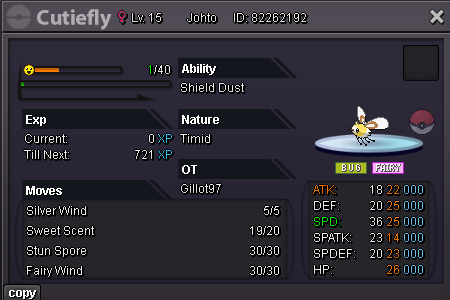
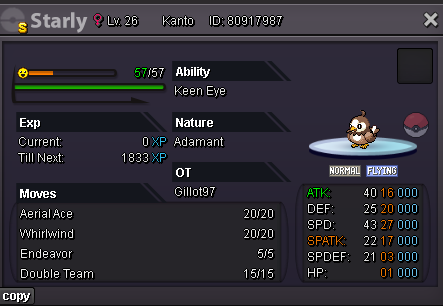
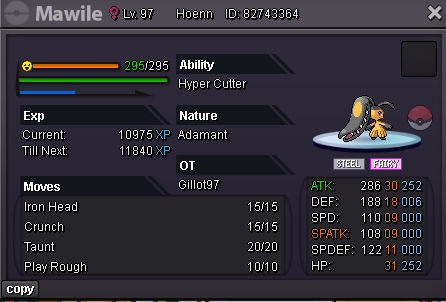
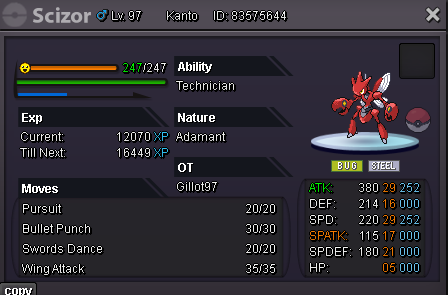
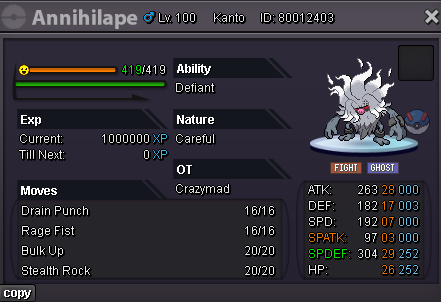
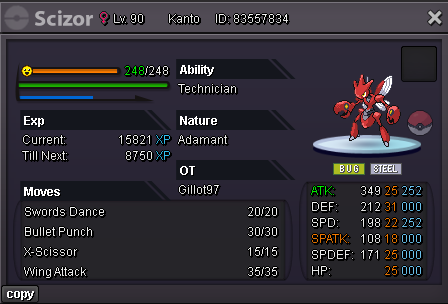
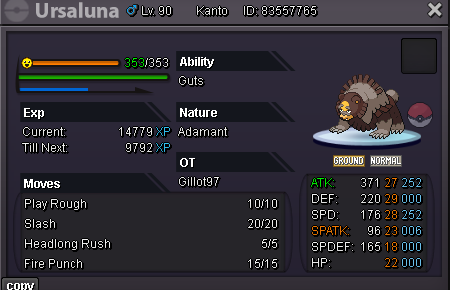
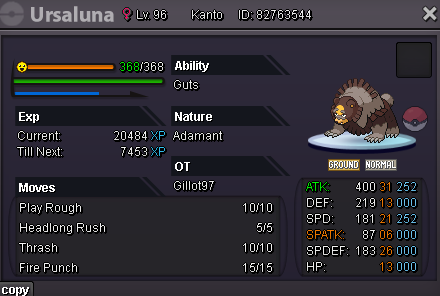
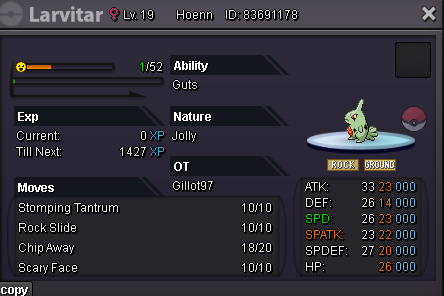
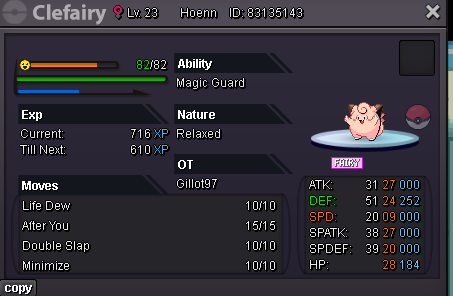
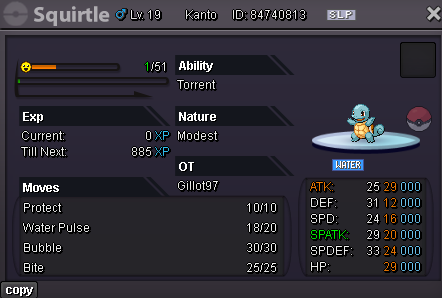
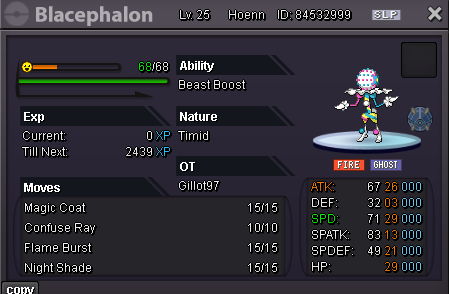
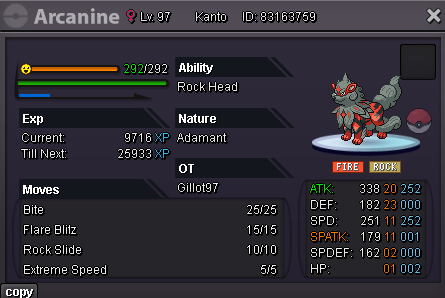
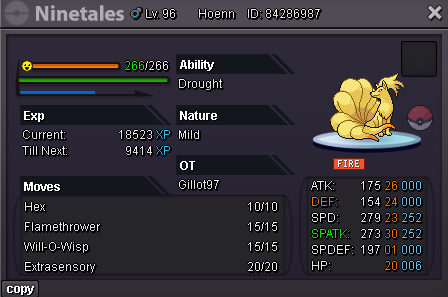
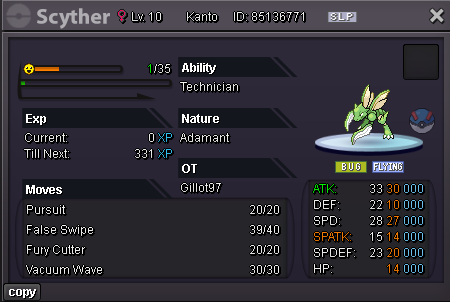
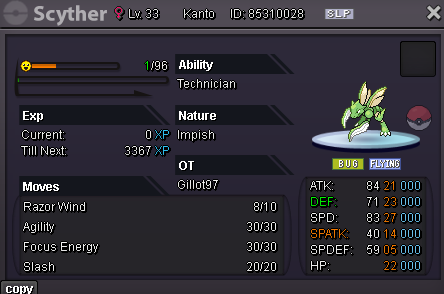
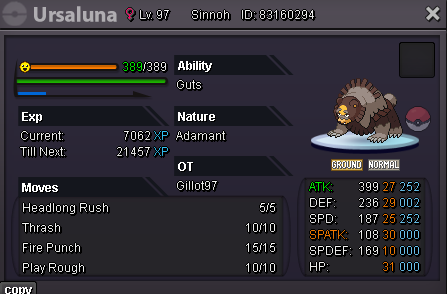
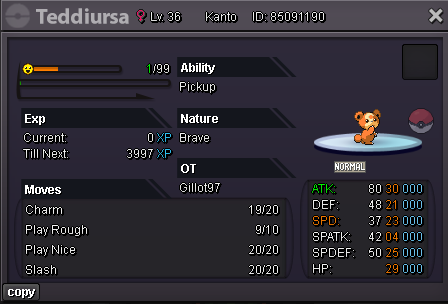
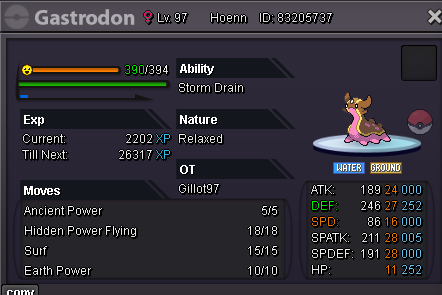
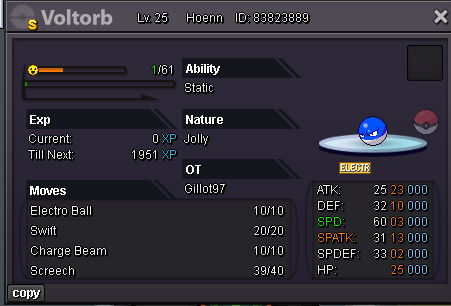
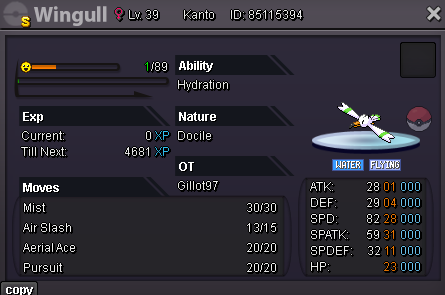
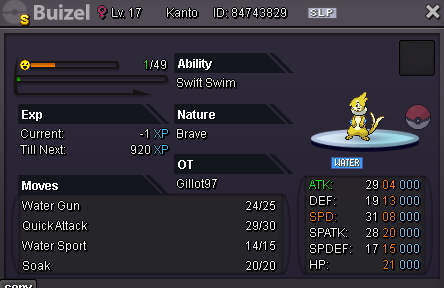
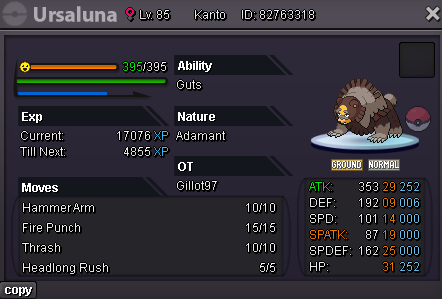
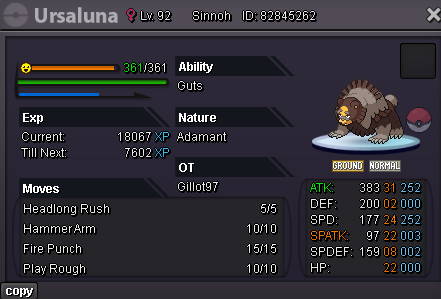
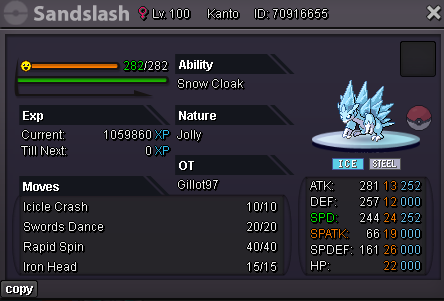
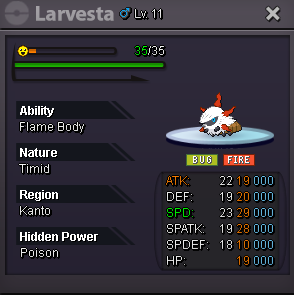
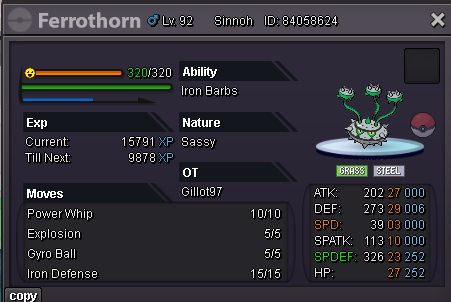
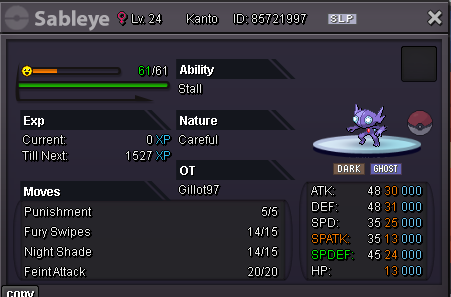
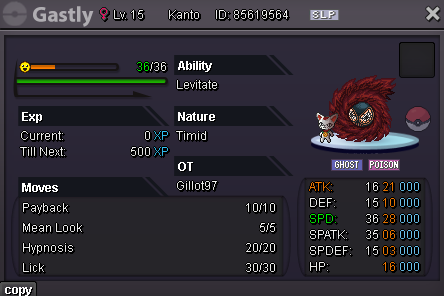
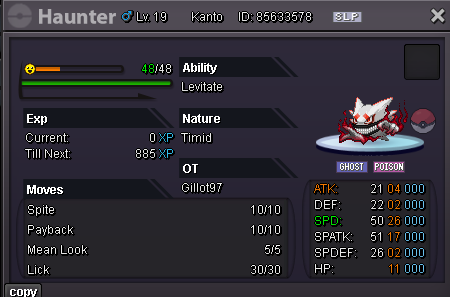
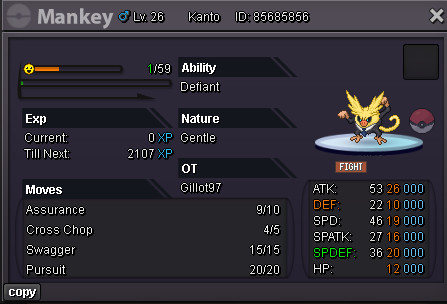
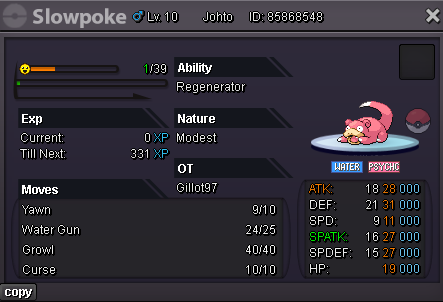
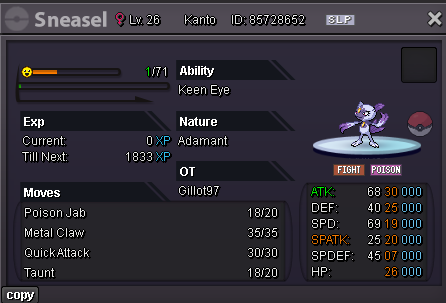
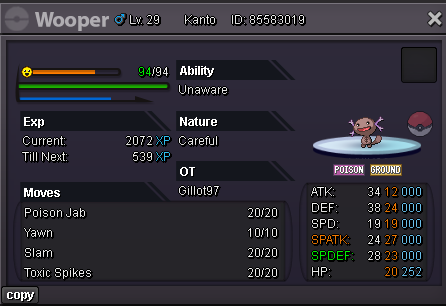
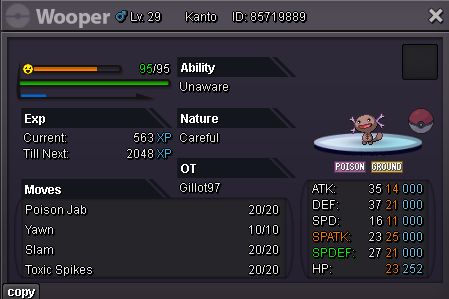
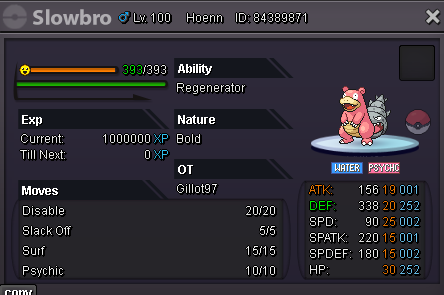
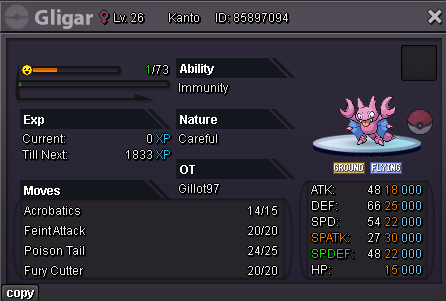
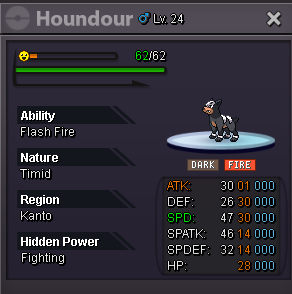
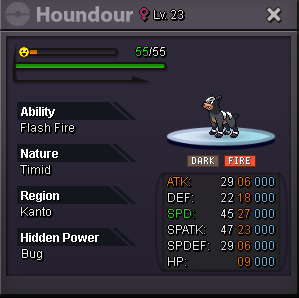
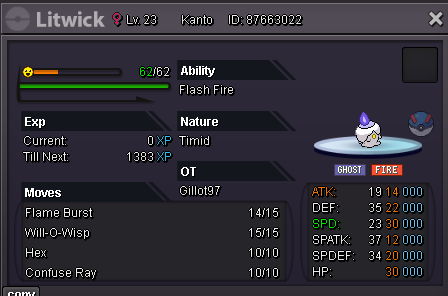
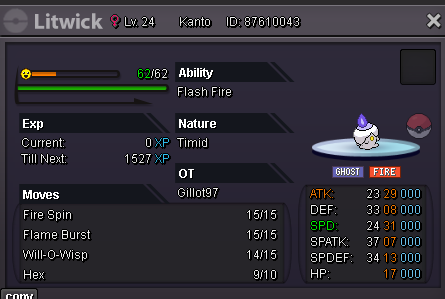
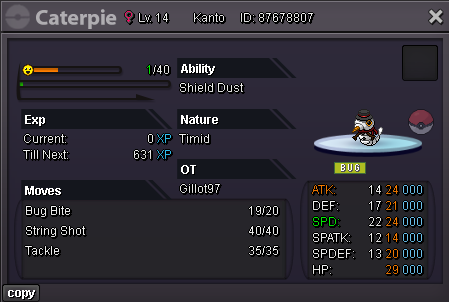
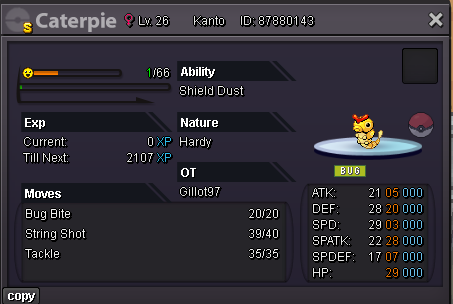
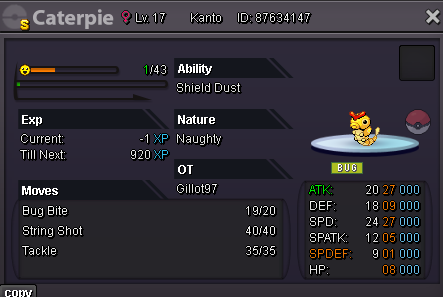
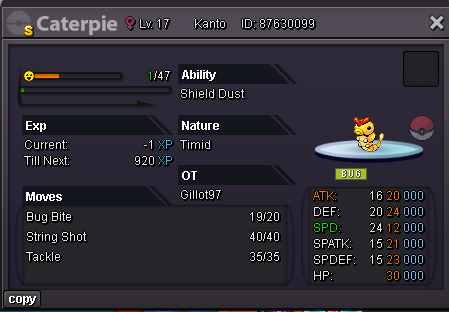
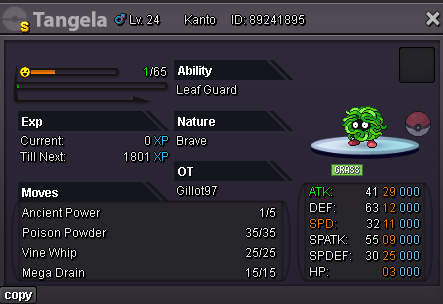
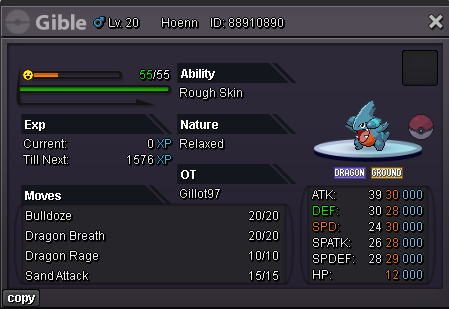
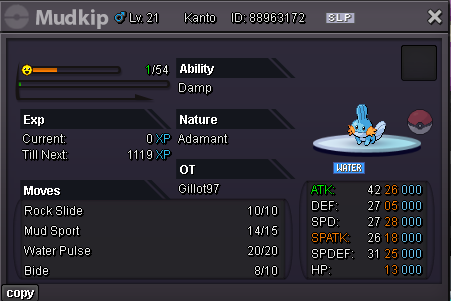
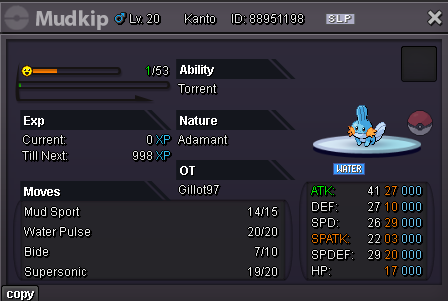
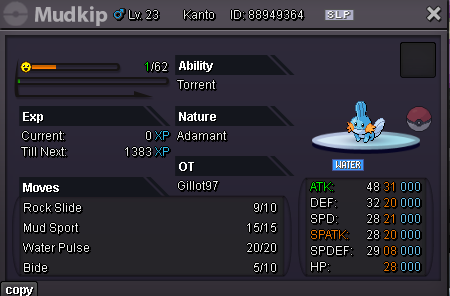
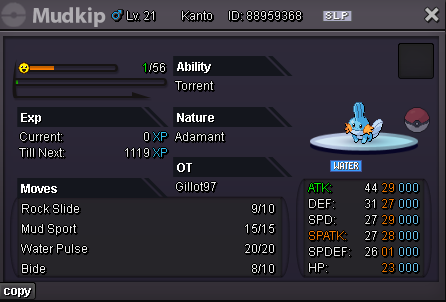
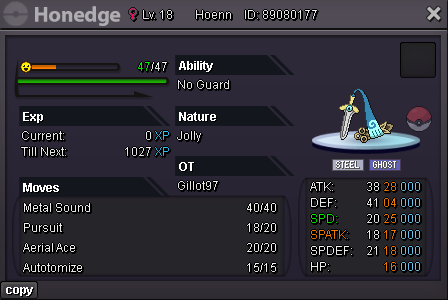
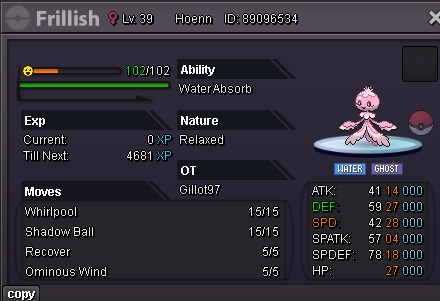
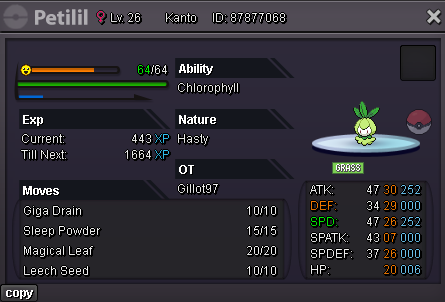
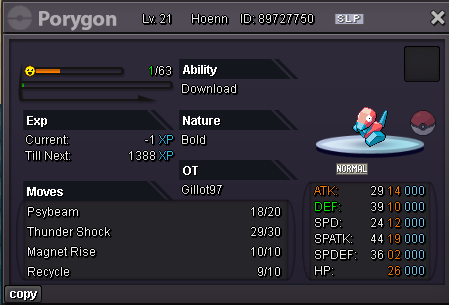
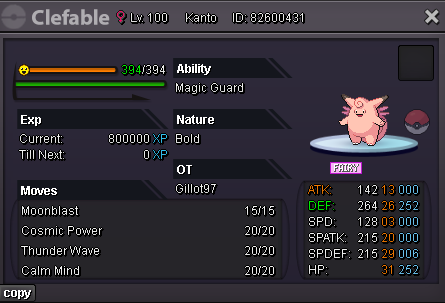
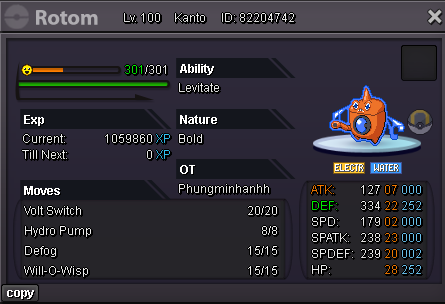
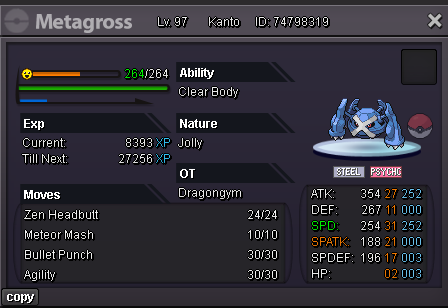
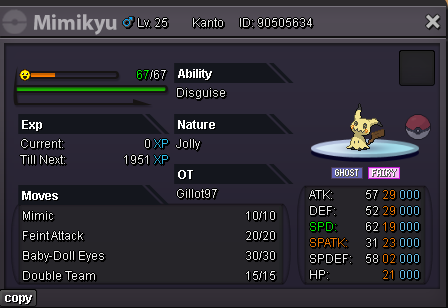
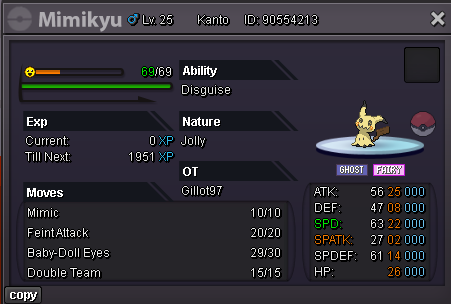
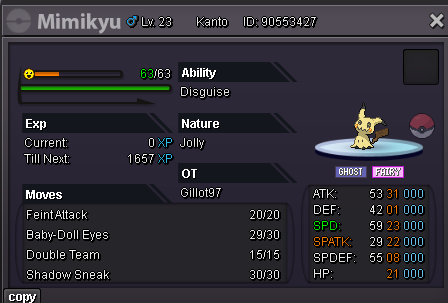
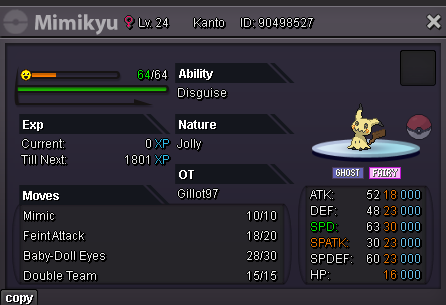
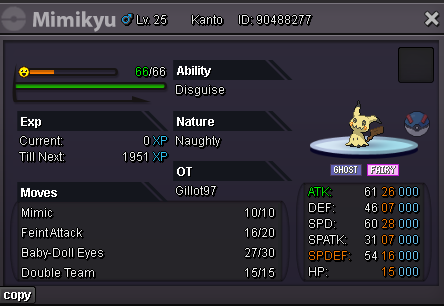
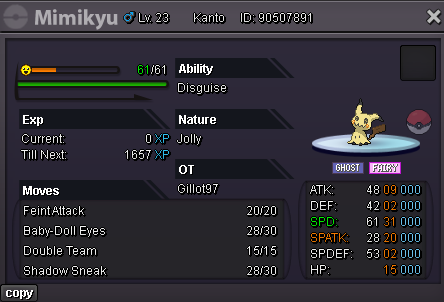
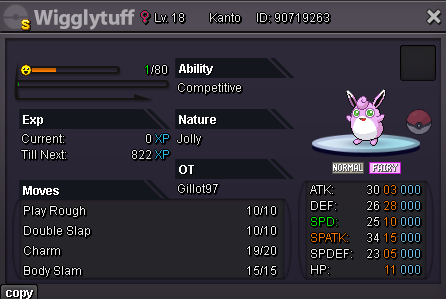
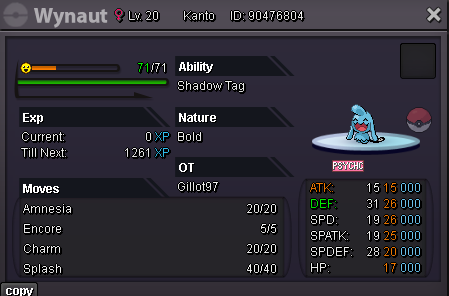
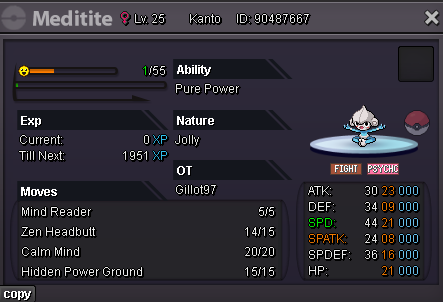
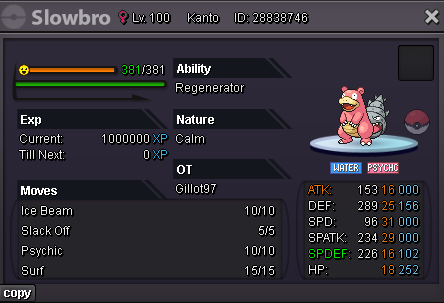
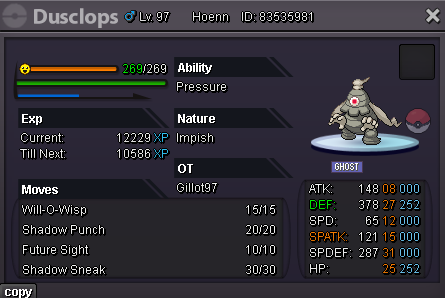
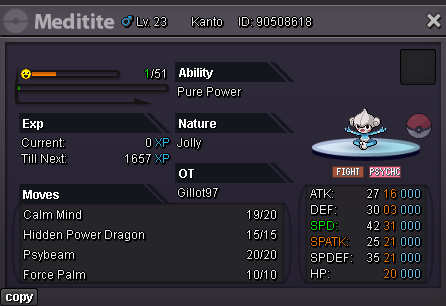
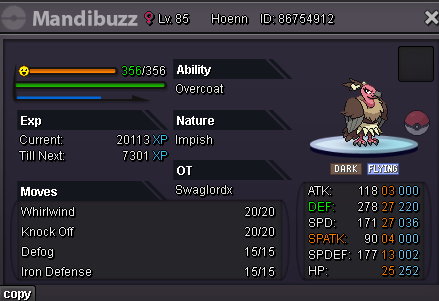
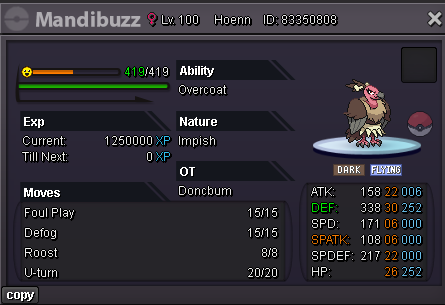
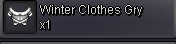
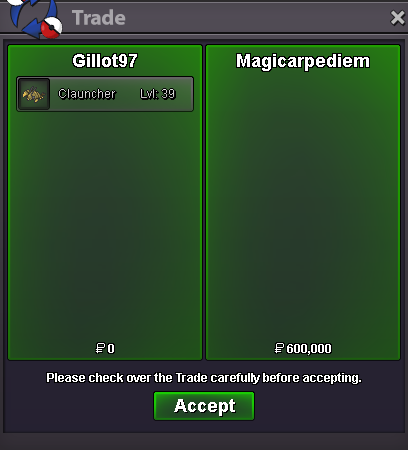
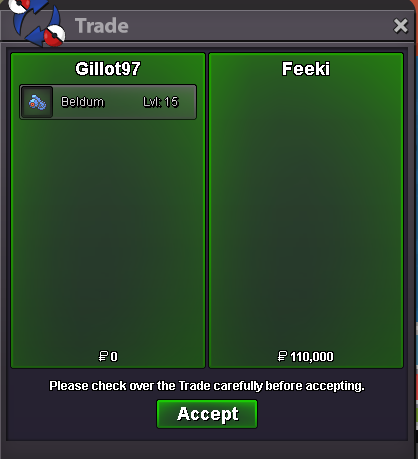
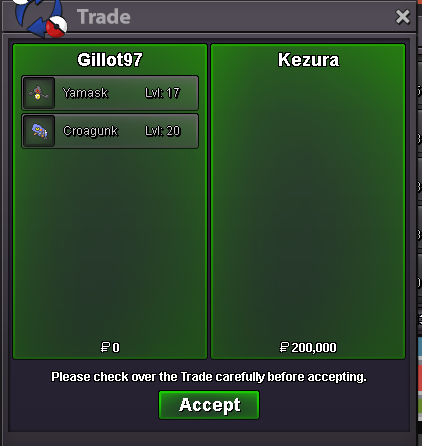
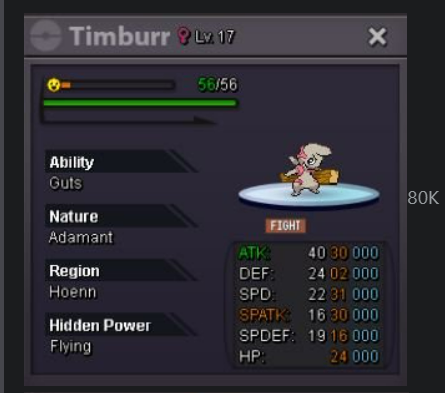 i buy the 60k driburcbci buy teddiursaits gillot97i buy hawlucha 100ku won @Godredeye , pls pm me in game or discordSelling individually, not as a bundle. S.O.=15k Min bid=5k Ends 18 hours after first Bid. number 1 number 2 number 3 number 4 15min rule applies.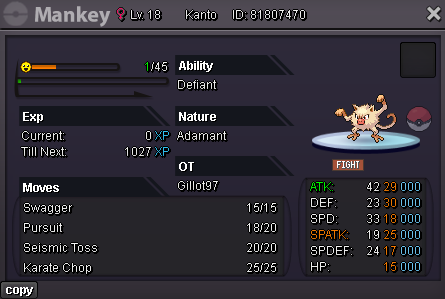
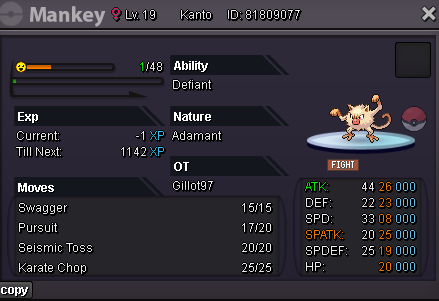
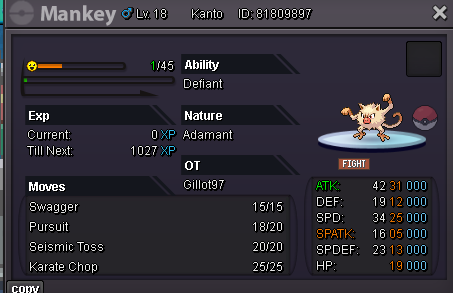
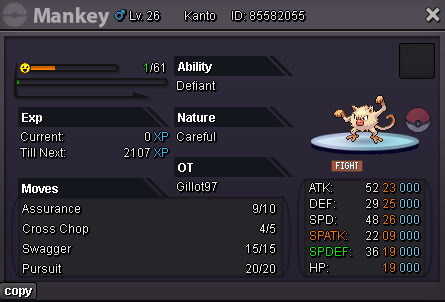
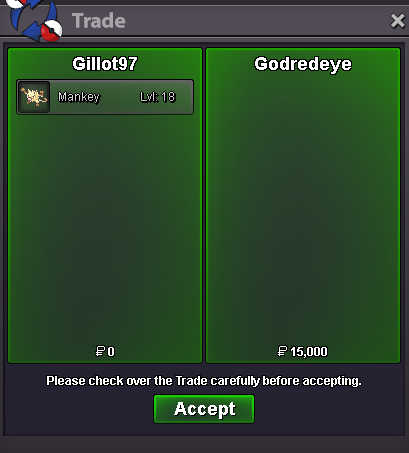
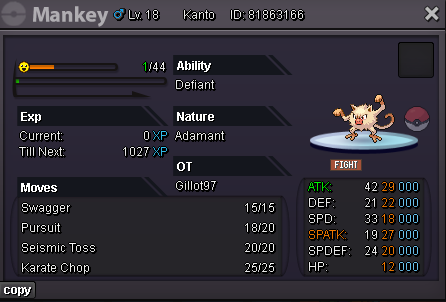 i buy untrained mankey 50k hidden power dragonI accept payment as such: Rare Candy as 6K Nat RR as 350k CC as 450K IV RR as 700k Pokedollar White Walkers guild members have 10% adicional discount Can contact me through discord or in game Discord: gillot97 In game: gillot97 50k-249k Spoiler 250k-499k Spoiler 500k-999k Spoiler 1m+ Spoiler Shiny/Forms Spoiler Syncs(10k each) Spoiler Items/Misc/Mounts/TM's Spoiler Sold Spoiler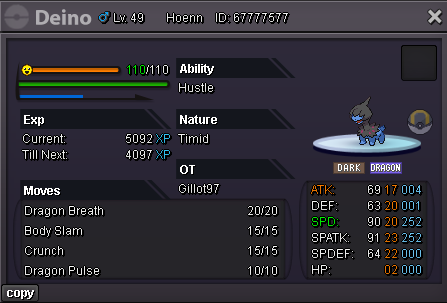
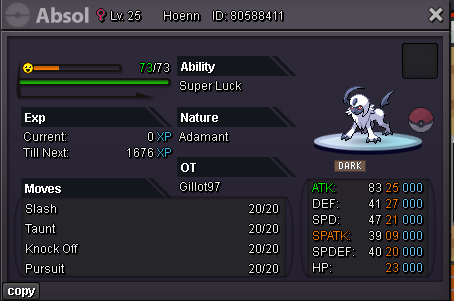
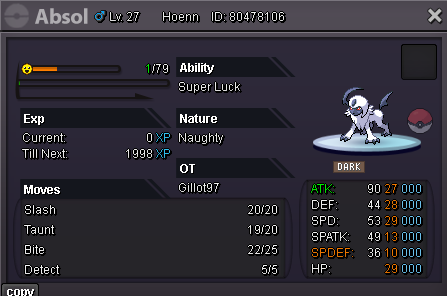
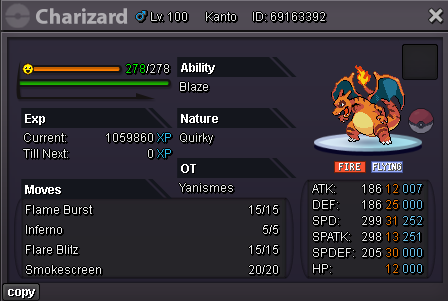
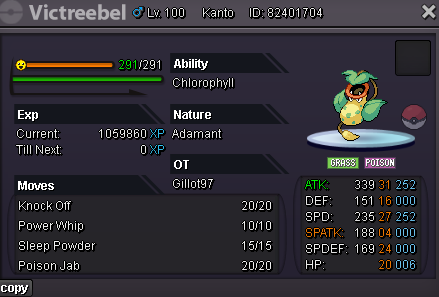
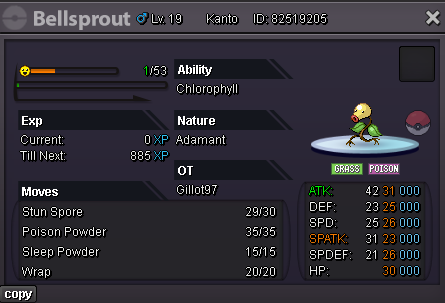
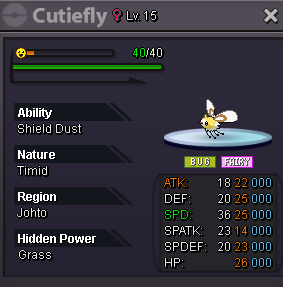
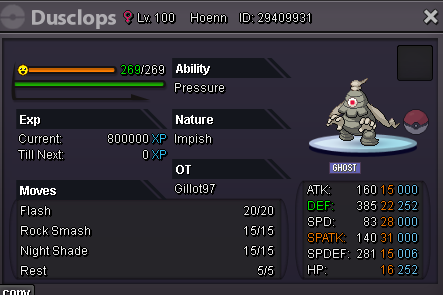
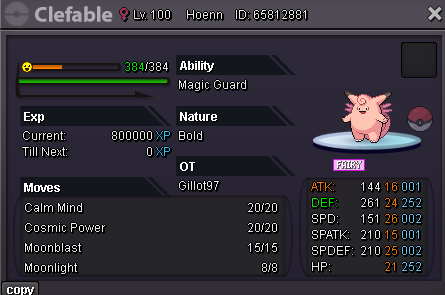
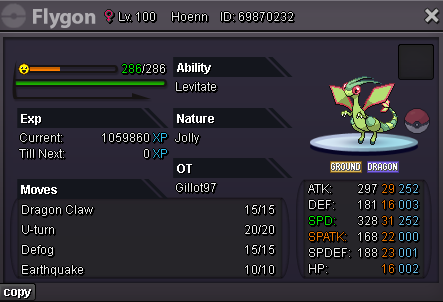
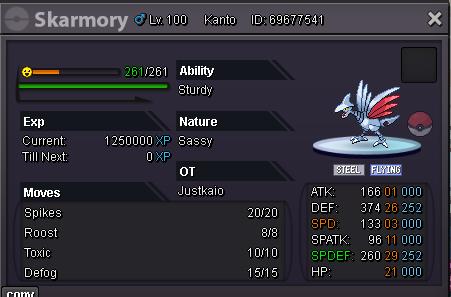
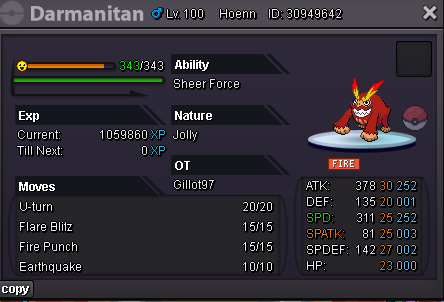
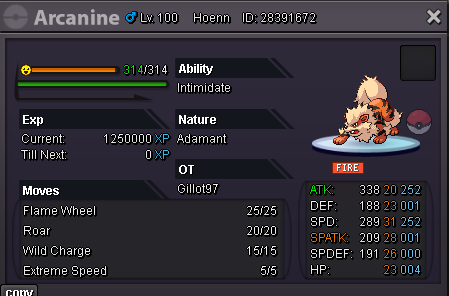
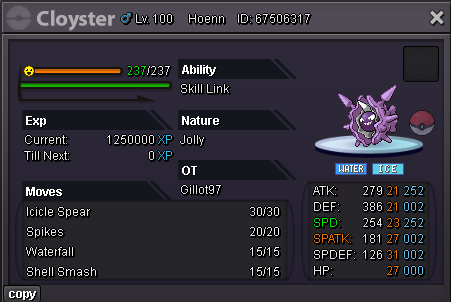
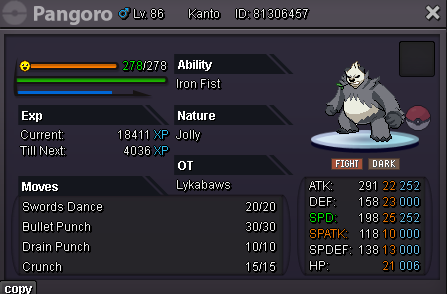
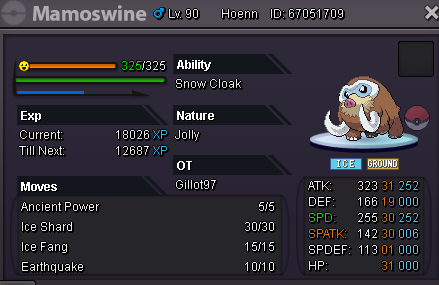
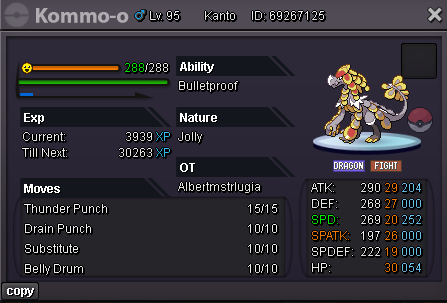
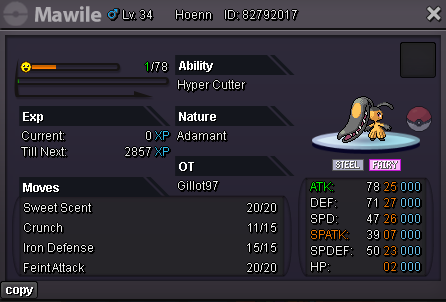
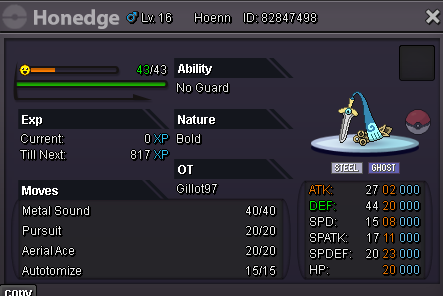
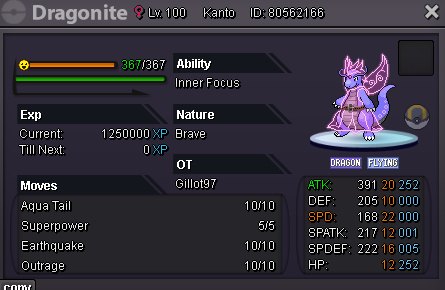
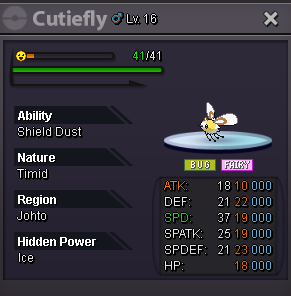
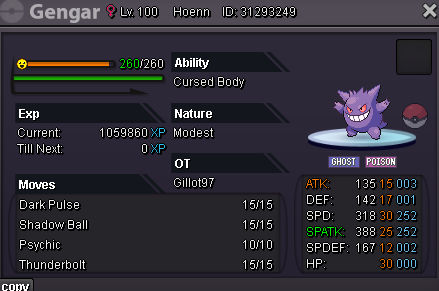
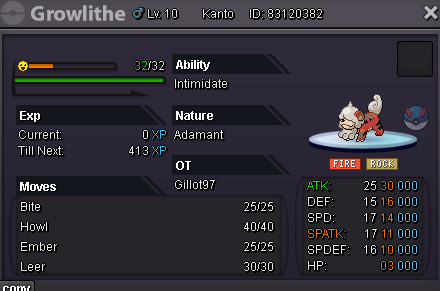
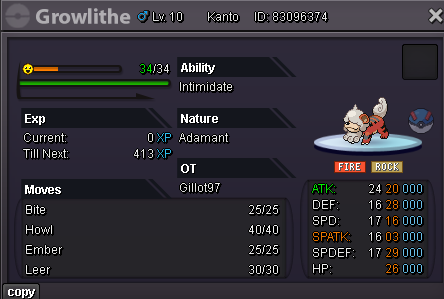
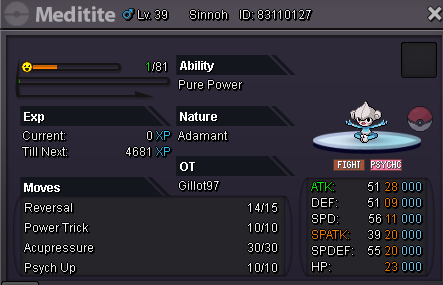
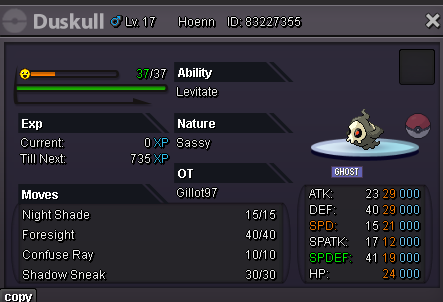
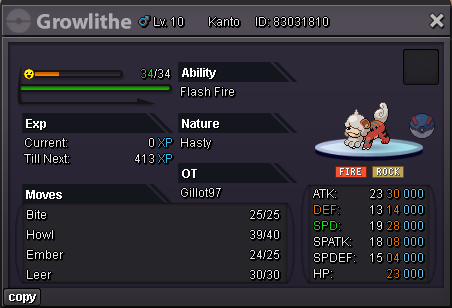
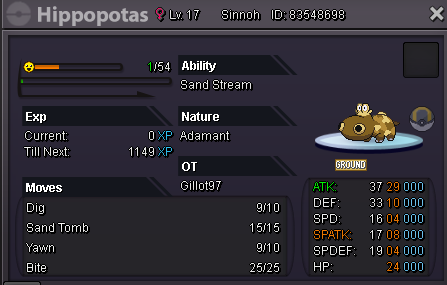
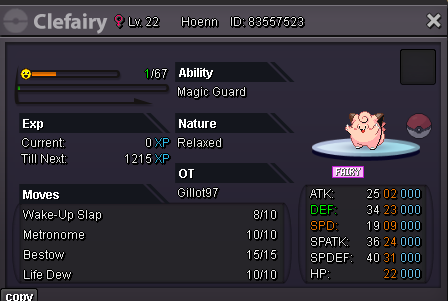
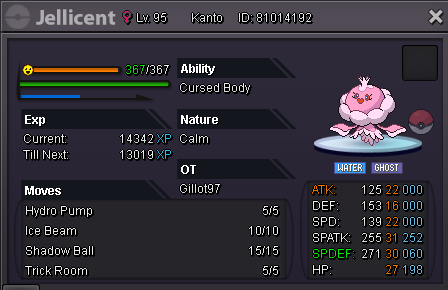
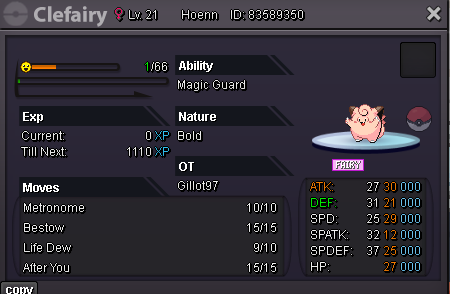
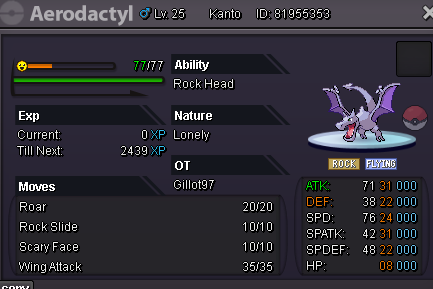
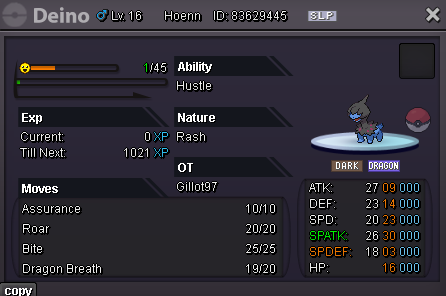
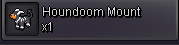
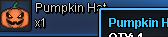
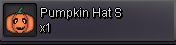

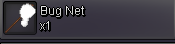
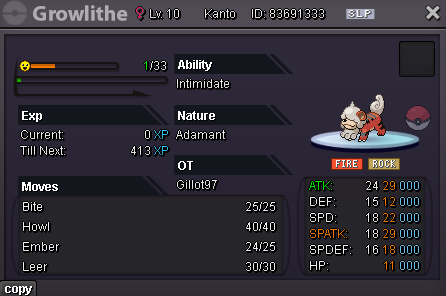
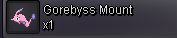
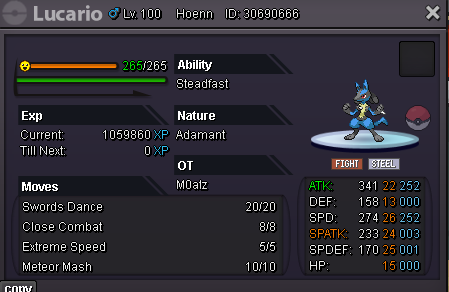
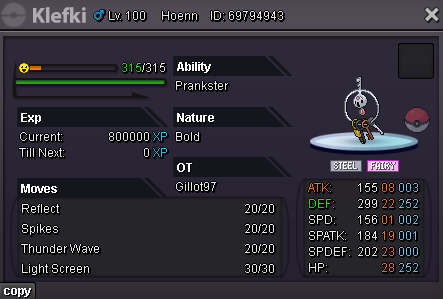
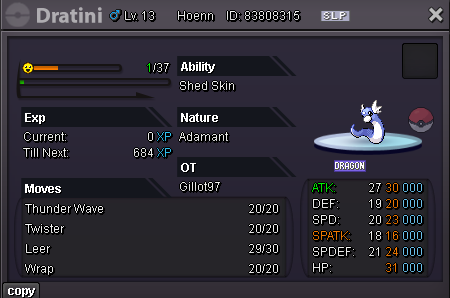
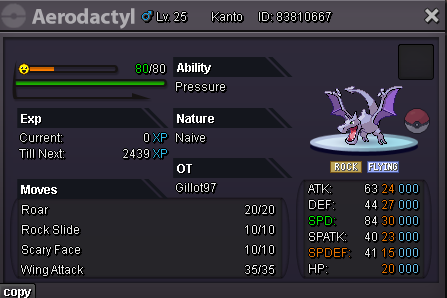
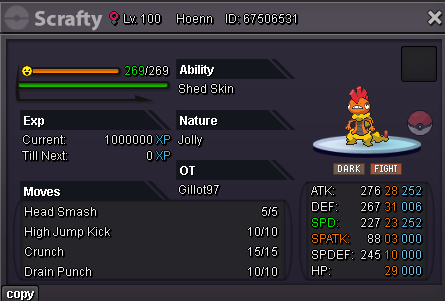
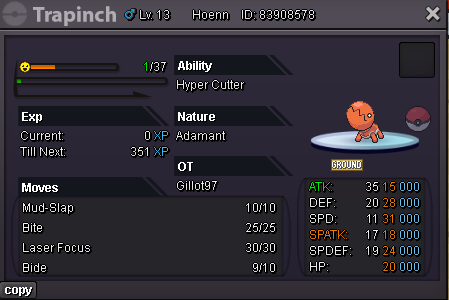
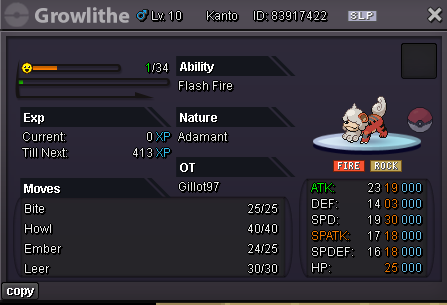
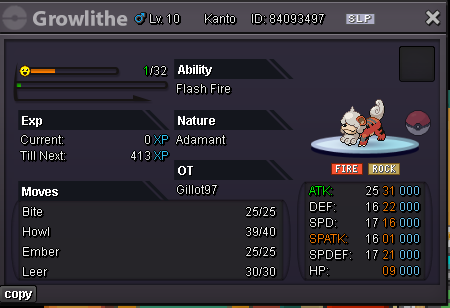
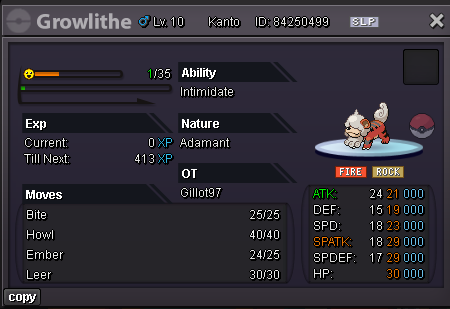
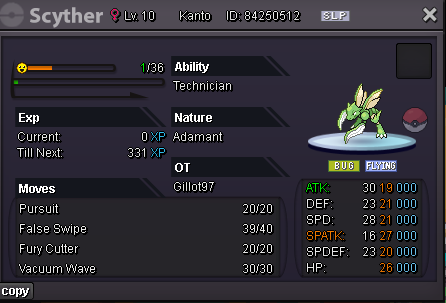
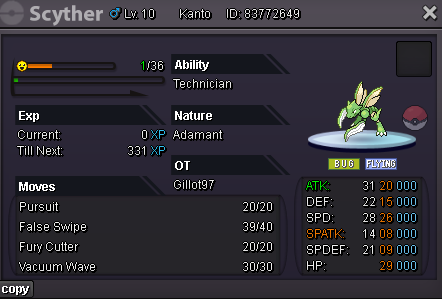
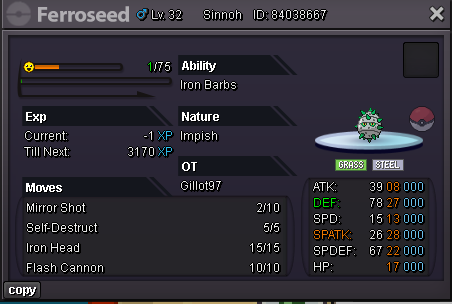
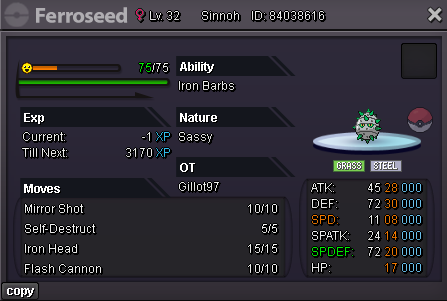
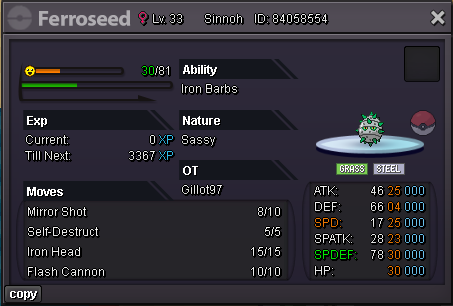
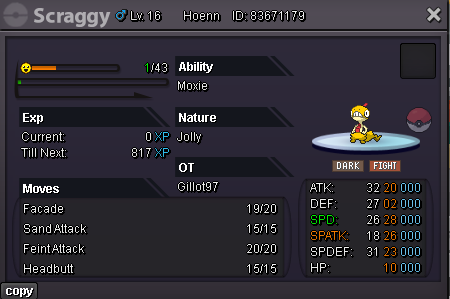
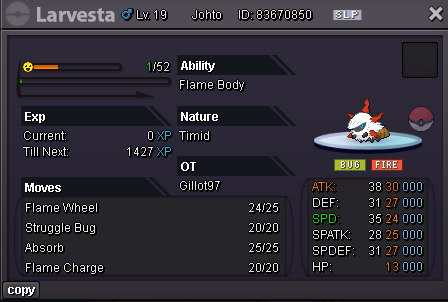
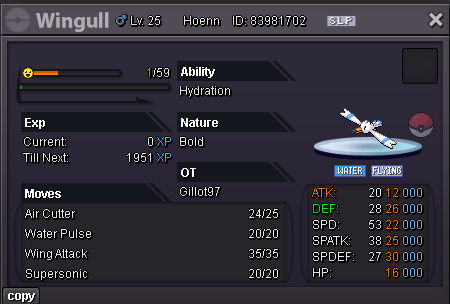
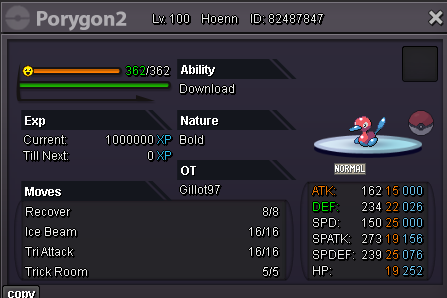
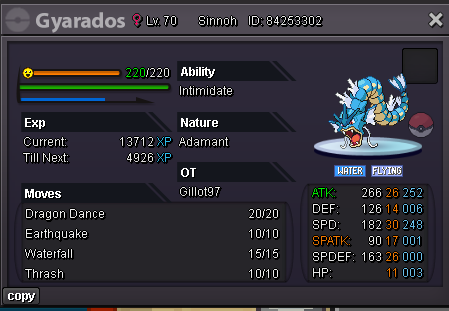
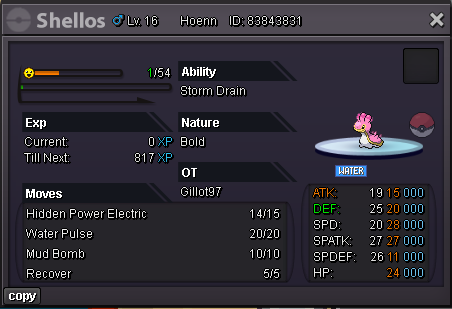
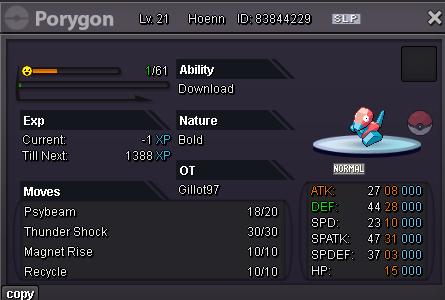
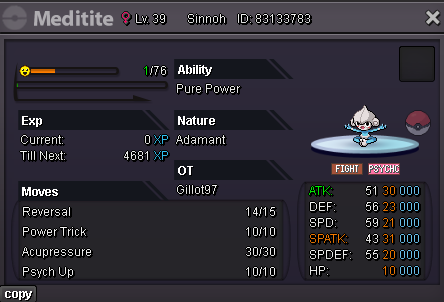
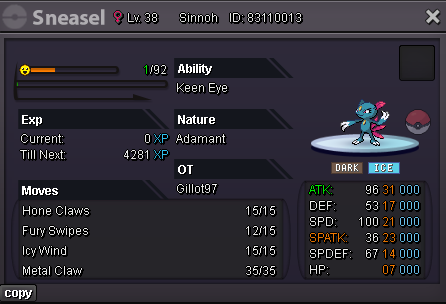
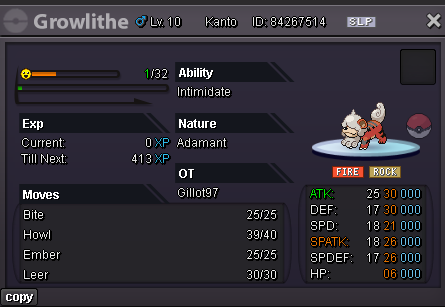
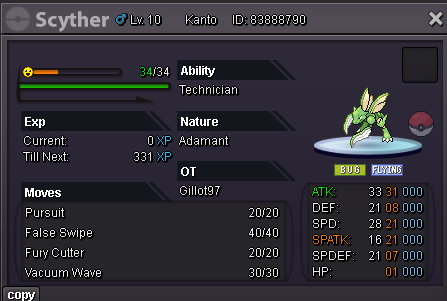
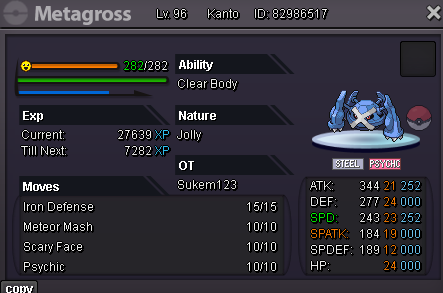
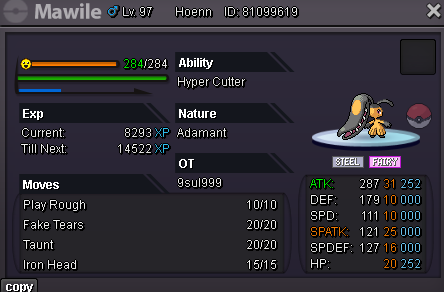
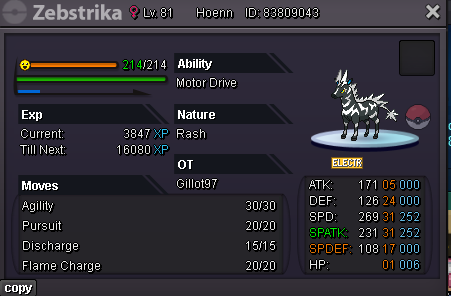
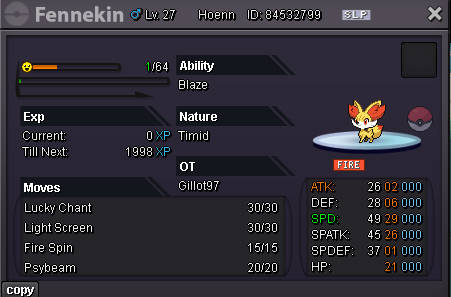
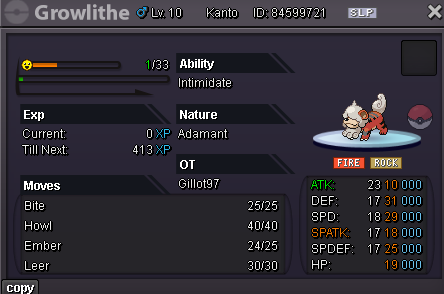
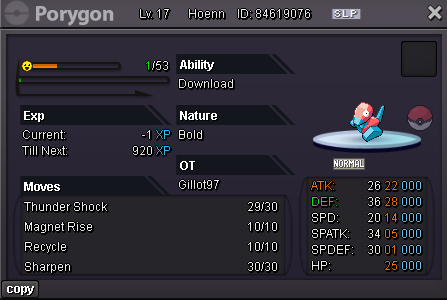
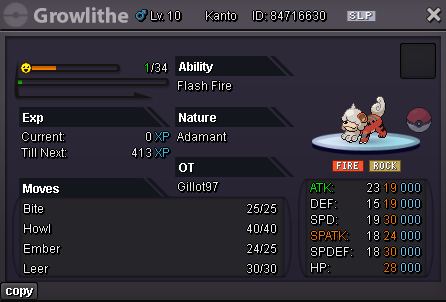
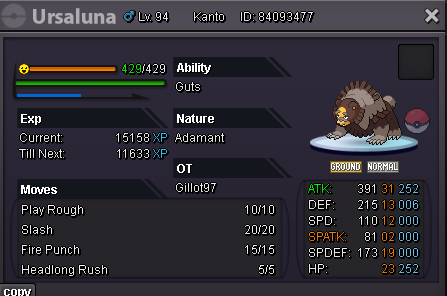
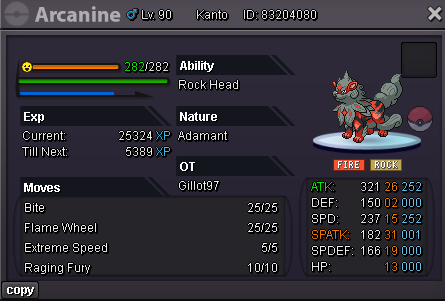
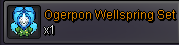
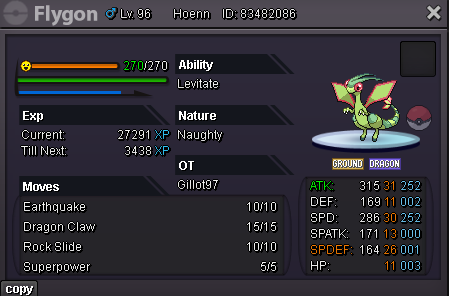
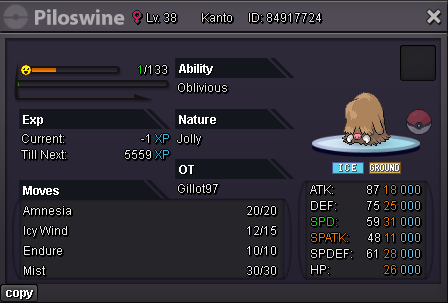
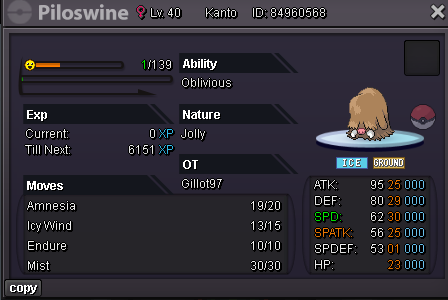
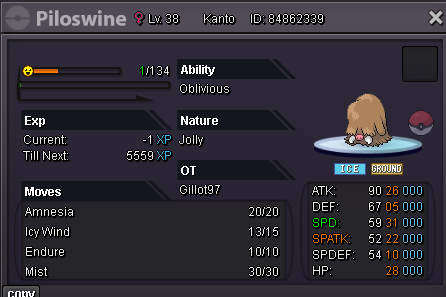
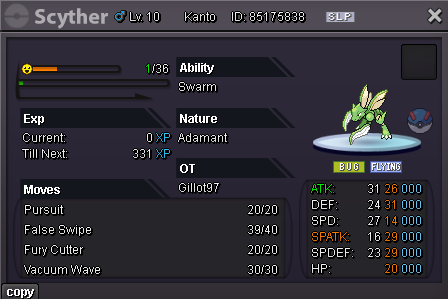
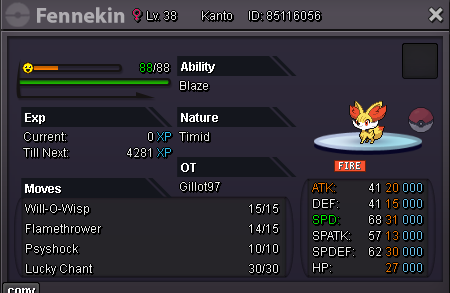

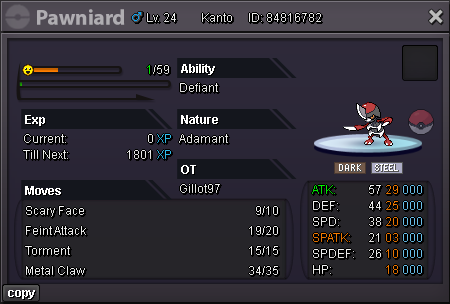
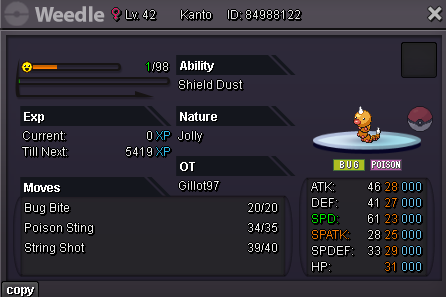
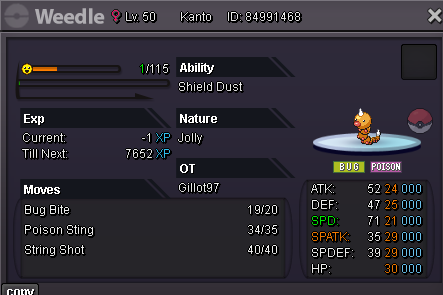
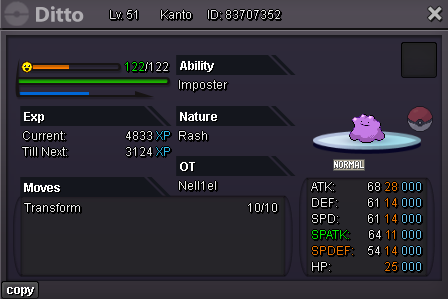
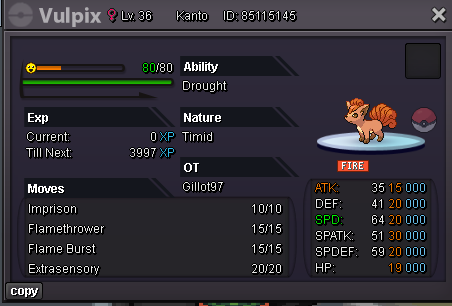
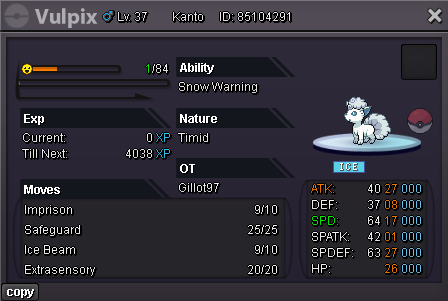
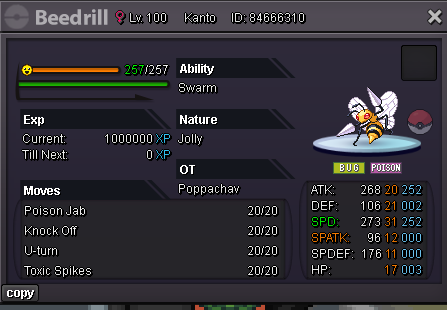
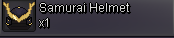
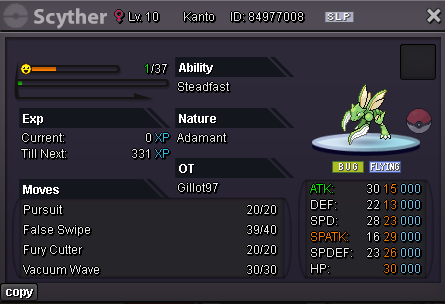
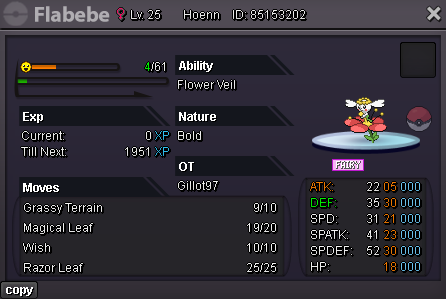
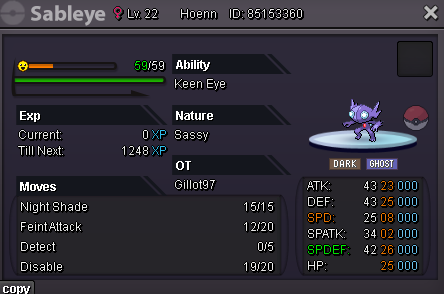
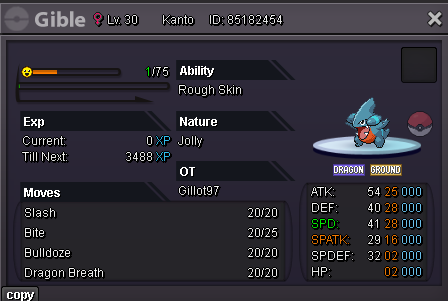
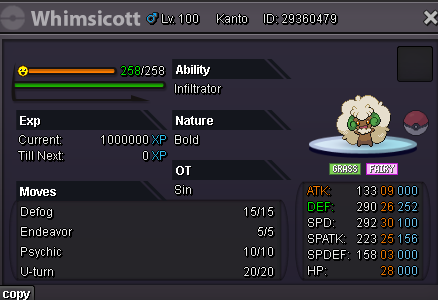
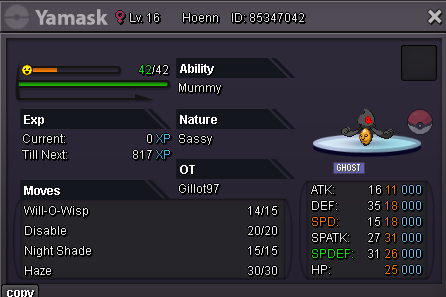
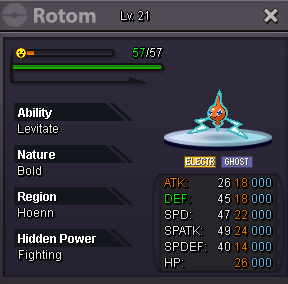
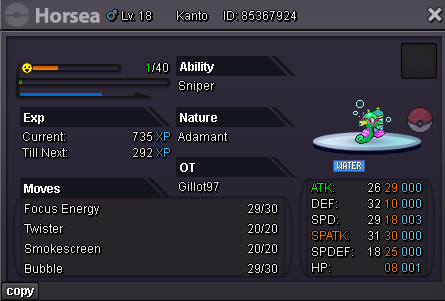
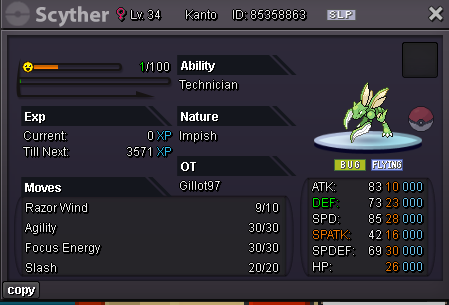
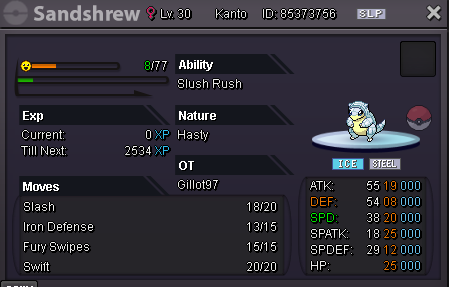
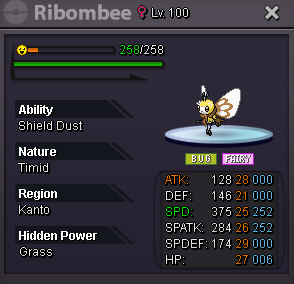
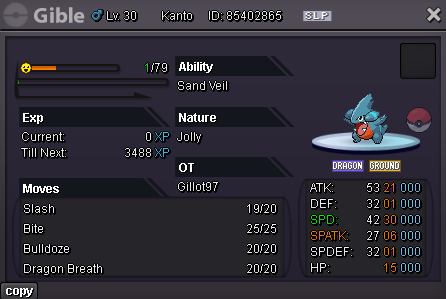
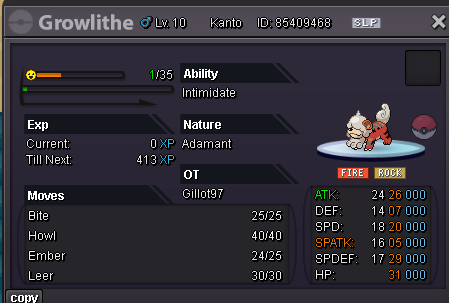
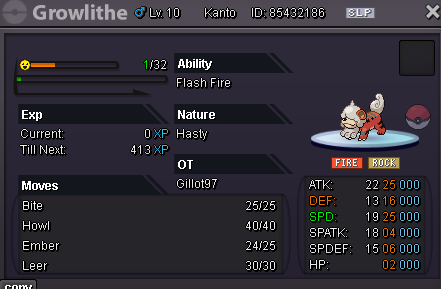
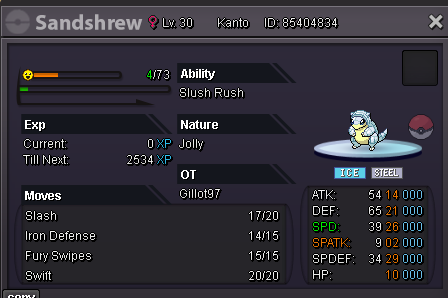
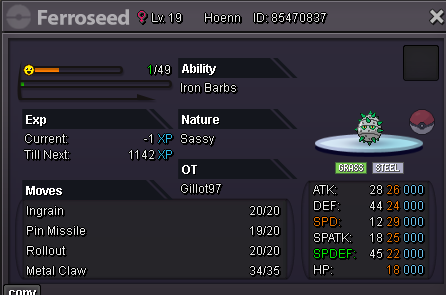
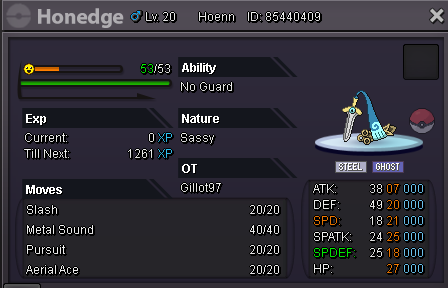
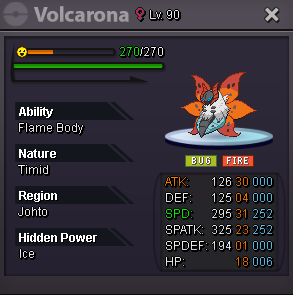
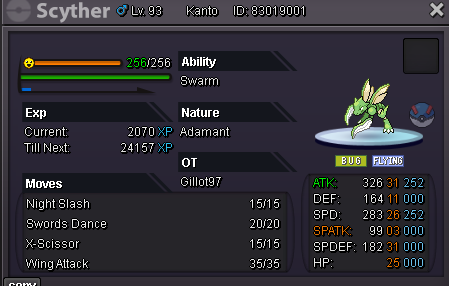
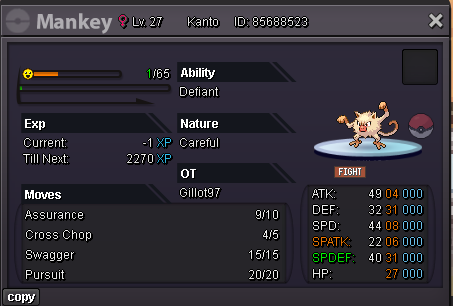
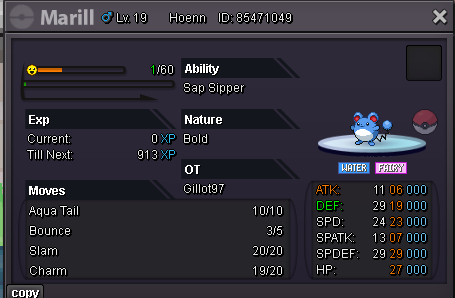
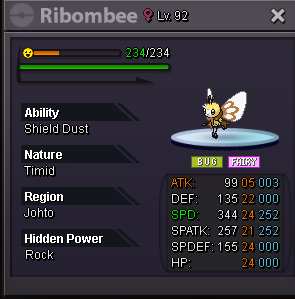
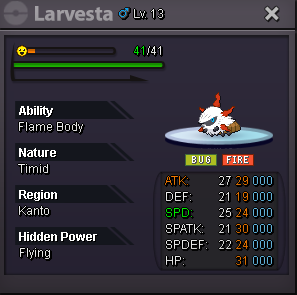
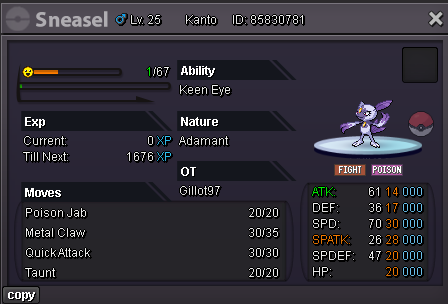
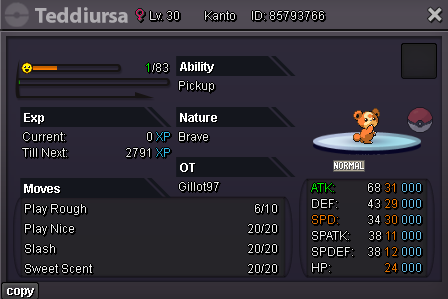
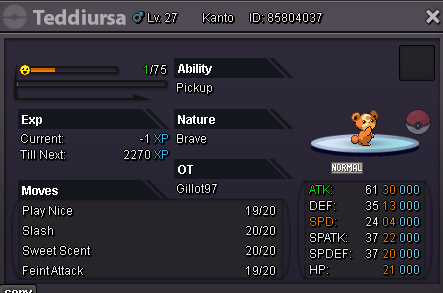
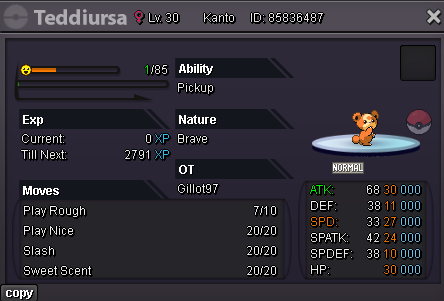
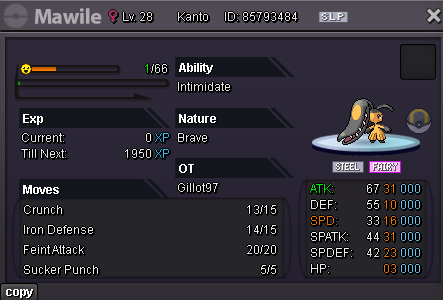
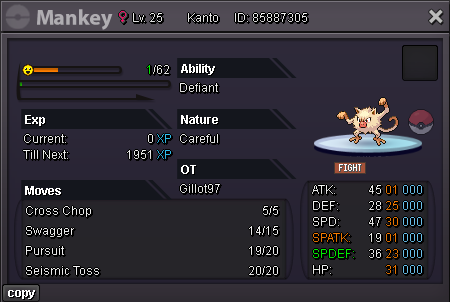
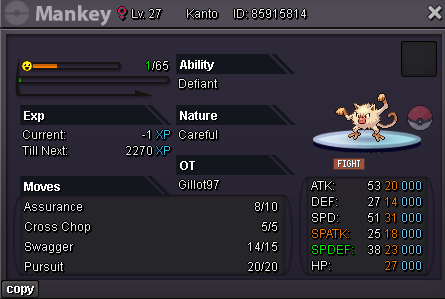
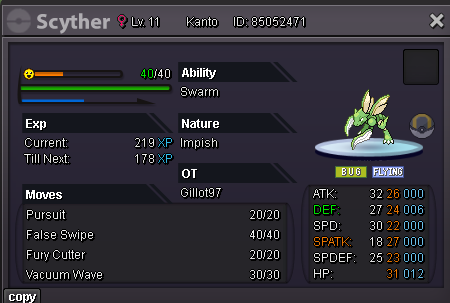
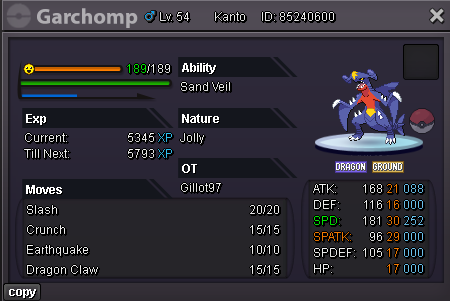
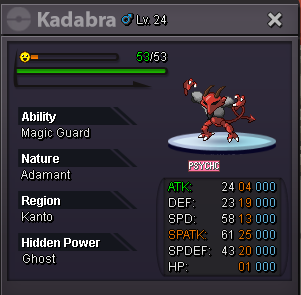
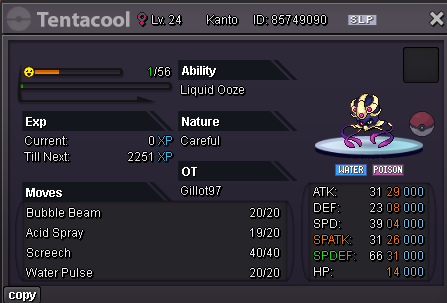
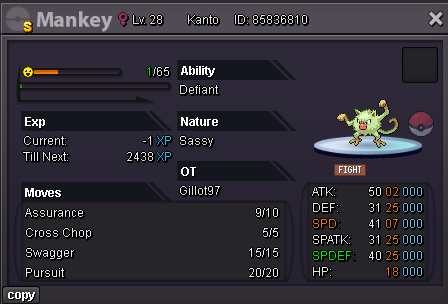
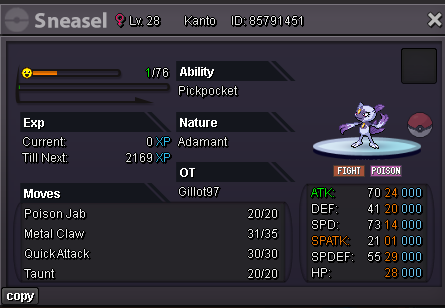
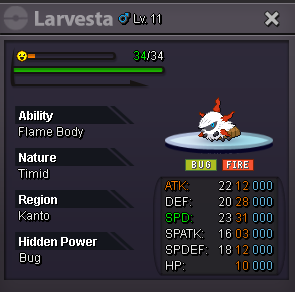
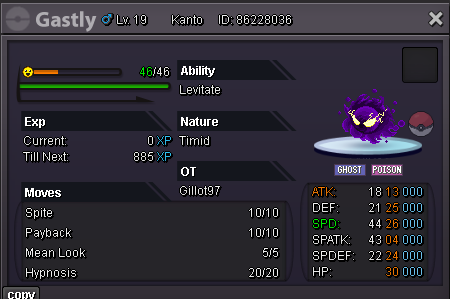
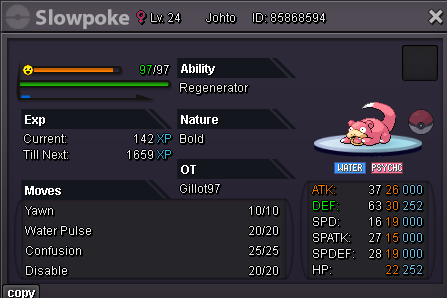
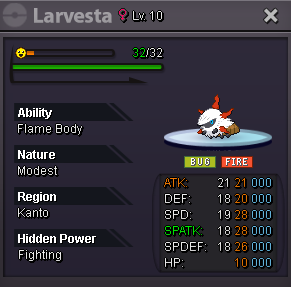
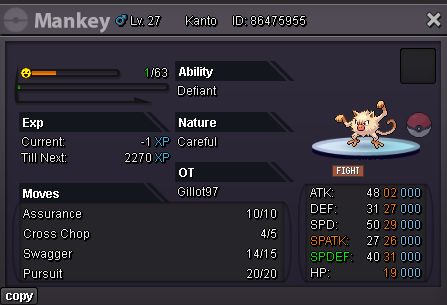
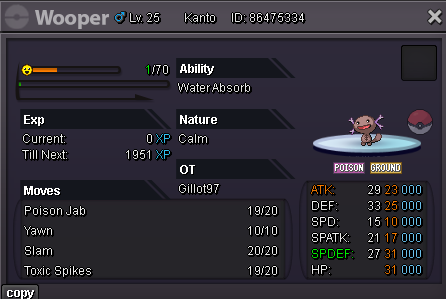
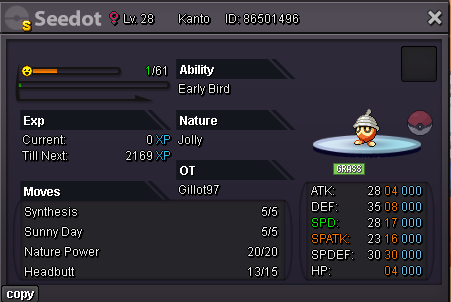
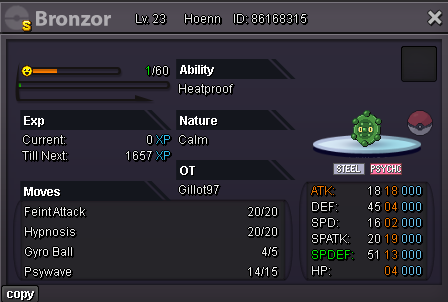
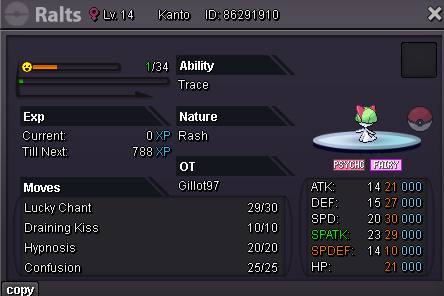
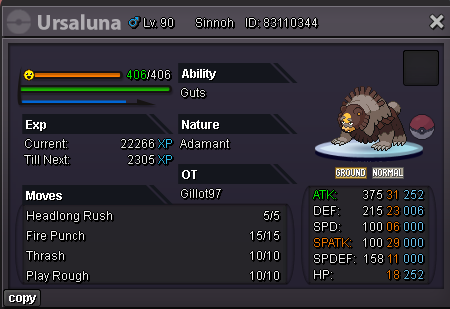
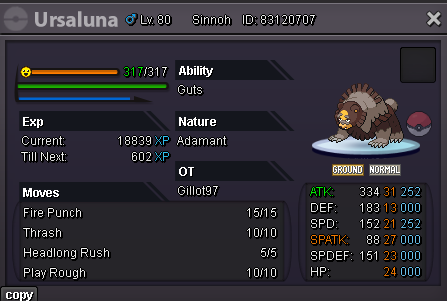
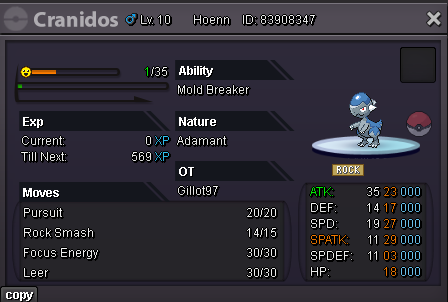
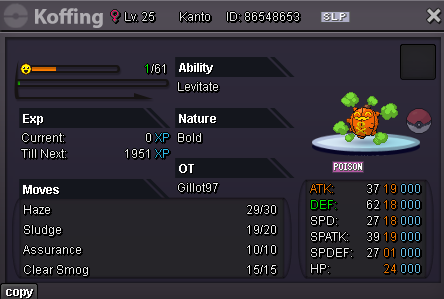
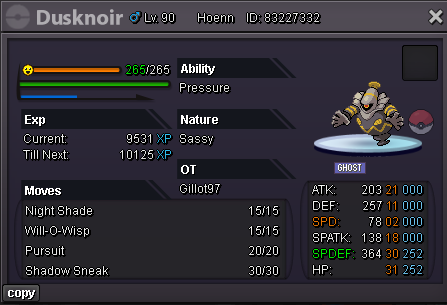
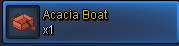
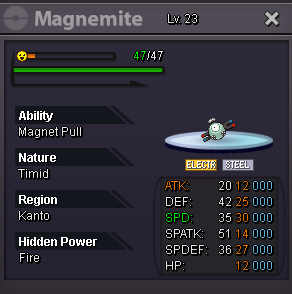
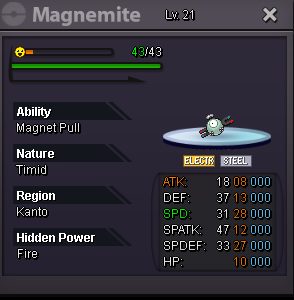
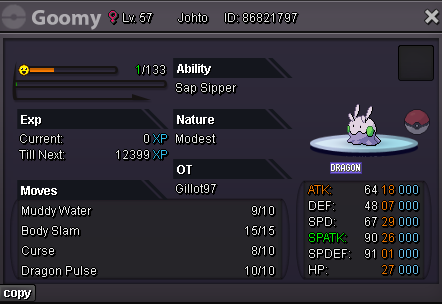
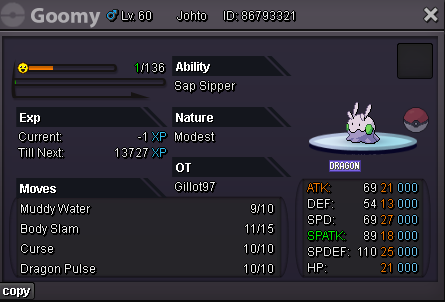
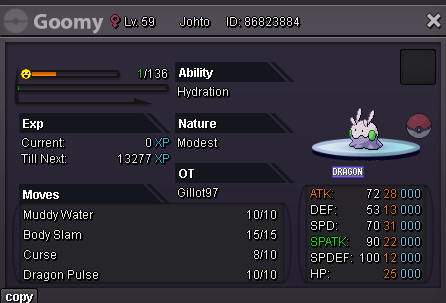
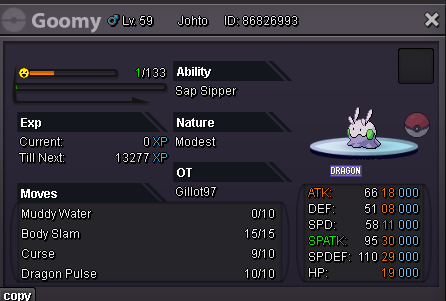
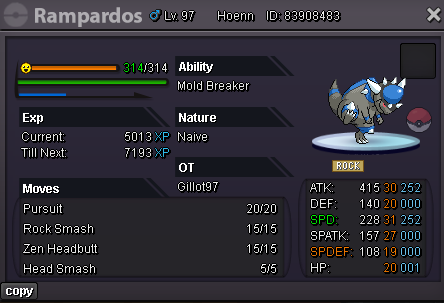
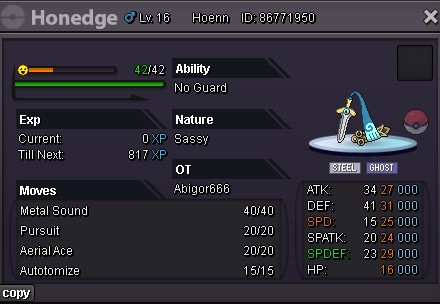
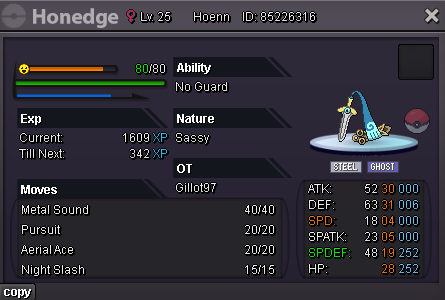
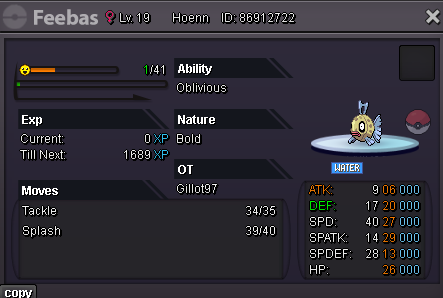
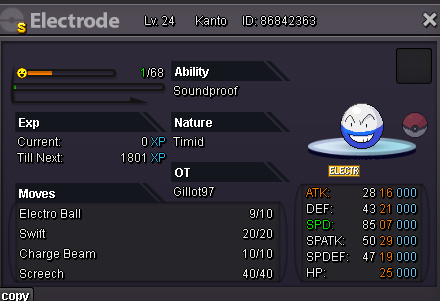
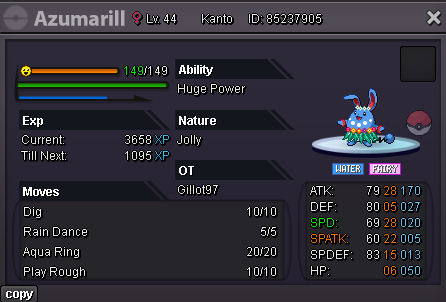
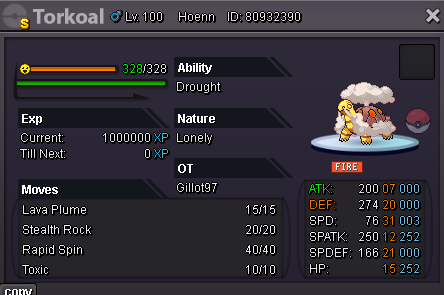
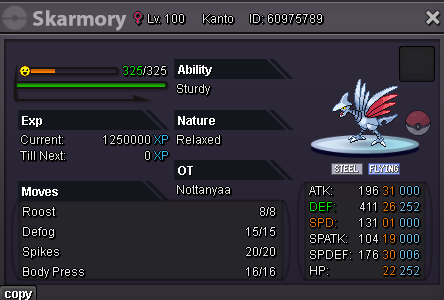
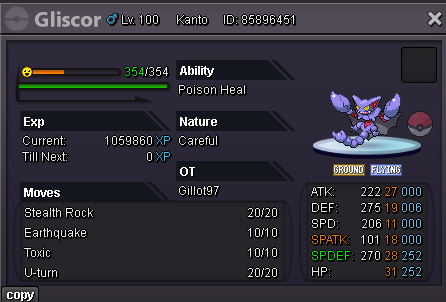
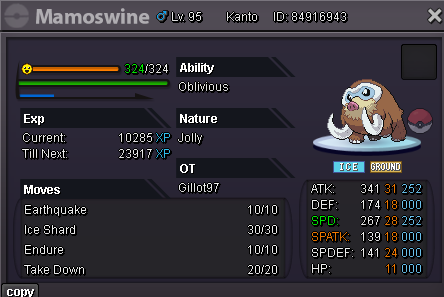
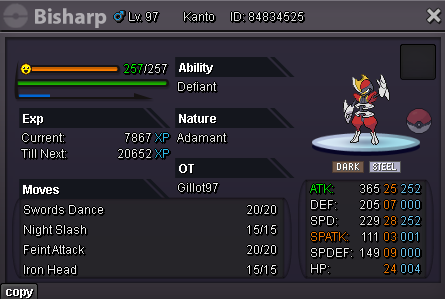
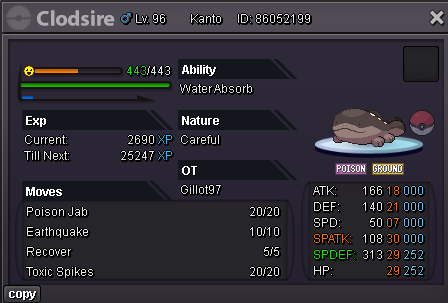
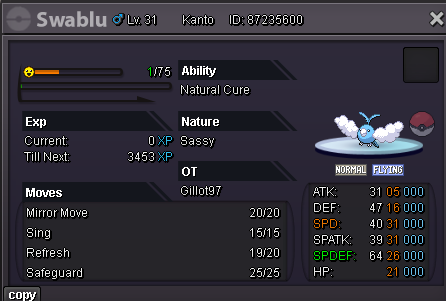
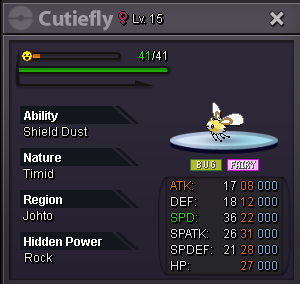
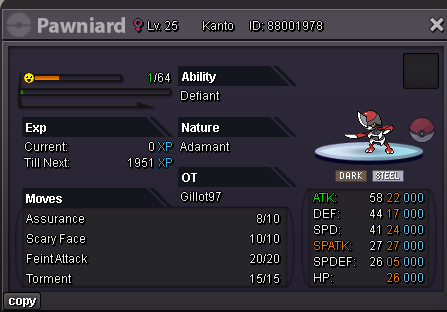
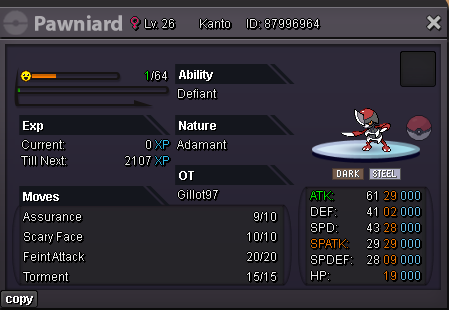
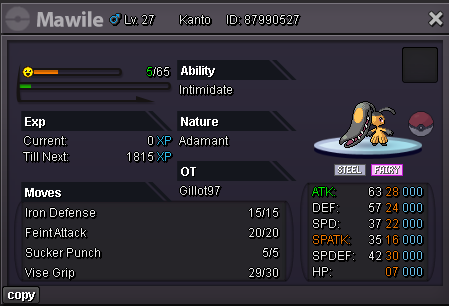
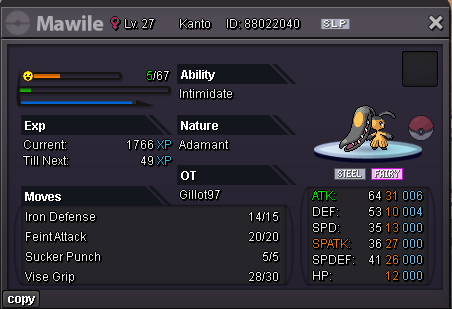
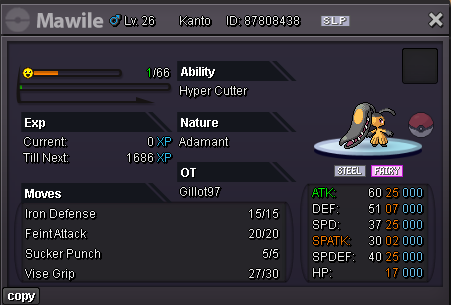
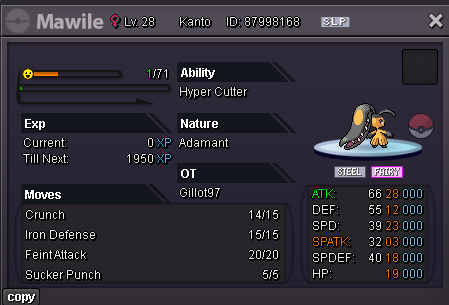
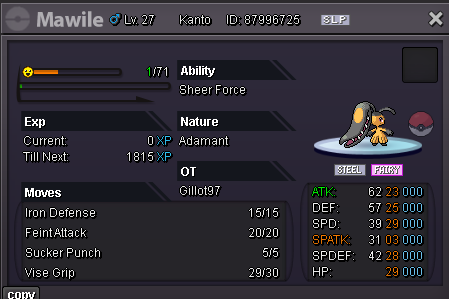
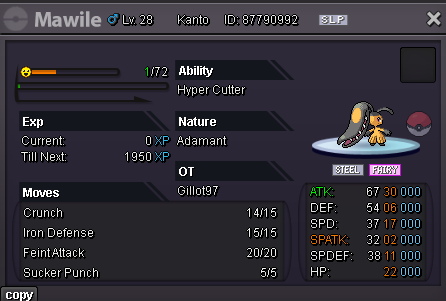
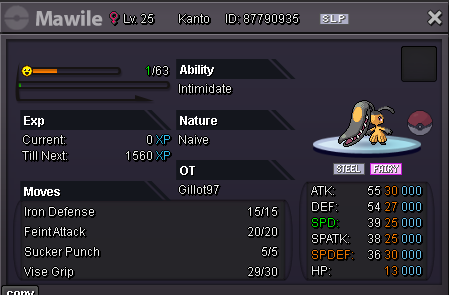
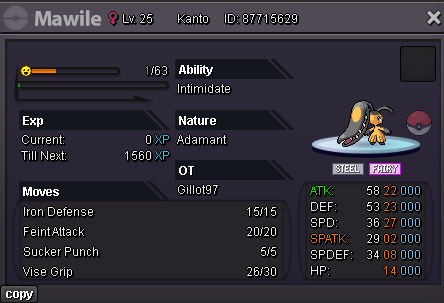
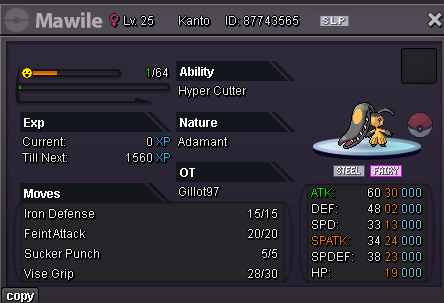
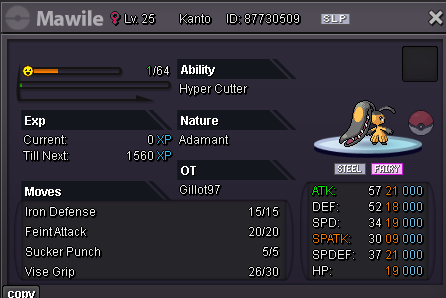
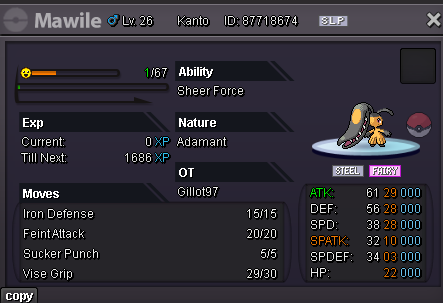
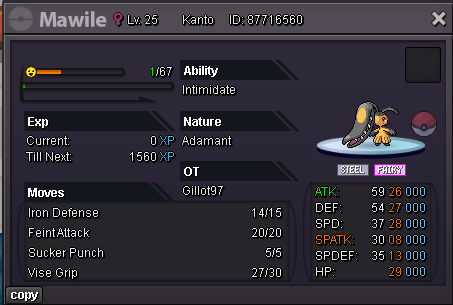
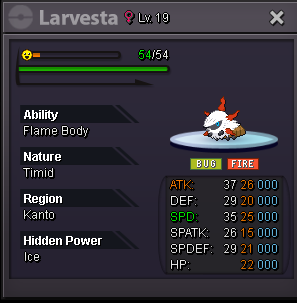
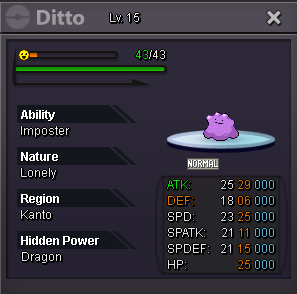
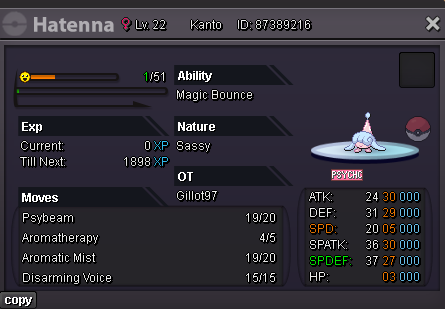
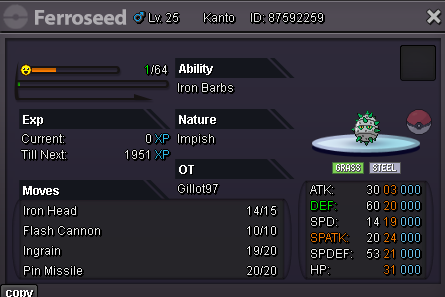
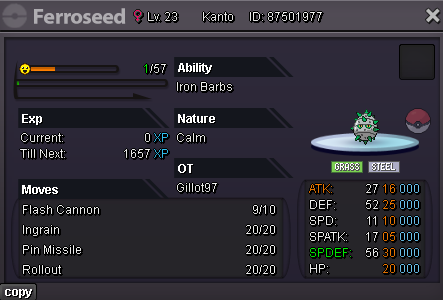
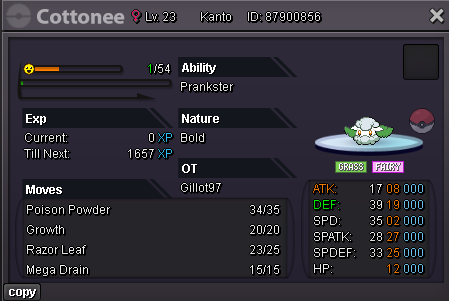
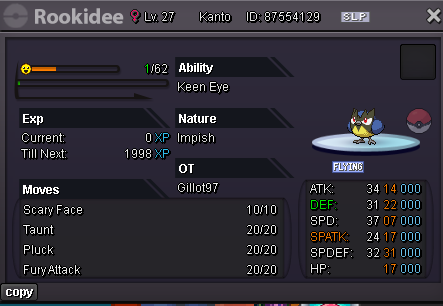
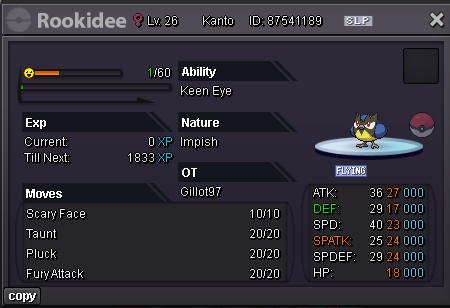
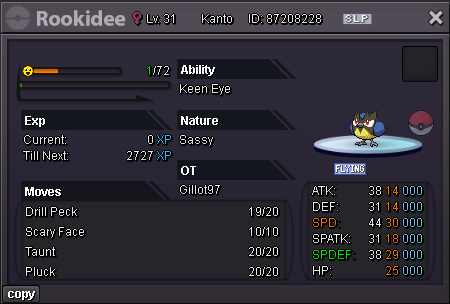
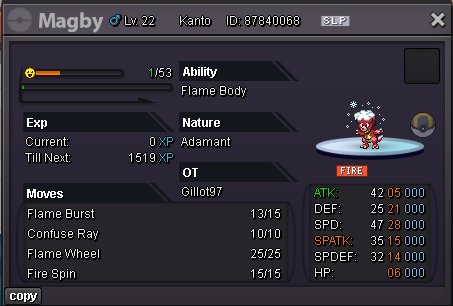
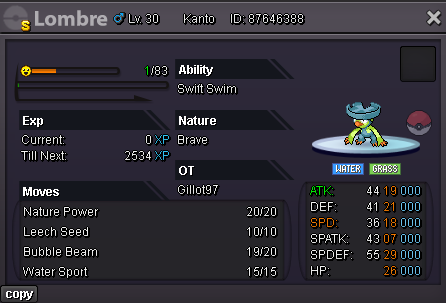
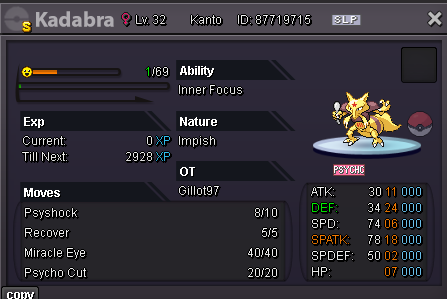
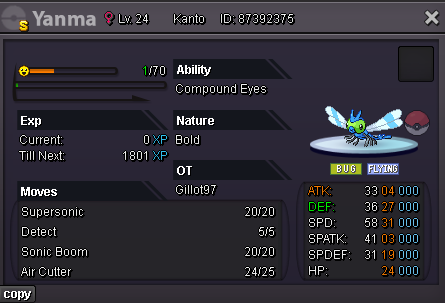
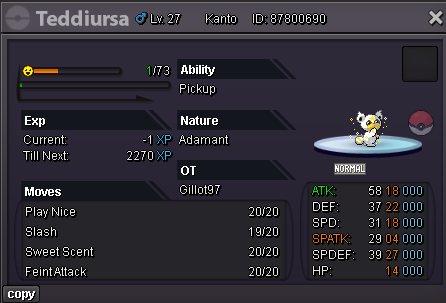
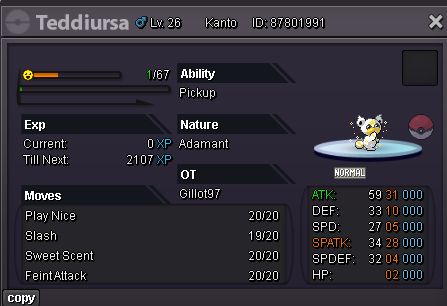
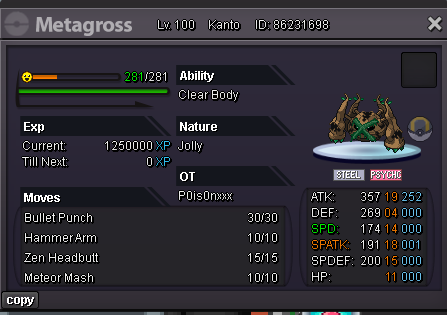

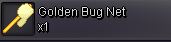
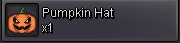
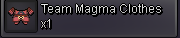
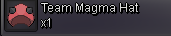
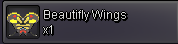
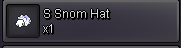

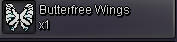
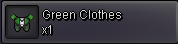

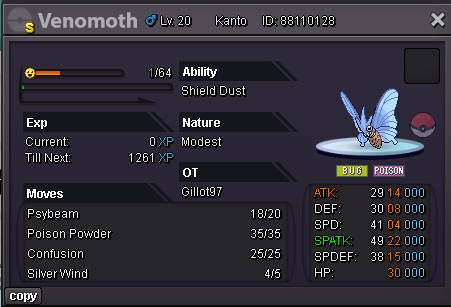
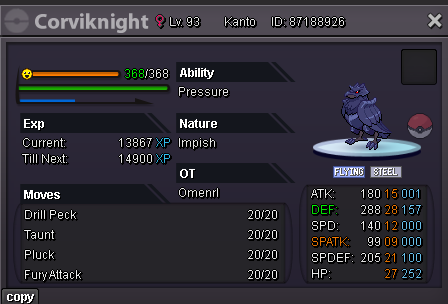
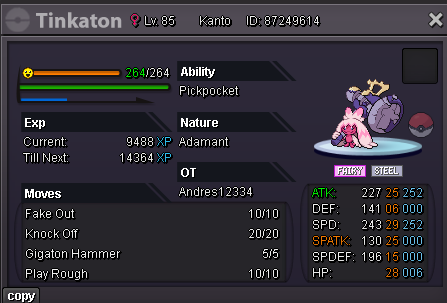
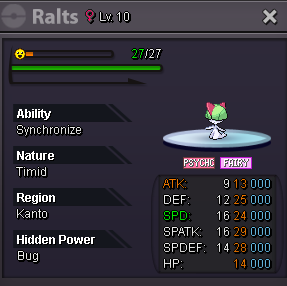
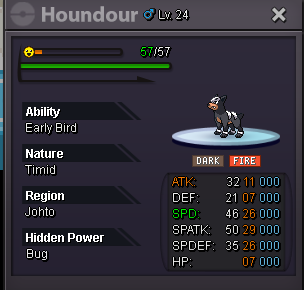
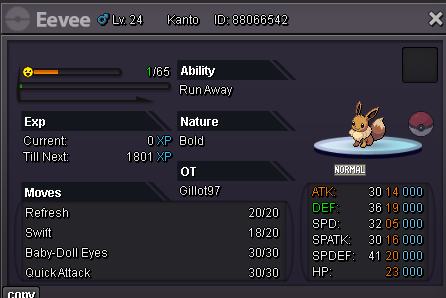
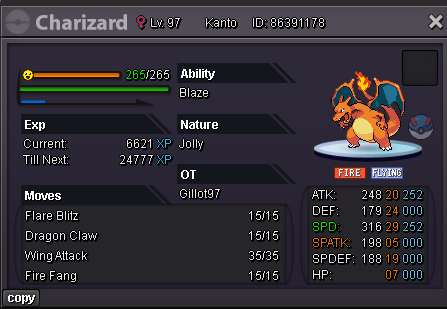
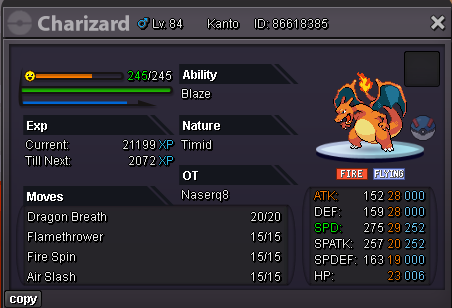
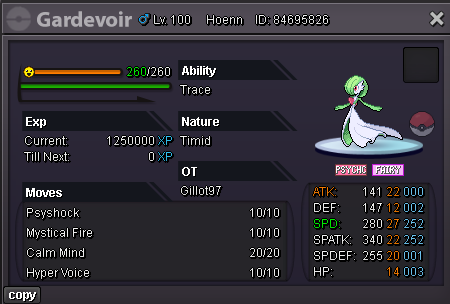
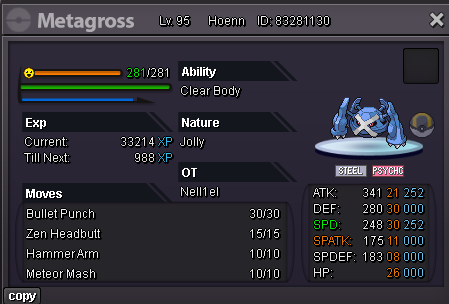
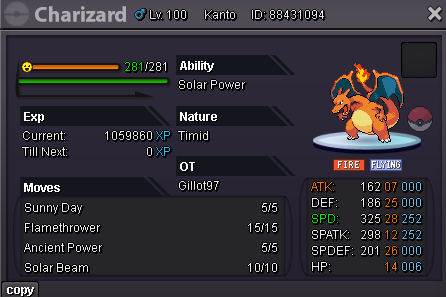
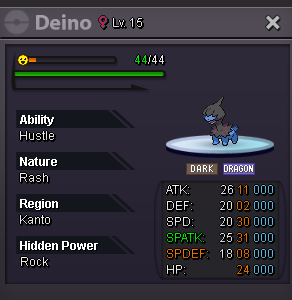
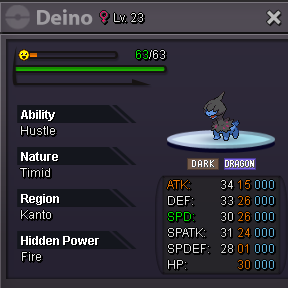
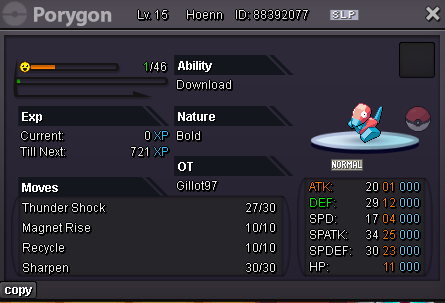
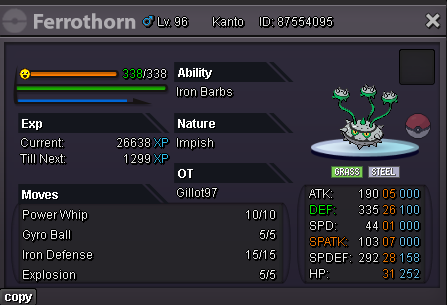
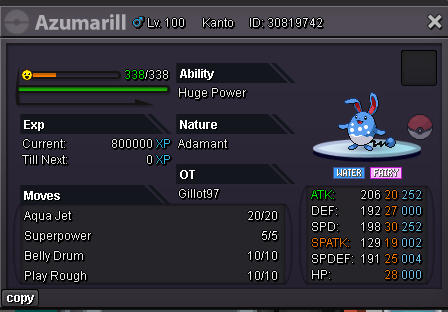
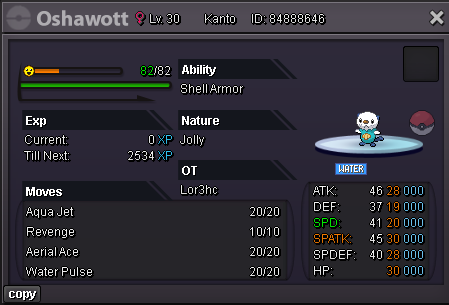
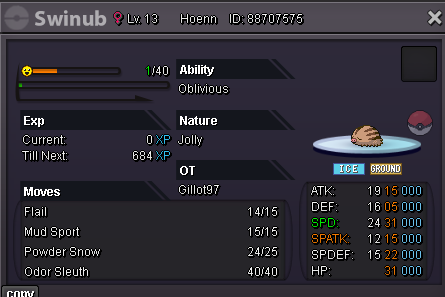
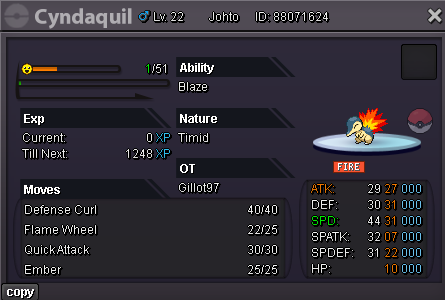
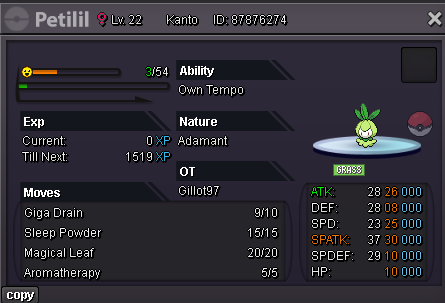
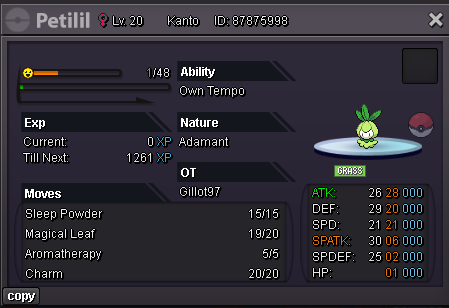
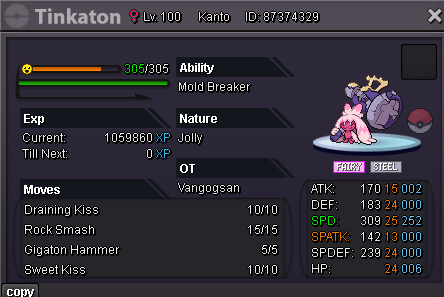
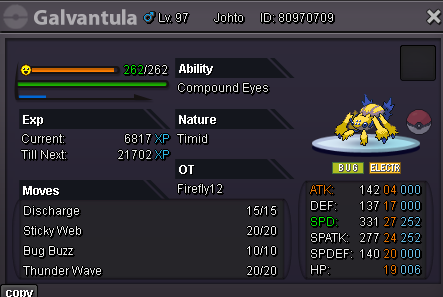
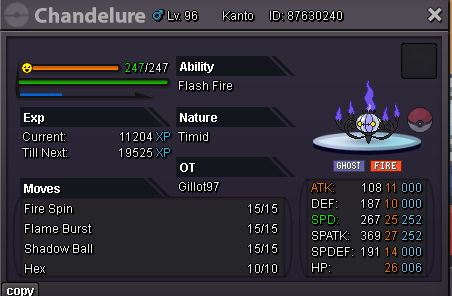
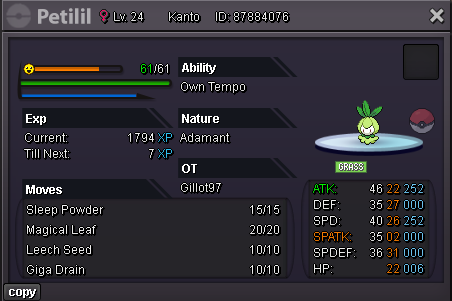
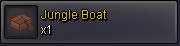
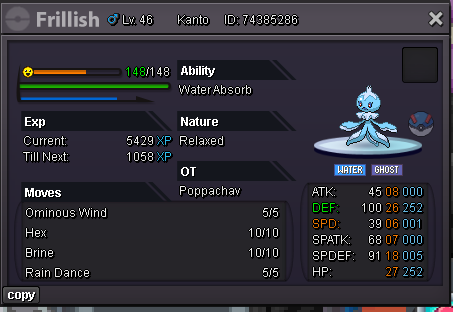
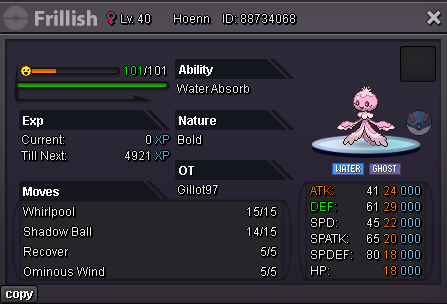
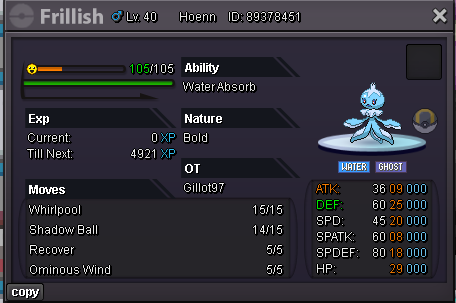
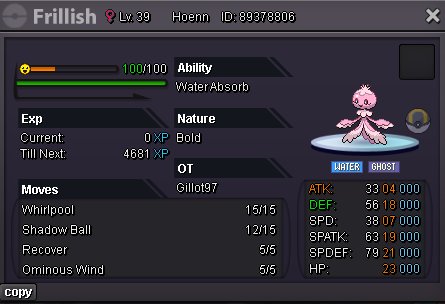
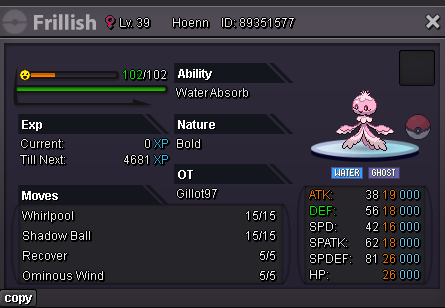
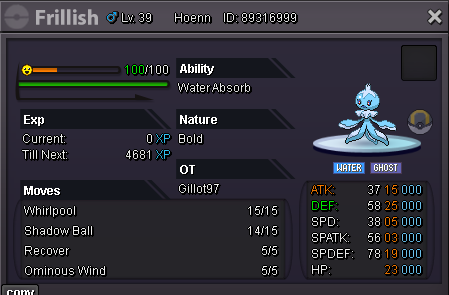
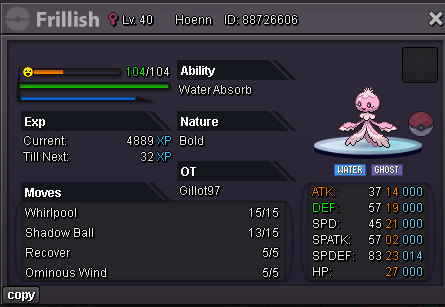
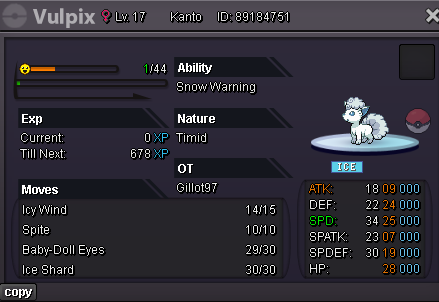
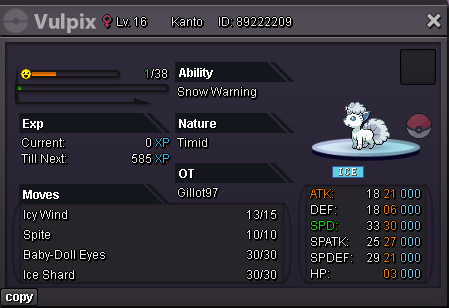
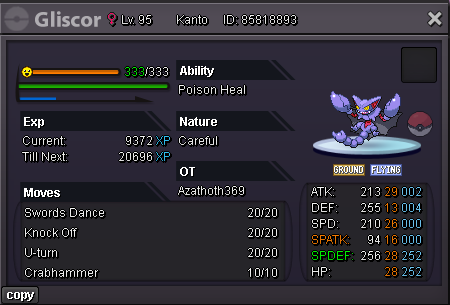
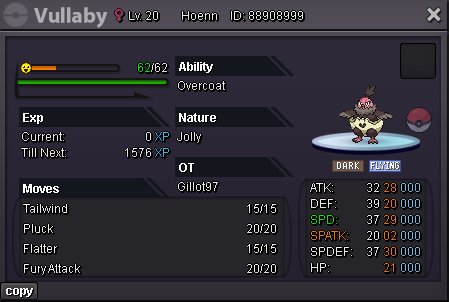
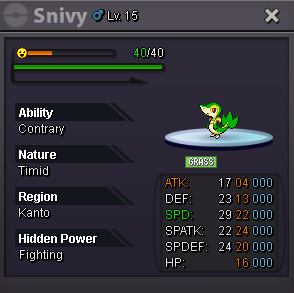
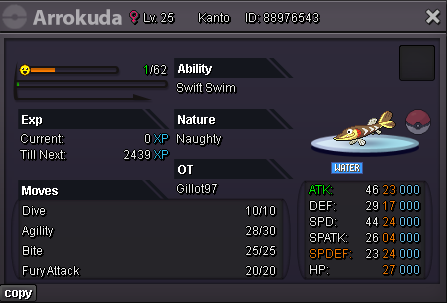
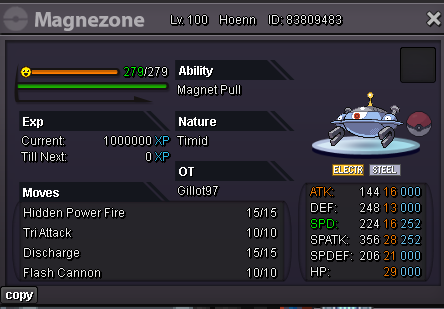
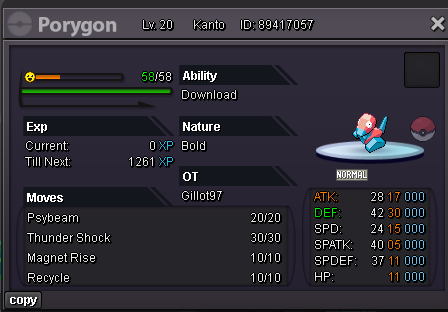
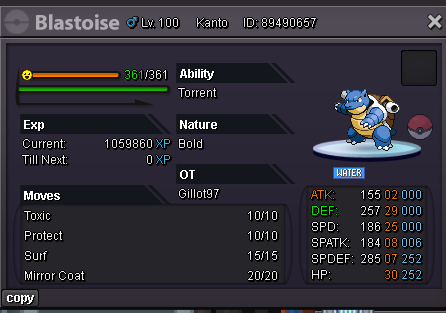
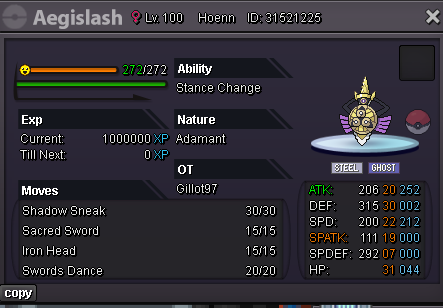
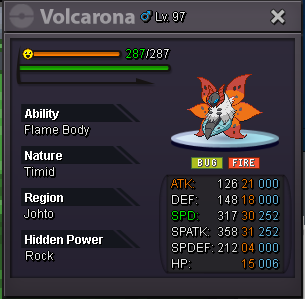
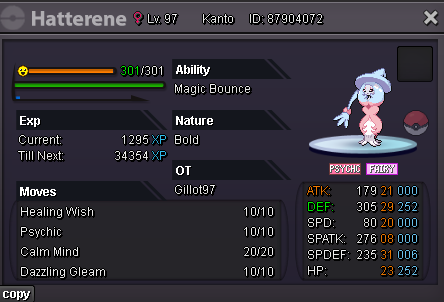
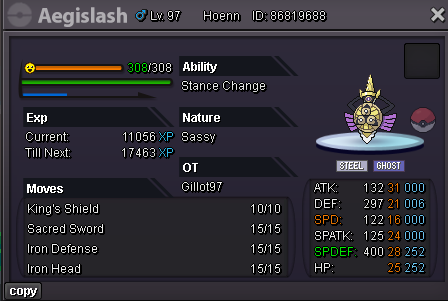
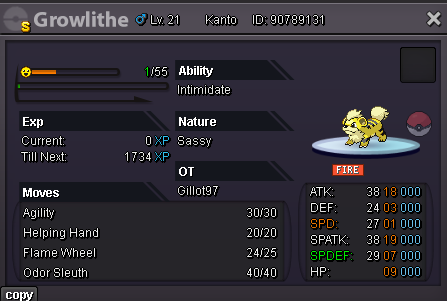
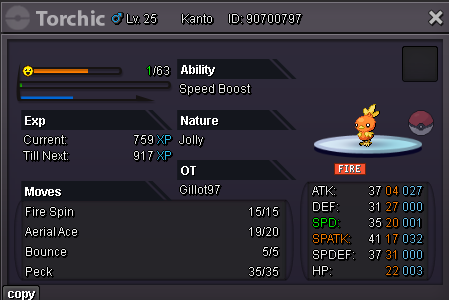
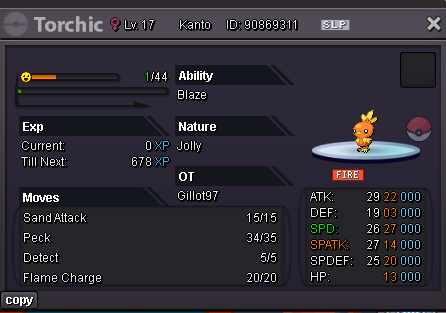
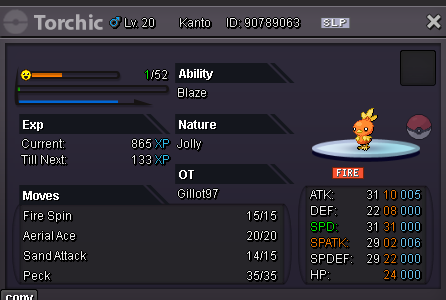
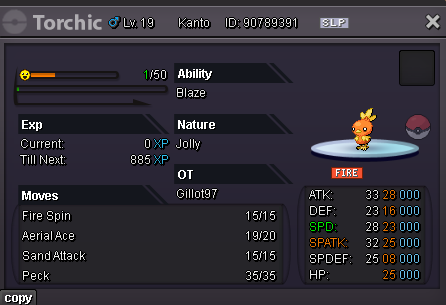
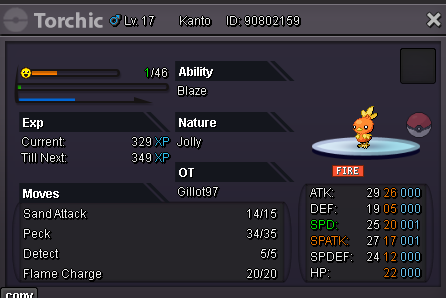
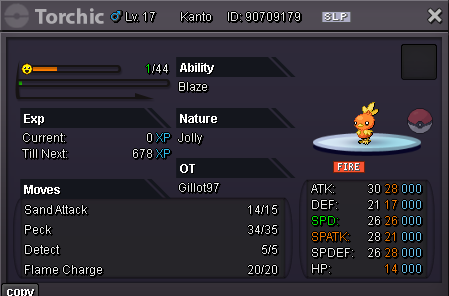
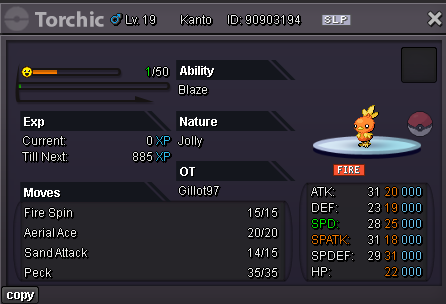
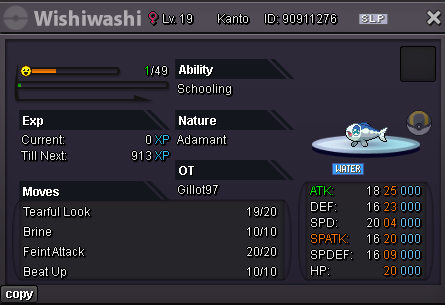
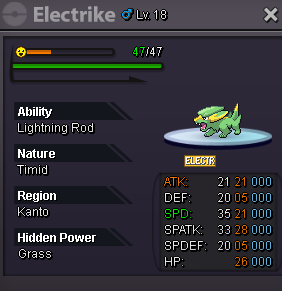
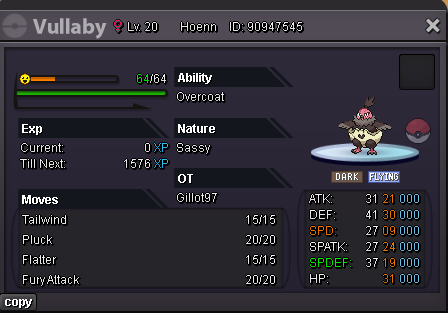
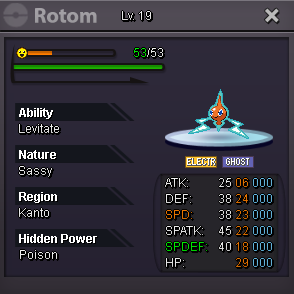
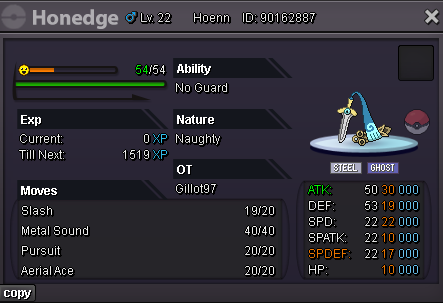
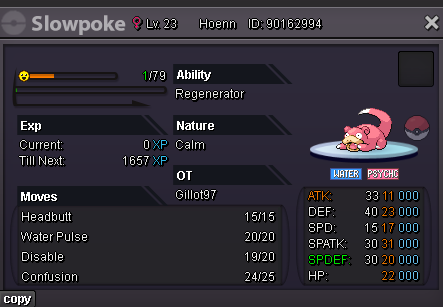
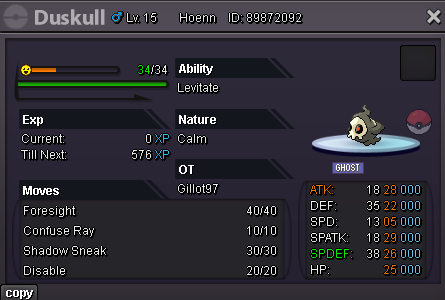
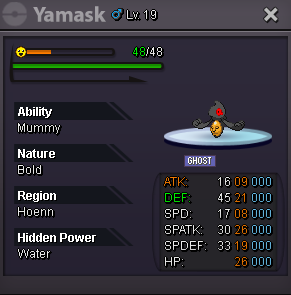
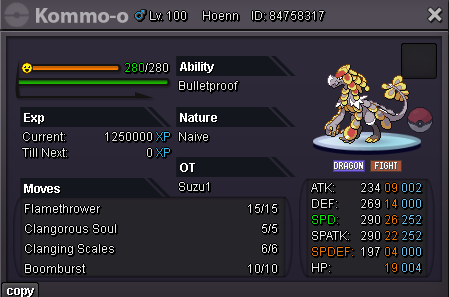
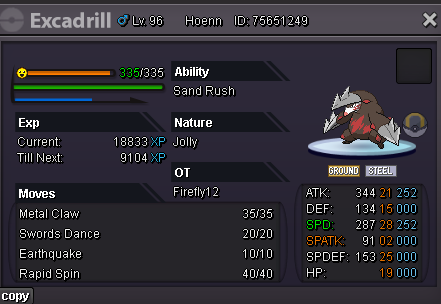
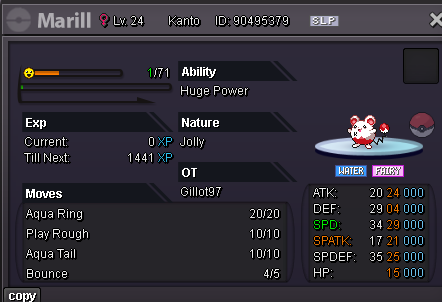
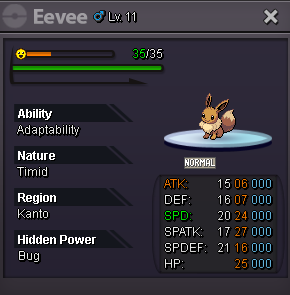
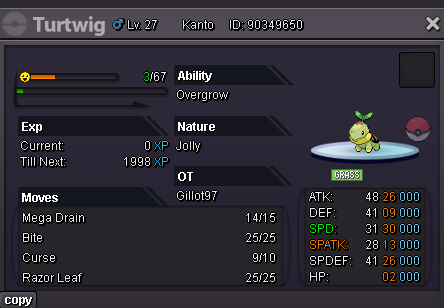
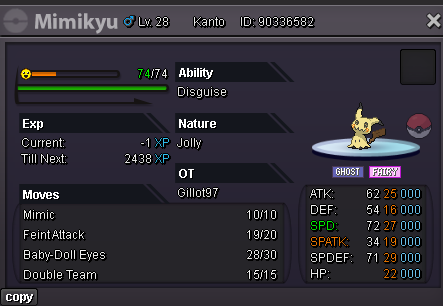
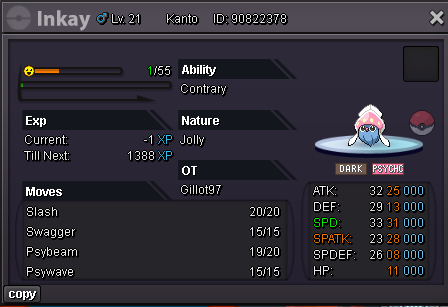
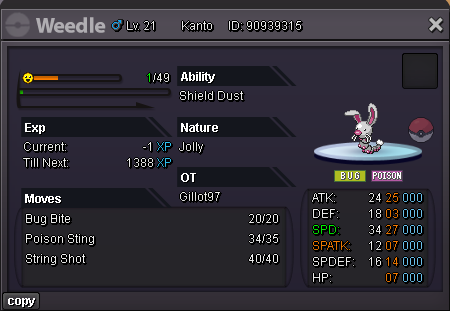

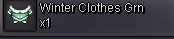

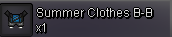

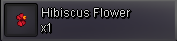 Help modcan't catch him online, force plsty all for participating and congratz to mochinew end at 04:23
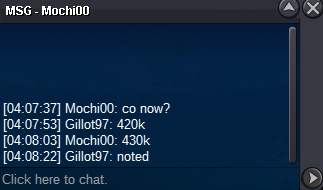 new end at 04:22


Account
Navigation
Search
Configure browser push notifications
Chrome (Android)
- Tap the lock icon next to the address bar.
- Tap Permissions → Notifications.
- Adjust your preference.
Chrome (Desktop)
- Click the padlock icon in the address bar.
- Select Site settings.
- Find Notifications and adjust your preference.
Safari (iOS 16.4+)
- Ensure the site is installed via Add to Home Screen.
- Open Settings App → Notifications.
- Find your app name and adjust your preference.
Safari (macOS)
- Go to Safari → Preferences.
- Click the Websites tab.
- Select Notifications in the sidebar.
- Find this website and adjust your preference.
Edge (Android)
- Tap the lock icon next to the address bar.
- Tap Permissions.
- Find Notifications and adjust your preference.
Edge (Desktop)
- Click the padlock icon in the address bar.
- Click Permissions for this site.
- Find Notifications and adjust your preference.
Firefox (Android)
- Go to Settings → Site permissions.
- Tap Notifications.
- Find this site in the list and adjust your preference.
Firefox (Desktop)
- Open Firefox Settings.
- Search for Notifications.
- Find this site in the list and adjust your preference.