




New Trade Zone
Trade Zone is now live
Use the new Trade Zone for auctions and instant-price trades so Pokemon and item offers are easy to find.

Westers
Registered User
-
Joined
-
Last visited
Everything posted by Westers
-
Start
-
Start
-
@Mainvijay you´ve won. 🙂
-
-
Start offer: for whole bundle is 15k. Min raise: 5k. Lenght: 24hrs after first bid.
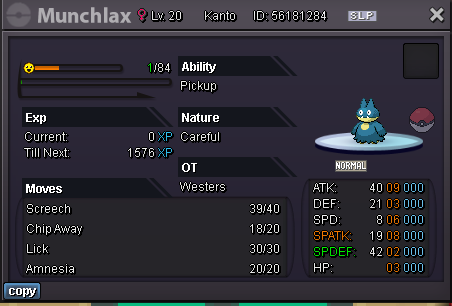
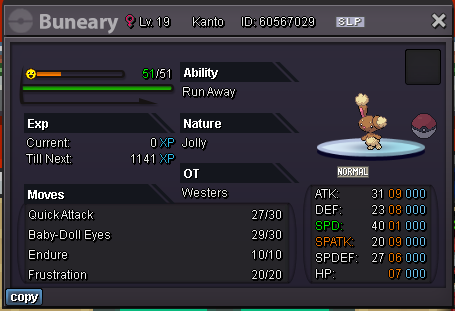
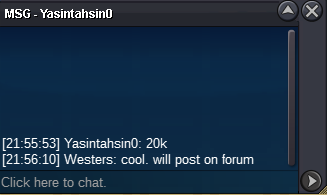
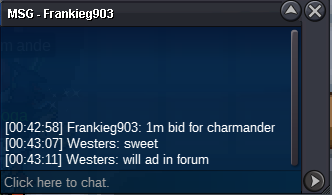
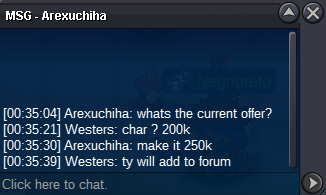
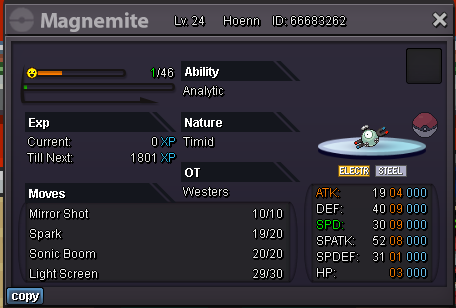 @Assassin512 has won nidoking for 250k @Xain0708 has won swampert for 200k as it is stated in the main post I’ll be able to login into the game only on Sunday . IGN : westersi cannot see 2nd imageFrankieg903 has won. Discord: Westers#9160 IGN: Westers24 hr Countdown starts after first bid. First bid must be atleast 50k . Min increase 10k. Good luck
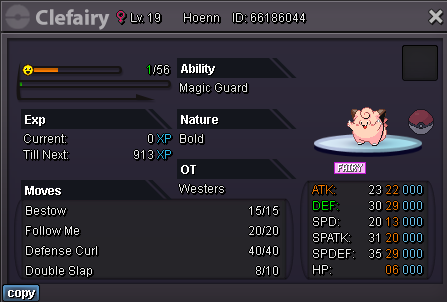 24 hr Countdown starts after first bid. First bid must be atleast 100k . Min increase 10k. /added info 3.08.23. 00:53 CEST/ every´´ last second´´ bid will extend the auction for another 20 minutes so other bidders have time to respond. #FairGame Good luck Current offer 1m by Frankieg903 Auction ends tomorrow 3.8.23 23:53 CEST
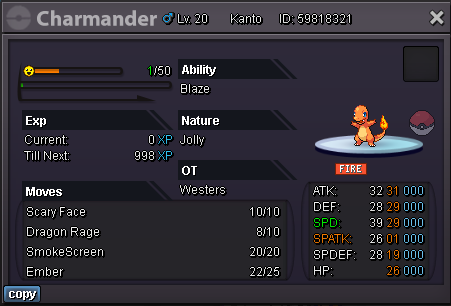 Hello, welcome to another auction. Each poke Start bid is 200k and lasts for 48 hours after each first bid. And minimum raise is 50k. Only cash is accepted . good luck ! Info for the winners, i won´t be available to trade untill sunday afternoon (CEST), feel free to inform me on Discord : Westers#9160. Sorry for inconvenience. Nidoking 250k Sold Swampert 200k Sold
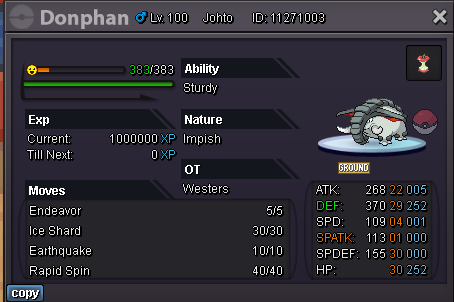

 Hello, I’ve decided to sell my snorlax . Auction will start once starting bid has been posted. Auction duration 72hrs. Starting bid will be 1m Min. raise is 100k Accepting only cash. Good luck to every participant 🙂
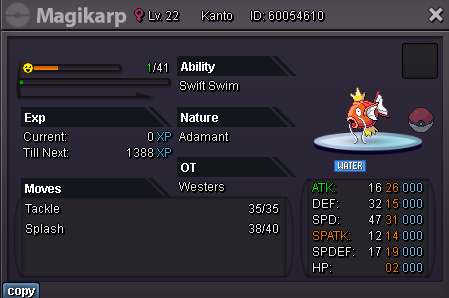
 Hi and welcome! Will drop here bunch of pokemons i´ve collected in the past and maybe it finds new home! 🙂 Just enter the pokemon ID or screenshot it in the comments and you´ve got a deal! 30k 50k 100k 150k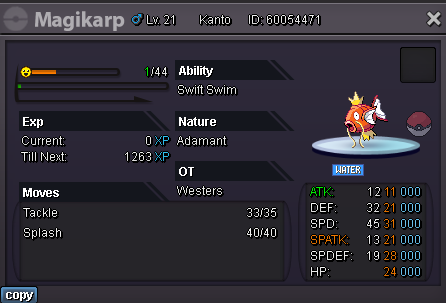
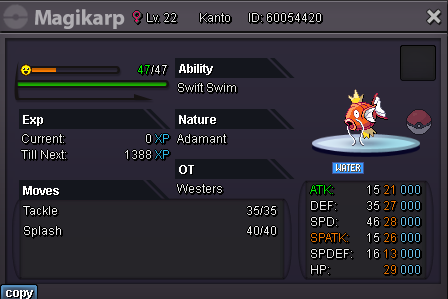
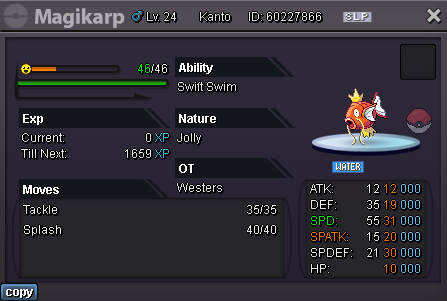
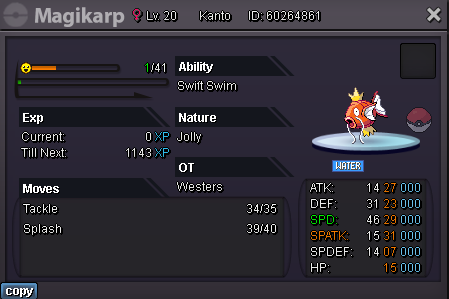
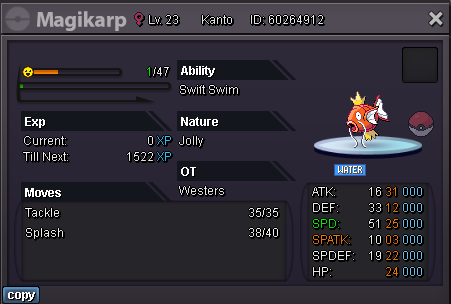
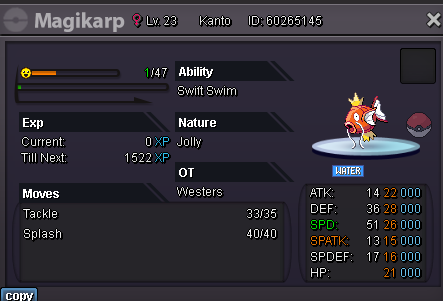
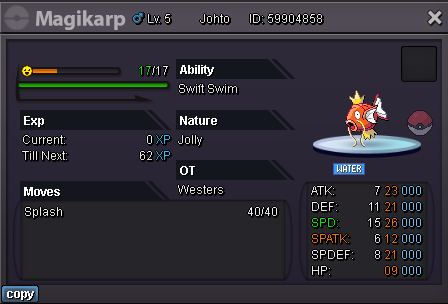
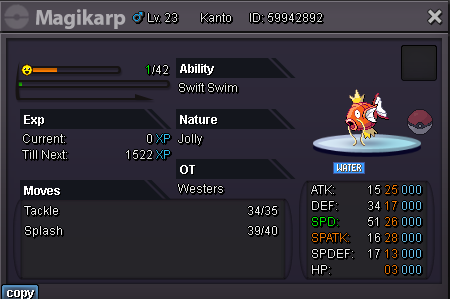
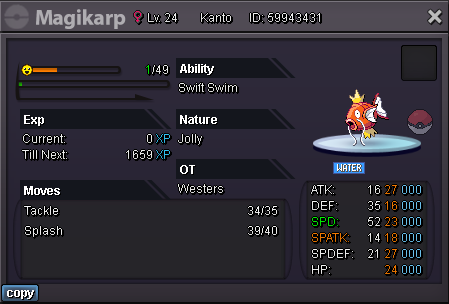
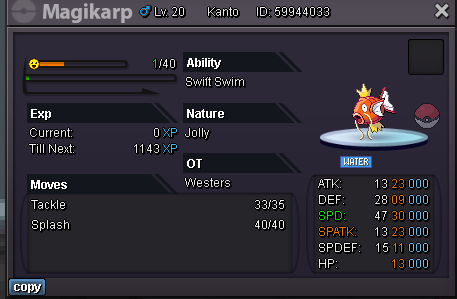
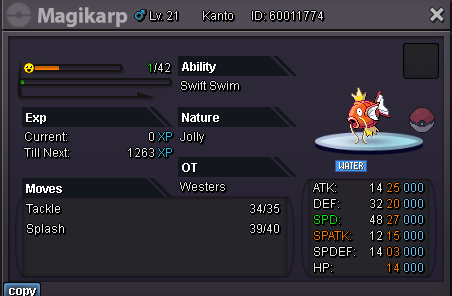
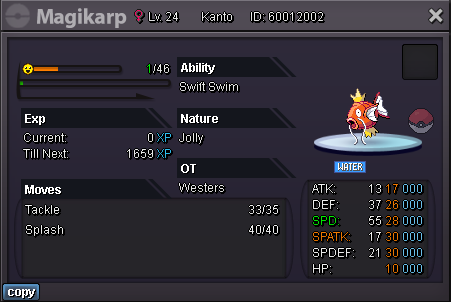
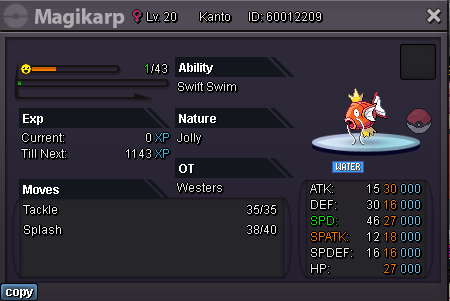
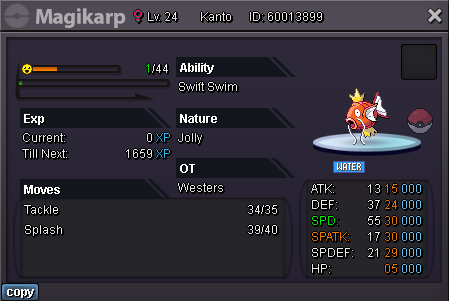
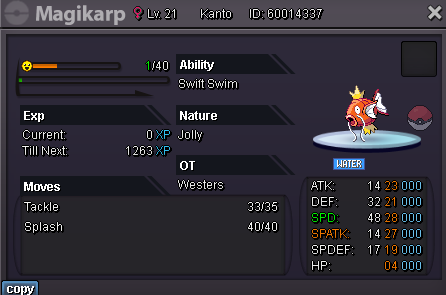
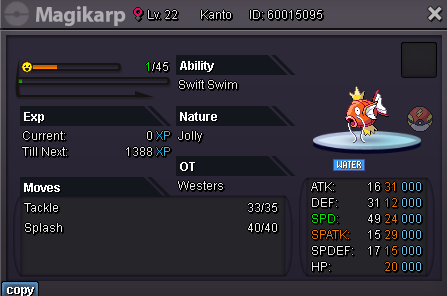
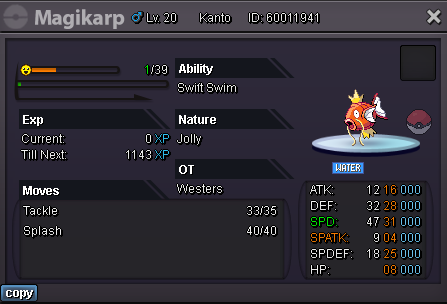
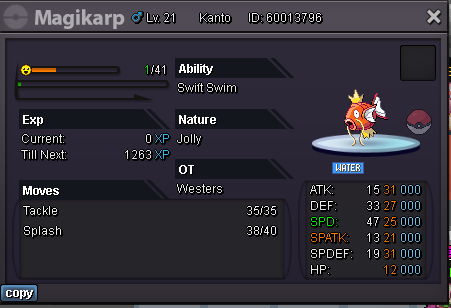
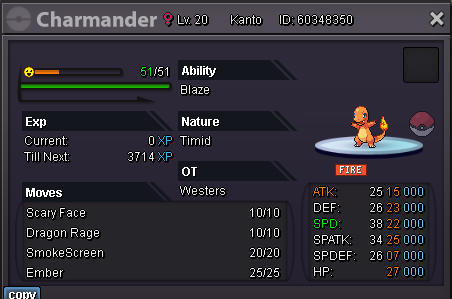
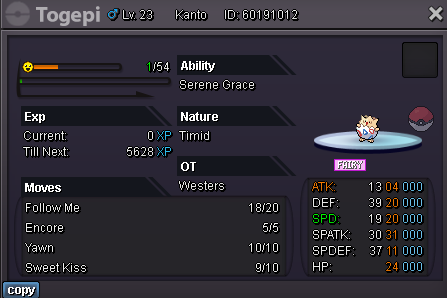
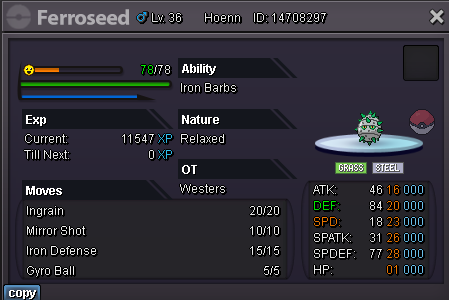
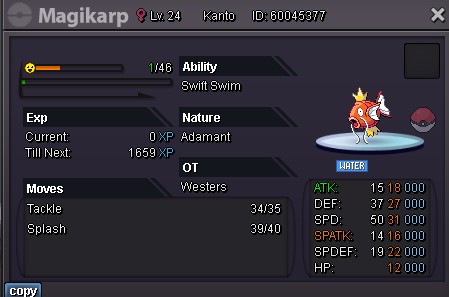
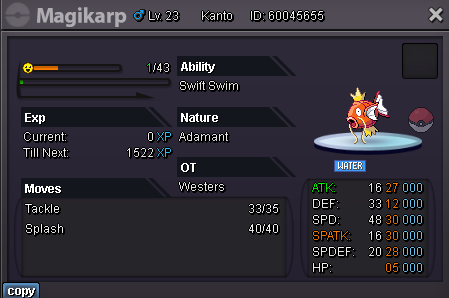
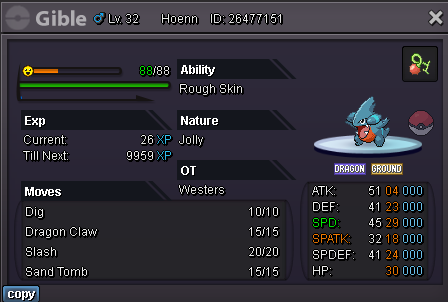
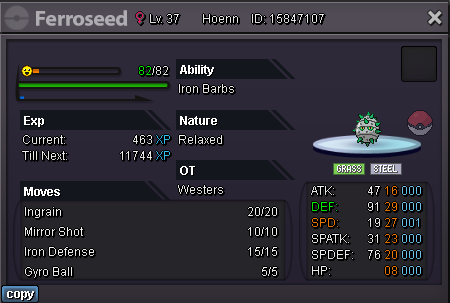
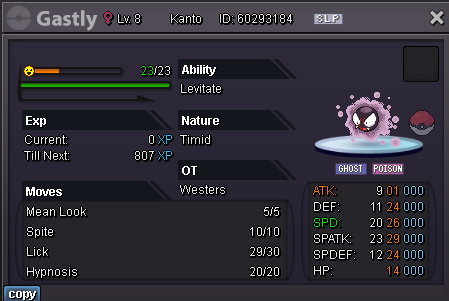
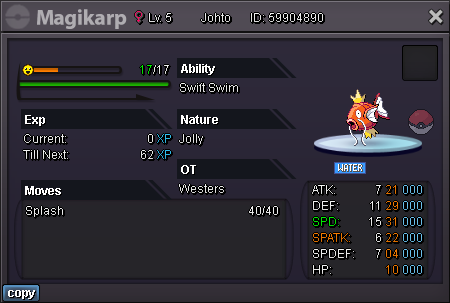
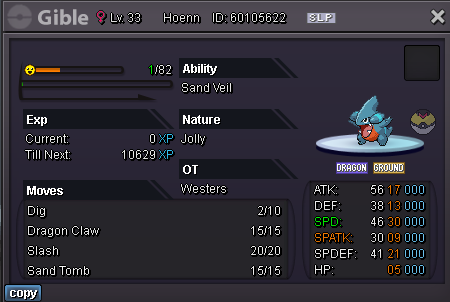
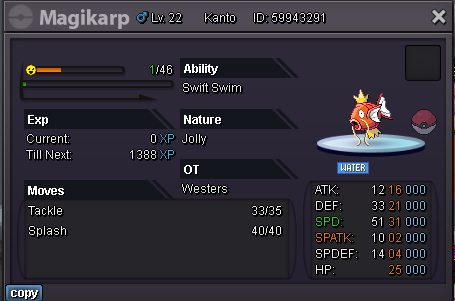
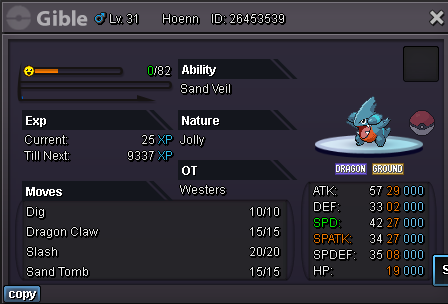
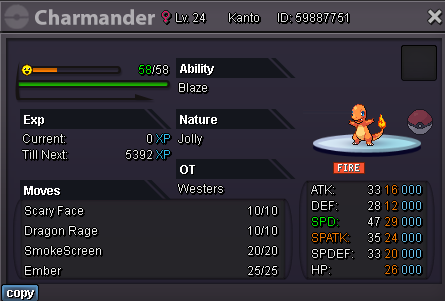
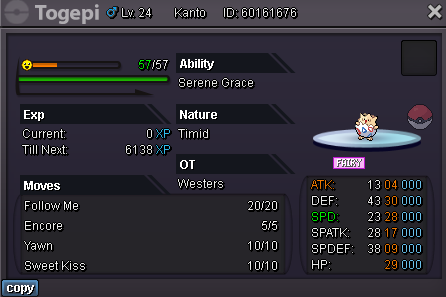
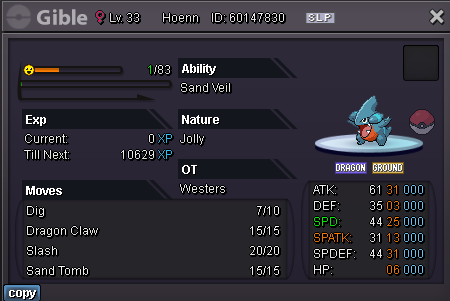
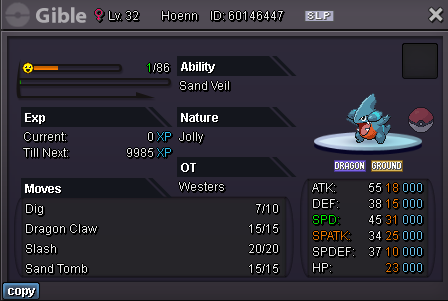
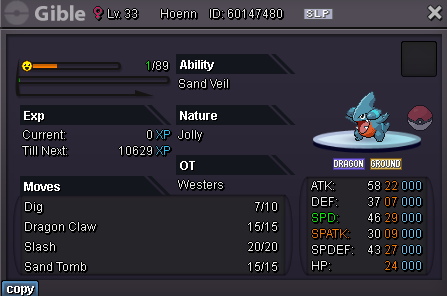
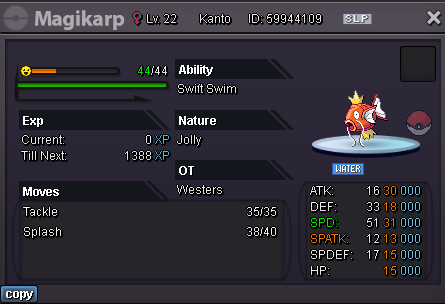

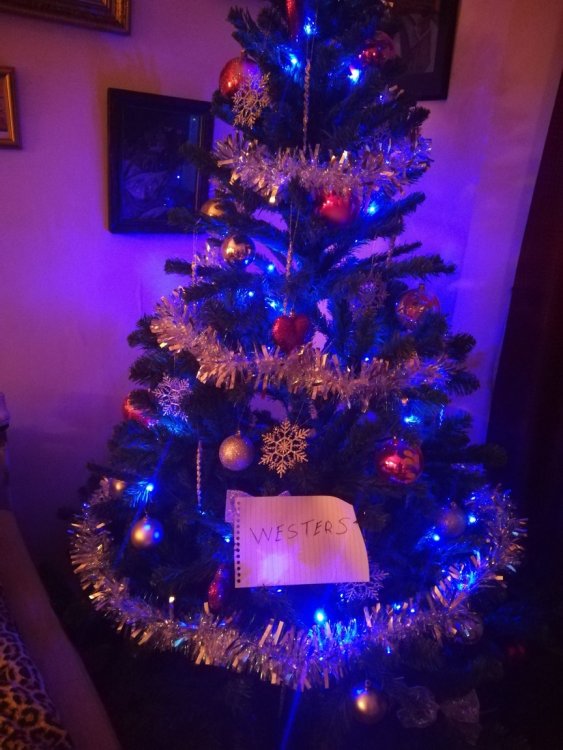
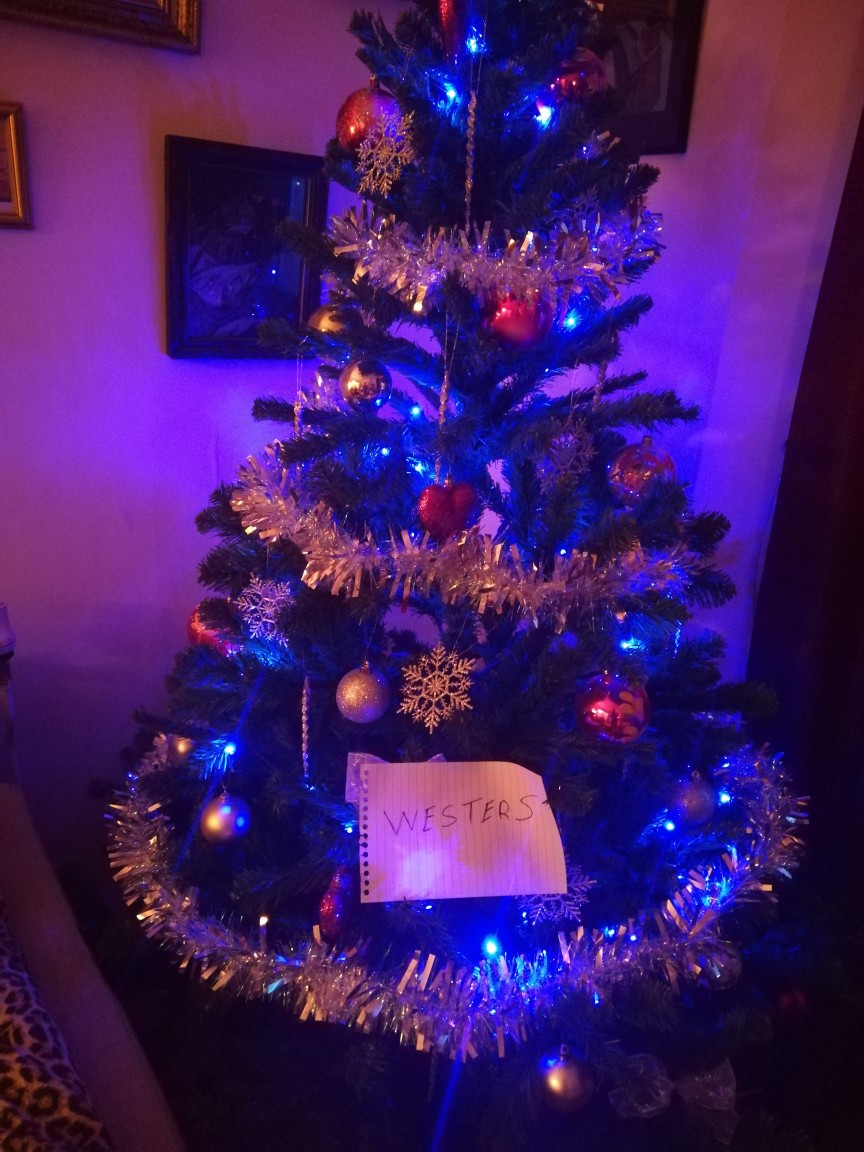
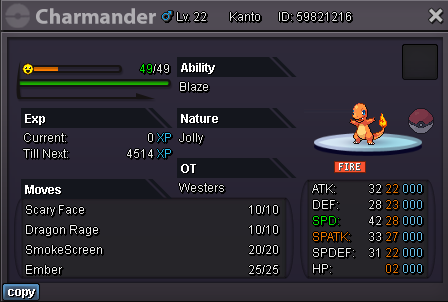 Server : Gold IGN : Westers What do you want to ask from Santa this Christmas? I hope that Santa can bring be some good catch in gold Server I can be proud of! (last year it was amazing snorlax) Post a picture of your Christmas Tree!
 Hello. Can you delevel please my 90lvl elekid to 89, because i need 90lvl electrabuzz for pinkan island quest. Server : Gold In-Game nick - Westers Poke ID : 22831372 And any chance to get De-evolve my scizor?? if yes... Server: Gold Game nick - Westers Poke ID : 22691203New regions one big Yesss. Mega stones no.Hello! I am passionate to hunting and would love to give some suggestions to make hunting more enjoyable (less annoying) but NOT EASIER and hope that you all will like it! Repel Hunting: I am sure that very good invention would be if we could consume more repels at once. How it would look: after you press button to use you your repel would come up a window where you can write a number of repels you want to use or else we could choose from given numbers (5,10,20 etc.) We could escape of annoying encounter between using repel again because sometimes it is not possible to not encounter some random pokemon. Of course there is also negative side, if i would consume 10 repels and server crashes all repels would go away, but maybe it could be able to make to return these repels which you have lost because of server crash. Pokemon storage: We all know how annoying it is to dig into so many boxes of pokemons you have caught just to see have you caught some with right ability and nature, so i would suggest to upgrade search system and add filter where you can choose for example - Pokemon name: Larvitar Nature: Adamant Ability: Guts That would save our time so much! Because normally i catch like 2 or more boxes of pokemons before i check them in my storage, and i can bet that i am not the only one. Can not list any negatives of this idea, if you can think of one please let me know. Thanks! Hope you will leave here 1+



Account
Navigation
Search
Configure browser push notifications
Chrome (Android)
- Tap the lock icon next to the address bar.
- Tap Permissions → Notifications.
- Adjust your preference.
Chrome (Desktop)
- Click the padlock icon in the address bar.
- Select Site settings.
- Find Notifications and adjust your preference.
Safari (iOS 16.4+)
- Ensure the site is installed via Add to Home Screen.
- Open Settings App → Notifications.
- Find your app name and adjust your preference.
Safari (macOS)
- Go to Safari → Preferences.
- Click the Websites tab.
- Select Notifications in the sidebar.
- Find this website and adjust your preference.
Edge (Android)
- Tap the lock icon next to the address bar.
- Tap Permissions.
- Find Notifications and adjust your preference.
Edge (Desktop)
- Click the padlock icon in the address bar.
- Click Permissions for this site.
- Find Notifications and adjust your preference.
Firefox (Android)
- Go to Settings → Site permissions.
- Tap Notifications.
- Find this site in the list and adjust your preference.
Firefox (Desktop)
- Open Firefox Settings.
- Search for Notifications.
- Find this site in the list and adjust your preference.