New Trade Zone
Trade Zone is now live
Use the new Trade Zone for auctions and instant-price trades so Pokemon and item offers are easy to find.

Longmeltu
Registered User
-
Joined
-
Last visited
-
I got an ssd crucial mx 500 256 GB yes
-
ahaha man i got an gtx 1060 , 8gb ram cpu i5 7700k and i play AAA games with no problem at all, the problem is 100% non related to the lack of memory .. i ll try to figure out what is it then if ur clues about it are finished. ty for the support
-
Kinda good news, i tried the game on my phone and it works, ofc i cnt play it there cause is an old phone and it burns like hell, but at least i figured out something even if i dnt know exactly what. Any clue ?
-
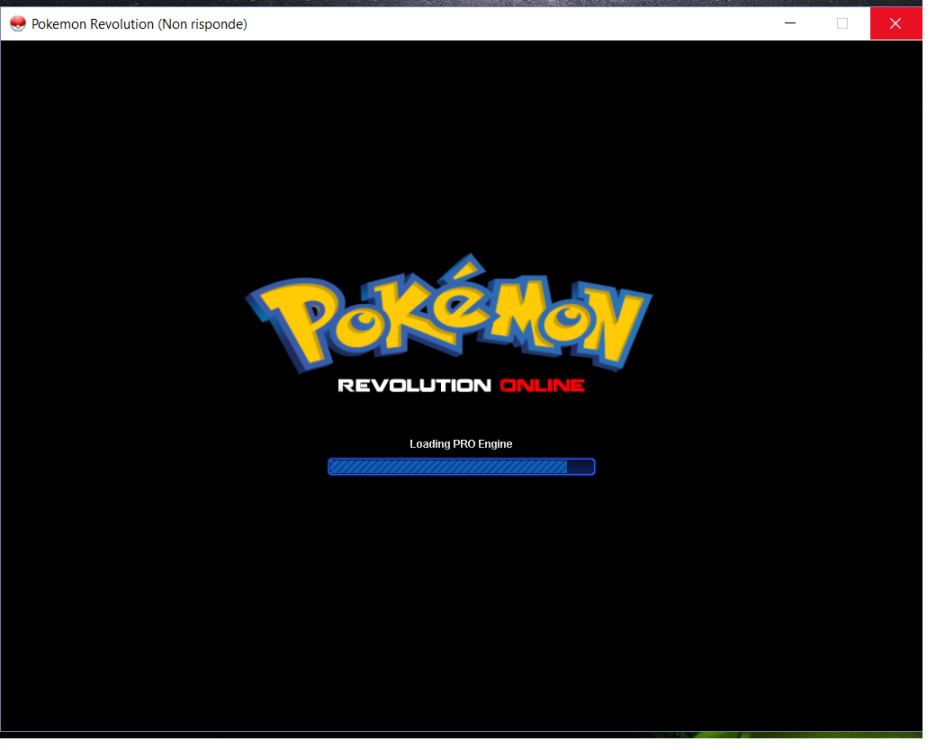
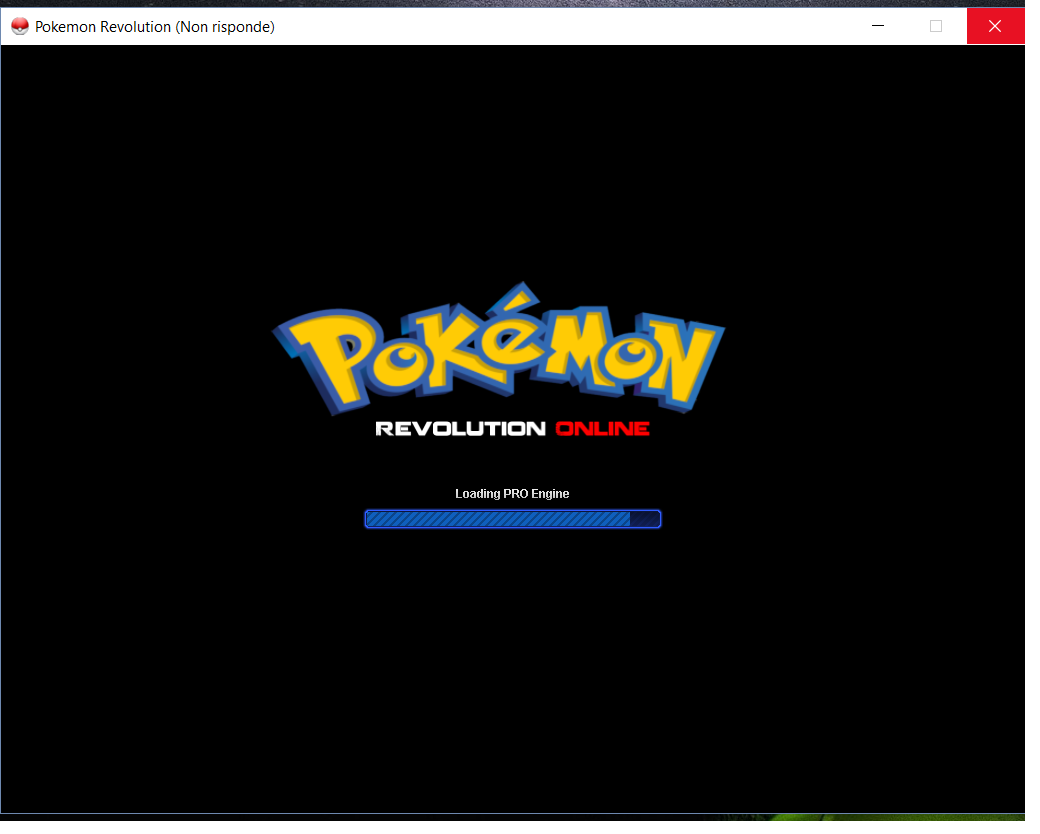
Sadly nothing changed, i even tried the 32 bit version with the same results as the 64 bit... i dnt really know how to fix this issue, its weird that even deleting the files cleaning temp files ram and stuff nothing changed... really weird, did we run out of options to try to fix it ? T_T
-
was already setted as admin
-
i ve already done all of that, nothing seems to works
-
already done more and more times, nothing seems to change that issue. even if i close the process in the task manager i can open the game and the problem is still there. i dnt know what to do, maybe the next patch will fix this problem
-
i ve 0 knowledge about it , i dnt know from what to start
-
thats could be a problem since i dnt ve other devices that can run it atm
-
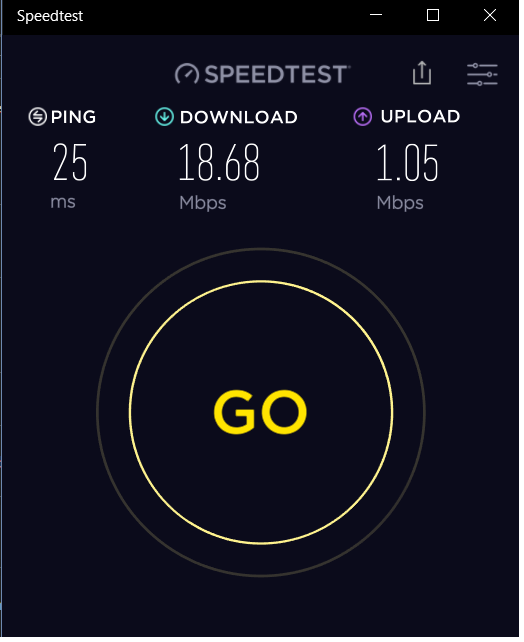
Not a single problem i play various games online without an issue
-
Actually i ve already tried the game in compatibility mode for win 7 and 8 , graphic card is updated as well as the win 10 version, antivirus and firewall disabled during the try , no other processes in the background .
-
i ve tried to re-download the game but nothing change, cleaned all the temporary file as well. Help?