New Trade Zone
Trade Zone is now live
Use the new Trade Zone for auctions and instant-price trades so Pokemon and item offers are easy to find.

Messengerodeath
Registered User
-
Joined
-
Last visited
-
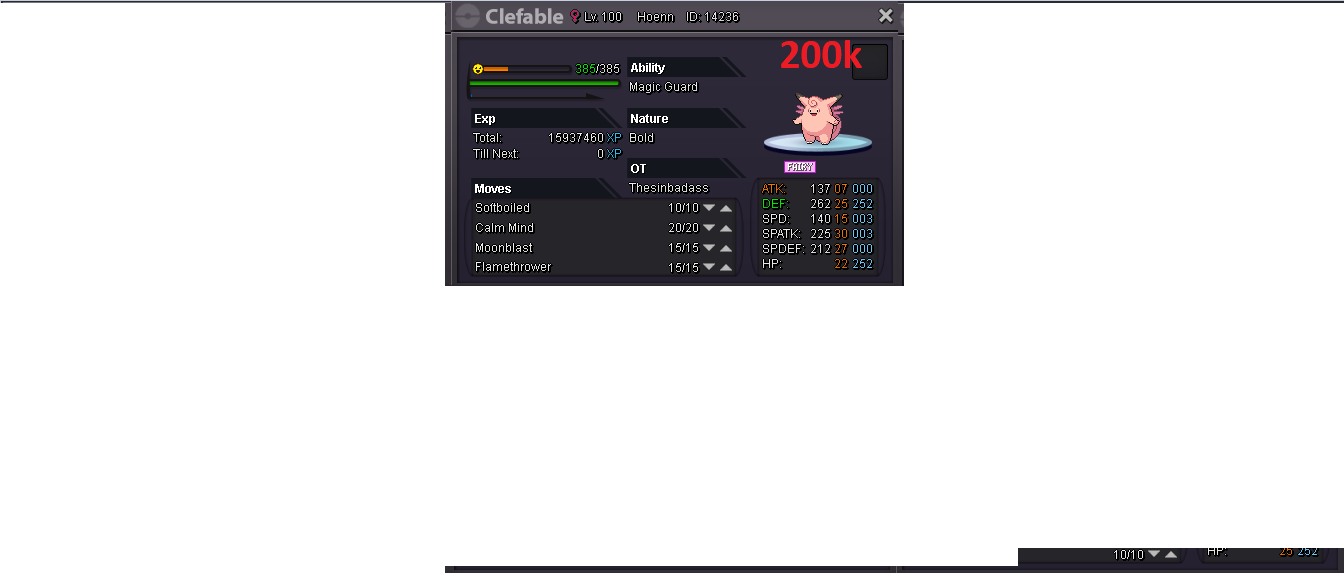
wtb this
-
thank you so much for the help have a good day :)
-
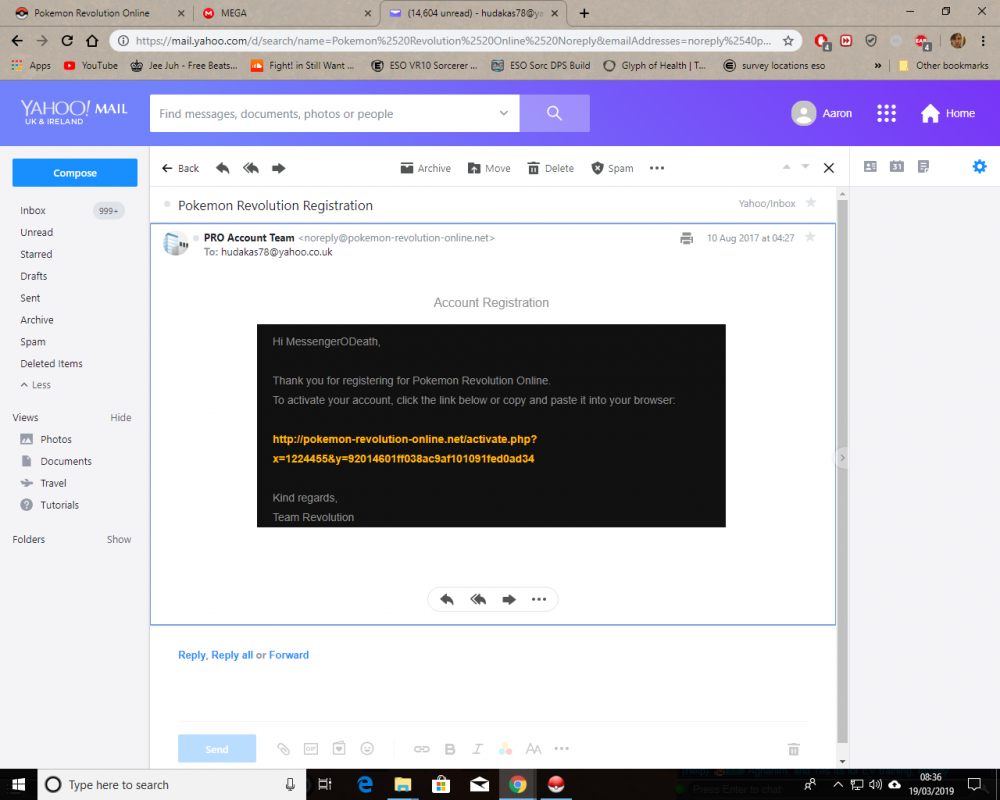
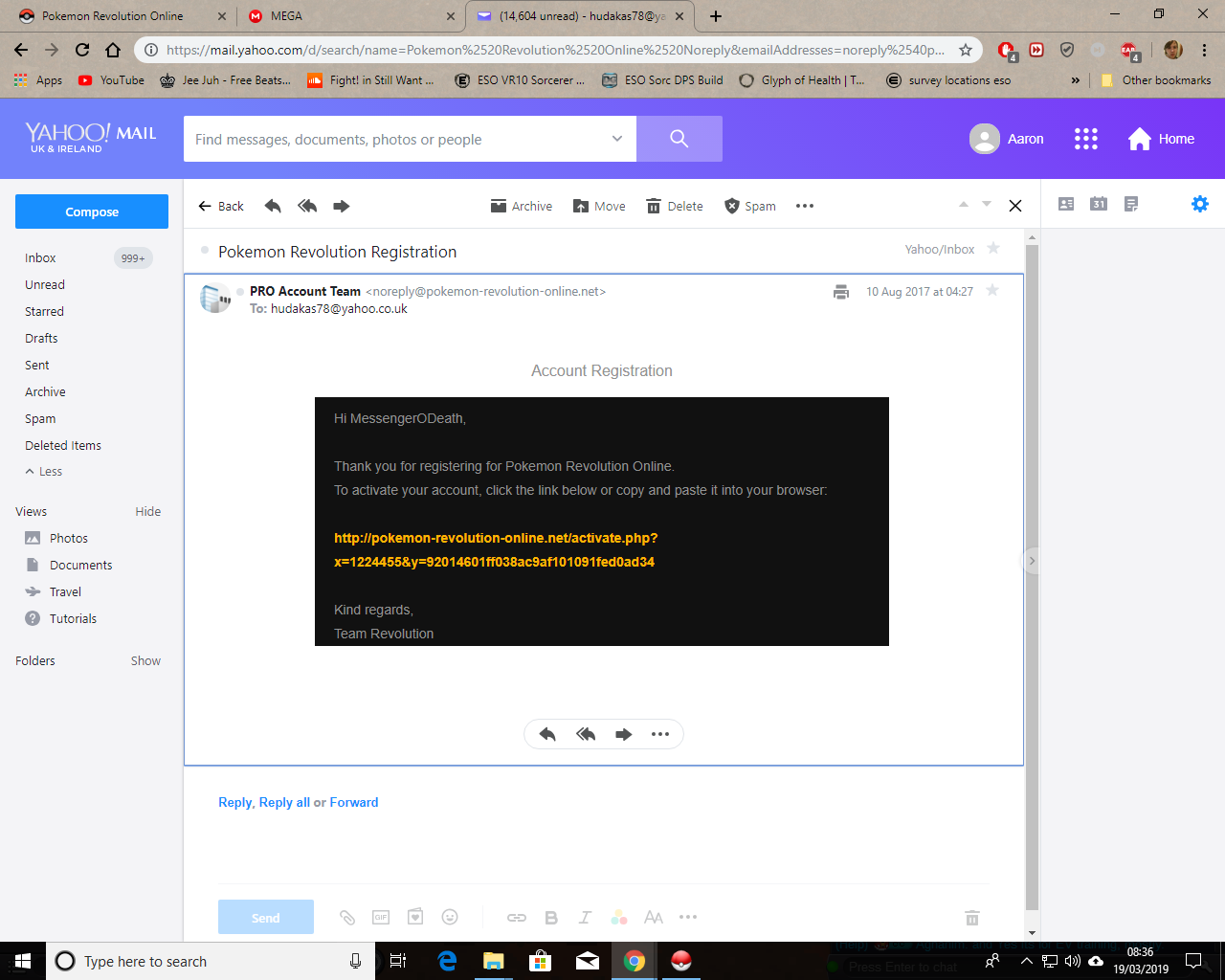
I used to play a long while back when you have the different server system the red blue yellow system, back b4 my old pc went bust, i come back to your game and the point i was at previously i was at basically the end game at the time, id beaten all the regions id bought several things in the store like a red gyarados mount and things, memberships etc etc and when ive come back some reason all my progress has completely gone in back at the start with nothing, is it cause i downloaded the 32 bit version of the game or something else as i have spent money on this game in the past on this account but all my progress seems to of gone with my items. i attached a file showing i signed up in august a few years back if that helps