




New Trade Zone
Trade Zone is now live
Use the new Trade Zone for auctions and instant-price trades so Pokemon and item offers are easy to find.


Metanarchy
Registered User
-
Joined
-
Last visited
Everything posted by Metanarchy
-
Deino 23
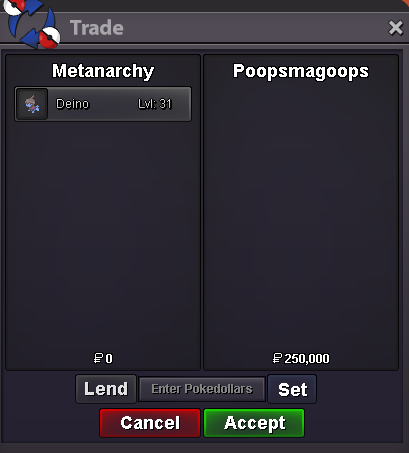
-
@Poopsmagoops Hello, of course ! ping me here or on discord (I accepted your contact) when you are available 🙂
-
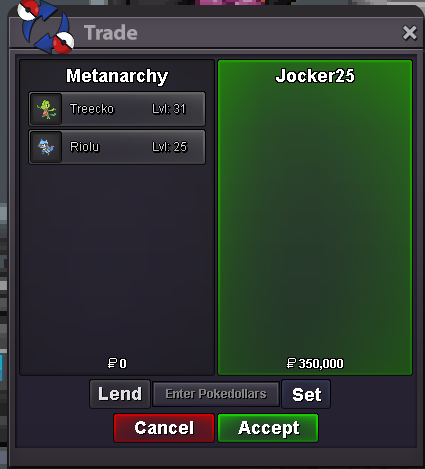
Treecko 9 - Riolu 9
-
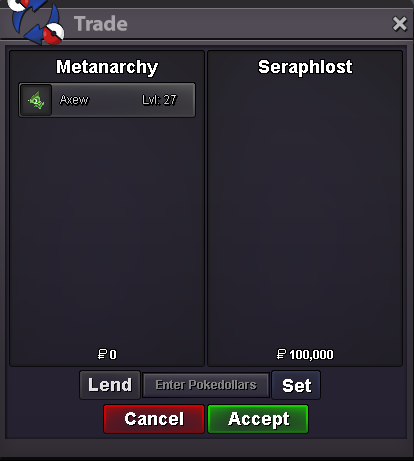
Axew 17
-
Little update : Some Pokémon that are no longer suitable for the current market have been removed from the shop. Coming soon: A new wave of Pokémon, along with a price review of those in the shop will be released this month or next one.
-
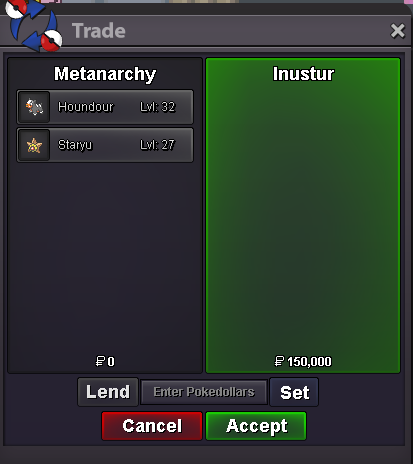
Staryu 1 / Houndour 5
-
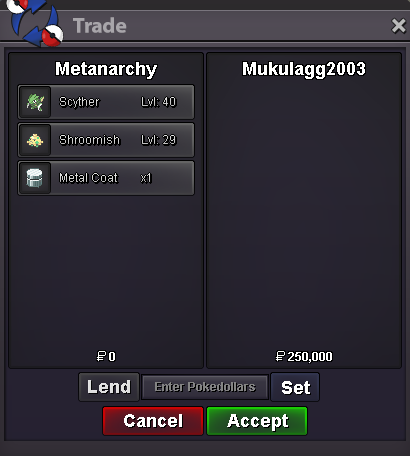
Scyther 9 / Shroomish 2
-
@Mukulagg2003 Hello ! of course, pm me or ping me when you are available
-
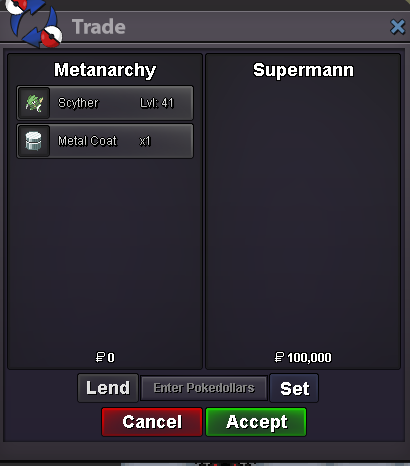
Scyther 3
-
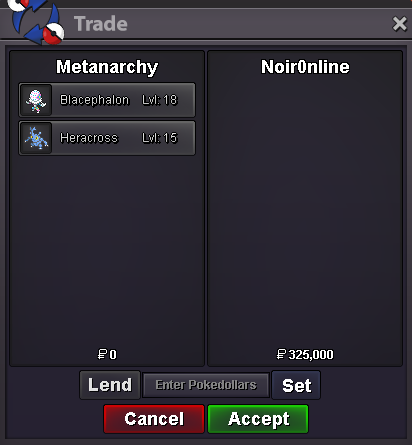
Blacephalon 3
-
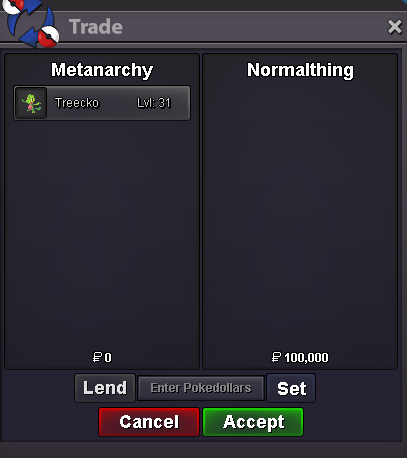
1m5Treecko 3
 Ferroseed 7 - Gible 2 - Larvesta 26 - Ralts 2 - Slowpoke 1 & 4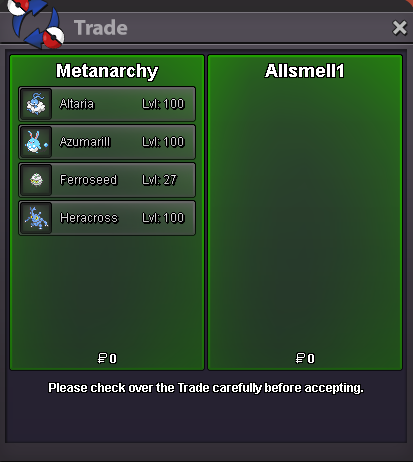
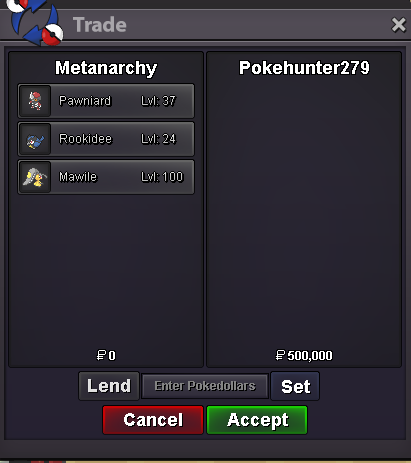
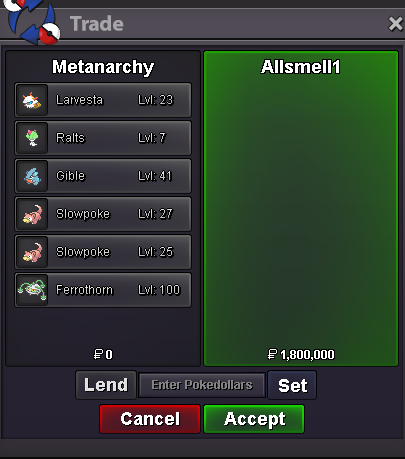 @Allsmell Of course, feel free to pm me in game or here when you are online 🙂3.1mPawniard 2 / Rookidee 1
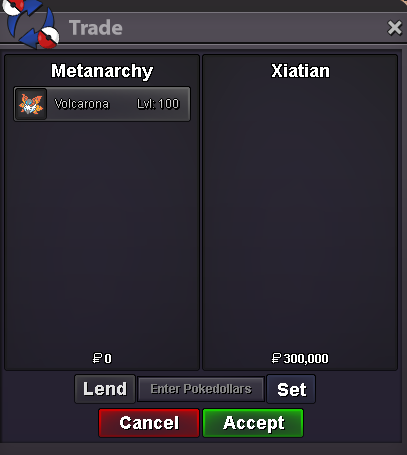
 Volcarona 2
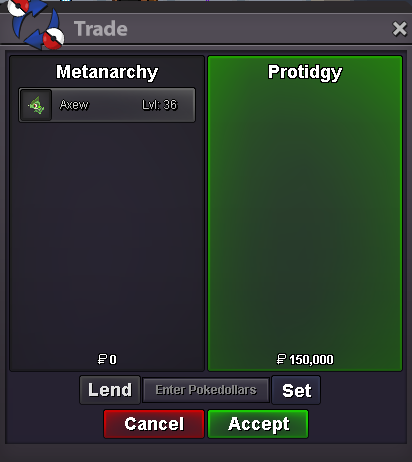
 Axew 11
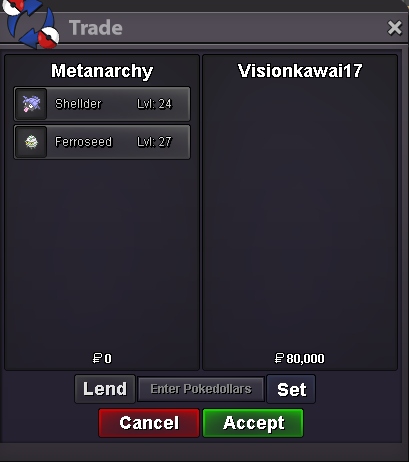
 Shellder 1 / Ferroseed 4
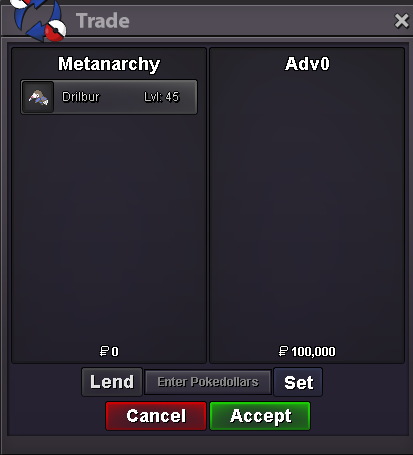
 Drilbur 9
 @Advay0 Hey ! ofc, tell me when you are availableRalts 6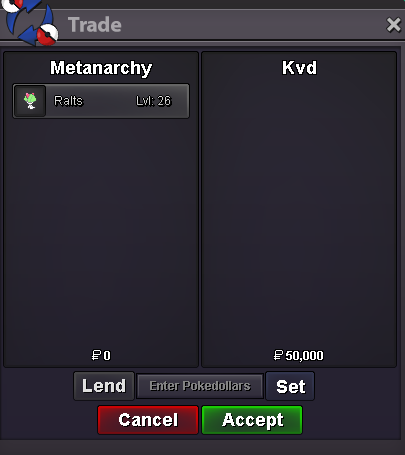


Account
Navigation
Search
Configure browser push notifications
Chrome (Android)
- Tap the lock icon next to the address bar.
- Tap Permissions → Notifications.
- Adjust your preference.
Chrome (Desktop)
- Click the padlock icon in the address bar.
- Select Site settings.
- Find Notifications and adjust your preference.
Safari (iOS 16.4+)
- Ensure the site is installed via Add to Home Screen.
- Open Settings App → Notifications.
- Find your app name and adjust your preference.
Safari (macOS)
- Go to Safari → Preferences.
- Click the Websites tab.
- Select Notifications in the sidebar.
- Find this website and adjust your preference.
Edge (Android)
- Tap the lock icon next to the address bar.
- Tap Permissions.
- Find Notifications and adjust your preference.
Edge (Desktop)
- Click the padlock icon in the address bar.
- Click Permissions for this site.
- Find Notifications and adjust your preference.
Firefox (Android)
- Go to Settings → Site permissions.
- Tap Notifications.
- Find this site in the list and adjust your preference.
Firefox (Desktop)
- Open Firefox Settings.
- Search for Notifications.
- Find this site in the list and adjust your preference.