




New Trade Zone
Trade Zone is now live
Use the new Trade Zone for auctions and instant-price trades so Pokemon and item offers are easy to find.


Metanarchy
Registered User
-
Joined
-
Last visited
Everything posted by Metanarchy
-
Beldum 18 - Cyndaquil 6
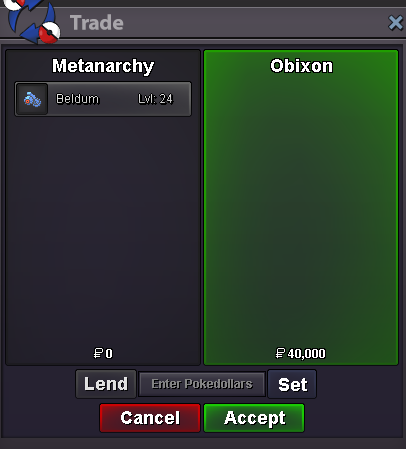
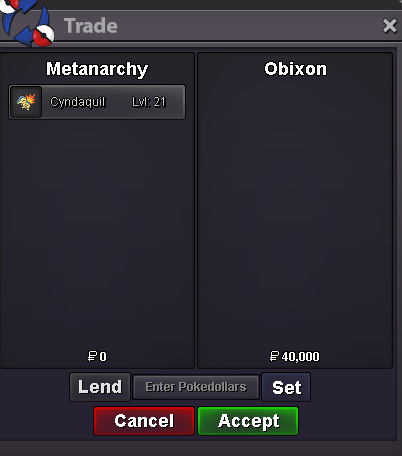
-
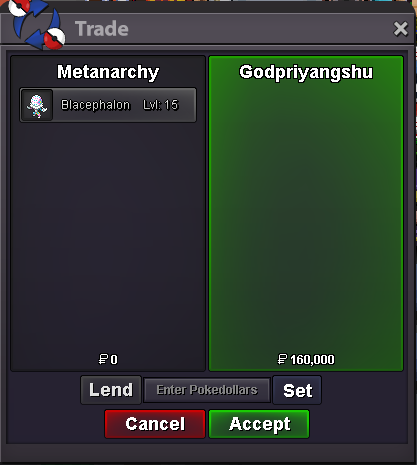
Blacephalon 2
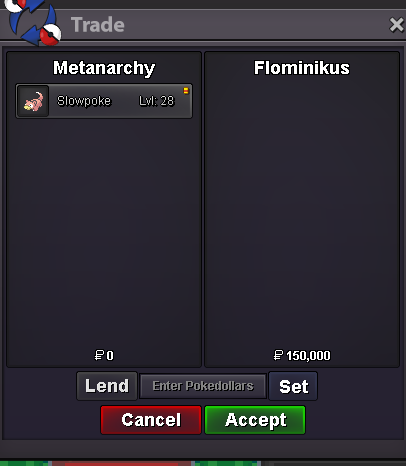
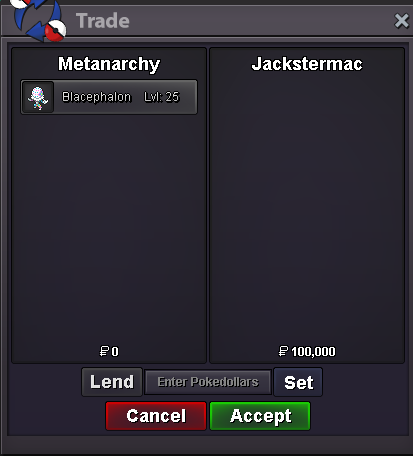 Slowpoke 2
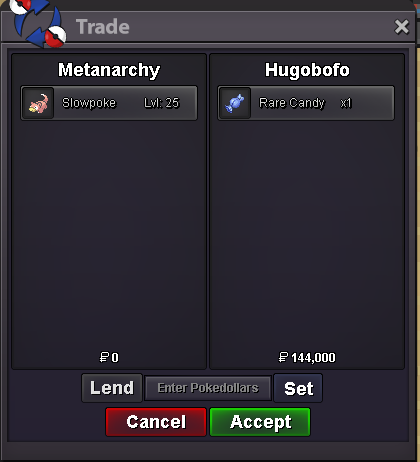 Axew 10 / Beldum 11 / Cyndaquil 5 / Jangmoo / Sandile 1 / Larvesta 15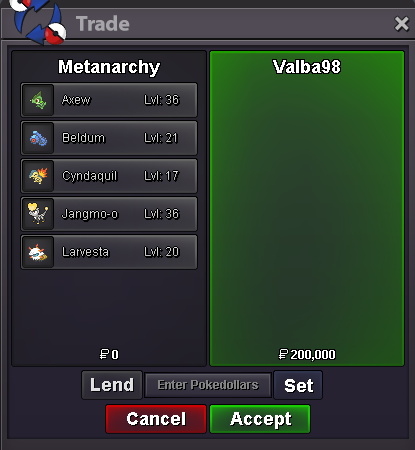
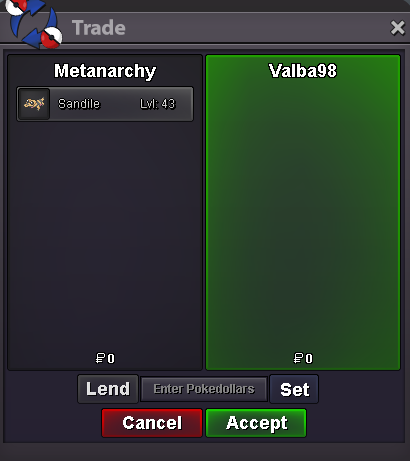 Blacephalon 7
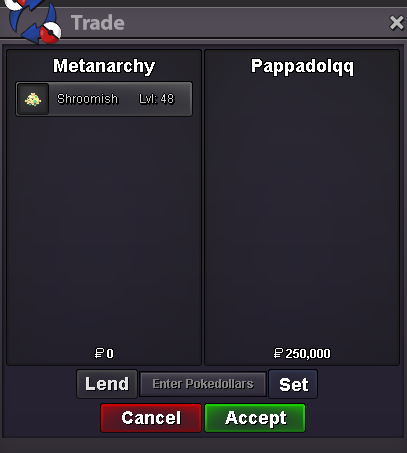
 Shroomish 5
 Slowpoke 3
 @Jackstermac Of course, dm me or post here when you are available please, thanks 🙂Axew 4 / Charmander 13 / Cyndaquil 1 / Ferroseed 3 / Golurk / Hatenna 3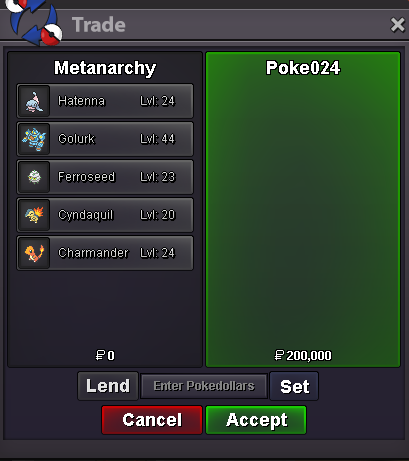
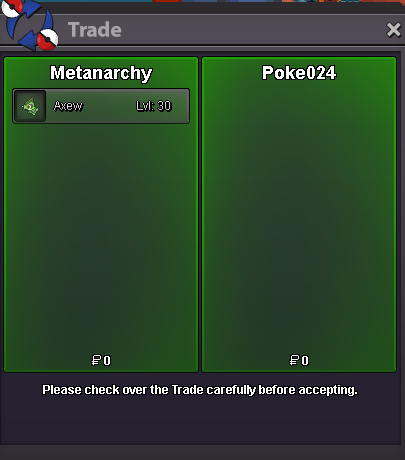 Beldum 5
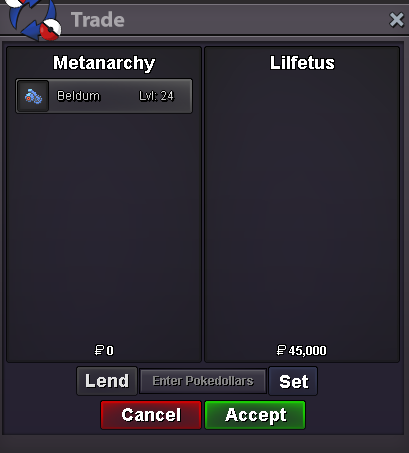 Beldum 17 / Charmander 4 / Ferroseed 2 / Hatenna 2 / Honedge 2 / Gible 3
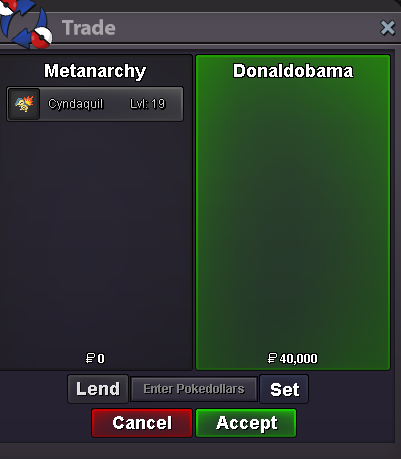
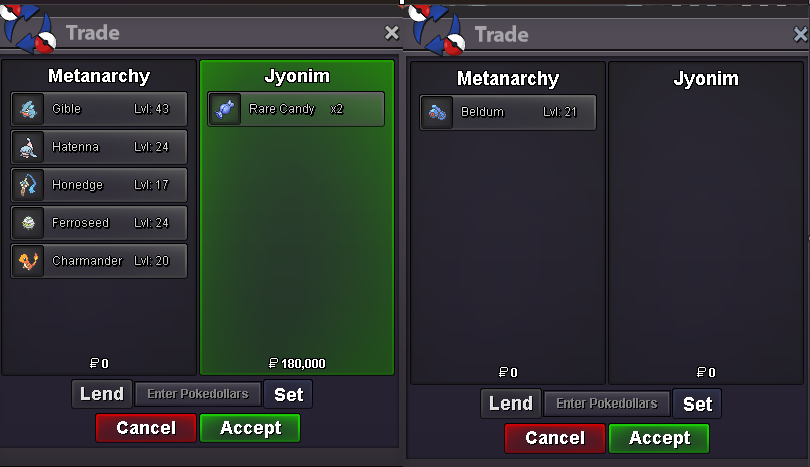 Cyndaquil 2
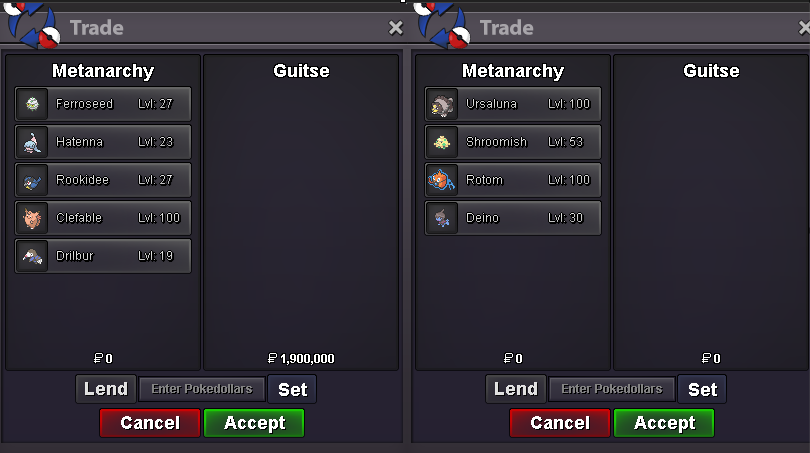
 Ferroseed 1 - Hatenna 4 - Rookidee 4 - Clefable 1 - Drilbur 3 - Ursaluna - Deino 4 - Rotom wash 3
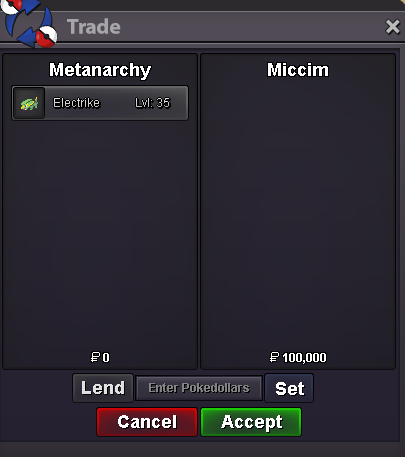
 Electrike 2
 Shellder 5
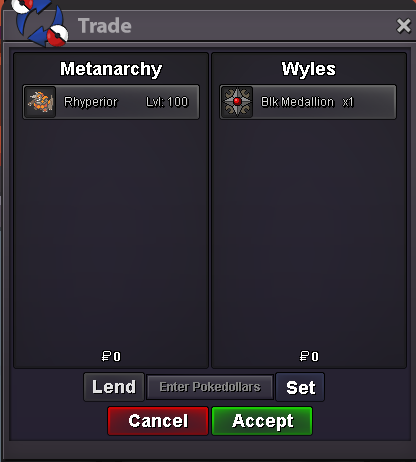
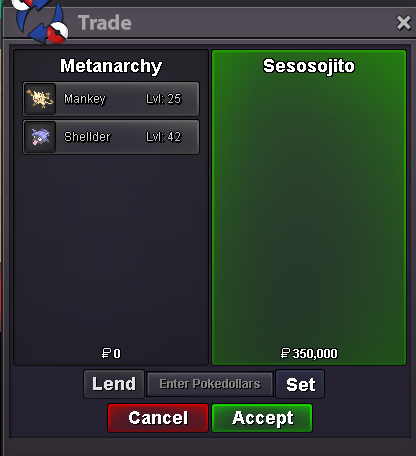 Bonjour, bonsoir everyone! I'm out until next week, feel free to dm me here on discord, I will take a look at it monday or tuesday. Cheers! EDIT : I'm Back 03.16.2026Rhyperior 2
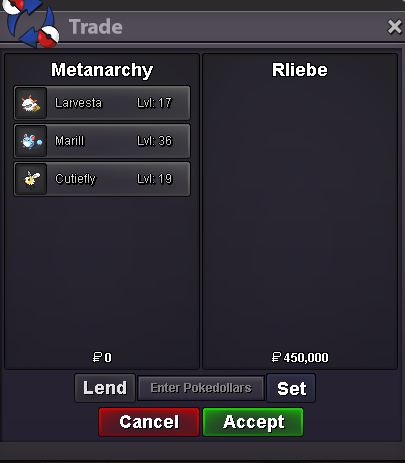
 Larvesta 36 - Cutiefly 3 - Marill 1
 2.2m RookiScyther 4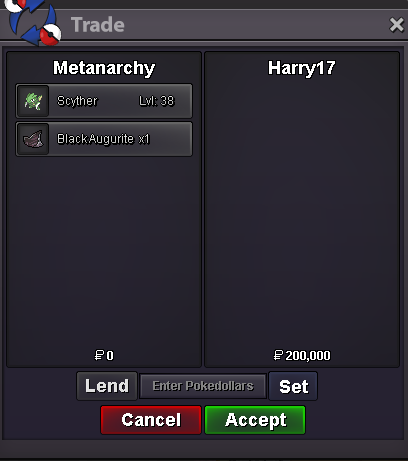


Account
Navigation
Search
Configure browser push notifications
Chrome (Android)
- Tap the lock icon next to the address bar.
- Tap Permissions → Notifications.
- Adjust your preference.
Chrome (Desktop)
- Click the padlock icon in the address bar.
- Select Site settings.
- Find Notifications and adjust your preference.
Safari (iOS 16.4+)
- Ensure the site is installed via Add to Home Screen.
- Open Settings App → Notifications.
- Find your app name and adjust your preference.
Safari (macOS)
- Go to Safari → Preferences.
- Click the Websites tab.
- Select Notifications in the sidebar.
- Find this website and adjust your preference.
Edge (Android)
- Tap the lock icon next to the address bar.
- Tap Permissions.
- Find Notifications and adjust your preference.
Edge (Desktop)
- Click the padlock icon in the address bar.
- Click Permissions for this site.
- Find Notifications and adjust your preference.
Firefox (Android)
- Go to Settings → Site permissions.
- Tap Notifications.
- Find this site in the list and adjust your preference.
Firefox (Desktop)
- Open Firefox Settings.
- Search for Notifications.
- Find this site in the list and adjust your preference.