




New Trade Zone
Trade Zone is now live
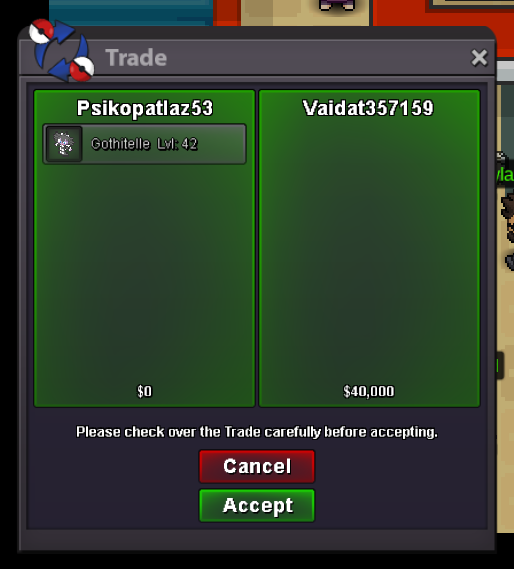
Use the new Trade Zone for auctions and instant-price trades so Pokemon and item offers are easy to find.


Psikopatlaz53
Registered User
-
Joined
-
Last visited
Everything posted by Psikopatlaz53
-
320k
-
550
-
if you think start 800k
-
1.5m
-
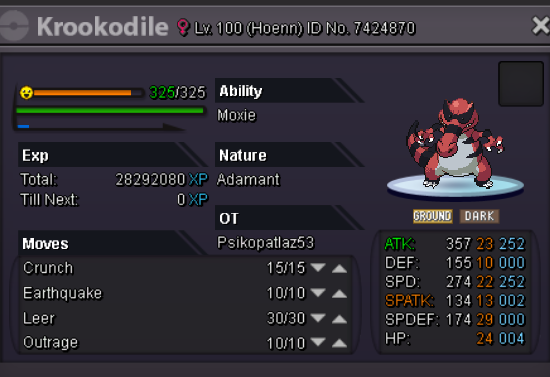
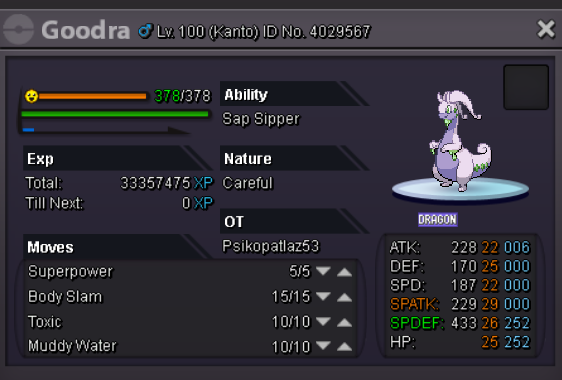
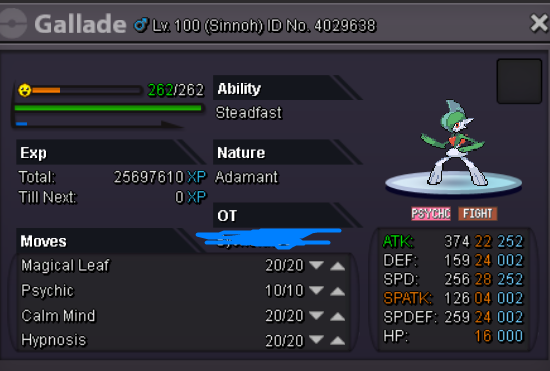
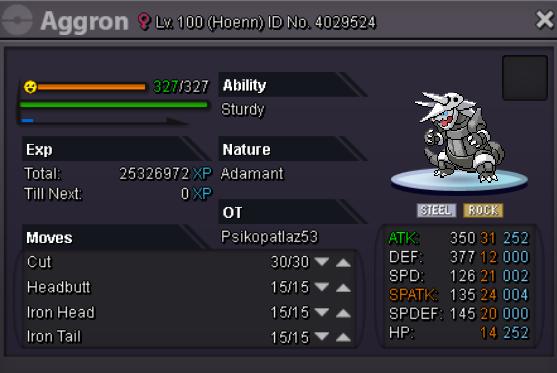
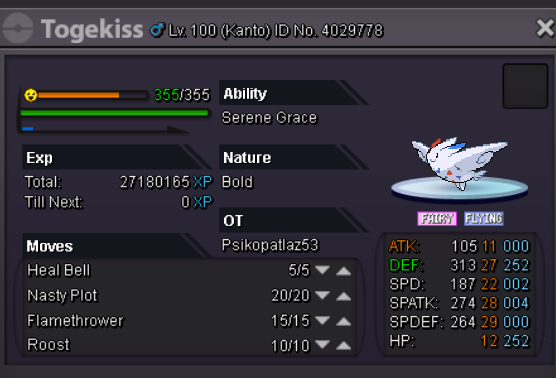
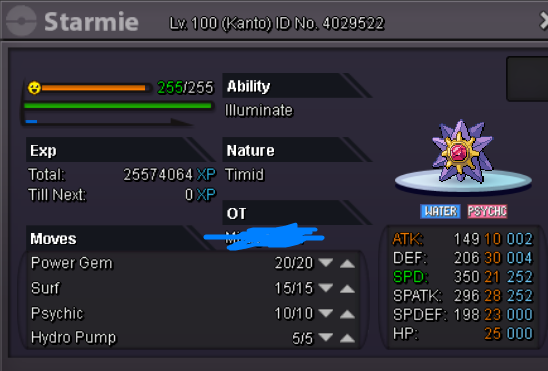
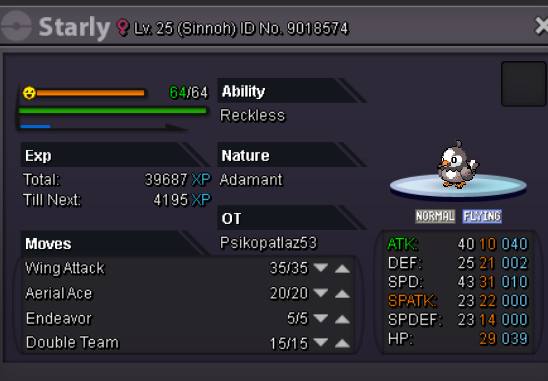
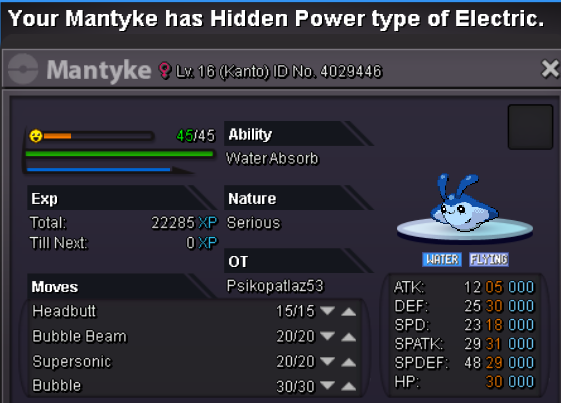
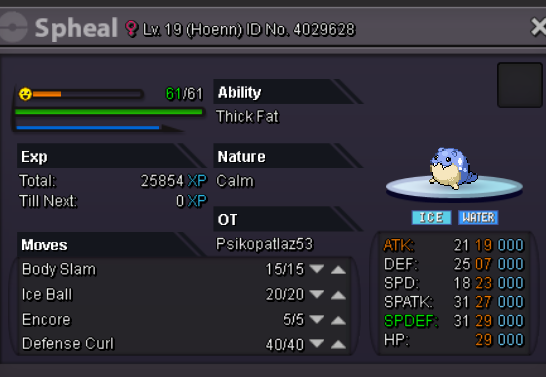
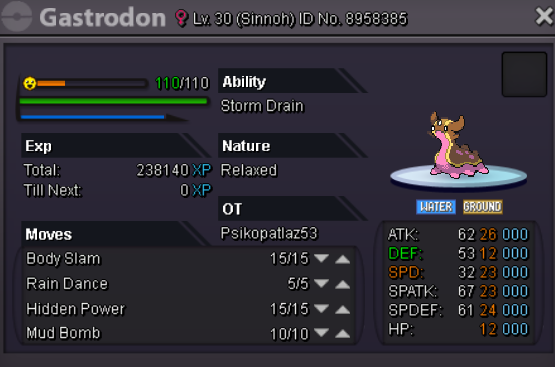
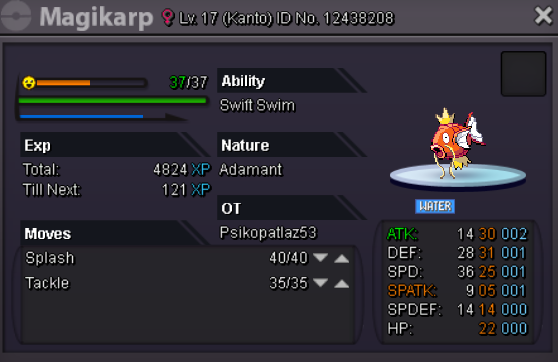
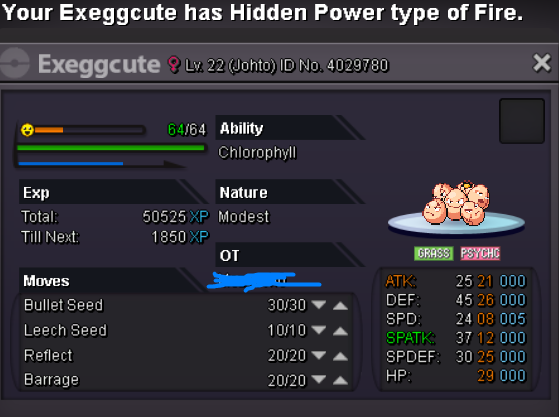
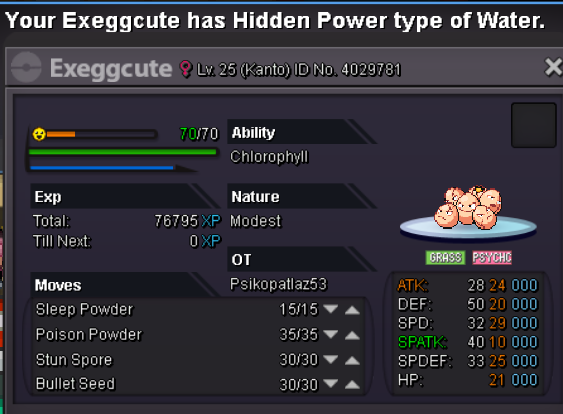
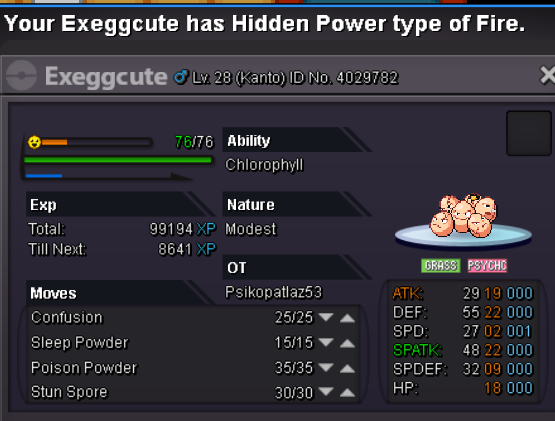
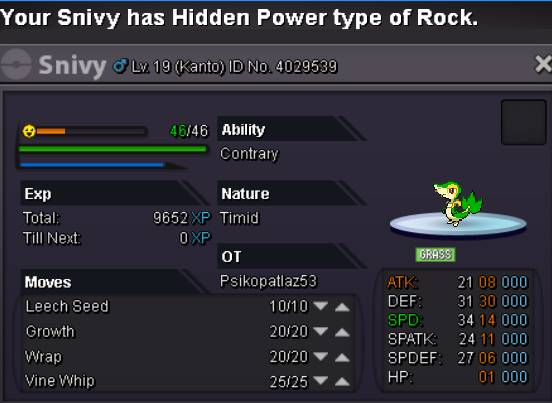
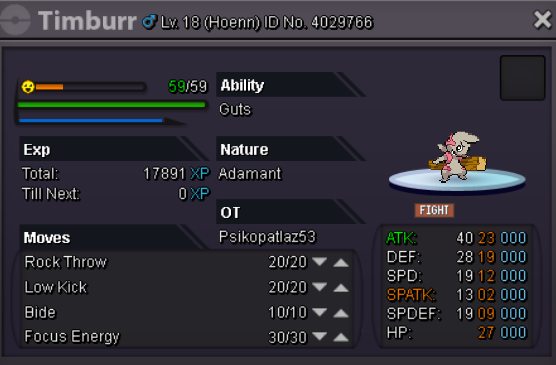
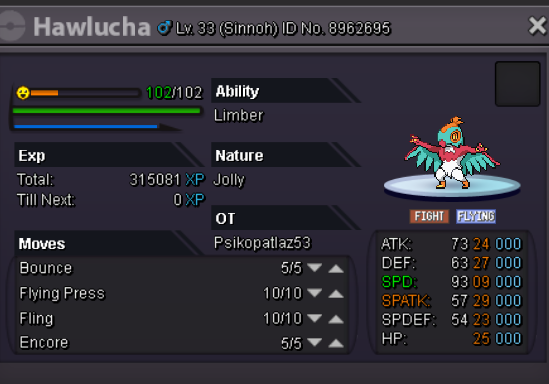
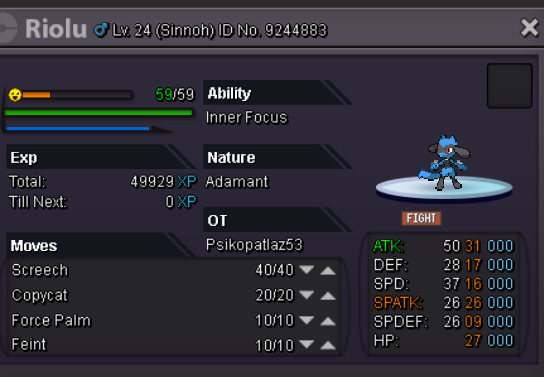
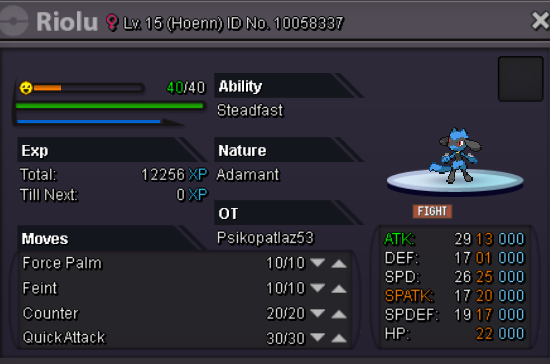
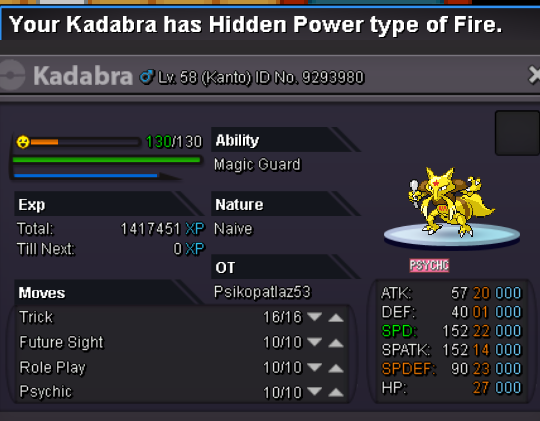
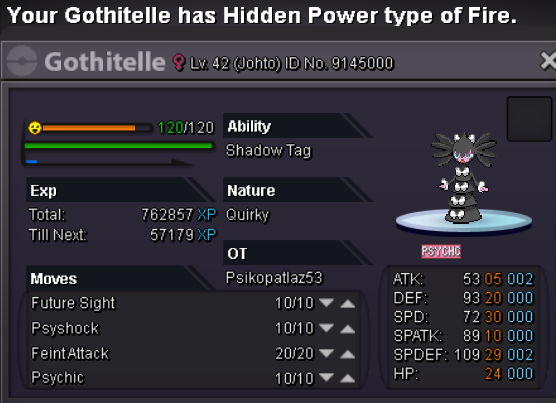
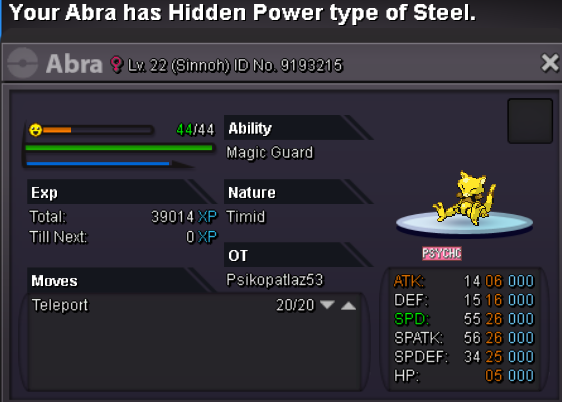
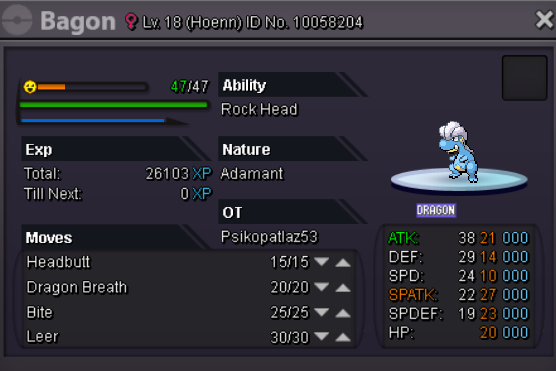
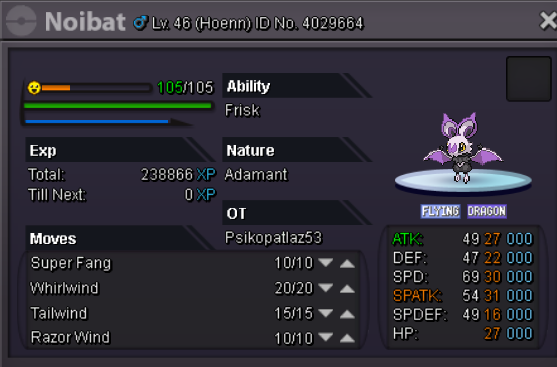
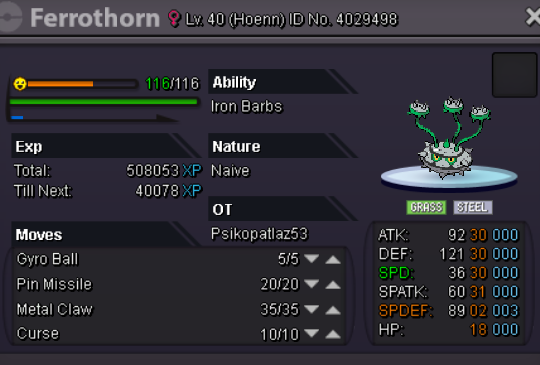
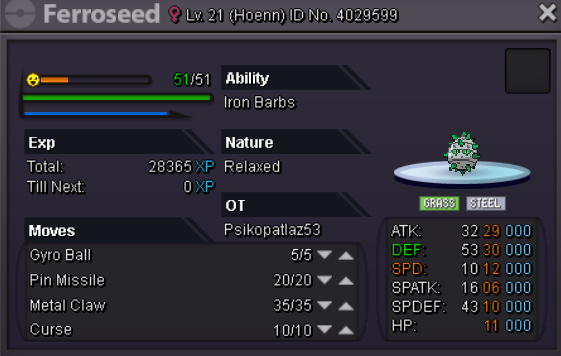
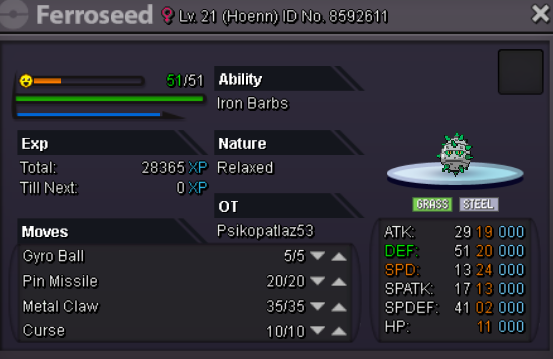
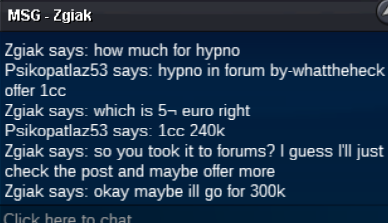
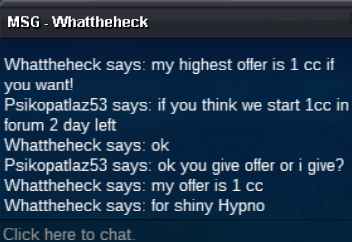
start 3 c.c if you thinkokay when you come game?HYPNO CANCEL EXİT7 Hours lLEFTBUMPspheal noibat abra timburr and venipede sold updatebumpSHOP RULES -Fake offering will be reported. I reserve the right to cancel the selling/auction of the pokemon for what ever reason i want. If you try to reach me. Discord M.A.G[PSİKO<53]#2997 PAYMENT Coins Capsules 240K Black MS=90K-15Day Ms=120k-30Day MS=240k By-zgiak ---C.O300K-----INSTA:1M 2-Day auction -Finish 27.06.18
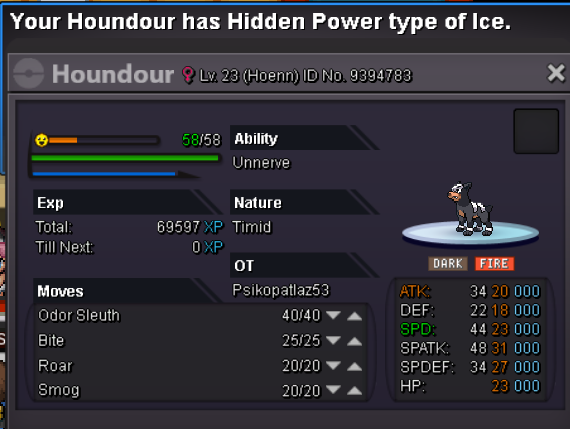
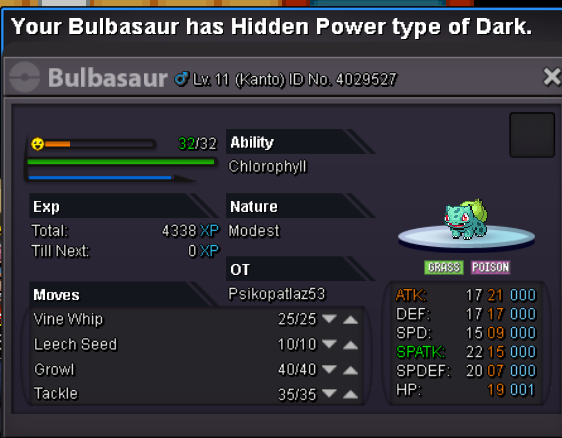
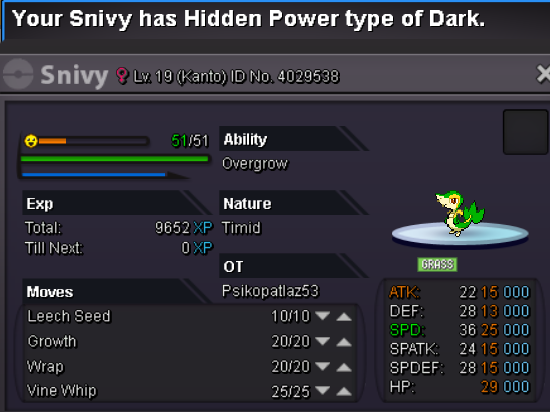
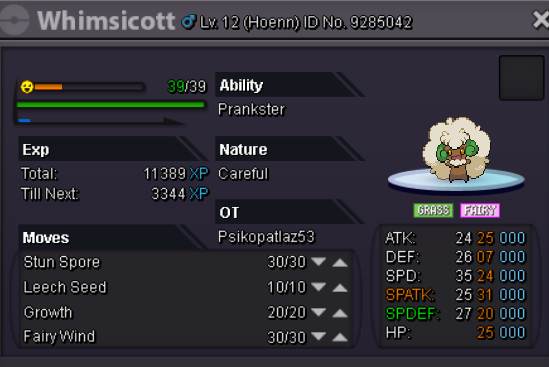
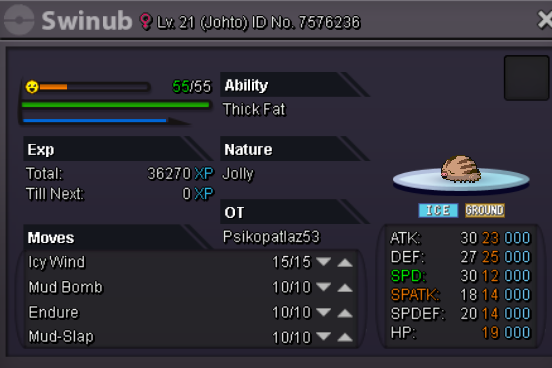
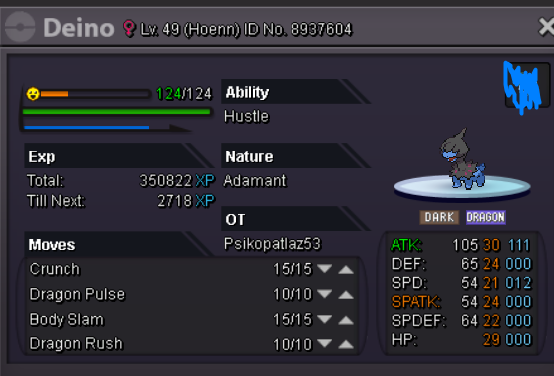
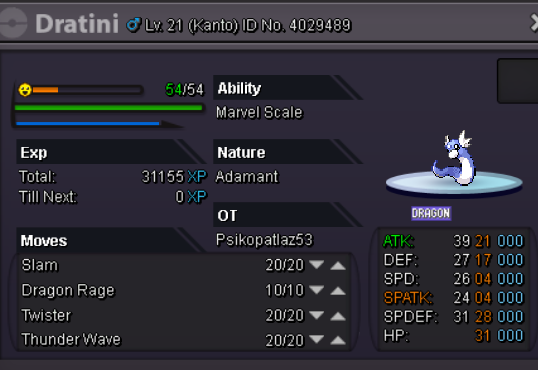
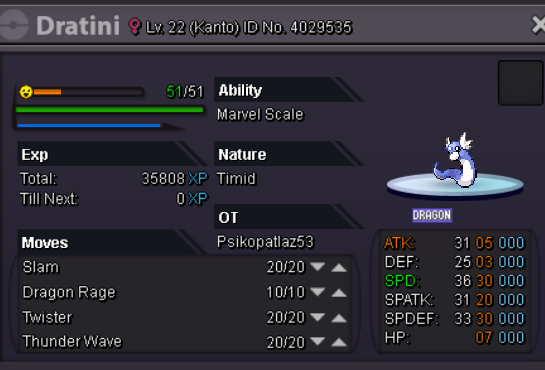
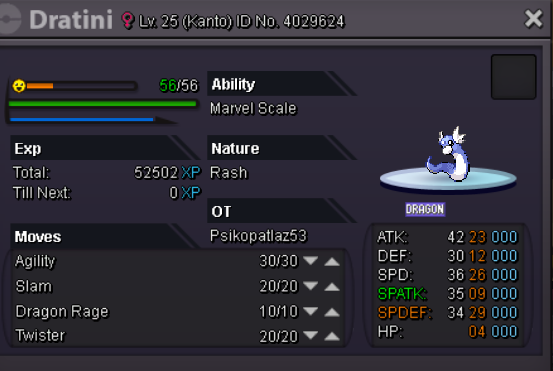
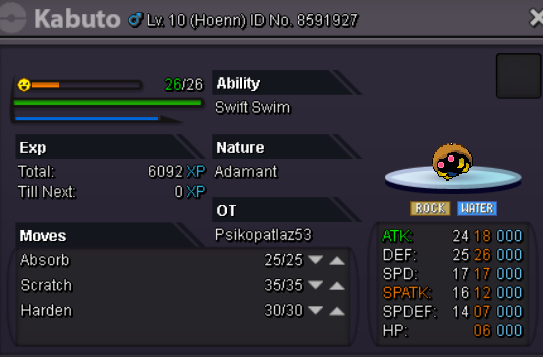
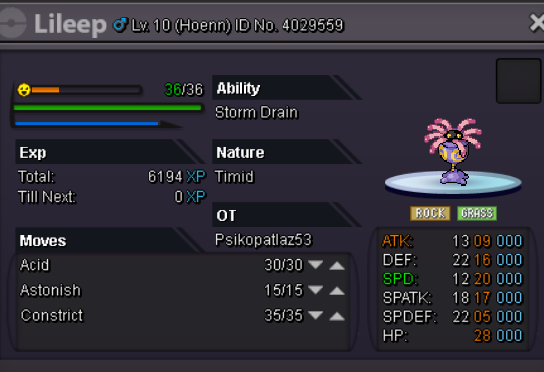
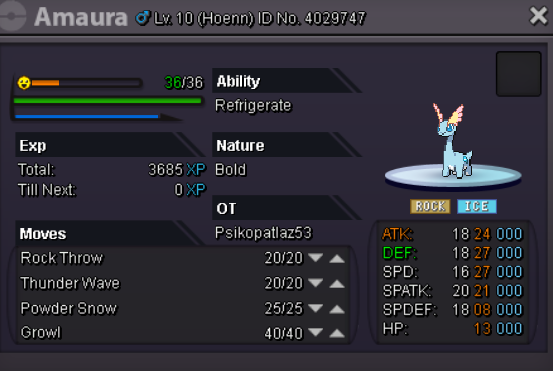
 bumpSold houndoomBUMP!Görülen-see onlyAccept tyranitar +25 -not spatk ^^-adamantBUMP! GOOD LUCK BRO ^^BUMP!Welcome To My Personal Shop SHOP RULES -Fake offering will be reported. I reserve the right to cancel the selling/auction of the pokemon for what ever reason i want. If you try to reach me. Discord M.A.G[PSİKO<53]#2997 PAYMENT Coins Capsules 240K Black MS=90K-15Day Ms=120k-30Day MS=240k Trained Pokémons Epic Pokemons UNTRAINED POKEMONS NORMAL FİRE WATER ELECTRİC GRASS ICE FIGHT POISON GROUND FLY PSYCHIC BUG ROCK GHOST DRAGON STEEL FOSSİLS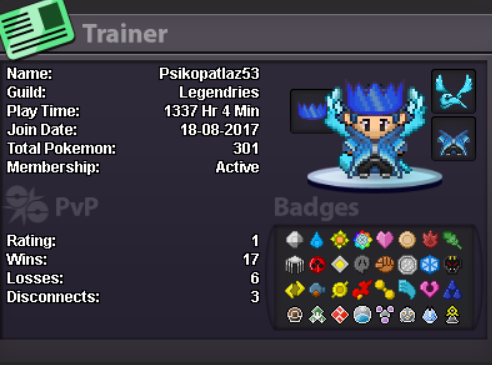
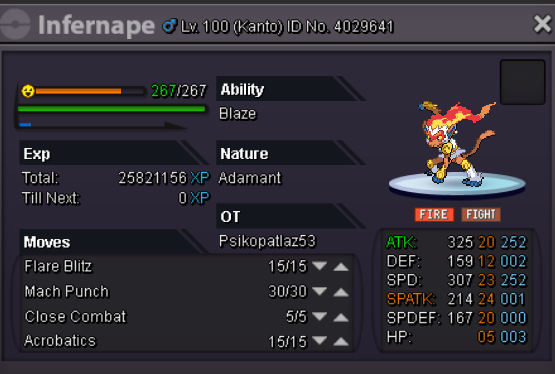
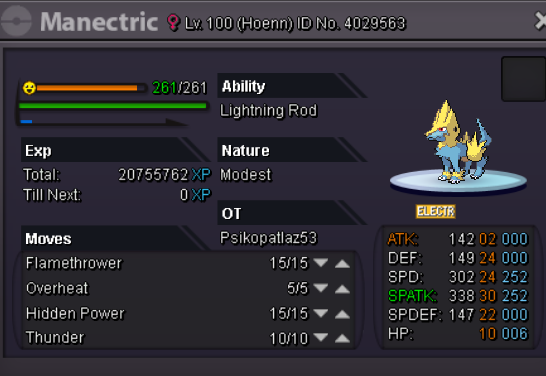
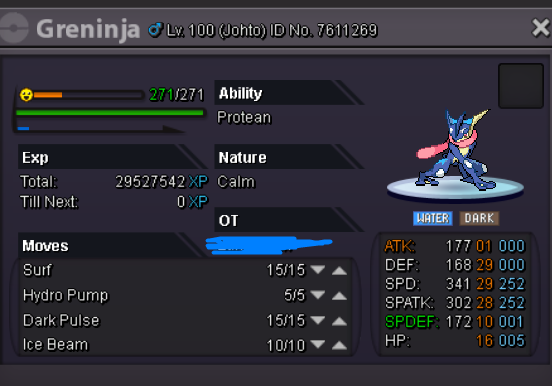















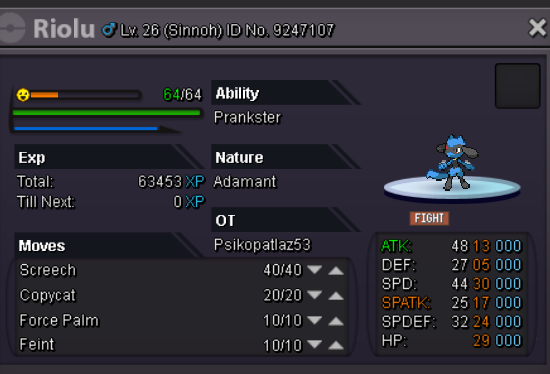
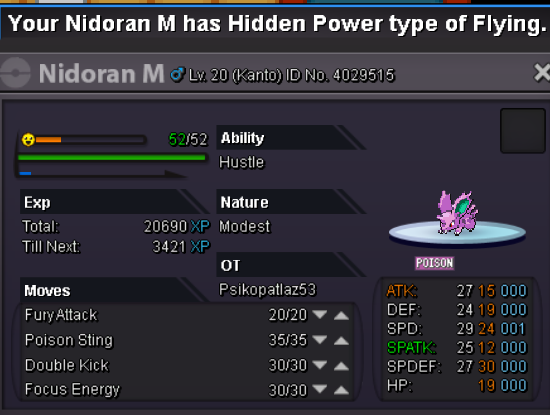


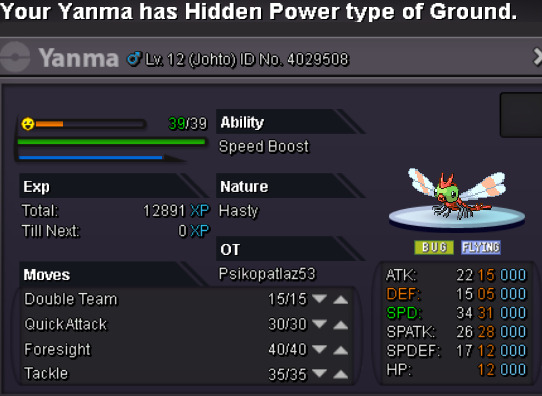
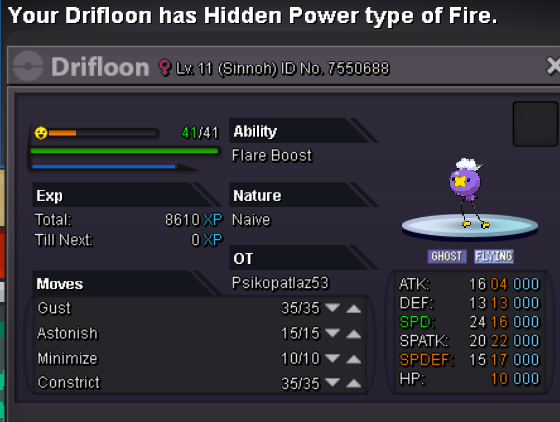





Account
Navigation
Search
Configure browser push notifications
Chrome (Android)
- Tap the lock icon next to the address bar.
- Tap Permissions → Notifications.
- Adjust your preference.
Chrome (Desktop)
- Click the padlock icon in the address bar.
- Select Site settings.
- Find Notifications and adjust your preference.
Safari (iOS 16.4+)
- Ensure the site is installed via Add to Home Screen.
- Open Settings App → Notifications.
- Find your app name and adjust your preference.
Safari (macOS)
- Go to Safari → Preferences.
- Click the Websites tab.
- Select Notifications in the sidebar.
- Find this website and adjust your preference.
Edge (Android)
- Tap the lock icon next to the address bar.
- Tap Permissions.
- Find Notifications and adjust your preference.
Edge (Desktop)
- Click the padlock icon in the address bar.
- Click Permissions for this site.
- Find Notifications and adjust your preference.
Firefox (Android)
- Go to Settings → Site permissions.
- Tap Notifications.
- Find this site in the list and adjust your preference.
Firefox (Desktop)
- Open Firefox Settings.
- Search for Notifications.
- Find this site in the list and adjust your preference.