




New Trade Zone
Trade Zone is now live
Use the new Trade Zone for auctions and instant-price trades so Pokemon and item offers are easy to find.


Pisforpenguin
Registered User
-
Joined
-
Last visited
Everything posted by Pisforpenguin
-
@Th0maszz you have won the munchlax please dm so we can meetup in game
-
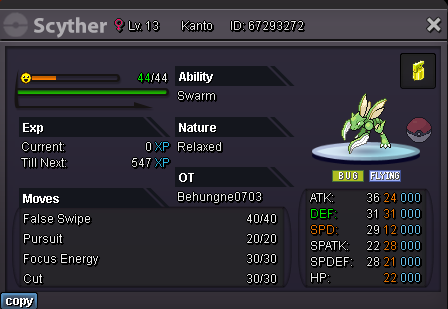
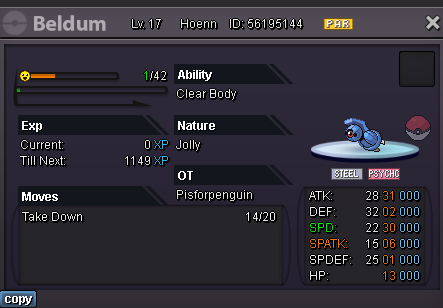
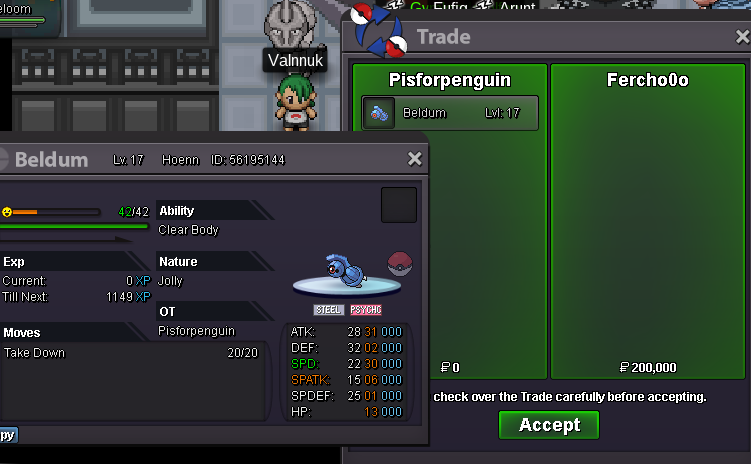
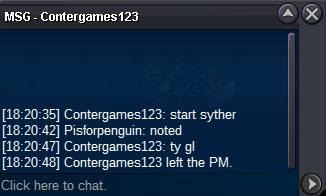
noted@Contergames123 you also won the scyther please message to arrange a meetupwho is letting gp win smh@Fercho0o you won the beldum message me in game to meetupbeldum started
 waiting for pickup sold sold All S.O 200k each Min Raise 50k 48hr auction after start Accept Cash or CC = 350k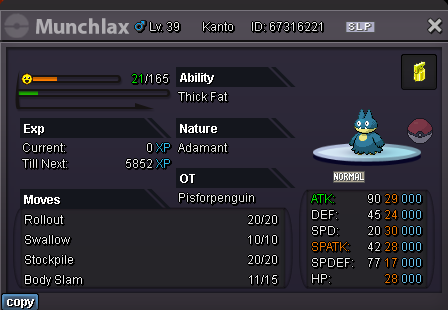
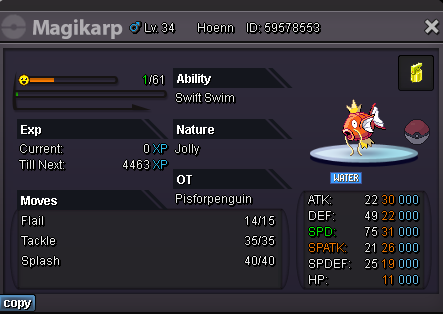
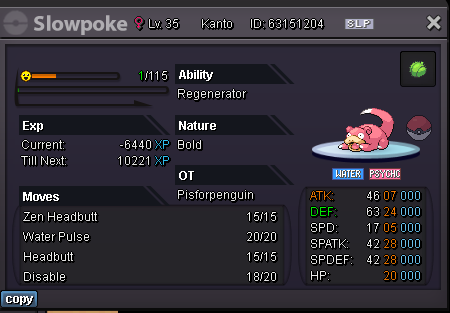 bump400kXmas maps soon2.2m22 days till xmasplease hunt me swablu forms during xmas event have very high budgetplease stop commenting on my thread tybumpthese dot abusers manits gamer hoursYou thought I had forgotten. It was all a long con

Account
Navigation
Search
Configure browser push notifications
Chrome (Android)
- Tap the lock icon next to the address bar.
- Tap Permissions → Notifications.
- Adjust your preference.
Chrome (Desktop)
- Click the padlock icon in the address bar.
- Select Site settings.
- Find Notifications and adjust your preference.
Safari (iOS 16.4+)
- Ensure the site is installed via Add to Home Screen.
- Open Settings App → Notifications.
- Find your app name and adjust your preference.
Safari (macOS)
- Go to Safari → Preferences.
- Click the Websites tab.
- Select Notifications in the sidebar.
- Find this website and adjust your preference.
Edge (Android)
- Tap the lock icon next to the address bar.
- Tap Permissions.
- Find Notifications and adjust your preference.
Edge (Desktop)
- Click the padlock icon in the address bar.
- Click Permissions for this site.
- Find Notifications and adjust your preference.
Firefox (Android)
- Go to Settings → Site permissions.
- Tap Notifications.
- Find this site in the list and adjust your preference.
Firefox (Desktop)
- Open Firefox Settings.
- Search for Notifications.
- Find this site in the list and adjust your preference.