




New Trade Zone
Trade Zone is now live
Use the new Trade Zone for auctions and instant-price trades so Pokemon and item offers are easy to find.

Awesomeguy1320
Registered User
-
Joined
-
Last visited
-
Min. raise 20k, no bids that are 100-250k please, this is actually my first post on the forum so please excuse me if I made some mistakes.
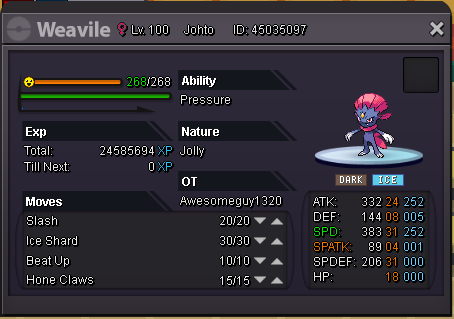
-
Damn. I hope you guys can fix that. Sorry for all the replies, I'm just really disappointed. Atleast you tried replying. Thank you and have a nice day.
-
So basically team preparation cannot be done and you can't give me my Pokemon back?
-
So I planned my Pokemon for the Hoenn story. a Porygon with 2 upgrades ready for evolution, a Solosis, a Gligar, a Litwick which I had to use a MS on, and a Treecko. And I had a friend take my Pokemon and give it back to me so it won't get locked. And in the end, all my planning, all my money, and all my time, got locked. So please, just please, use your staff magic and unlock my pc so I can get my Pokemon back.