New Trade Zone
Trade Zone is now live
Use the new Trade Zone for auctions and instant-price trades so Pokemon and item offers are easy to find.

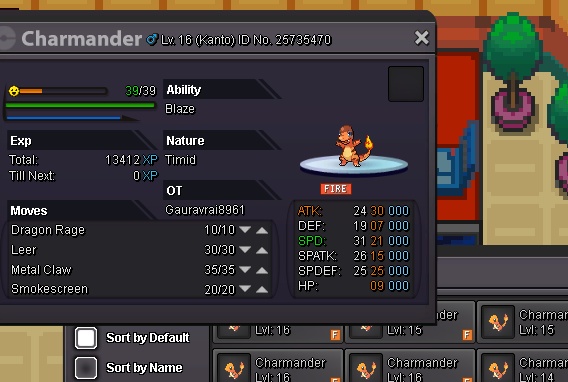
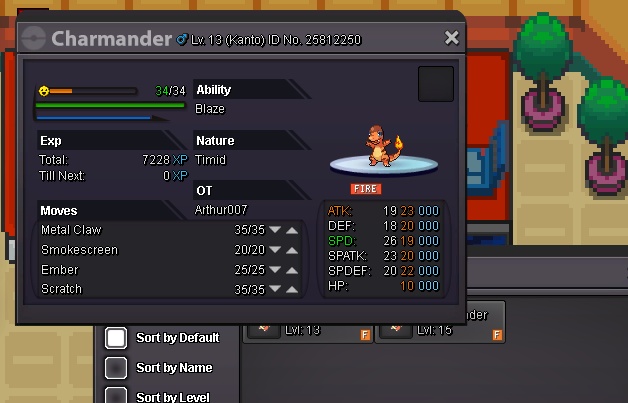
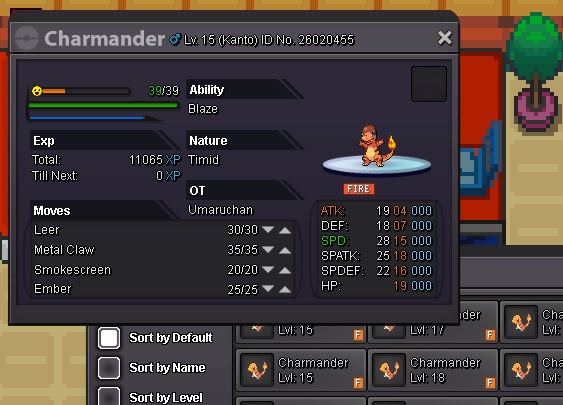
Gauravrai8961
Registered User
-
Joined
-
Last visited
Everything posted by Gauravrai8961
-
This summer was my favourite because I got much time to learn programming

-
-
M available. Wl u sell now?
-
300k
-
R u onl9 r8 now?
-
50k
-
K
-
I wl buy alakazam
-
I like to buy saws back, crygonal nd alakazam
-
Start
-
900k
-
Can u start auction?
-
400k?
-
Start 200k. 2nd one
-
Bump
-
1.3m by kishanb1112002

-
-
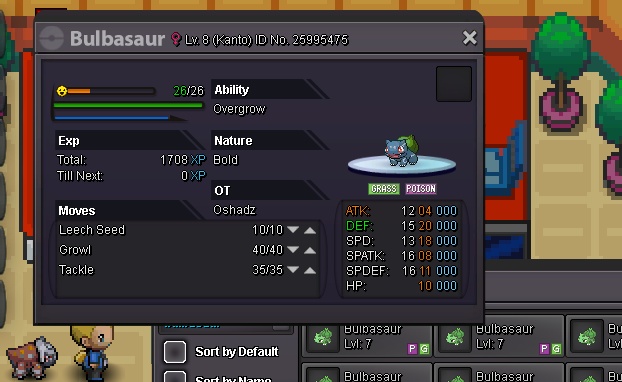
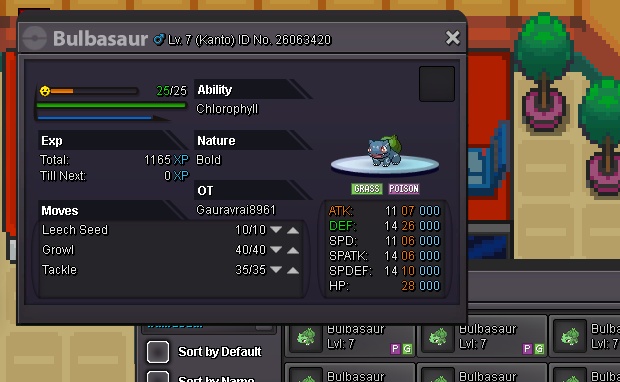
Start natu 200k nd Armaldo 400kI'm inBell still no offer. Nd no insta800k b. O by minute for bulba
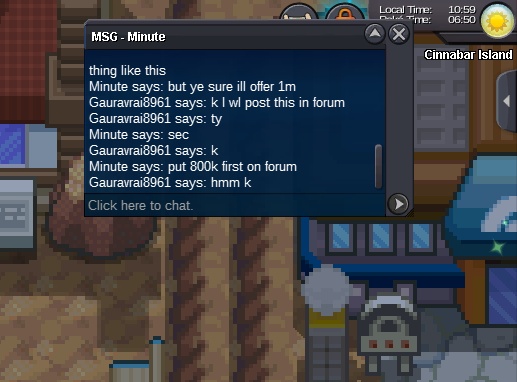 Offer 800k b.o by minute for bulbasaur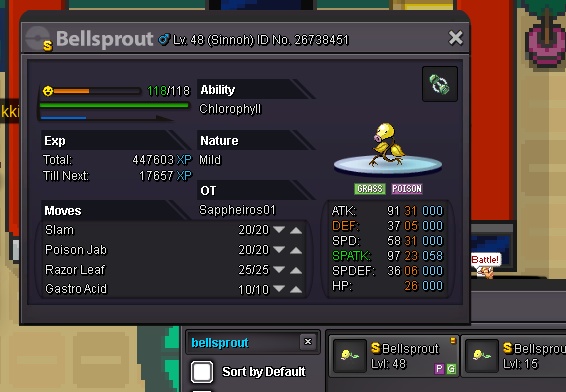
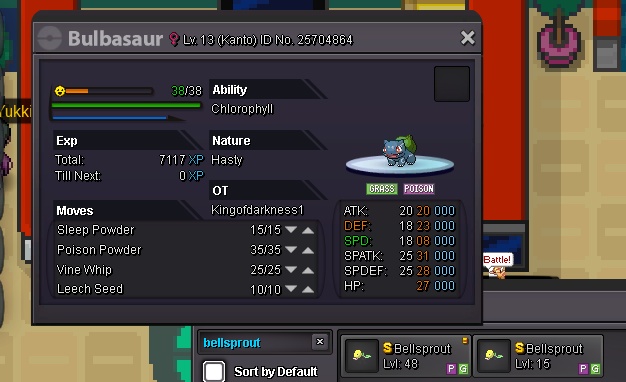 250kUp