




New Trade Zone
Trade Zone is now live
Use the new Trade Zone for auctions and instant-price trades so Pokemon and item offers are easy to find.

Minto12
Registered User
-
Joined
-
Last visited
-
How do i contact him? I want he get the pokemon
-
Has been forced? I don't even know him?
-
Excuse me, auction already over, already sold out by you
-

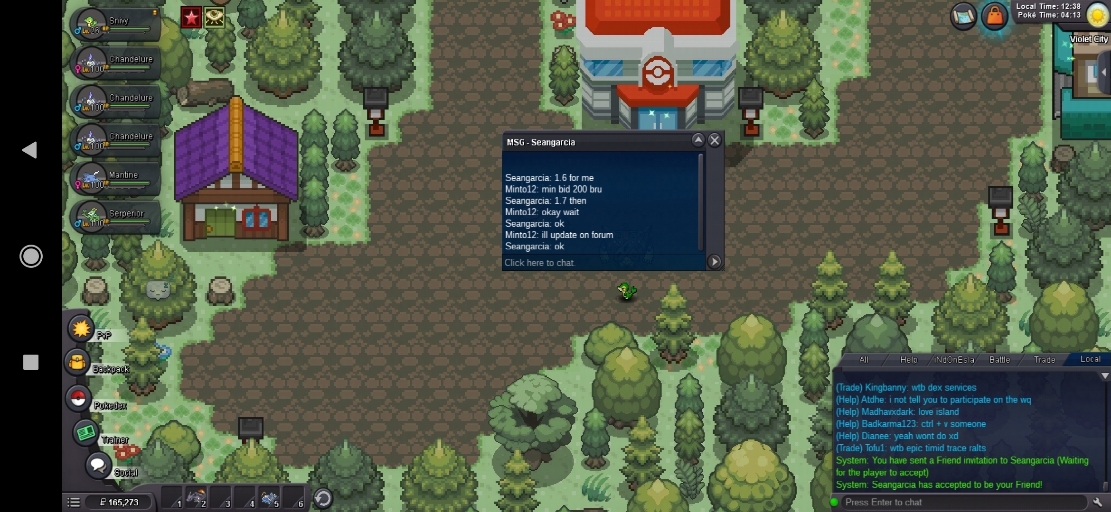
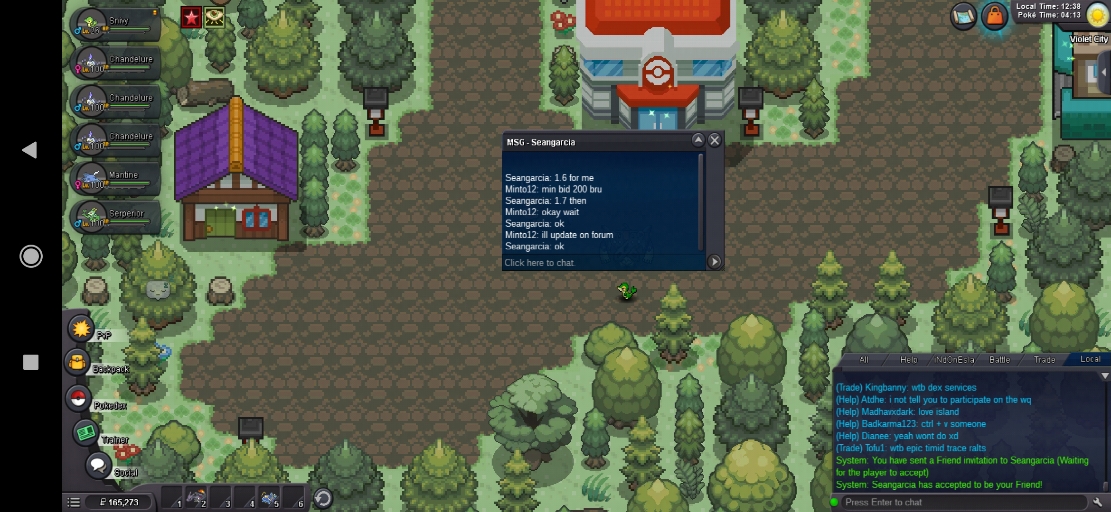
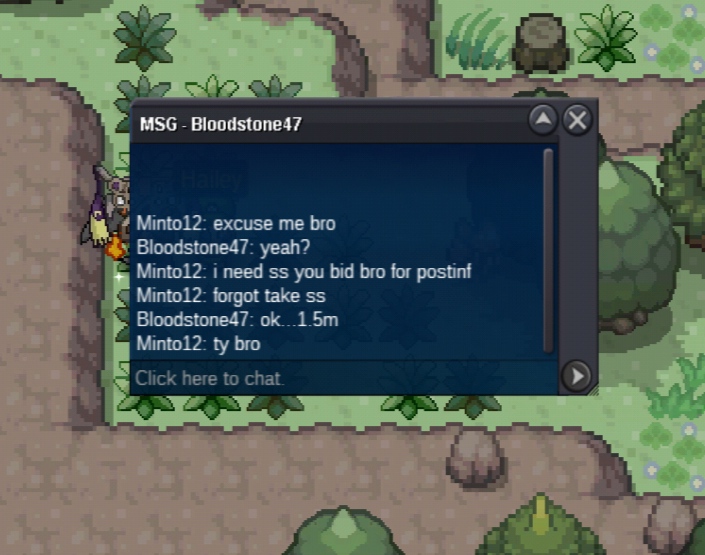
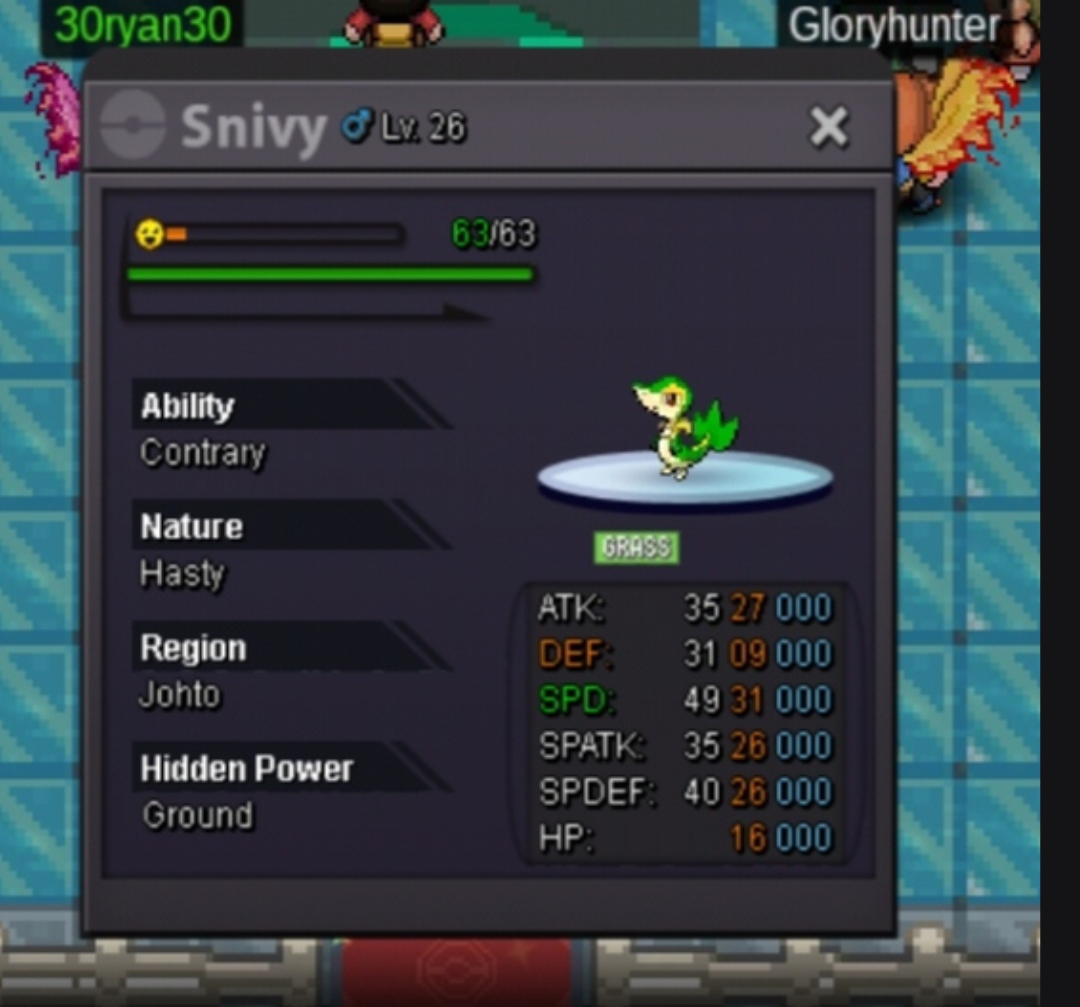
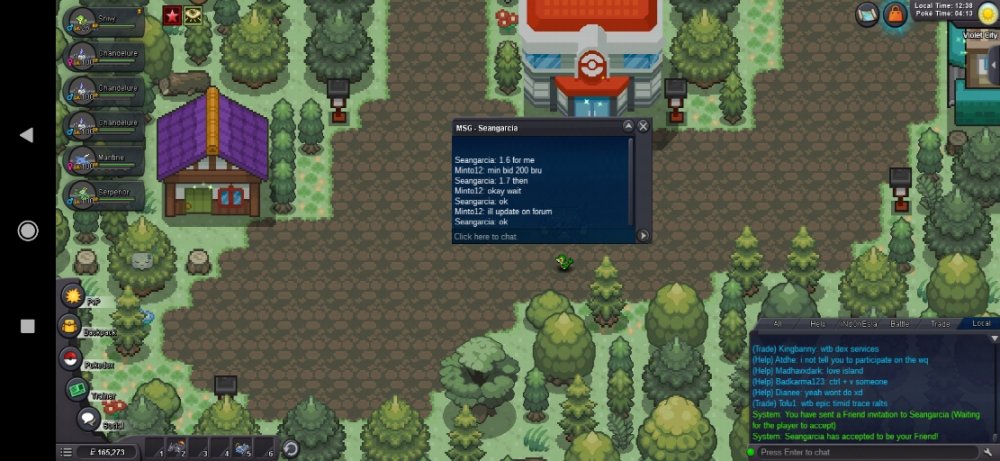 Thank you haruyukio for reminding , please tell me if i wrong again in somethingMy god i forgot ss itu bro, so itu should be ss and post on comment?Start from nowHello im newbie , My nickname on game is minto12 I want do auction my pokemon snivy , OT (Original Trainer) by minto12 Sold out (solve by moderator/staff) God bless u mate Min raise bid in auction 200 k time left 1 hours and will be updated For player from server silver can raise bid auction but if you win, you must take the pokemon from gold server Method payment : CC : 350 k Reroll ticket : 650k Rare candy : 7 k Have a good Day God bless you Thank you :) [iCODE][/iCODE]
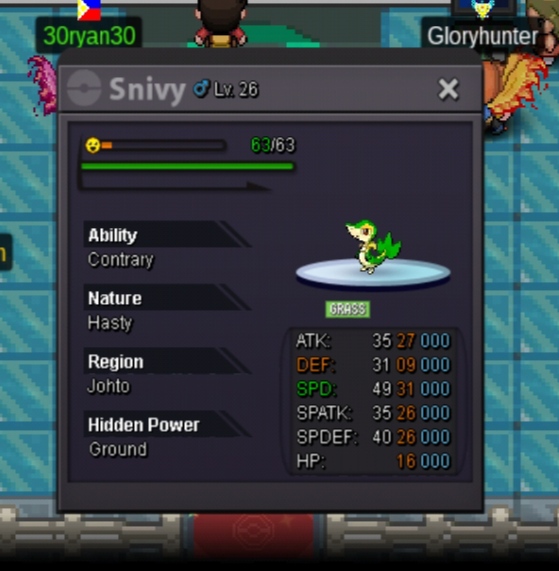
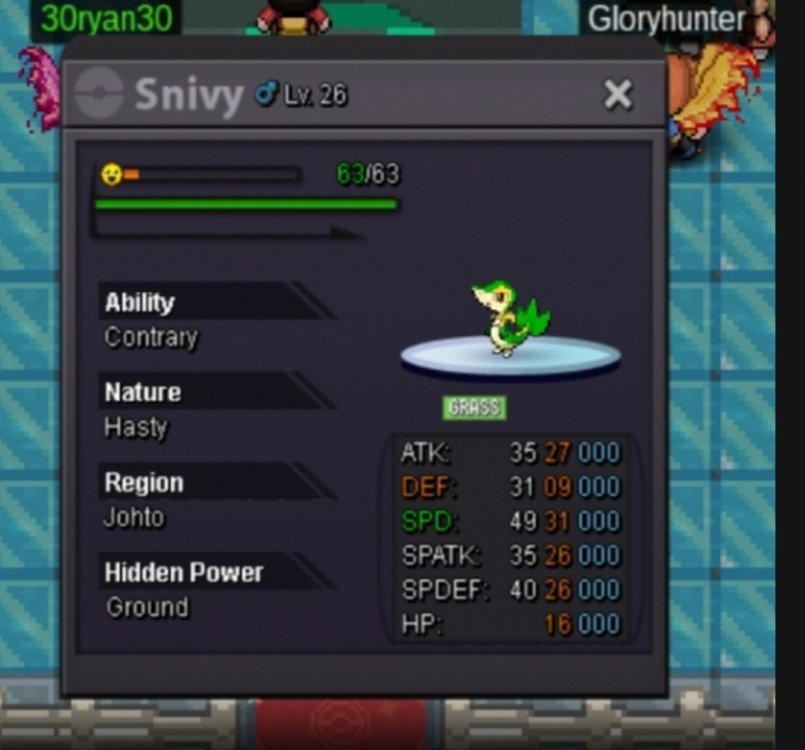 Start from nowHello im newbie , My nickname on game is minto12 I want do auction my pokemon snivy , OT (Original Trainer) by minto12 Sold out (solve by moderattor/staff) God bless you mate Min raise : 200 k Payment method using : CC : 350 k Reroll ticket: 650 k Rare candy : 7 k For player from server silver can raise bid auction but you must get the pokemon from gold server, Have a good Day God bless you. . Thank you :)
 God bless you

Account
Navigation
Search
Configure browser push notifications
Chrome (Android)
- Tap the lock icon next to the address bar.
- Tap Permissions → Notifications.
- Adjust your preference.
Chrome (Desktop)
- Click the padlock icon in the address bar.
- Select Site settings.
- Find Notifications and adjust your preference.
Safari (iOS 16.4+)
- Ensure the site is installed via Add to Home Screen.
- Open Settings App → Notifications.
- Find your app name and adjust your preference.
Safari (macOS)
- Go to Safari → Preferences.
- Click the Websites tab.
- Select Notifications in the sidebar.
- Find this website and adjust your preference.
Edge (Android)
- Tap the lock icon next to the address bar.
- Tap Permissions.
- Find Notifications and adjust your preference.
Edge (Desktop)
- Click the padlock icon in the address bar.
- Click Permissions for this site.
- Find Notifications and adjust your preference.
Firefox (Android)
- Go to Settings → Site permissions.
- Tap Notifications.
- Find this site in the list and adjust your preference.
Firefox (Desktop)
- Open Firefox Settings.
- Search for Notifications.
- Find this site in the list and adjust your preference.