




New Trade Zone
Trade Zone is now live
Use the new Trade Zone for auctions and instant-price trades so Pokemon and item offers are easy to find.


Raika
Contributor
-
Joined
-
Last visited
Everything posted by Raika
-
-
-
-
-
-
-
-
-
-
Hi @Vansh01 Thanks for applying to New Leaf. I'll send you a DM soon.
-
-
-
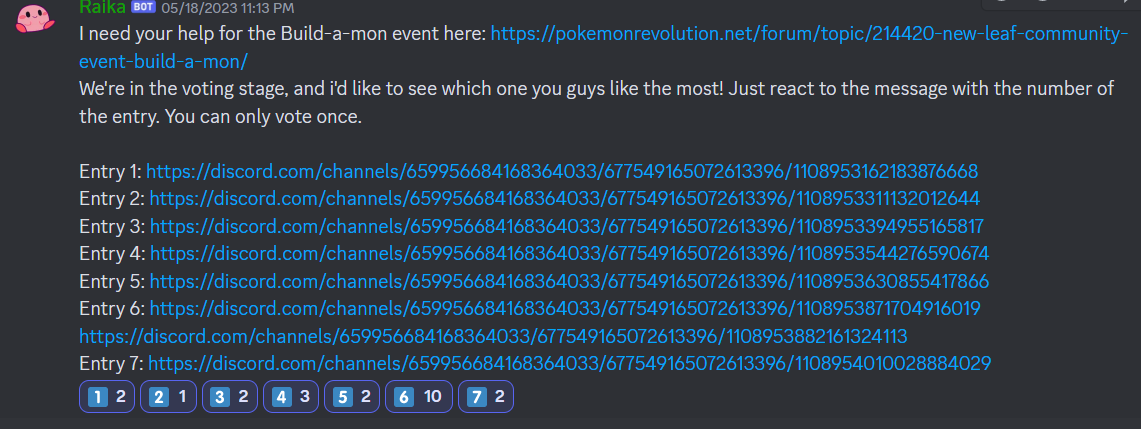
Congrats to @Hanerozefor winning the Build-a-mon event with his Pokemon, Shimeo! The design and details put into this was incredible. Everyone had amazing submissions and all of the fakemons were well put together. Thank you for participating and hopefully we'll see you soon in the next event.

-
-
-
-
-
Welcome to PRO, RREMOLOOOOOOOOOOOOOOOOOOOOOOOOOOOOOO! Hope you enjoy the game.
-
-
-
-
Hey @Saleos@Lima11 Thanks for applying to our guild. I'll send you a message soon.
-
1. What's your Player name (IGN)? Raika. 2. Number of hours played? 4176 hours, 50 minutes. 3. What's your favorite Pokemon? Wigglytuff. 4. What do you enjoy doing the most in PRO? (Hunting, PvP, trading, etc) Making money. 5. How long have you been playing Pokemon? (Optional) Solid 20 years. 6. Favorite ice cream flavor. (Optional) Green tea or mint.
-
-
It's a 25% for the feathers to spawn from those big Pidgeys, you got it.