




New Trade Zone
Trade Zone is now live
Use the new Trade Zone for auctions and instant-price trades so Pokemon and item offers are easy to find.


Raika
Contributor
-
Joined
-
Last visited
Everything posted by Raika
-
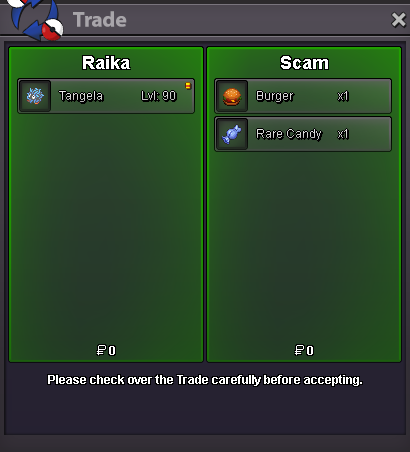
159.
-
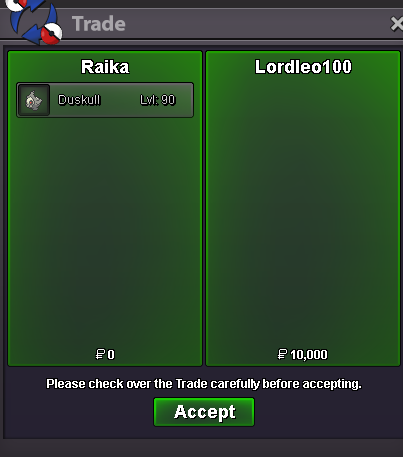
158.
-
I'm on a break, not taking any leveling for a while, please read the title.
-
Welcome back.
-
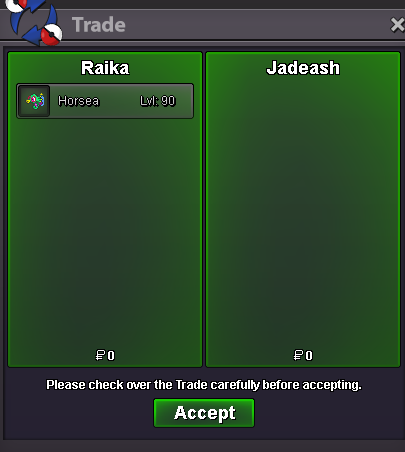
157.
-
Hey, use Mysterious Candy. You can buy them from the Department stores, PvE or PvP coin shops. They force an evolution as long as the evolution requirement is met, in this case, use the Mysterious candy on Magneton when you're at Kanto's Power Plant or New Mauville.
-
Hey @Zarecograth Thanks for applying. You seem like a familiar face. Anyways, i'll send you a message soon.
-
Hi @Province Thanks for applying to New Leaf, I'll send you a message soon.
-
Hi @Johan14 Thanks for applying. I'll send you a message soon.
-
Hey @Johan14welcome back. Check out New Leaf. We may not be active PvP wise in-game, but I personally host draft leagues and regular tournaments and we have quite a few members who enjoy competitive. We operate mostly on Discord and aside from the PvP events we have other events too such as quizzes and daily polls. If you're interested, feel free to visit the forum thread here: https://pokemonrevolution.net/forum/topic/142578-new-leaf-draft-league-tournaments-giveaways-discord-shops-events/
-
-
Negativity but people don't talk to you when you're around. Super power: Able to conjure any edible food anytime I want for free.
-
What
-
-
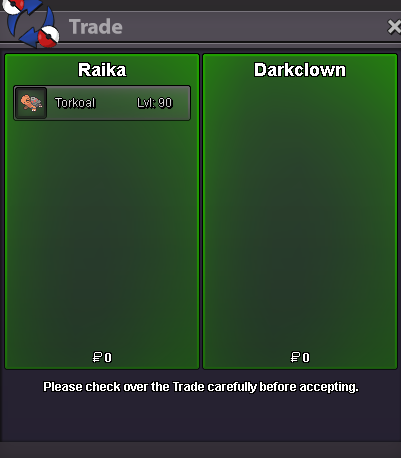
156.
-
155.
-
154.
-
153.
-
152.
-
150.

-
149.
-
148.
-
147.
-
146.
-