-
Gideon’s Shop (Closed till futher notice.)
Would like to buy the Adamant Mimikyu
-
WTB Xmas snorunt Female Jolly
WTB Xmas snorunt female Jolly. Post here or dm me in private with a screen and what you want for it.
-
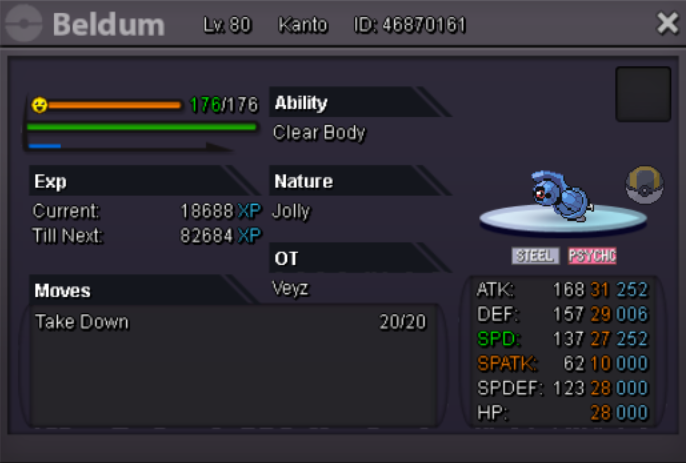
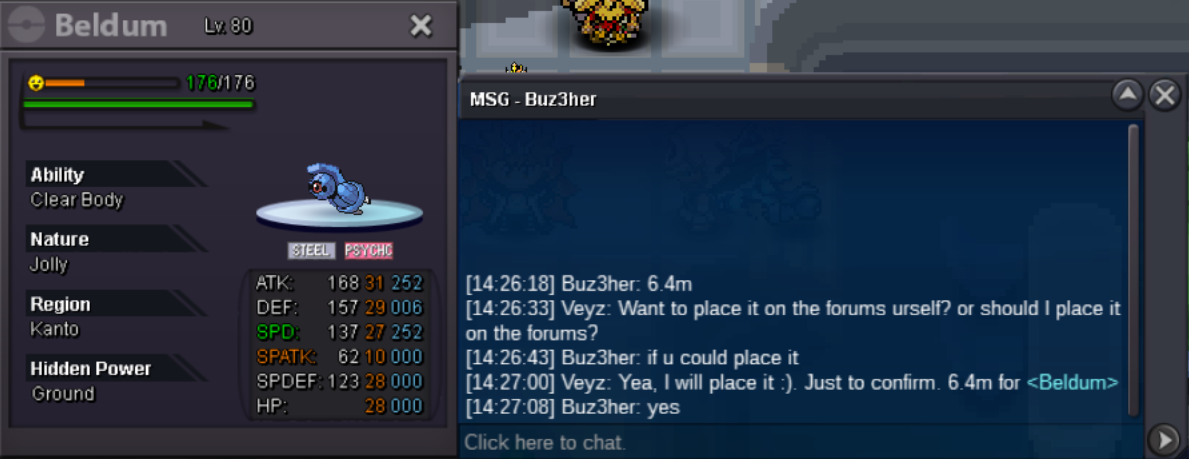
30 30 jolly beldum[SOLD CAN BE CLOSED]
Start 2mil
- Close, Sold
-
Close, Sold
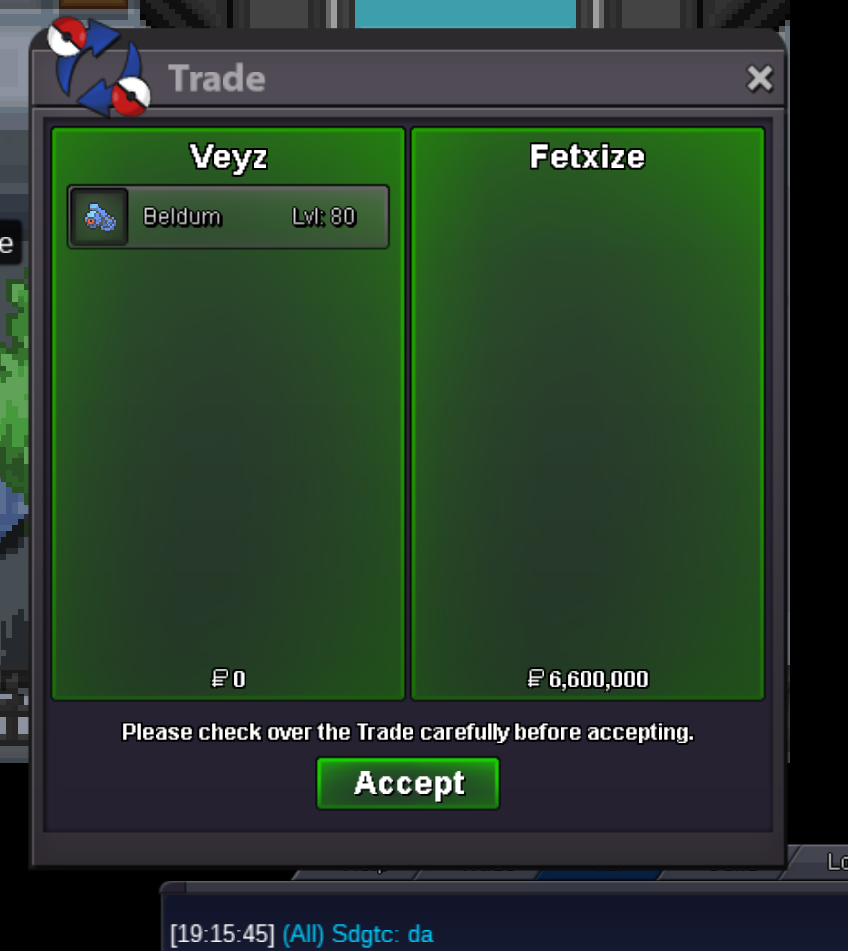
The auction ends as @fetxize as winner. Please contact me ingame 🙂
- Close, Sold
-
Close, Sold
Bumpy! Less then +/- 20 hours remaining!
-
affects and change pokeball you throw
In diamond and pearl you had a way to add "particles" to pokeballs! https://www.serebii.net/diamondpearl/stickers.shtml https://www.youtube.com/watch?v=rH77lAW7gug This would be great to have!
- Close, Sold
- Close
-
Close, Sold
- Close, Sold
Veyz changed their profile photo- Close, Sold
S.O : 2M. Min Raise : 200k. Insta : None. Duration : 72 hours after the first bid. C.O : fetxize 6.6M Accepted payments : Pokedollars. Coin Capsule = 350k- Event and Shiny Pokes
Wtb shiny kabutops- event/shiny pokes for sale
200k burmy - Close, Sold
Account
Navigation
Search
Configure browser push notifications
Chrome (Android)
- Tap the lock icon next to the address bar.
- Tap Permissions → Notifications.
- Adjust your preference.
Chrome (Desktop)
- Click the padlock icon in the address bar.
- Select Site settings.
- Find Notifications and adjust your preference.
Safari (iOS 16.4+)
- Ensure the site is installed via Add to Home Screen.
- Open Settings App → Notifications.
- Find your app name and adjust your preference.
Safari (macOS)
- Go to Safari → Preferences.
- Click the Websites tab.
- Select Notifications in the sidebar.
- Find this website and adjust your preference.
Edge (Android)
- Tap the lock icon next to the address bar.
- Tap Permissions.
- Find Notifications and adjust your preference.
Edge (Desktop)
- Click the padlock icon in the address bar.
- Click Permissions for this site.
- Find Notifications and adjust your preference.
Firefox (Android)
- Go to Settings → Site permissions.
- Tap Notifications.
- Find this site in the list and adjust your preference.
Firefox (Desktop)
- Open Firefox Settings.
- Search for Notifications.
- Find this site in the list and adjust your preference.