New Trade Zone
Trade Zone is now live
Use the new Trade Zone for auctions and instant-price trades so Pokemon and item offers are easy to find.

Arexuchiha
Registered User
-
Joined
-
Last visited
Everything posted by Arexuchiha
-
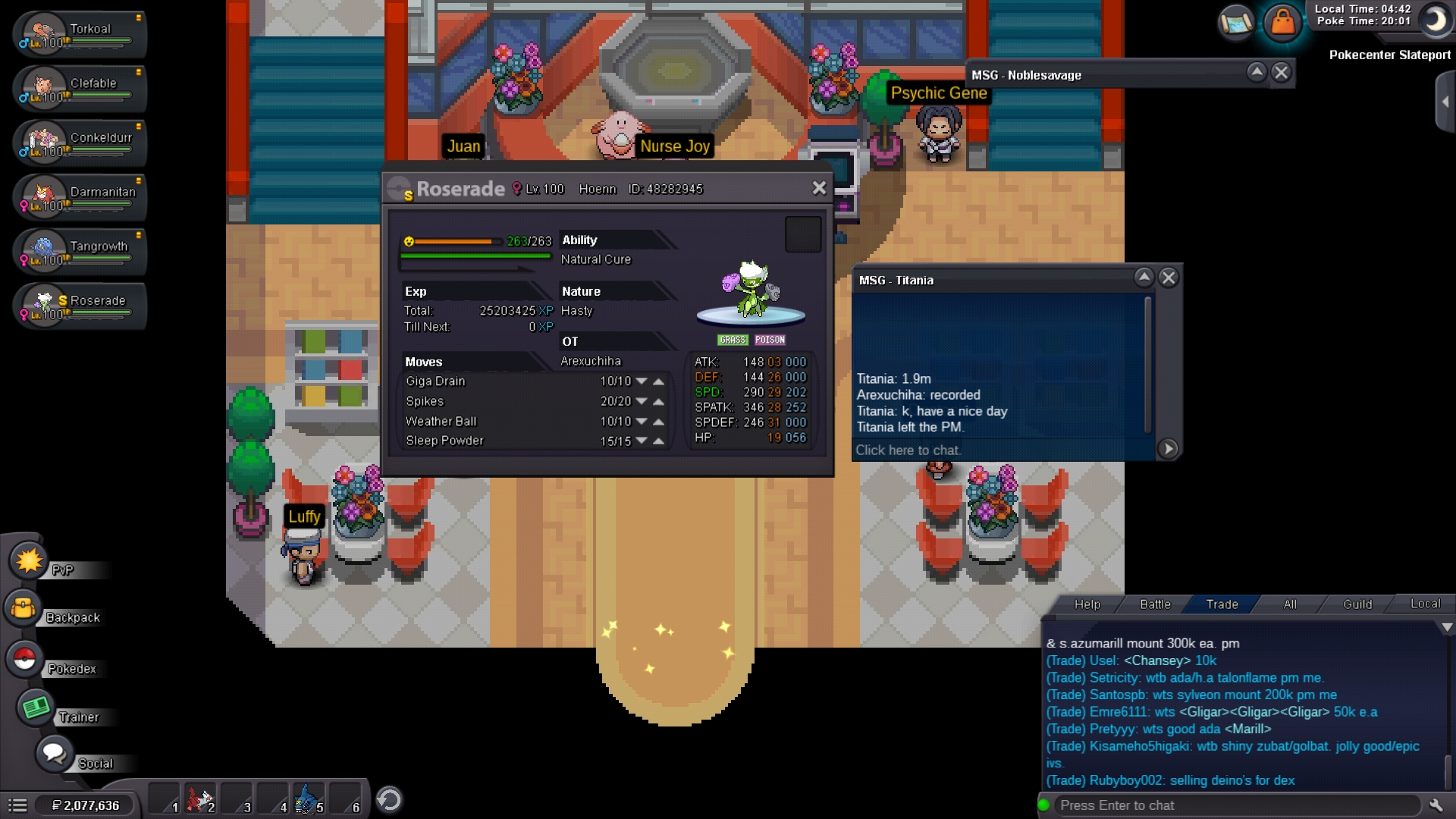
S.o 400k Min raise 50k Insta 1.5mil Auction ends after 24 hrs after 1st bid

-
The gallade used to fight the boss should be trained anew or previous trained works?
-
Auction s.o 800k Min raise 50k 48 hrs after 1st bid Insta 5mil

-
As bid in last 5 mins time increased to last 15 mins this will be the final increase in time
-
Recorded last 30 mins left
-
Recorded
-
Ok sorry I didn't know that but then how can I sell it if m trade banned
-
Ok sorry I didn't know that but then how can I sell it if m trade banned
-
-
When used knock off on Arceus it doesn't get rid of it's item i.e life orb. Please look into the matter.
-
Offer pls
-
C.o by titania 1.9mil 72hrs to go approx
-
I start
-
Auction for 72hrs after 1st bid S.o 1.8 mil Min raise 100k Insta 4.5mil

-
-
Offers only
-
300k by cyrs1998 Approx 12 hrs left
-
Ichibann collect ur hawlucha pls dm me
-
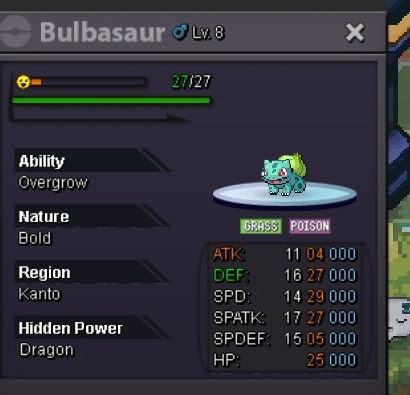
S.O 300k Min raise 50k 24hrs after 1st bid

-
This thread is closed pls look into the other one if interested ty
-
Current offer 500k by ischibann Approx 6 hrs left
-
Recorded
-
Auction s.o 500k Min raise 50k Time 48 hrs after 1st bid[ATTACH type=full]162485[/ATTACH]
-
Auction s.o 500k Min raise 50k Time 48 hrs after 1st bid