New Trade Zone
Trade Zone is now live
Use the new Trade Zone for auctions and instant-price trades so Pokemon and item offers are easy to find.

Zuhke
Registered User
-
Joined
-
Last visited
-
What is your Discord tag? Zuhke#3698 How often do you use Discord? Online everyday,using it occasionally. If you could improve PRO's Discord with one suggestion, what would it be? Don't change anything.
-
NPC Name:Rudolf (Stantler figure) Starting Dialogue:Whoaaarrff(small roar) ... ... Hey you! Don't leave! You thought I couldn't talk!?!? HAH! I took a break from carring Santa and he is looking for me! But....Let's do a quick battle!! Losing Dialogue:Whoooarrrff AH I lost! But that was fun! If you see Zuhke around thank him he doesn't tell Santa I am here! On Cooldown Dialogue:Santa may be looking for me. Shoulda stay or shoulda go?!? Team:2 Deerling. 1Sawsbuck. 1Stantler Special Request (If any):Stantler(pokemon) figure for the npc.....Some smillies could also fit!
-
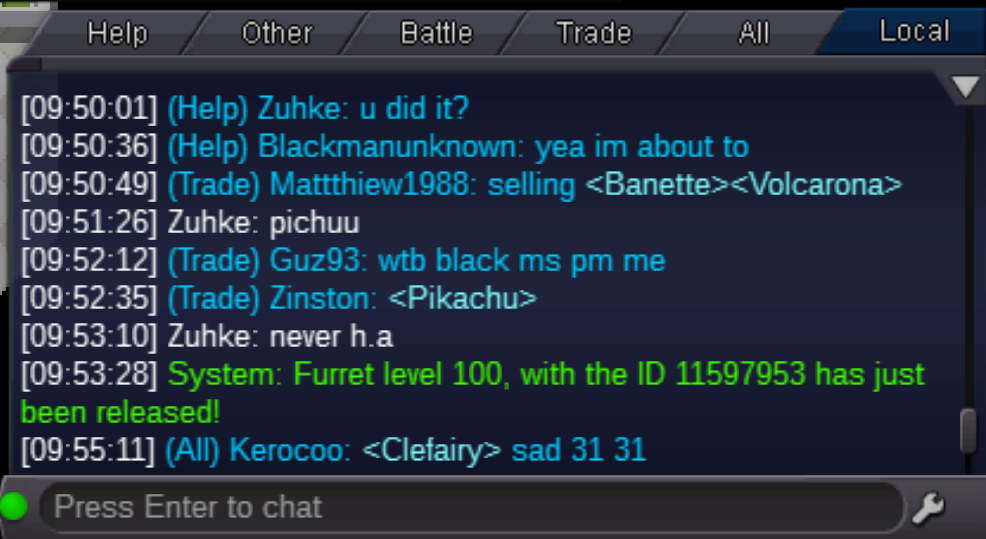
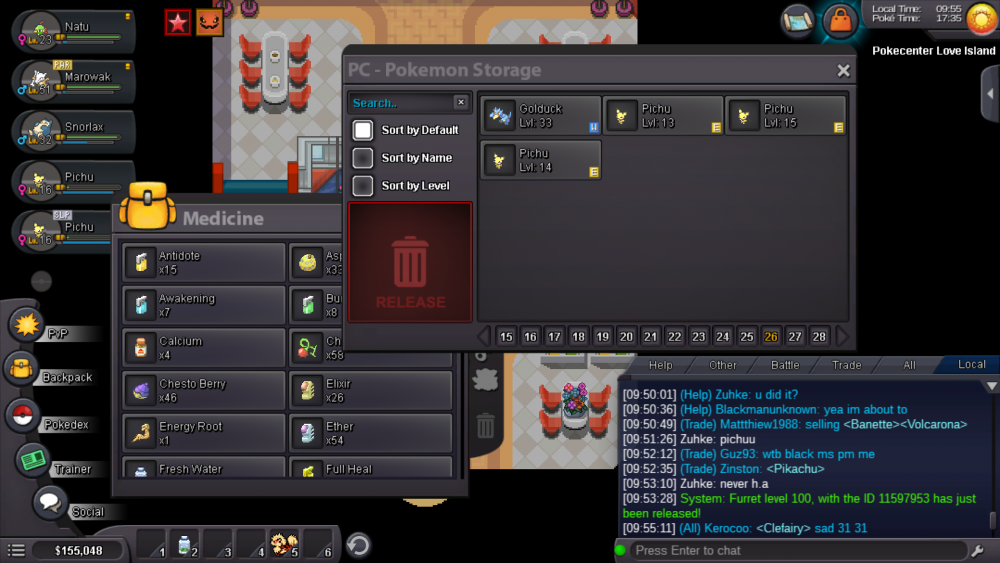
I've mistaken released my first 100lvl poke...my Furret!!! Plz bring it back to me! Ign:Zuhke Server:Yellow Pokemon's id:11597953
-
Golbats in dragons den only hold lum berries..
-
Ive been playing few days now and ive only beaten kanto e4...before anything I though it will be better to focus on the event since its limited.So I am stuck at Carmelia or wtv shes called(I havent beaten any boss)...at the fairy village.Any suggestion to pokemon that can help or solo beat whole event easy? I am gona haunt them and train b4 the event end..
-
You still looking for it?