New Trade Zone
Trade Zone is now live
Use the new Trade Zone for auctions and instant-price trades so Pokemon and item offers are easy to find.

Dromus
Registered User
-
Joined
-
Last visited
-
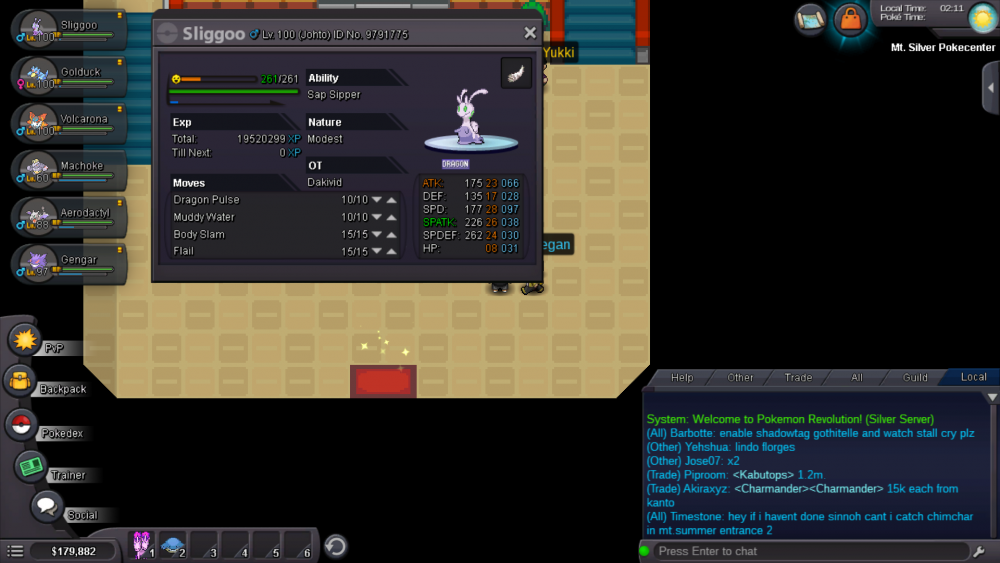
hello my name is Dromus from the silver server I made a mistake I use rc to rise my level 97 goomy to a sliggoo but forgot to evolve it as well when it went to level 100
-
ty v ty much sorry for the trouble
-
si hmm check if it's blue I might have made a mistake because if I remember correctly my team was Team Plasma and I ask them and they said blue
-
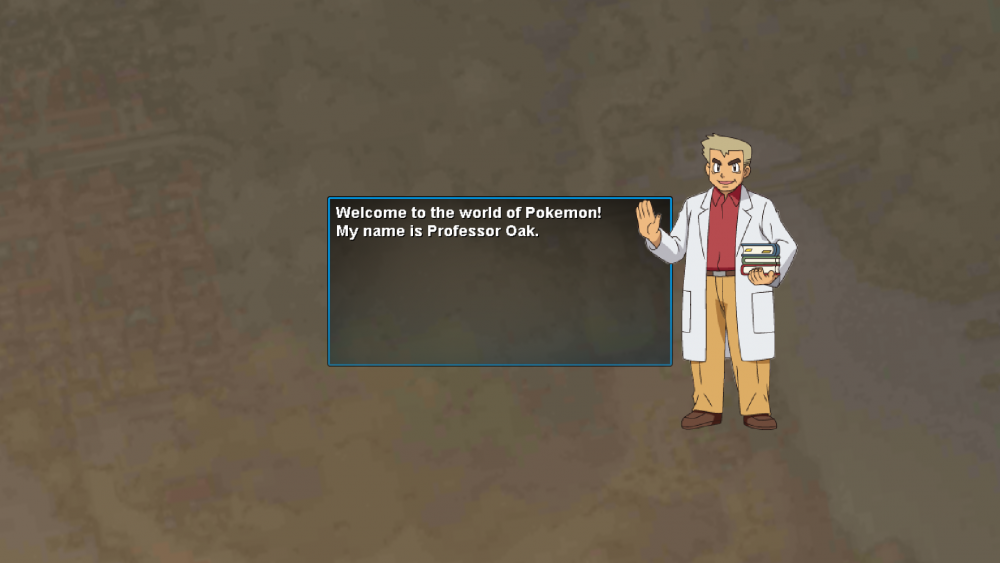
that's the thing no matter what I do it goes back to it that screen shot I show you guys I'm 100% sure I'm clicking the silver server
-
I merge my red account to silver but for some reason it starts with me back at Professor Oak's
-
hi my name is Dromus and I was hoping to join in my first guild in this game I'm kinda new to the game maybe like 3 weeks but I hope you guys will help me on my journey :D ign: Dromus discord: Dromus#2639