New Trade Zone
Trade Zone is now live
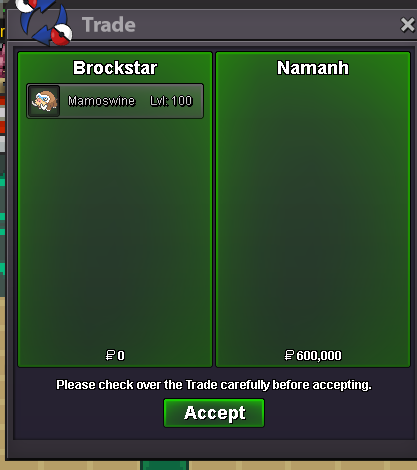
Use the new Trade Zone for auctions and instant-price trades so Pokemon and item offers are easy to find.

Brockstar
Registered User
-
Joined
-
Last visited
Everything posted by Brockstar
-
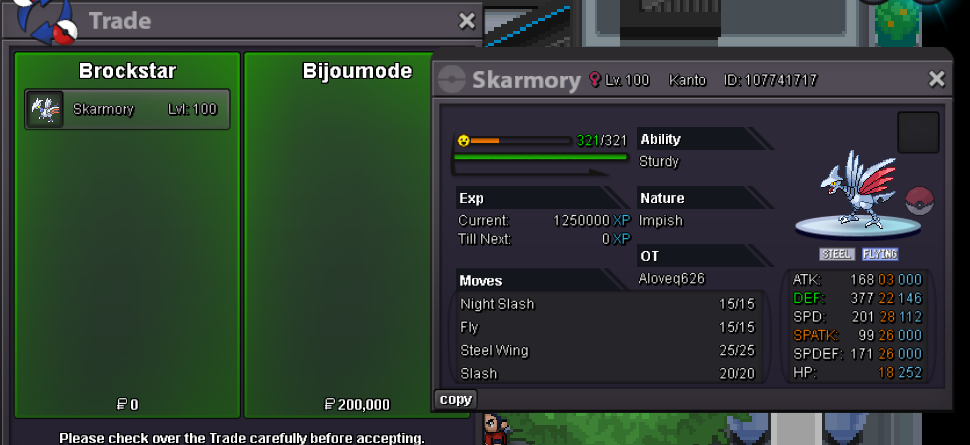
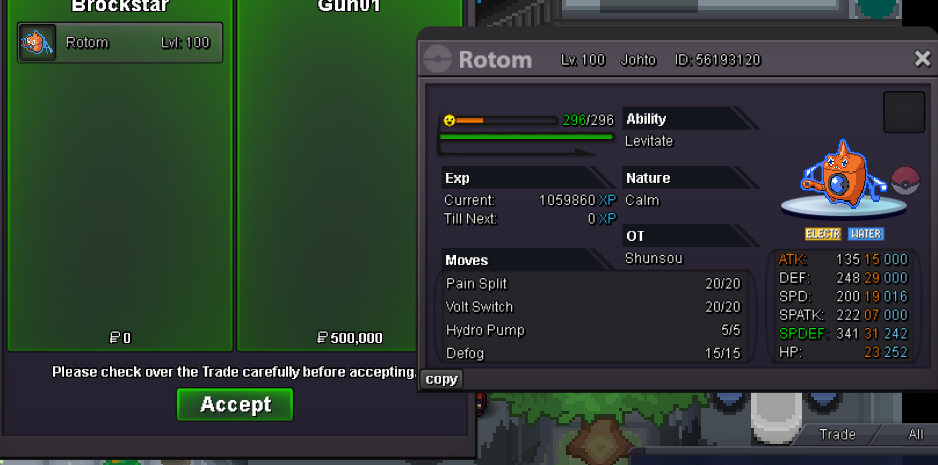
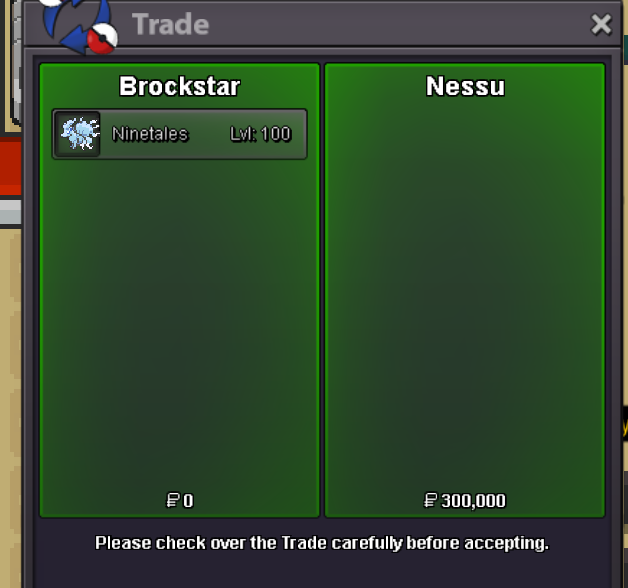
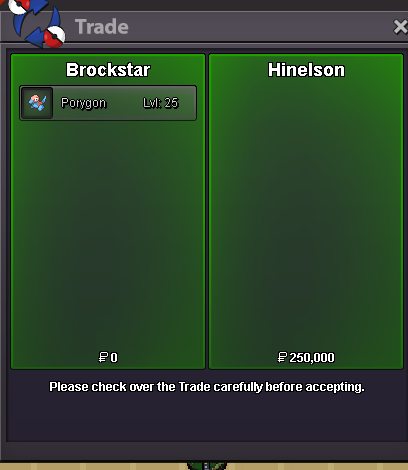
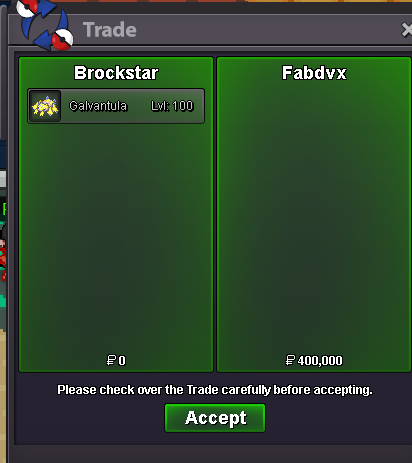
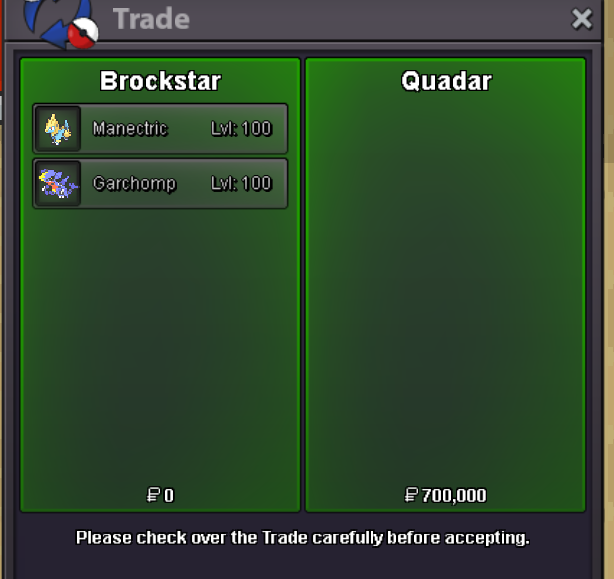
im sorry mate it was sold i forgot to delete sshey bro can you come vermhey man this was sold a few days ago but i forgot to remove the screenshot form here im very sorrypm brcokstar in game and come olivinecome olivine brohey come olivine brocannot shop account would have to fight many trainers to get there, also the darm has been sold already by the looksyeah thats fine come canalavewhich galvantual? you quoted entire shop xdbumpsoldhey bro sorry for late reply pm me on discord s1mplicitydk
Account
Navigation
Search
Configure browser push notifications
Chrome (Android)
- Tap the lock icon next to the address bar.
- Tap Permissions → Notifications.
- Adjust your preference.
Chrome (Desktop)
- Click the padlock icon in the address bar.
- Select Site settings.
- Find Notifications and adjust your preference.
Safari (iOS 16.4+)
- Ensure the site is installed via Add to Home Screen.
- Open Settings App → Notifications.
- Find your app name and adjust your preference.
Safari (macOS)
- Go to Safari → Preferences.
- Click the Websites tab.
- Select Notifications in the sidebar.
- Find this website and adjust your preference.
Edge (Android)
- Tap the lock icon next to the address bar.
- Tap Permissions.
- Find Notifications and adjust your preference.
Edge (Desktop)
- Click the padlock icon in the address bar.
- Click Permissions for this site.
- Find Notifications and adjust your preference.
Firefox (Android)
- Go to Settings → Site permissions.
- Tap Notifications.
- Find this site in the list and adjust your preference.
Firefox (Desktop)
- Open Firefox Settings.
- Search for Notifications.
- Find this site in the list and adjust your preference.