New Trade Zone
Trade Zone is now live
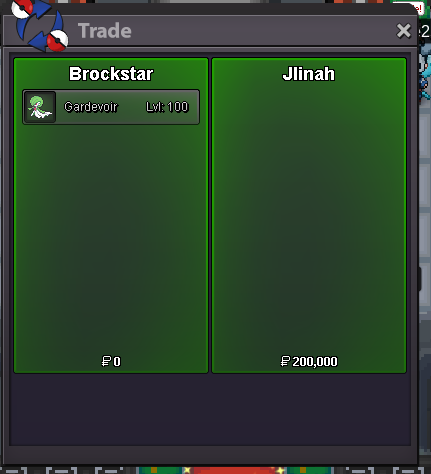
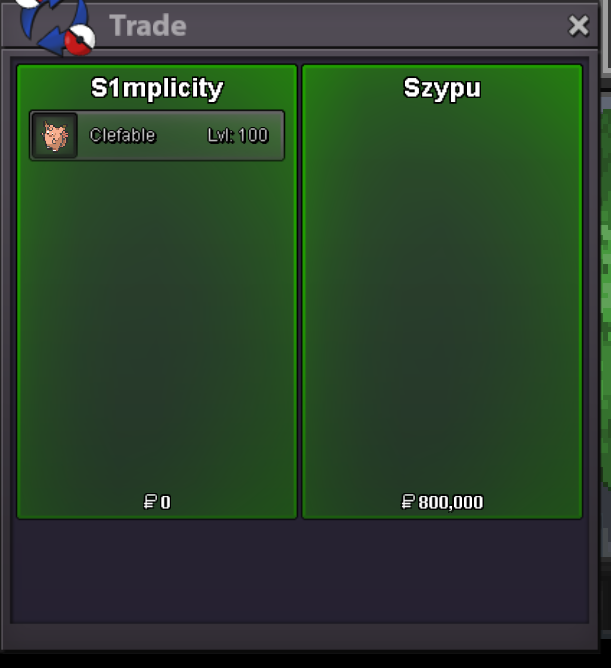
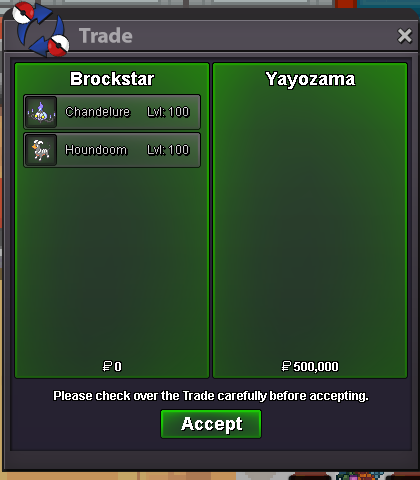
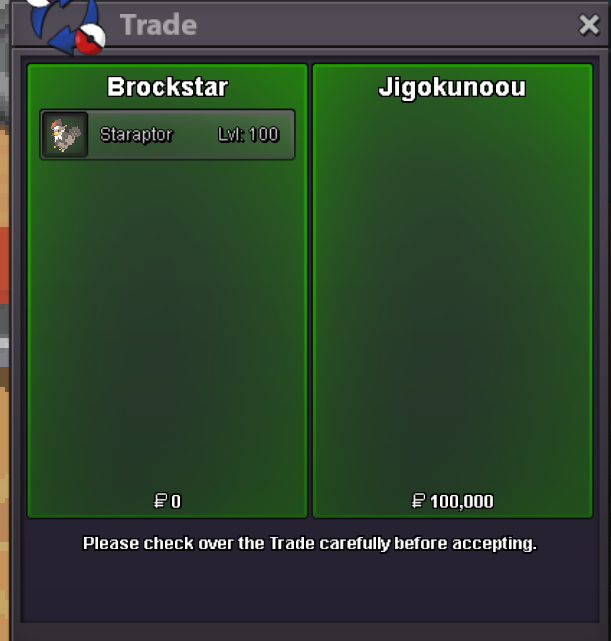
Use the new Trade Zone for auctions and instant-price trades so Pokemon and item offers are easy to find.

Brockstar
Registered User
-
Joined
-
Last visited
Everything posted by Brockstar
-
hey mate yh can you meet now? i can see galvantula is already sold tho
-
come olivineCome online nd come lilycove msg brockstarthe untrained sectionNew Stock Bumpcome lillycove trade brockstarare you online now? 🙂
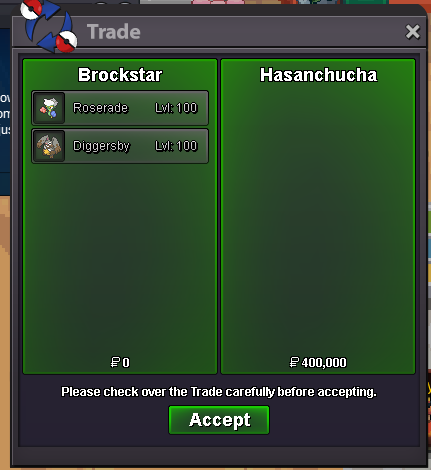
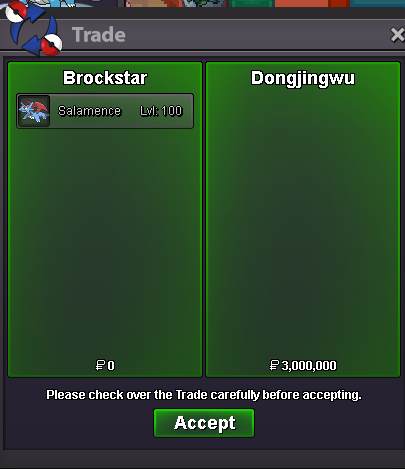
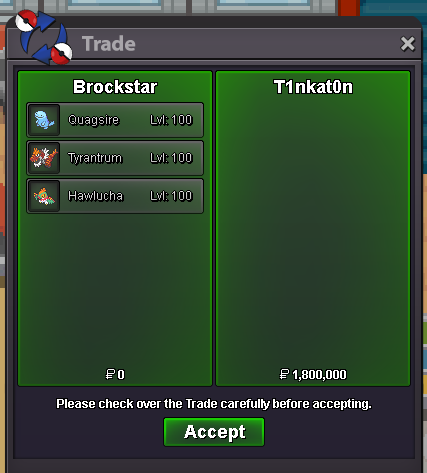
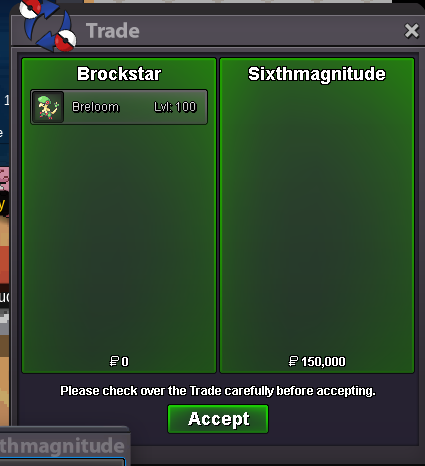
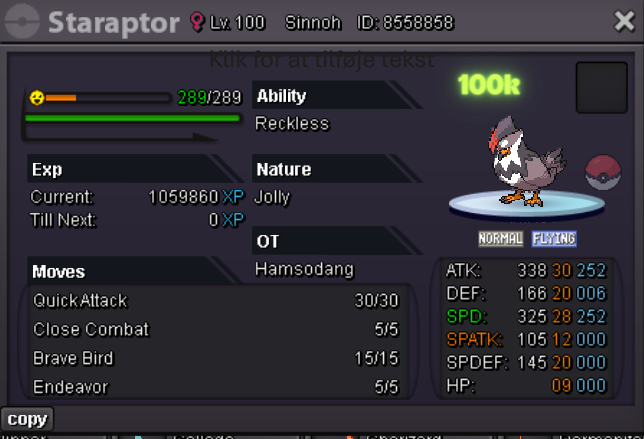 Massage Brockstar in game when online and meet at lilcovecome lilycoveCome lilycoveROCKSTAR SHOP ----------------------------------------------------------------- --------------------------------------------------------------------------------------- Accepted Payments Pokedollar Coin Capsule = 500k Reroll Ticket = 750k Contact: Discord: simplicitydk or poppunkdan Pokemon- Please note all prices are negotiable if you contact through discord. 100k 200K 300K 400K 500K 600K 700K 800K 900K 1m-10m Untrained Pokemon Section All individually priced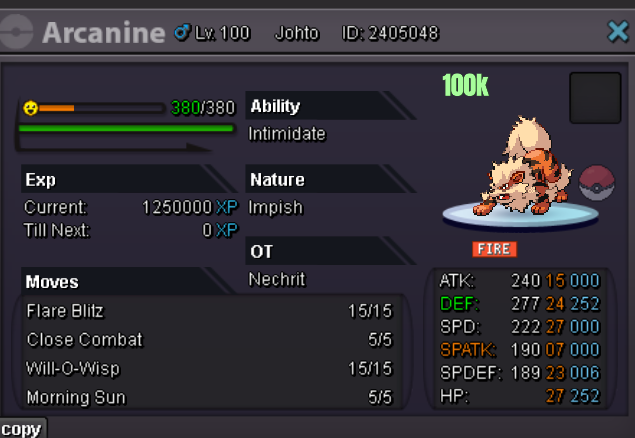
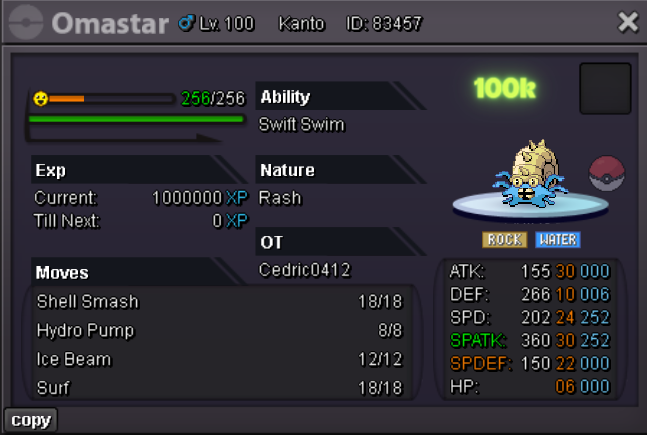
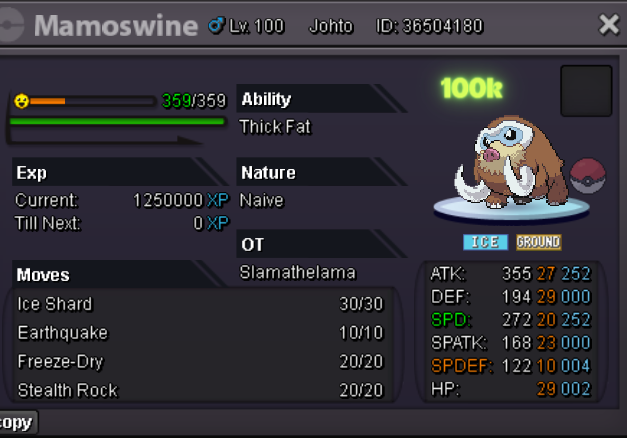
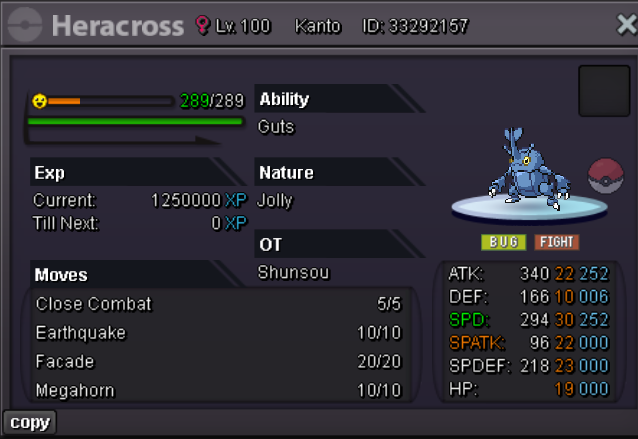
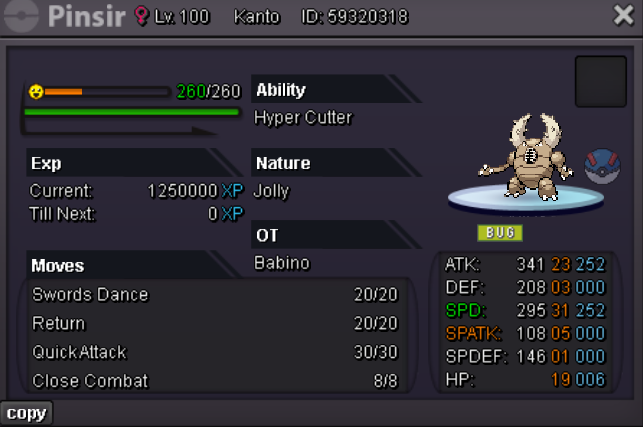
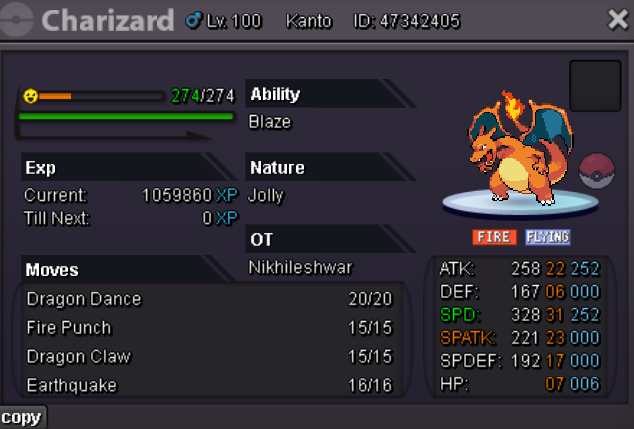
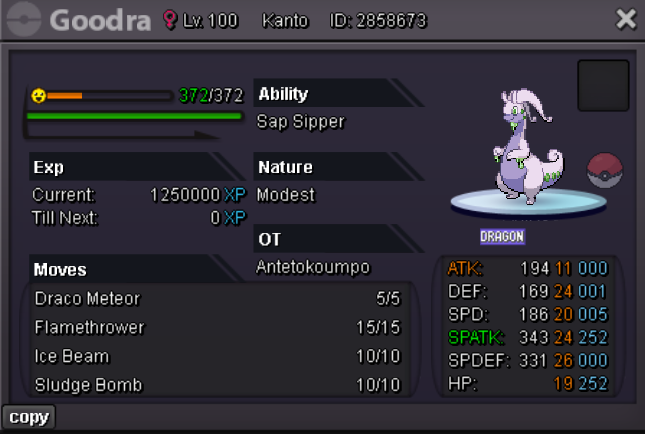
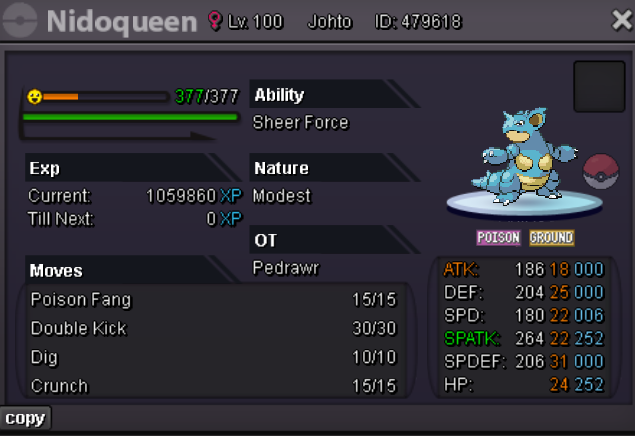
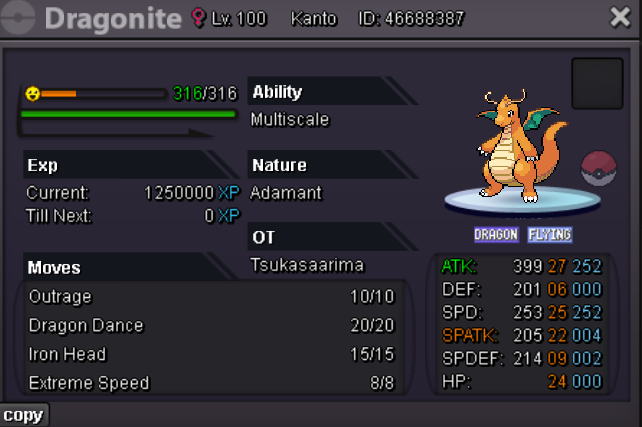
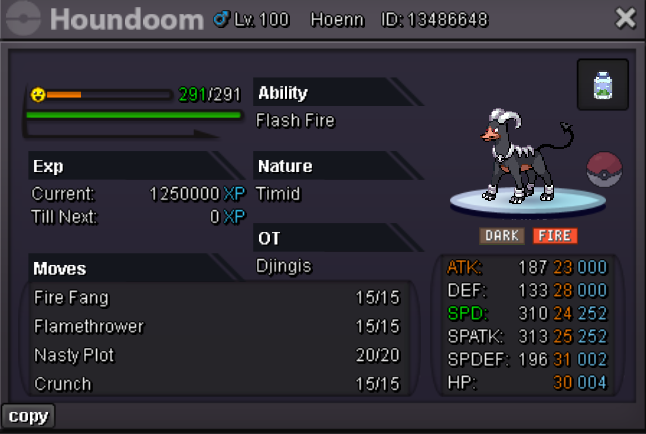

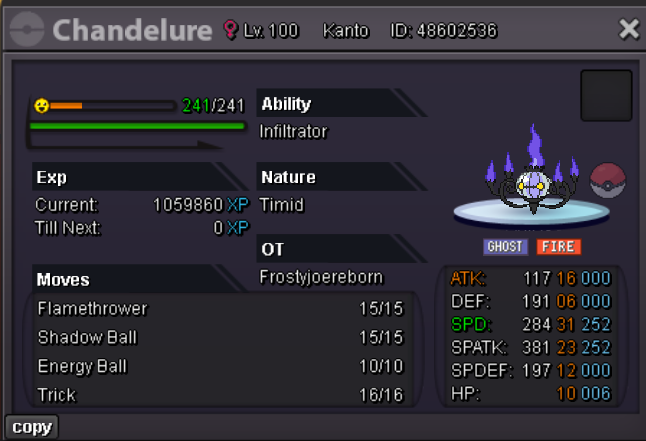
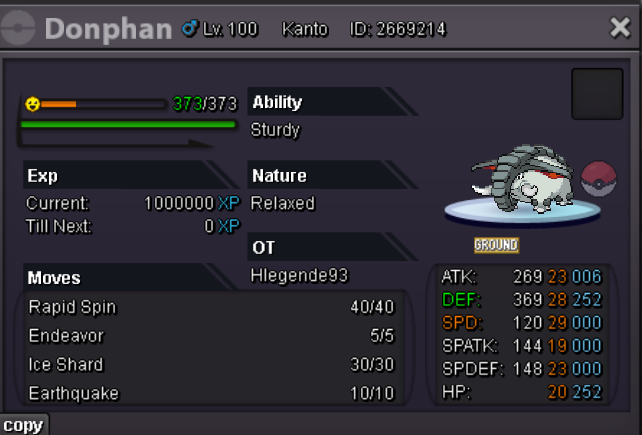
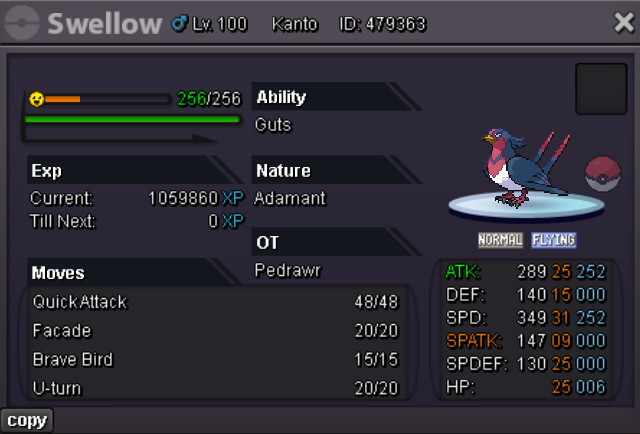
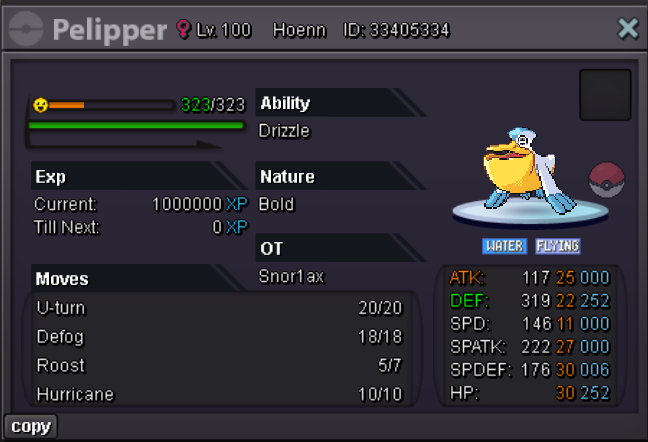
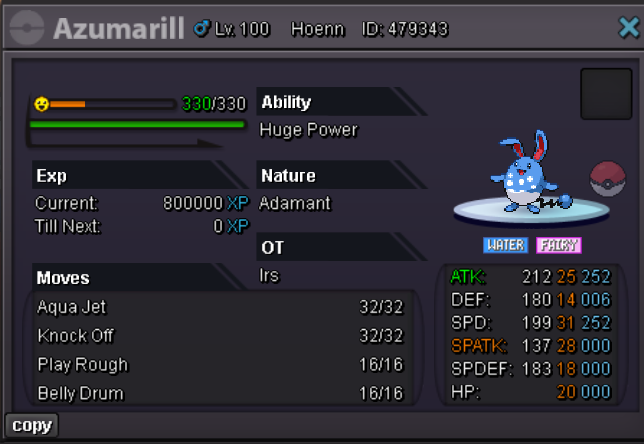

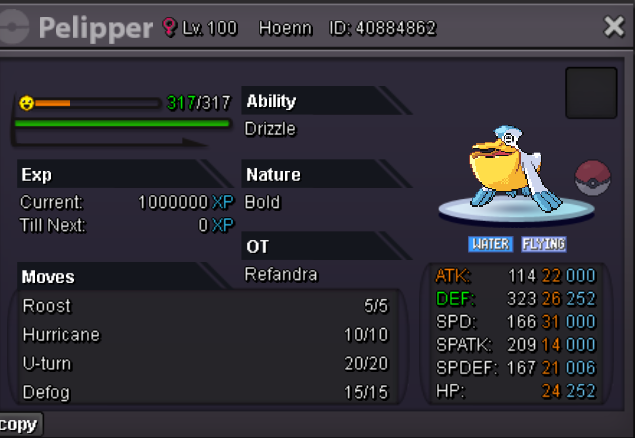
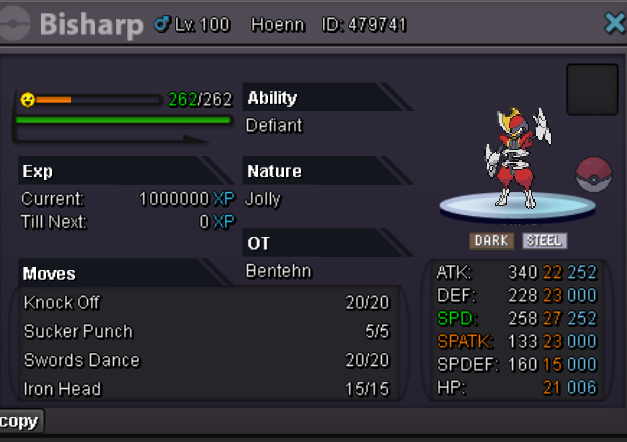

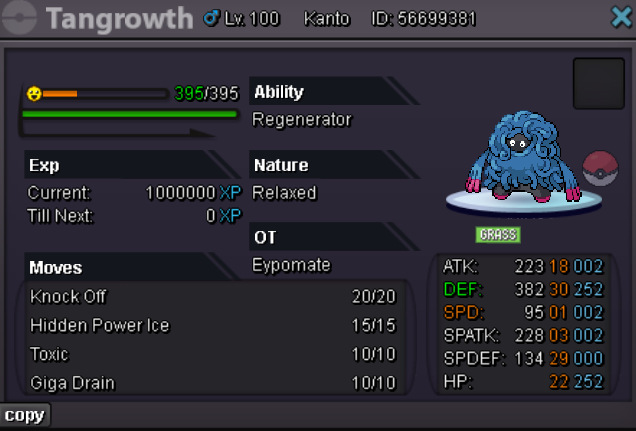
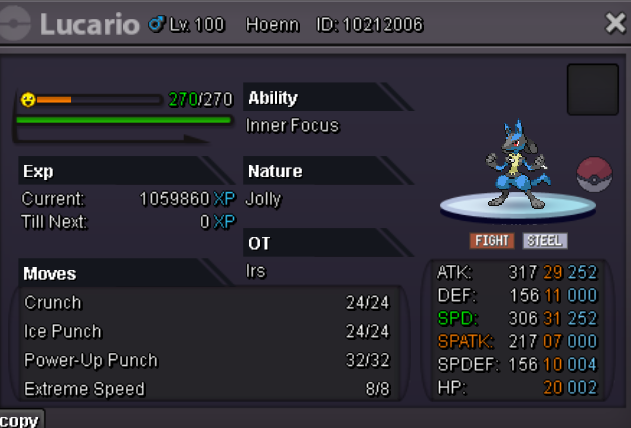
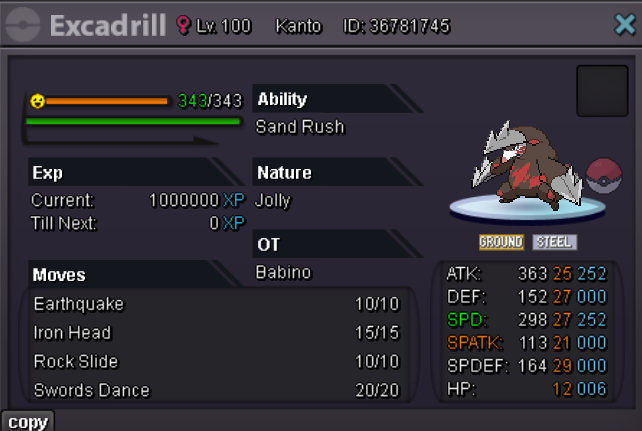
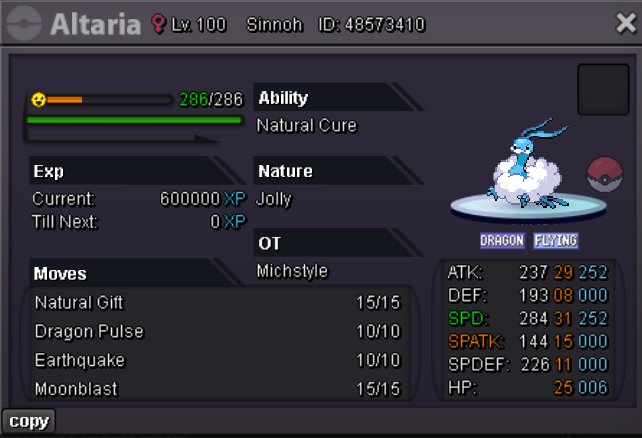

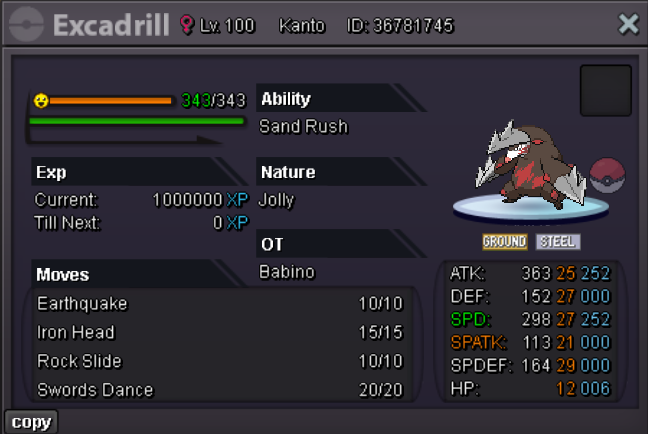

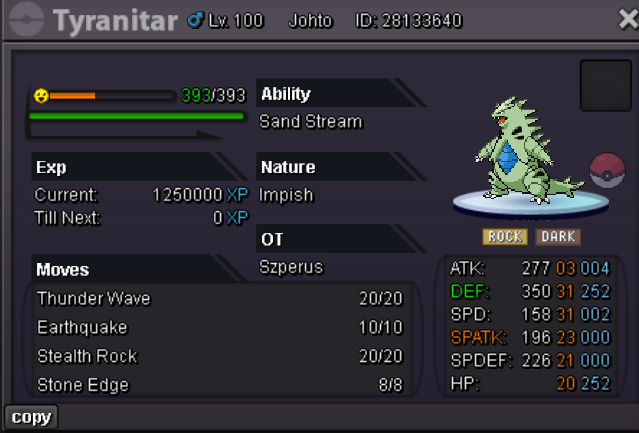
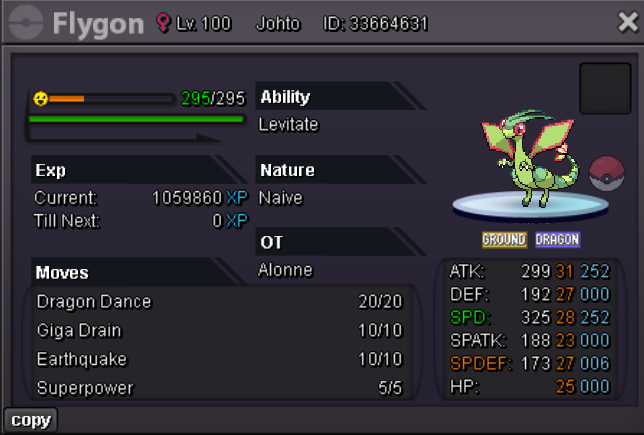
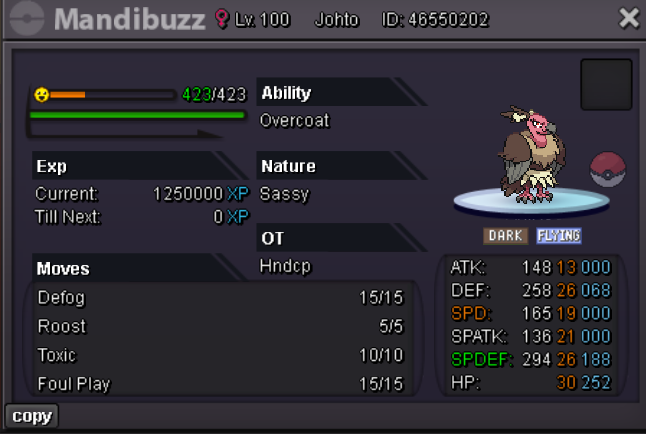

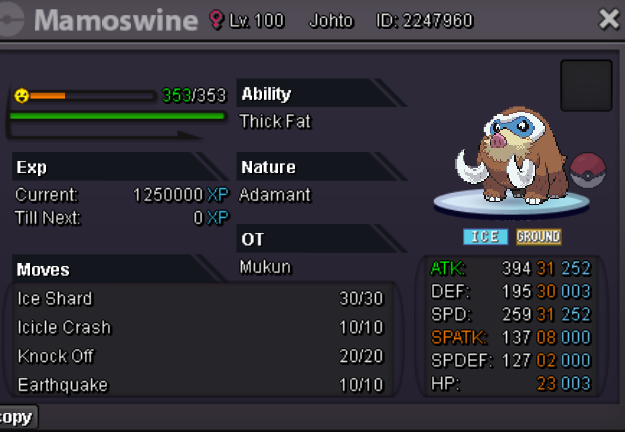
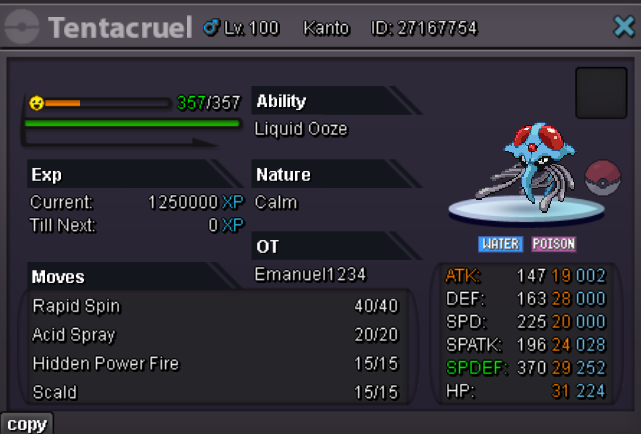

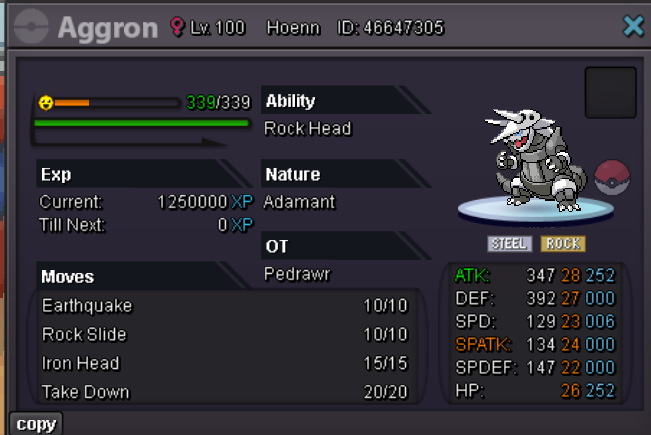
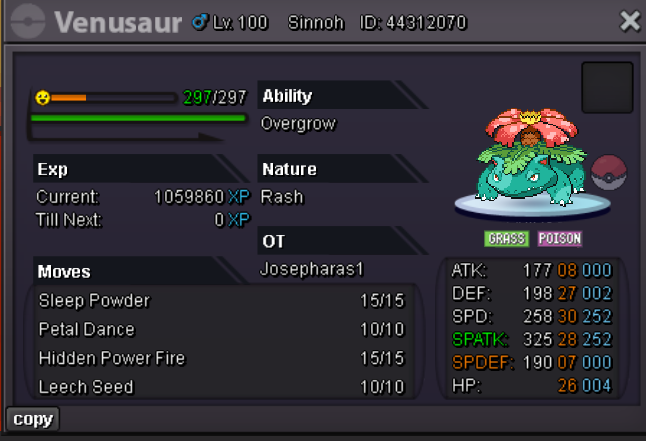
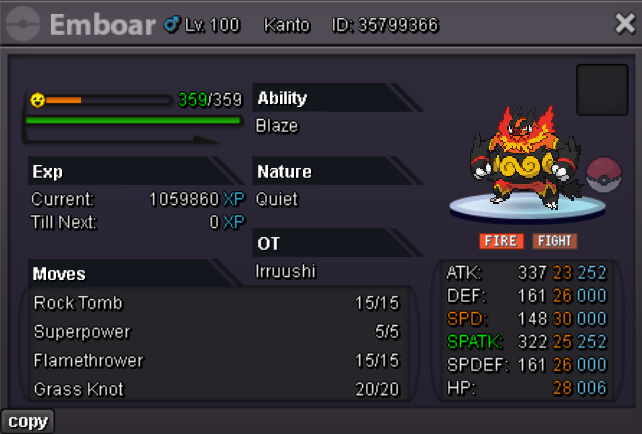
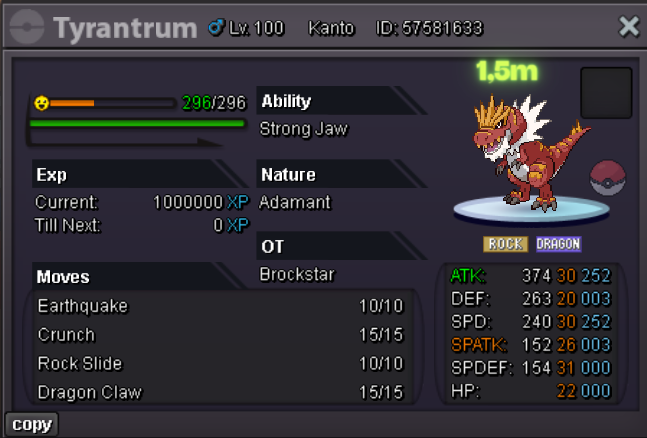

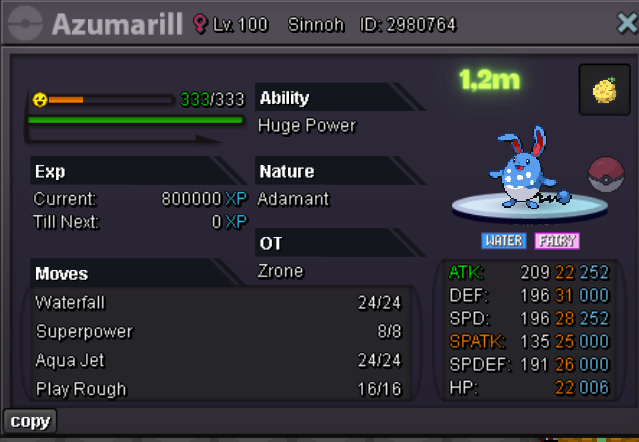
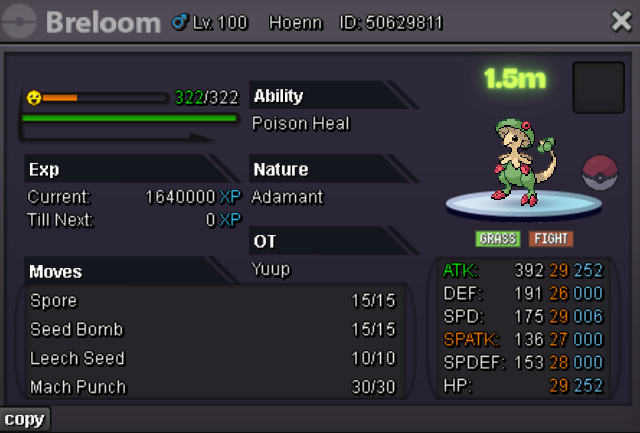
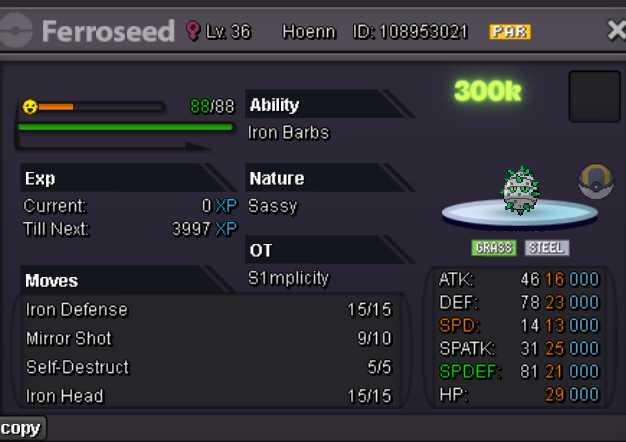
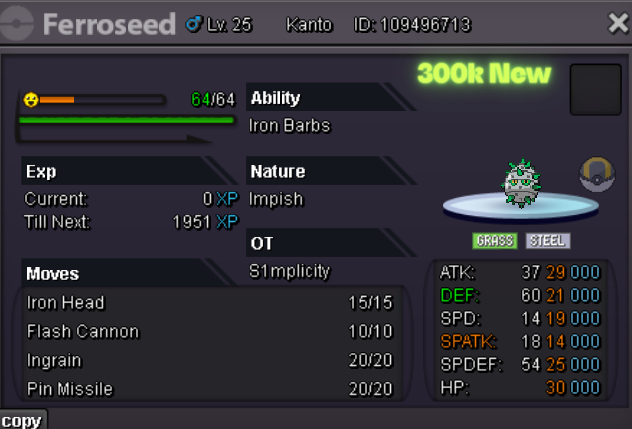
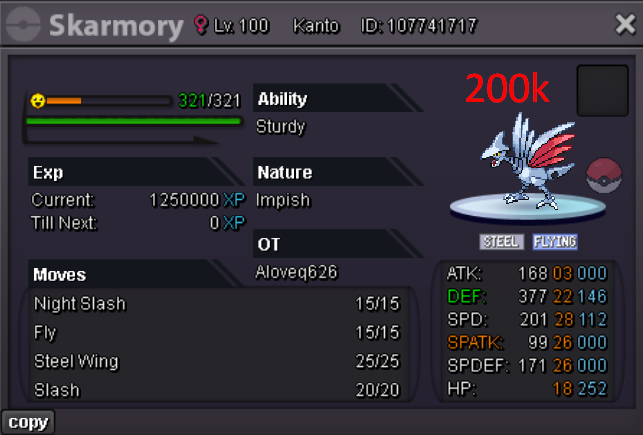
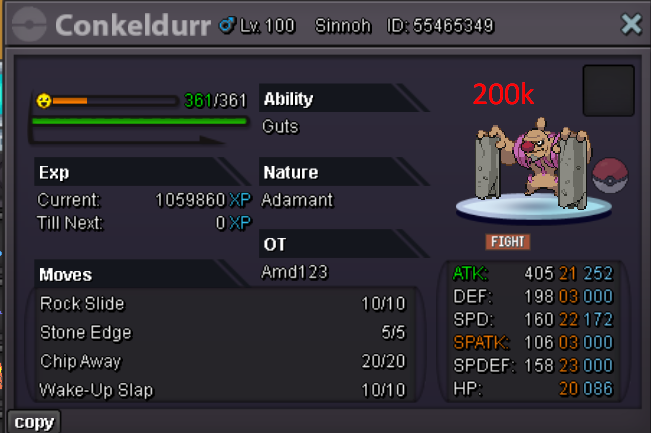
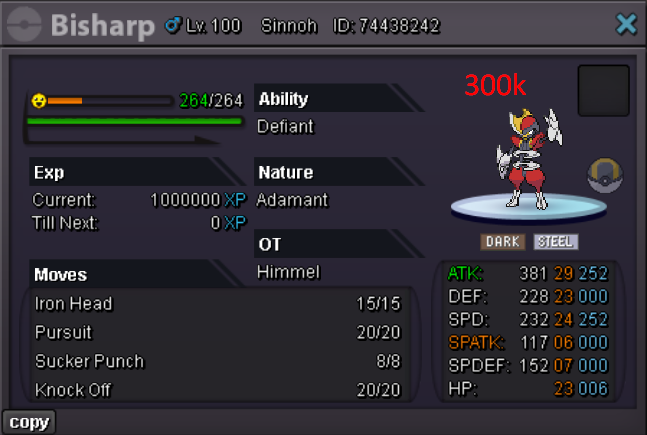
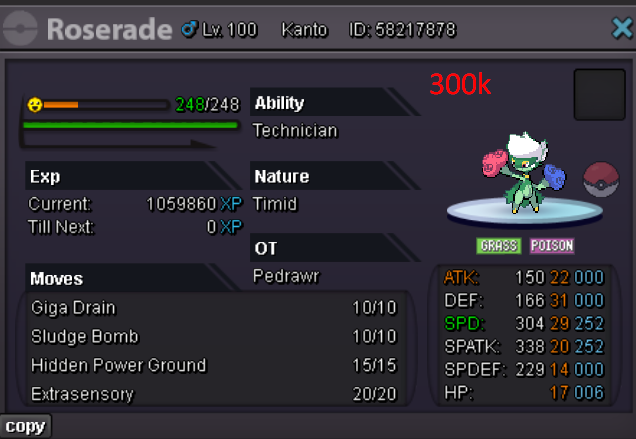
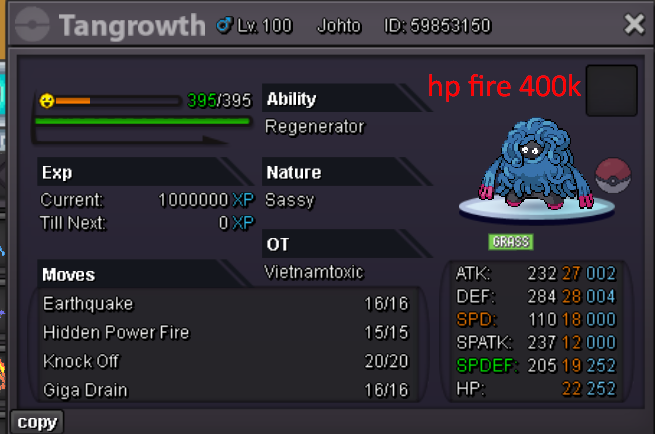
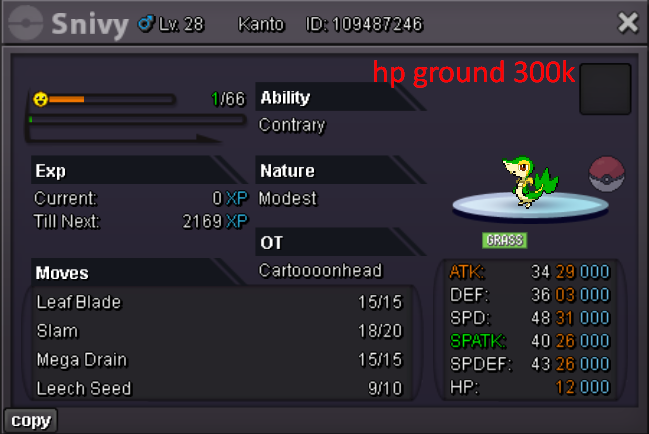
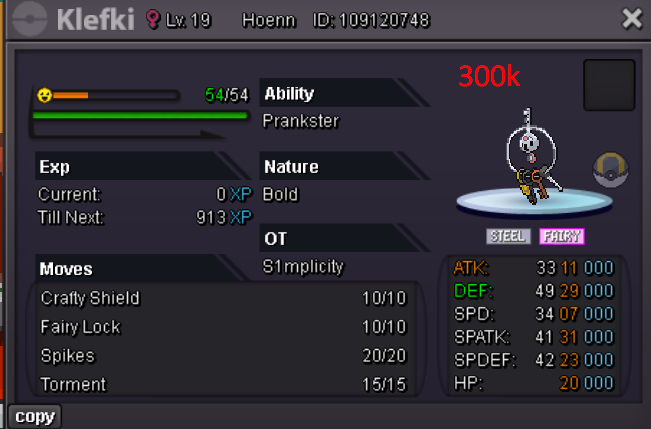
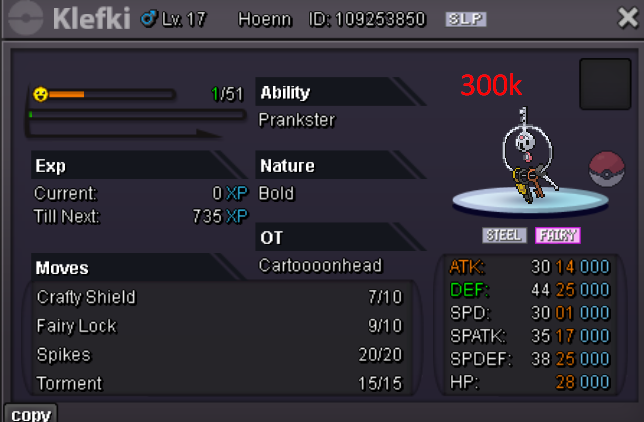
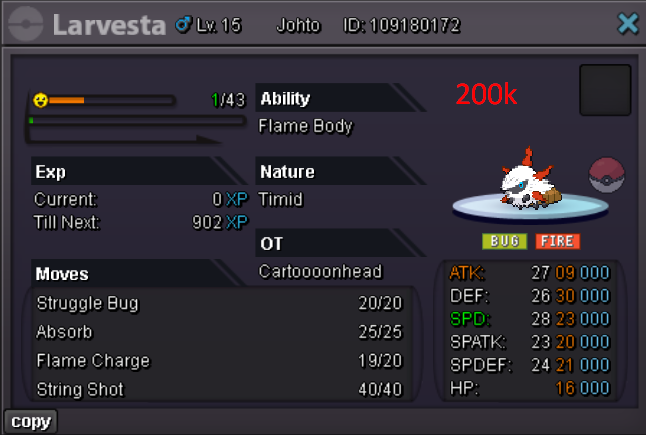
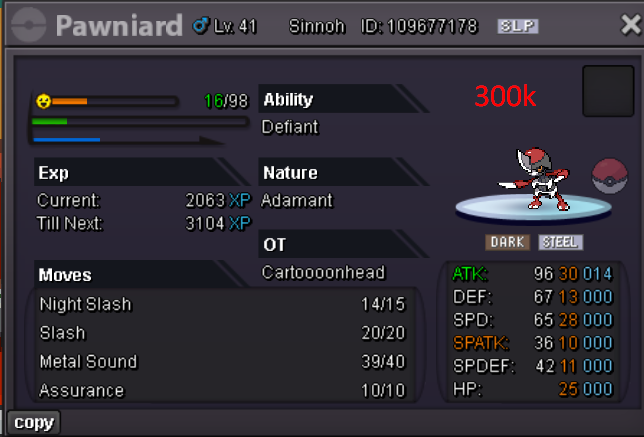
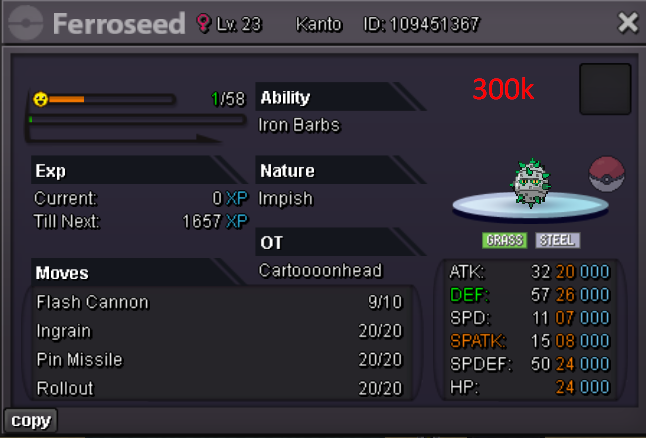
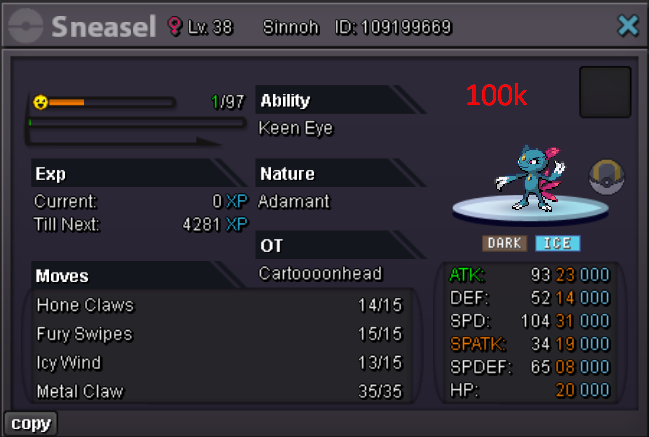
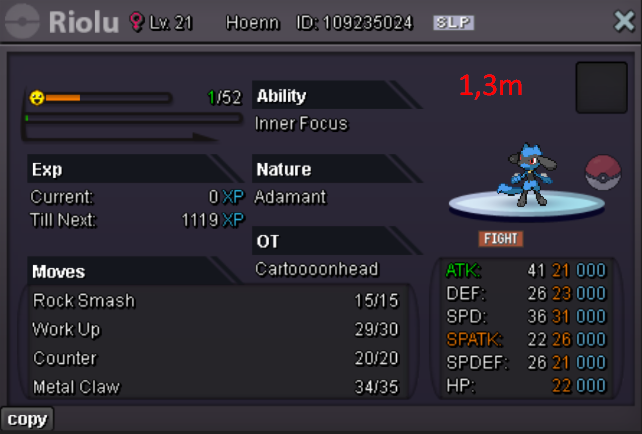
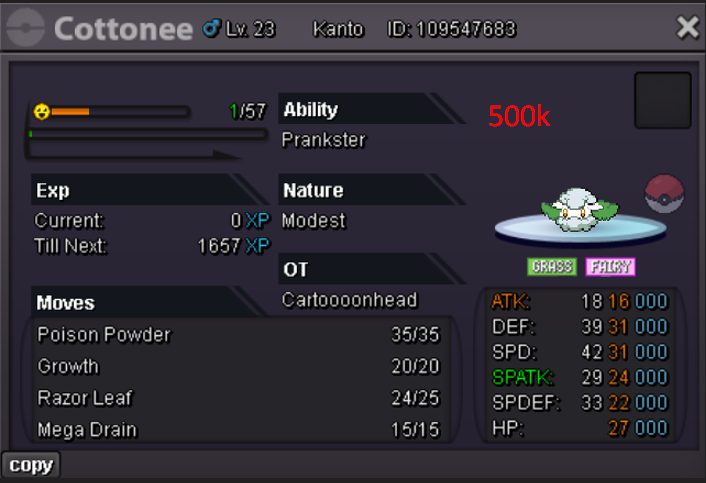 Disclaimer: the mon is on my Thejester32 account, made the post from this by mistake
Account
Navigation
Search
Configure browser push notifications
Chrome (Android)
- Tap the lock icon next to the address bar.
- Tap Permissions → Notifications.
- Adjust your preference.
Chrome (Desktop)
- Click the padlock icon in the address bar.
- Select Site settings.
- Find Notifications and adjust your preference.
Safari (iOS 16.4+)
- Ensure the site is installed via Add to Home Screen.
- Open Settings App → Notifications.
- Find your app name and adjust your preference.
Safari (macOS)
- Go to Safari → Preferences.
- Click the Websites tab.
- Select Notifications in the sidebar.
- Find this website and adjust your preference.
Edge (Android)
- Tap the lock icon next to the address bar.
- Tap Permissions.
- Find Notifications and adjust your preference.
Edge (Desktop)
- Click the padlock icon in the address bar.
- Click Permissions for this site.
- Find Notifications and adjust your preference.
Firefox (Android)
- Go to Settings → Site permissions.
- Tap Notifications.
- Find this site in the list and adjust your preference.
Firefox (Desktop)
- Open Firefox Settings.
- Search for Notifications.
- Find this site in the list and adjust your preference.