New Trade Zone
Trade Zone is now live
Use the new Trade Zone for auctions and instant-price trades so Pokemon and item offers are easy to find.

Henkhoornman
Registered User
-
Joined
-
Last visited
Everything posted by Henkhoornman
-
In-Game Name: Henkhoornman Discord Tag: @Compy #2391 Server: Silver How often do you use Discord?: lurking whenever i can What is one suggestion you have for PRO Discord?: Create a two bot system, one for silver and one for gold. Give them a role at the top of the member list but bots stay offline untill connection to said server is lost, the related bot then goes online (or busy) to indicate the server is offline. This is to hopefully stop about 30% of the "is silver down?" And make it clear to everyone on there theres an issue. BTW just add a server feedback channel for this stuff on discord
-
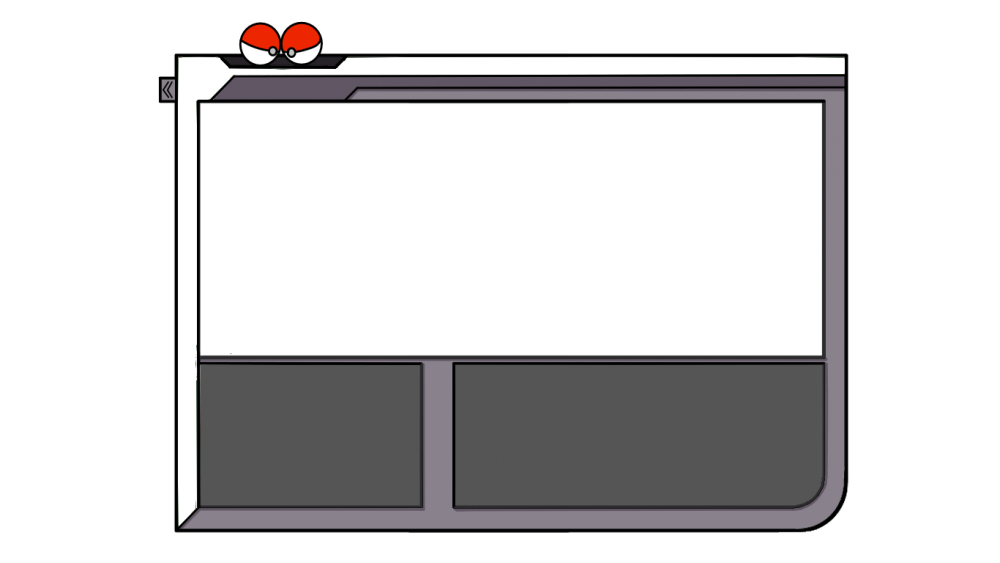
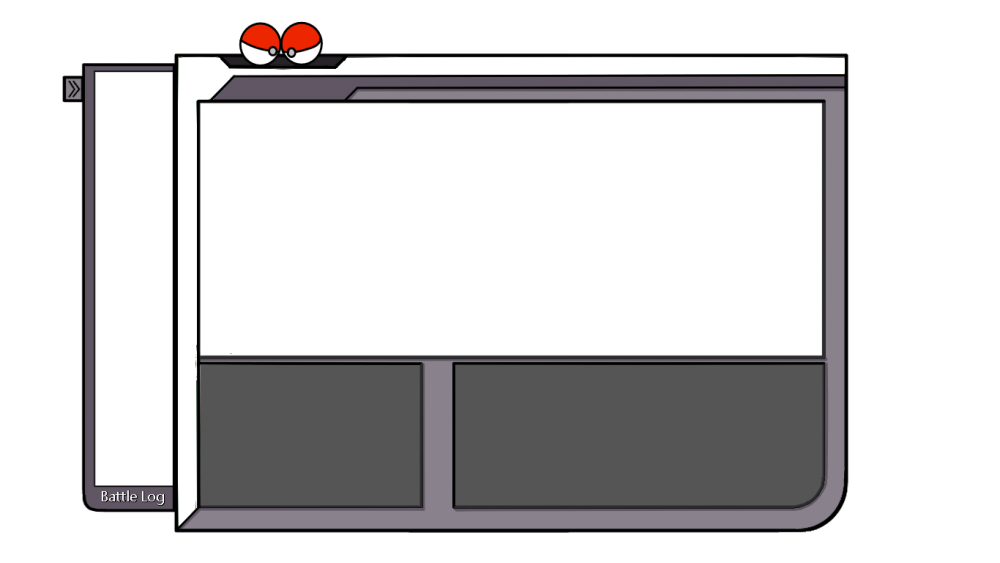
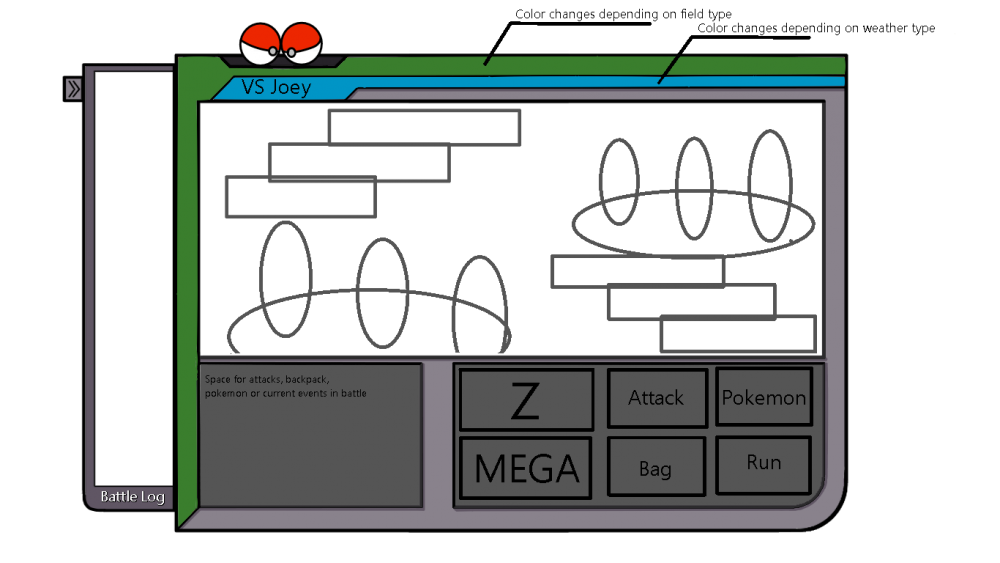
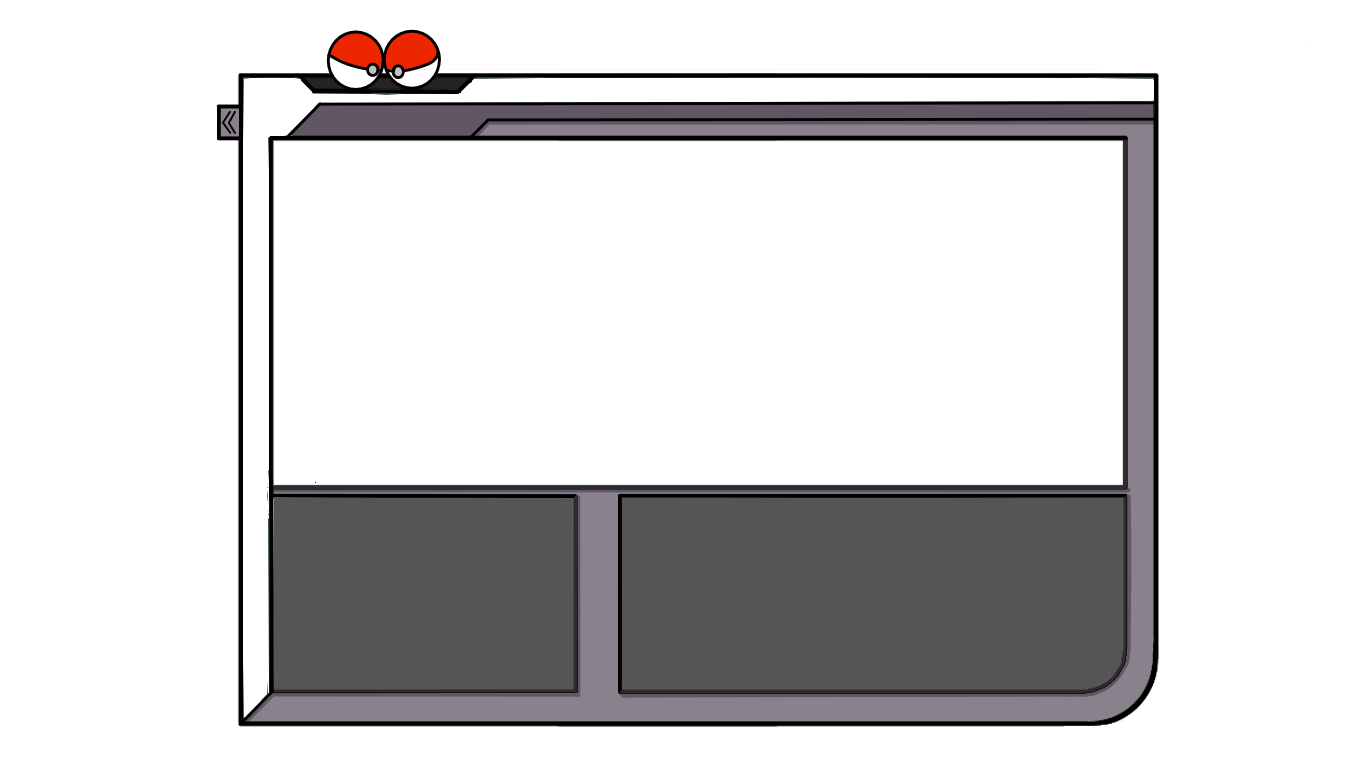
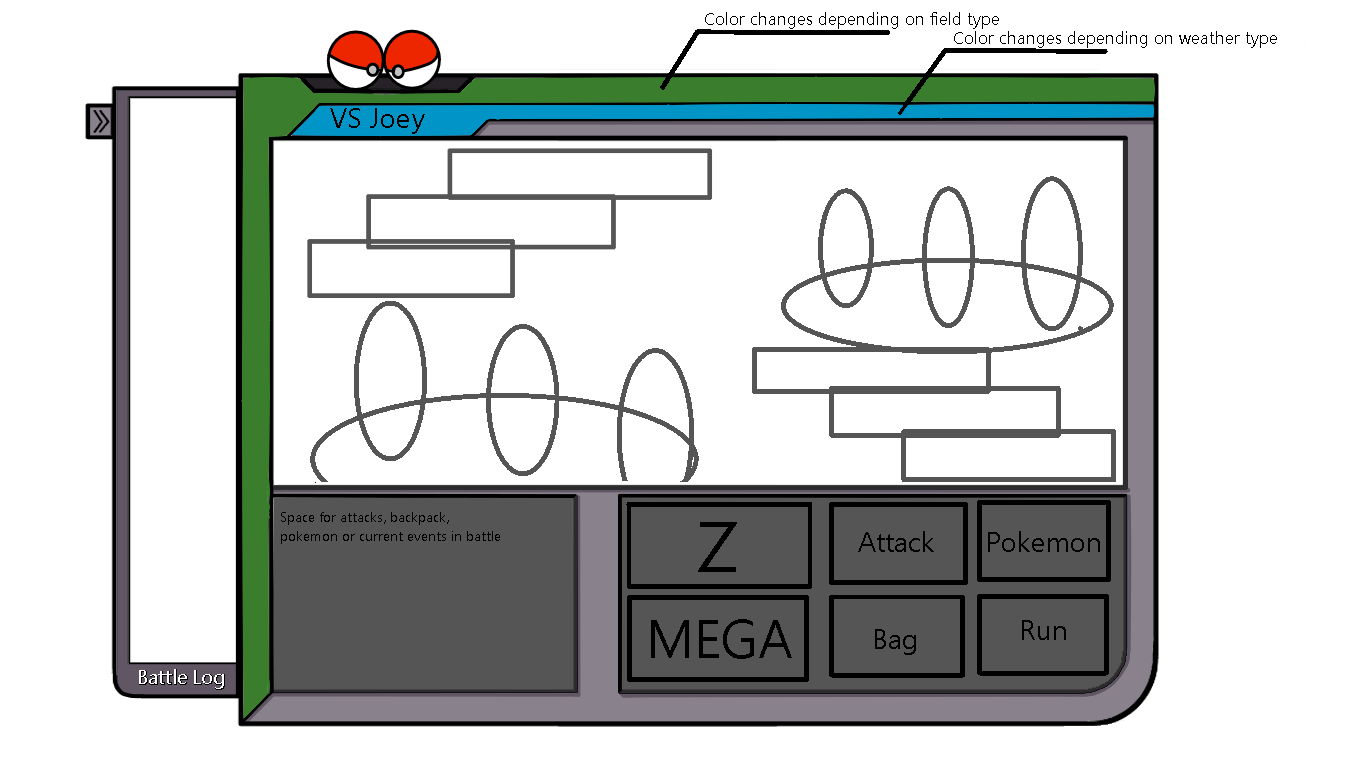
Heres my attempt. I left everything open since i believe a template where the style of PRO could be put into is more valuable then a sketch of a fixed design. I did add a bad example of how it could be used. I forgot to add old assets can be reused