




All Activity
- Past hour
-
2m
-
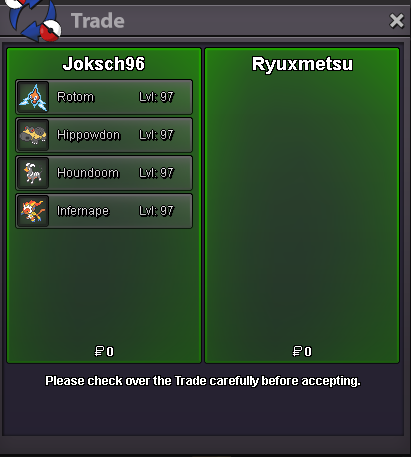
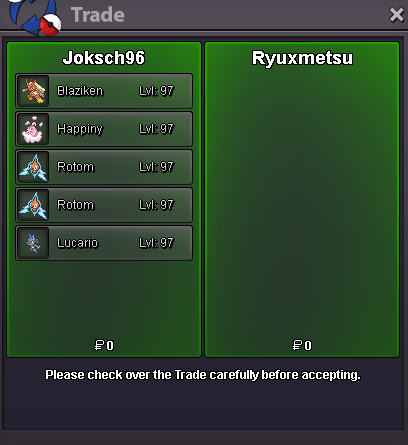
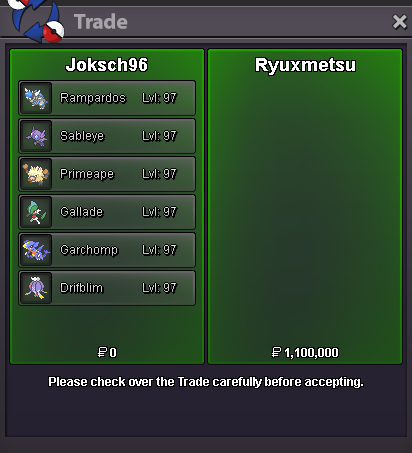
@Ryuxmetsu thanks for big request :)
-
Alienp joined the community
-
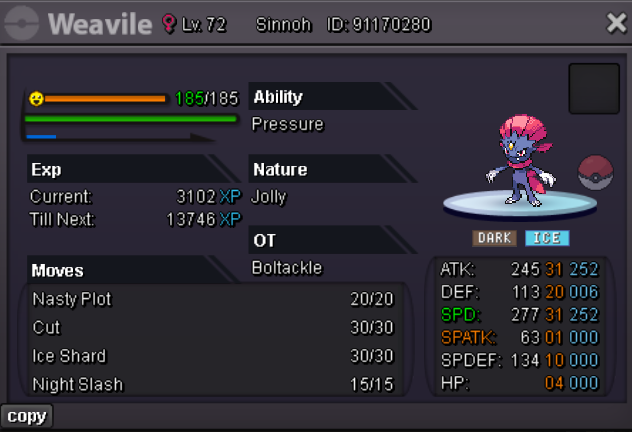
START:500K MIN BID:100K TIME: 48 hours after start price is met Good Luck To All !
-
1m
-
-
Zexsso67 joined the community
-
Kloqdeus joined the community
-
Dapanda joined the communityElvir95 joined the community@Shar0n Feel free to dm me on discord Discord: hefvermogen2mPokemine joined the communitySold 1 choice band 50k - Sunx7tws1.6mHello @Tuzzii ! Apologies for the issue you are experiencing! From what I see, you still have your mount but you made it hold to your Venusaur in your party ! So to be able to get the mount back, you will have to remove the hold item from your Venusaur which is your Dragonite mount! Hope it clears your issue! Have a wonderful day and a fun time playing PRO, Good Luck for your journey! Very Respectfully, ZarachiGoodmorning, i've lost my mount(dragonite mount)...i can't find it, i don't know if is only a temporary bug. Pls help me1.9m
- Today
can be closed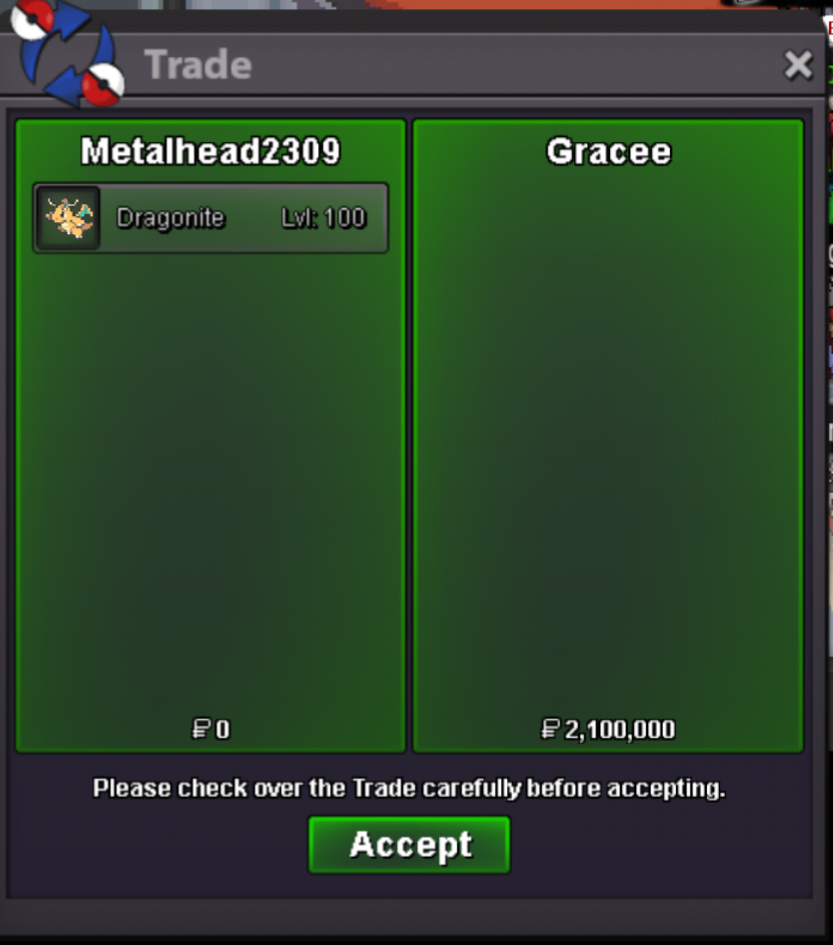 IGN : Godredeye Timezone : +5.30wtb charizard broyou are still alive in my heart broDarrenjs20 joined the community.
 Hello! Nice to hear your issue got resolved! As you seen I did forward your issue instant and got fixed when one of the appropriate team member was online and free. Once again Apologies for the inconvenience caused. I wish you a wonderful day and have fun playing PRO ! Very Respectfully, ZarachiIGN: blacktortoise timezone:GMT+5:30
.thumb.png.65ec3814f0dbaef639a5422a70380ad2.png)







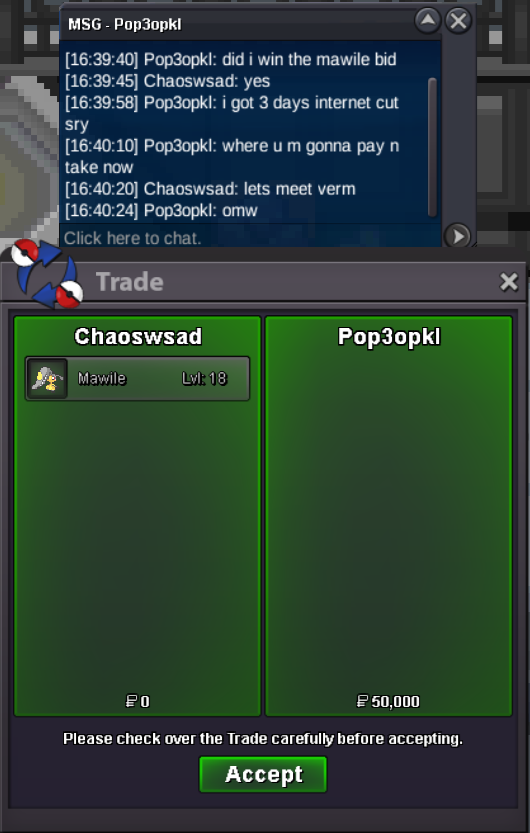
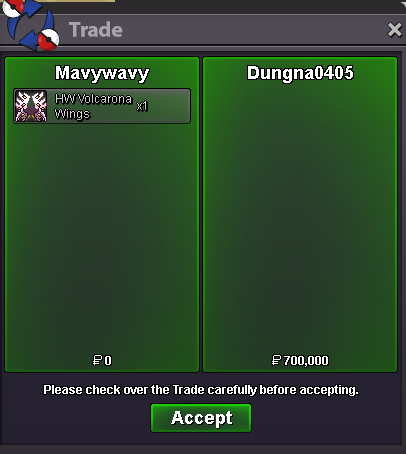






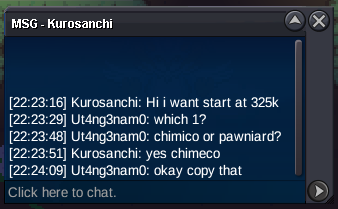








Account
Navigation
Search
Configure browser push notifications
Chrome (Android)
- Tap the lock icon next to the address bar.
- Tap Permissions → Notifications.
- Adjust your preference.
Chrome (Desktop)
- Click the padlock icon in the address bar.
- Select Site settings.
- Find Notifications and adjust your preference.
Safari (iOS 16.4+)
- Ensure the site is installed via Add to Home Screen.
- Open Settings App → Notifications.
- Find your app name and adjust your preference.
Safari (macOS)
- Go to Safari → Preferences.
- Click the Websites tab.
- Select Notifications in the sidebar.
- Find this website and adjust your preference.
Edge (Android)
- Tap the lock icon next to the address bar.
- Tap Permissions.
- Find Notifications and adjust your preference.
Edge (Desktop)
- Click the padlock icon in the address bar.
- Click Permissions for this site.
- Find Notifications and adjust your preference.
Firefox (Android)
- Go to Settings → Site permissions.
- Tap Notifications.
- Find this site in the list and adjust your preference.
Firefox (Desktop)
- Open Firefox Settings.
- Search for Notifications.
- Find this site in the list and adjust your preference.