New Trade Zone
Trade Zone is now live
Use the new Trade Zone for auctions and instant-price trades so Pokemon and item offers are easy to find.
All Activity
Past hour
-
Tiiwenn joined the community
-
Bump
Today
-
-
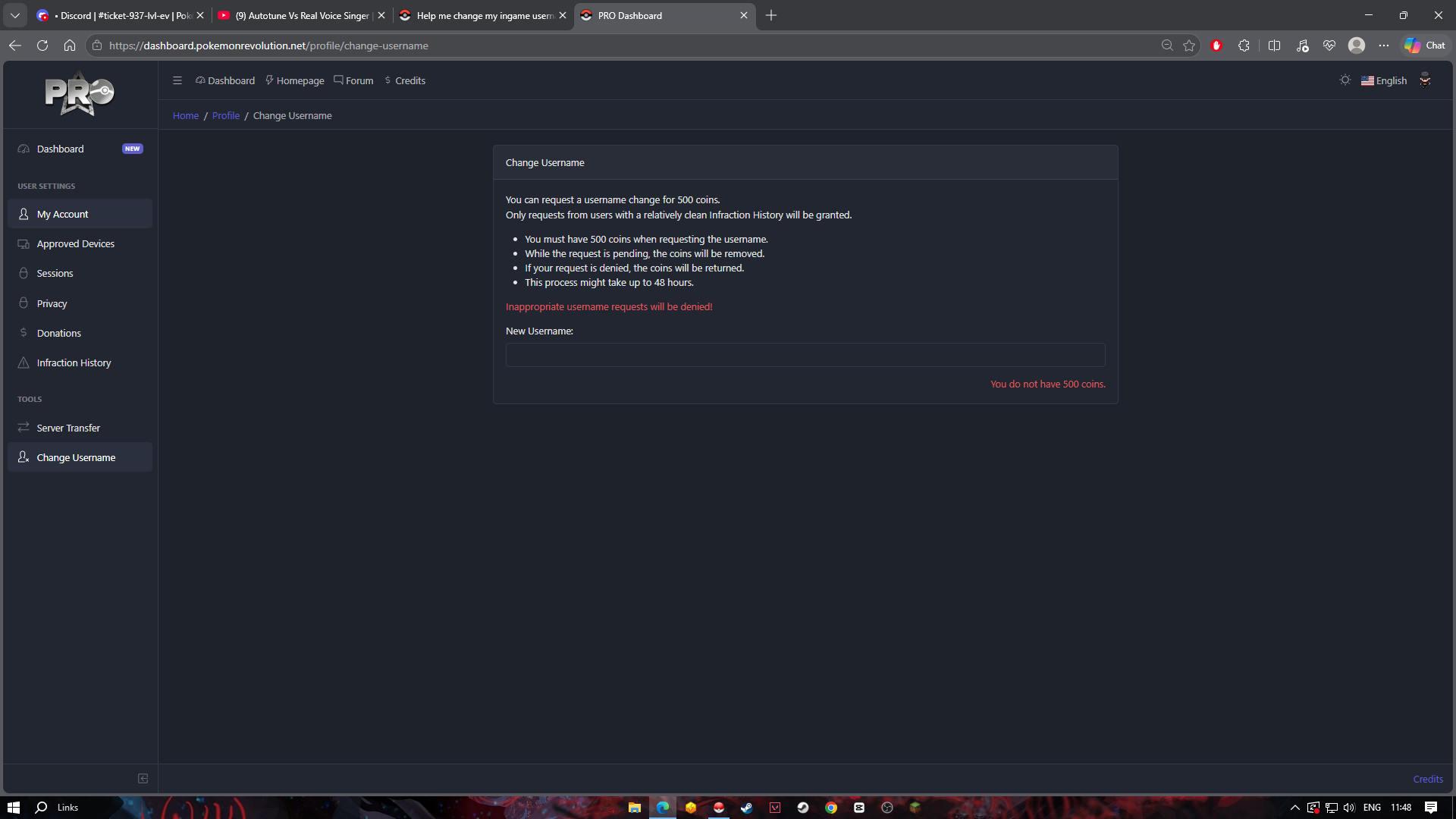
if your infraction hsitory is clear and have 500coins (you can buy around 5cc for2.5mil To get that.) You can type username and checkif it is available or not then change it in a shot period of 24hrs
-
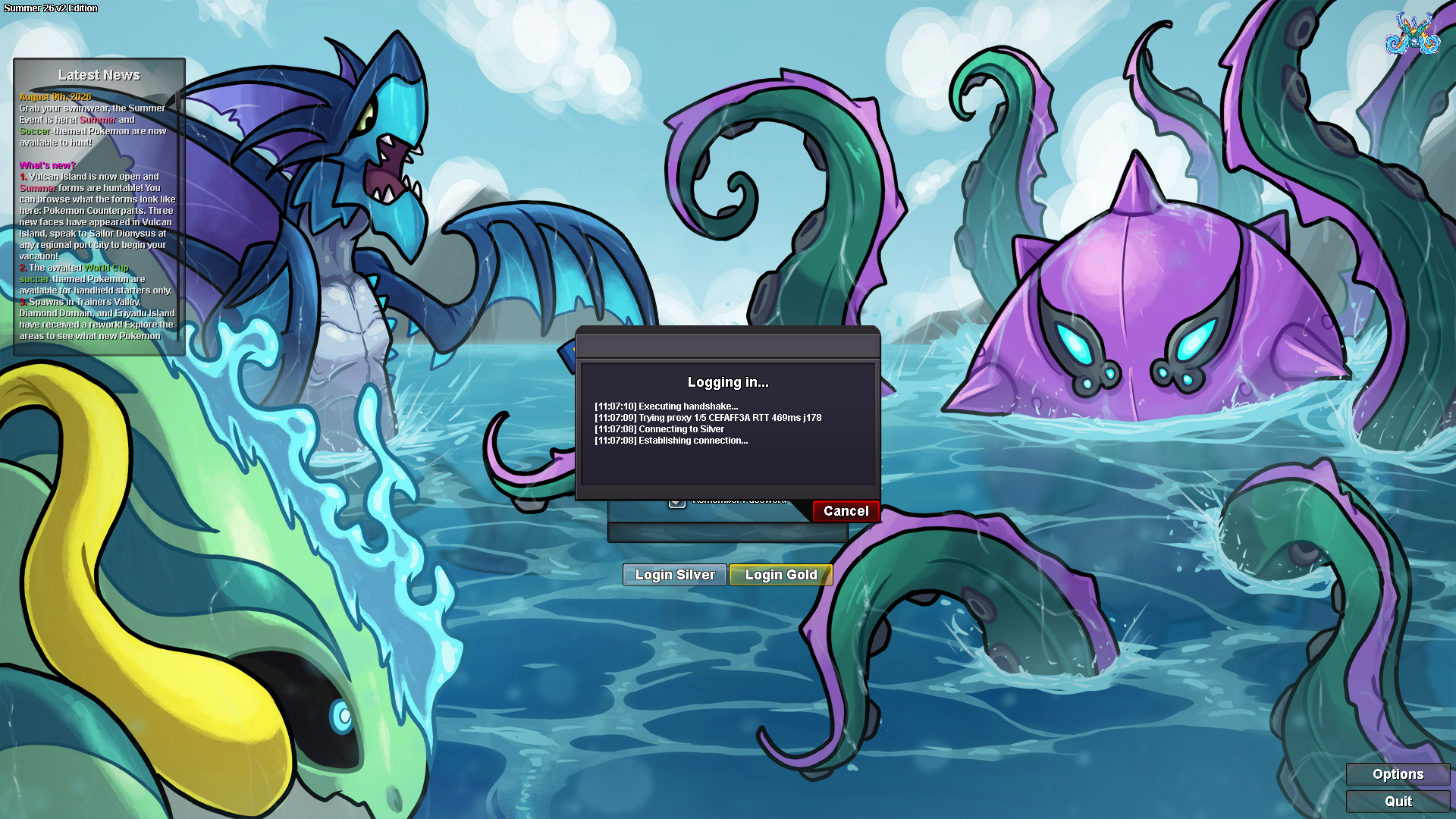
@Myhookwillgoon do yoy have 500 coins?\Hect joined the communityfianlly working now thnx very much @Divinegold 💓Ricerino joined the communityno worries man atlest u trying to helpEven that doesnt work one way is to wait for a staff response sorry dude i cant give you an answer which helps..oh yea i can try and let u knowYou can try 32-bit versionon mobile silver working toobut i can join gold normally and instantyI have a story service need to done but cant becuase of this problem👍Please wait for a staff response they would give an accurate answernope still not workingIt may fix sometimesYes you can tryi will disable that?Here is the screenshot
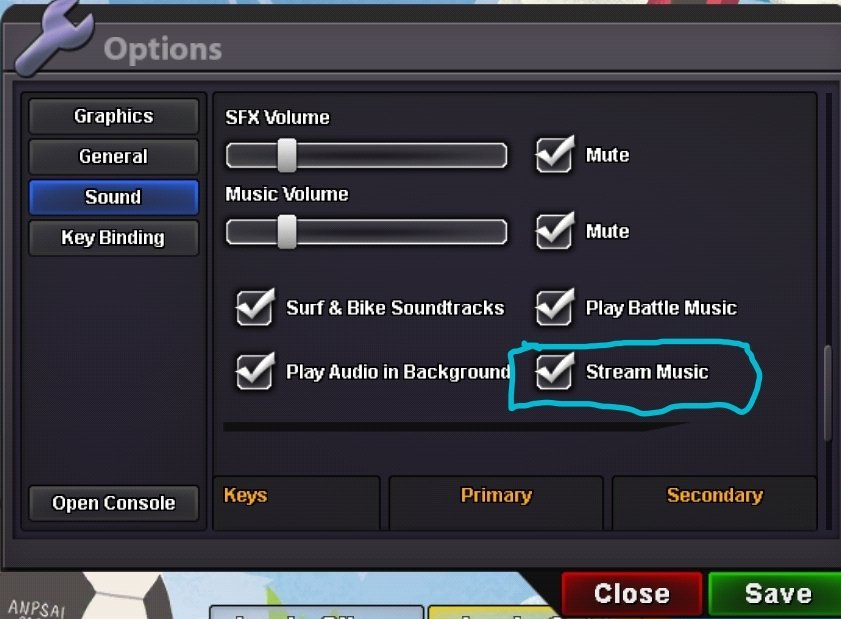 what is that?stream music?Disabled the stream music too?I'm on my 7th Day and they're asking me for cubchoo I have done keldeo quest and kyurem quest Still I'm not able to access areas for hunting