




All Activity
- Past hour
-
Kunaziki joined the community
-
START : 200k MIN BID : 200K TIME : 48 hours after start price is met INSTA : 6M ACCEPTED CURRENCY : cash, cc as 460k. Good luck to all !
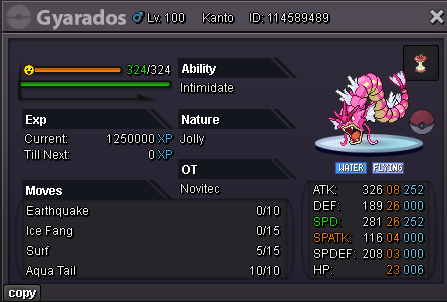
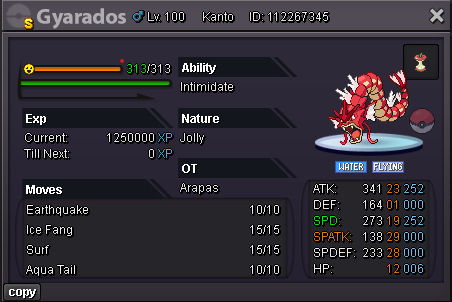
-
Ign: Ruokz Timezone - +5.30
-
S.O - 100k Min bid 50k Auction ends 24 hrs after the 1st offer Important Reminders - This is a SILVER Server auction. You may bid from any server but you must transfer to Gold Server upon winning the auction. - If you intend to purchase with an alternate account or from other server, please specify the account name and/or server name alongside your bid. - 15 minutes rule is applied. (If a bid is received in the final 15 minutes of the auction, the end point will be delayed by 15 minutes from that bid, and will be delayed by 15 minutes for each new bid thereafter, until the current offer has been held for a full 15 minutes) - Please check the Trade Rules and Auction Rules if you are new to trading in PRO. Again, thank you for all the support. To all bidders and viewers, Enjoy the Auction,
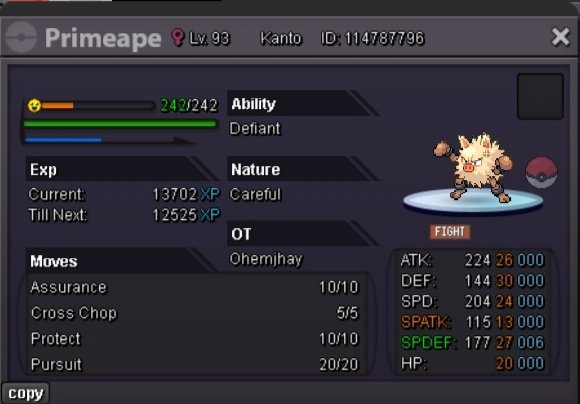


-
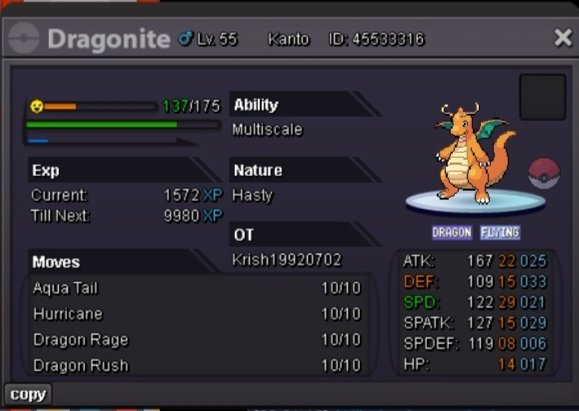
Start Price: 15M Min Raise: 1M Insta: 70m End Point: 48 hours after first bid. Payments: Pokedollars, Coin Capsules (x1 Coin Capsule = 500k), IV Reroll Tickets (x1 IV Reroll Ticket = 700k) Important Reminders: This is a Cross Server auction. You may bid from any server, and I preferred you to transfer server upon winning (Gold Server). If you intend to purchase with an alt account, specify the account alongside your bid. 15 minutes auction rules apply. (If a bid is received in the final 15 minutes of the auction, the end point will be delayed by 15 minutes from that bid, and will be delayed by 15 minutes for each new bid thereafter, until the current offer has been held for a full 15 minutes.)
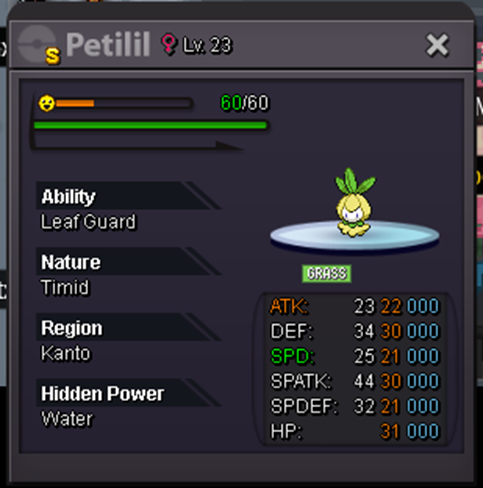 Starting Bid: 1m500K Min Bid: 100K Insta: 5m Duration: 48h Items Accept: Coin Capsule - 450k Iv Reroll ticket - 700k
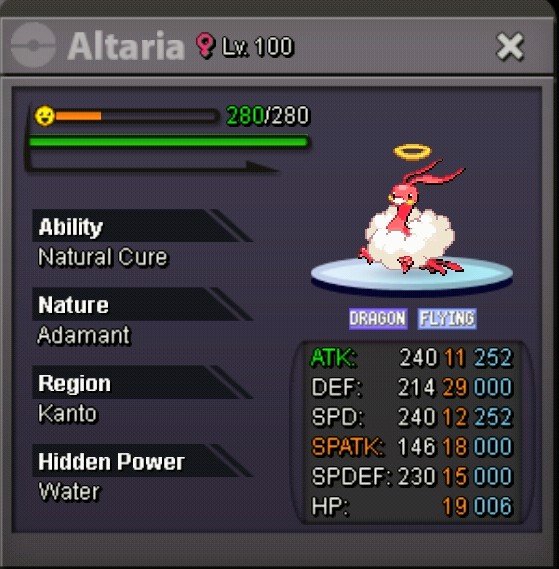 Psyphonx joined the communityAstralascent joined the community
- Today
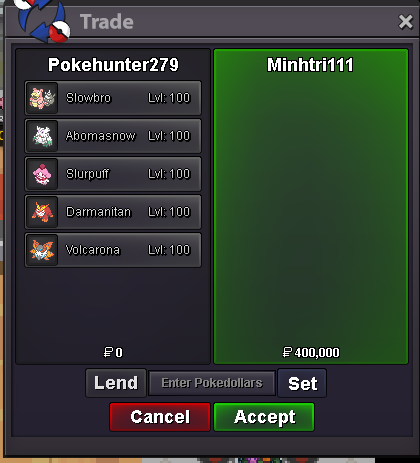
Seraphlost UTC+5:30Rachelgardner changed their profile photoArunox joined the communityConame9979 joined the community3.5mpsychicRealmbreaker joined the community46 hours left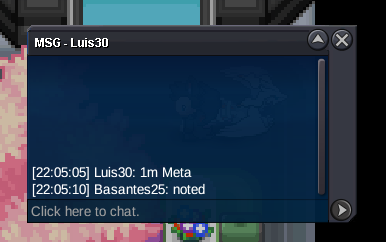 Hi, what hidden power?.3.3m




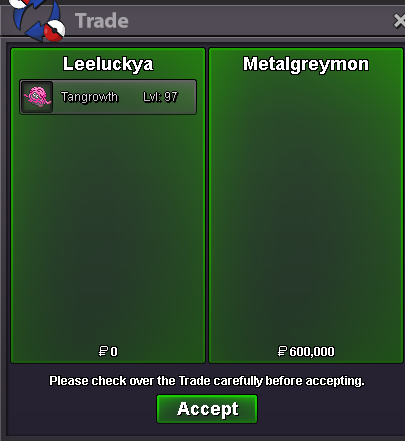













.thumb.png.65ec3814f0dbaef639a5422a70380ad2.png)







.png.4794dac027eca27228788d63b50b63a0.png)
Account
Navigation
Search
Configure browser push notifications
Chrome (Android)
- Tap the lock icon next to the address bar.
- Tap Permissions → Notifications.
- Adjust your preference.
Chrome (Desktop)
- Click the padlock icon in the address bar.
- Select Site settings.
- Find Notifications and adjust your preference.
Safari (iOS 16.4+)
- Ensure the site is installed via Add to Home Screen.
- Open Settings App → Notifications.
- Find your app name and adjust your preference.
Safari (macOS)
- Go to Safari → Preferences.
- Click the Websites tab.
- Select Notifications in the sidebar.
- Find this website and adjust your preference.
Edge (Android)
- Tap the lock icon next to the address bar.
- Tap Permissions.
- Find Notifications and adjust your preference.
Edge (Desktop)
- Click the padlock icon in the address bar.
- Click Permissions for this site.
- Find Notifications and adjust your preference.
Firefox (Android)
- Go to Settings → Site permissions.
- Tap Notifications.
- Find this site in the list and adjust your preference.
Firefox (Desktop)
- Open Firefox Settings.
- Search for Notifications.
- Find this site in the list and adjust your preference.