




All Activity
- Past hour
-
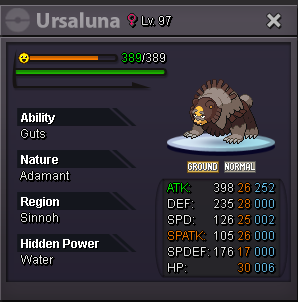
Start: 100K End Point: 48hours after 1st bid Insta Price: N/A Minimum Raise: 50K Accepted Payments: Pokedollars, CC (400K), RR (700K), RC (5K)
-
IGN: Afnan2997 TimeZone: GMT+6 (Bangladesh)
-
@Oni772 is the WINNER!!! Thank you everyone for ur participation.
-
I can trade tomorrow. What’s your ign
-
Zweifel joined the community
-
S.O.= 300k min bid = 50k insta= 1 mil auction end= 24 hrs after S.O. Discord= aaryan4528

- Today
-
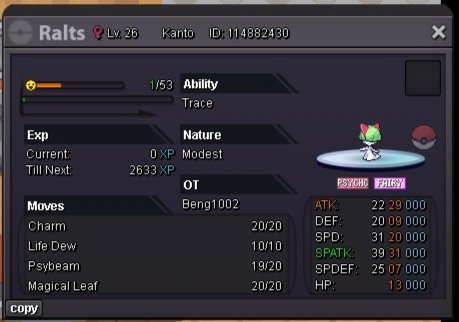
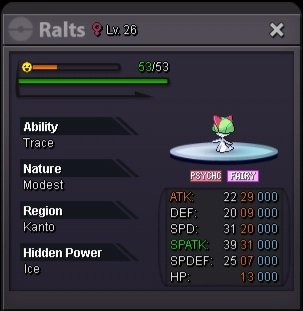
@Shoot3rhmong ur the winner of the ralts pm me im in verm right now
-
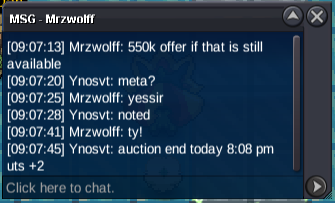
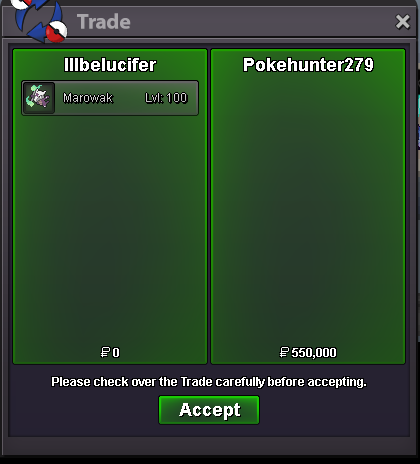
Meta 550k
-
Ceussir joined the community
-
Auction S.o 1m Insta: N/A Min bid: 100k 48h after first bid -15mins rule
-
Slamduncan9 joined the community
-
Meta end today 8:08 pm utc +2
-
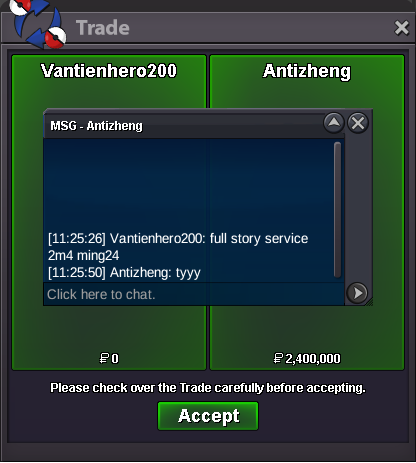
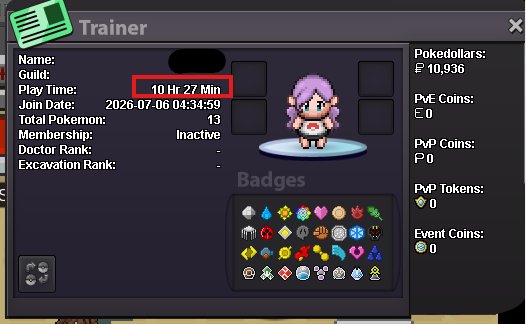
500k meta How many hours left for it?400k meta350Requirement: SPD<20, DEF/SPDEF/HP>20.3m2Hiker101 joined the communityhello , im doing the trio lake mission and i looked on youtube and gamewiki for the lustrous orb and ive been to the cave to pick it up , but its not spawned + i didnt pick it up beforemy name ingame vuica pm me bro thank youhey bro i don't use discord when you online you can pm broIs it that hard to check item history? More transparency about this issue could not hurt igTrade has been done last week with my alt gyaradosshMing24 joined the community@Zhu111802 add my discord : nnvntien.full service + tele subway super fast ^^






.thumb.png.65ec3814f0dbaef639a5422a70380ad2.png)







.thumb.gif.d5c2d1245a53d4c256935ddc3001f921.gif)





Account
Navigation
Search
Configure browser push notifications
Chrome (Android)
- Tap the lock icon next to the address bar.
- Tap Permissions → Notifications.
- Adjust your preference.
Chrome (Desktop)
- Click the padlock icon in the address bar.
- Select Site settings.
- Find Notifications and adjust your preference.
Safari (iOS 16.4+)
- Ensure the site is installed via Add to Home Screen.
- Open Settings App → Notifications.
- Find your app name and adjust your preference.
Safari (macOS)
- Go to Safari → Preferences.
- Click the Websites tab.
- Select Notifications in the sidebar.
- Find this website and adjust your preference.
Edge (Android)
- Tap the lock icon next to the address bar.
- Tap Permissions.
- Find Notifications and adjust your preference.
Edge (Desktop)
- Click the padlock icon in the address bar.
- Click Permissions for this site.
- Find Notifications and adjust your preference.
Firefox (Android)
- Go to Settings → Site permissions.
- Tap Notifications.
- Find this site in the list and adjust your preference.
Firefox (Desktop)
- Open Firefox Settings.
- Search for Notifications.
- Find this site in the list and adjust your preference.