All Activity
- Past hour
-
Caubemuahe joined the community
-
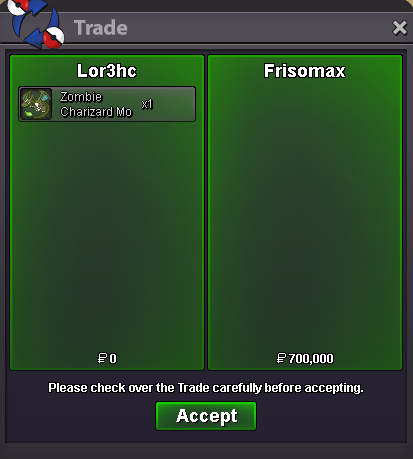
Selled Z Charizard Mount at Frisomax
-
4,15m
-
1.5m
-
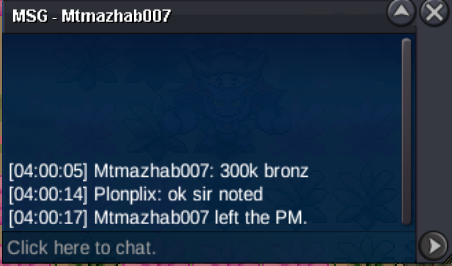
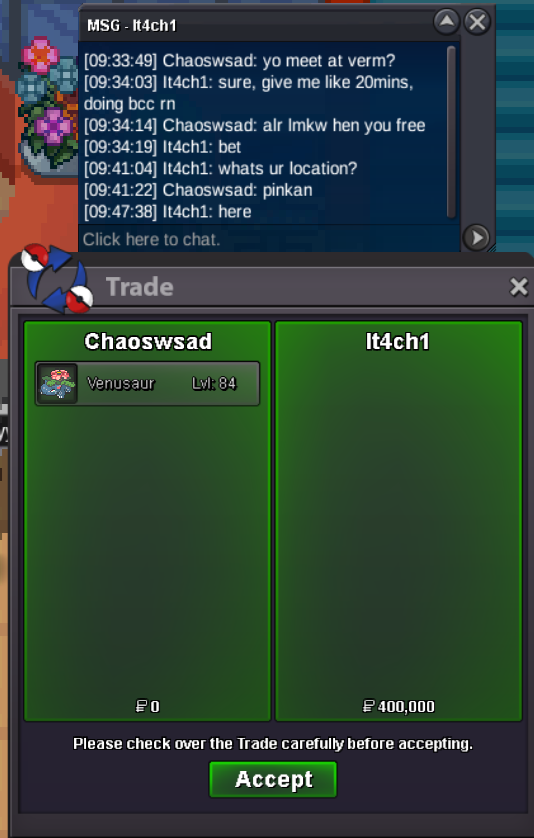
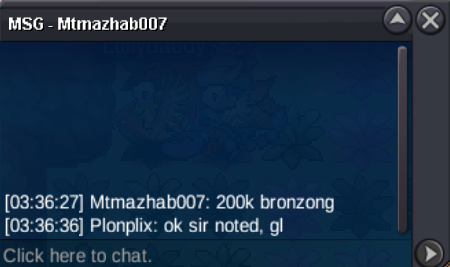
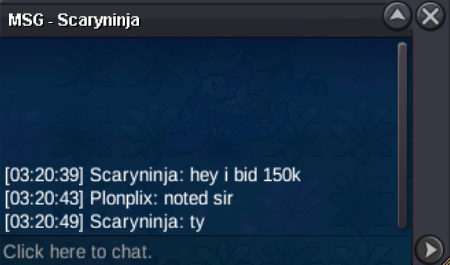
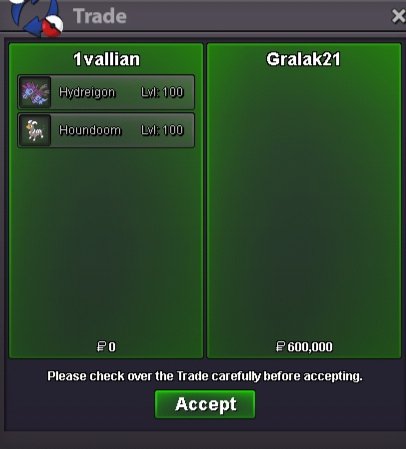
bump1.1m150k250kClodsire 1.650k Blace 450k Jangmo 250kGweefamily joined the communityHydreigon and houndoom sold
 Good day, Staff and Moderators Regarding this account, I just want to know if it is possible to me to link this account to a new email? I can use the account on my phone which you can verify and I authenticate it so I'm still using this account. I can't seem to access my email which I used to link this account. Additionally, can I ask how many accounts can each player make? Thanks and hoping for your response regarding this matter.
Account
Navigation
Search
Configure browser push notifications
Chrome (Android)
- Tap the lock icon next to the address bar.
- Tap Permissions → Notifications.
- Adjust your preference.
Chrome (Desktop)
- Click the padlock icon in the address bar.
- Select Site settings.
- Find Notifications and adjust your preference.
Safari (iOS 16.4+)
- Ensure the site is installed via Add to Home Screen.
- Open Settings App → Notifications.
- Find your app name and adjust your preference.
Safari (macOS)
- Go to Safari → Preferences.
- Click the Websites tab.
- Select Notifications in the sidebar.
- Find this website and adjust your preference.
Edge (Android)
- Tap the lock icon next to the address bar.
- Tap Permissions.
- Find Notifications and adjust your preference.
Edge (Desktop)
- Click the padlock icon in the address bar.
- Click Permissions for this site.
- Find Notifications and adjust your preference.
Firefox (Android)
- Go to Settings → Site permissions.
- Tap Notifications.
- Find this site in the list and adjust your preference.
Firefox (Desktop)
- Open Firefox Settings.
- Search for Notifications.
- Find this site in the list and adjust your preference.