New Trade Zone
Trade Zone is now live
Use the new Trade Zone for auctions and instant-price trades so Pokemon and item offers are easy to find.

1vallian
Registered User
-
Joined
-
Last visited
-
we guys support every guild member and take care of everyone whether you are looking for guidance or help
-
-
while i was purchasing hlw tyranitar mount i accidently bought spheal mount timing just now server silver can you please refund my 100 coins or exchange spheal mount for hlw tyranitar mount please
-
-
-
+1 need something new
-
+1 good for mewbies
-
i want to say that you should show total guild ratings that counts on leaderboard in guild info because guild below top 20 cant check their total ratings , also if we check on reborn it also adds 100 rating of inactive players . +1 if you agree
-
username 1vallian server silver timezone 5:30 india
-
All the members of Elite Emperors[EE] are like family . this is a guild where we help players do PVPs, build their own teams, doing quest and many more . it is good for new players looking for better guidance and help and also, for experienced payers looking for good friends . overall it is family guild and soon our name will be in top guilds .
-
Dragon sold

-
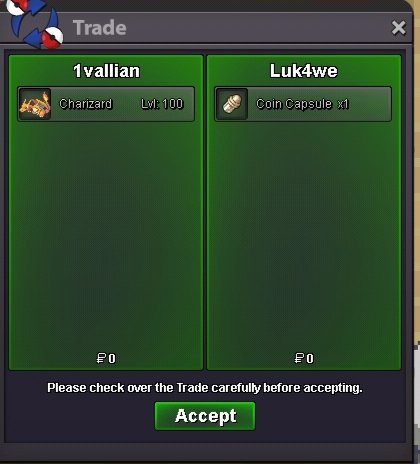
Timid Charizard sold
-
Kleavor sold

-
Bro someone else already wants it We didn't trade before your message But ya it's sold now
-
IGN-1vallian GMT-+5:30 (india)