




All Activity
- Past hour
-
Rachelgardner changed their profile photo
-
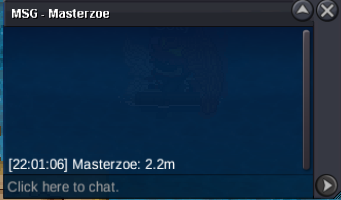
2.2
-
2.5m2.3m2.1m2m900kc.o 800k
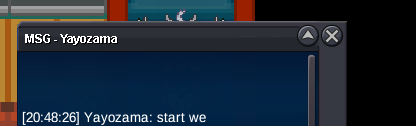 1.2mfinish at 21:46 gmt-3 05-07-2026
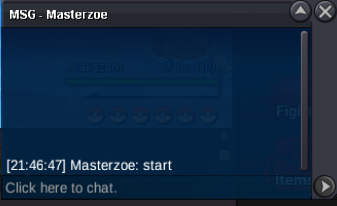 s.o 1m min bid 100k insta 15m 48h after first bid paymed method : pokedollars - cc 500k ea - rr 700k ea
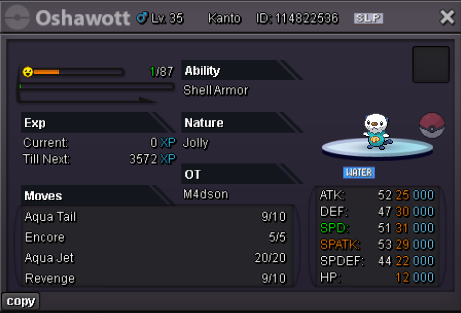 5mGokulol3000 joined the community
- Today
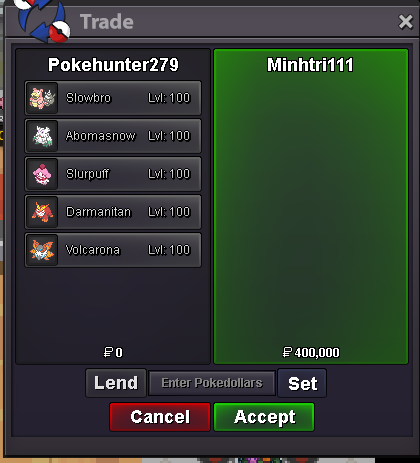
Dirtygrandpa joined the communityAuction Ended. Congrats Minhtri111 for winning at 400k.5447874 joined the communityAccept Payment: Pokedollars,Coin Capsules (1 CC=500k) Iv reroll = 750k START PRICE: 800k MIN BID; 100K INSTA: N/A End: 48h after first bid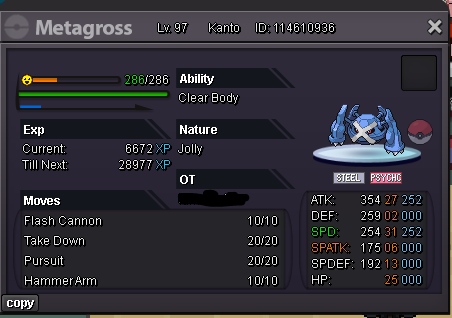 600kUploading Attachment...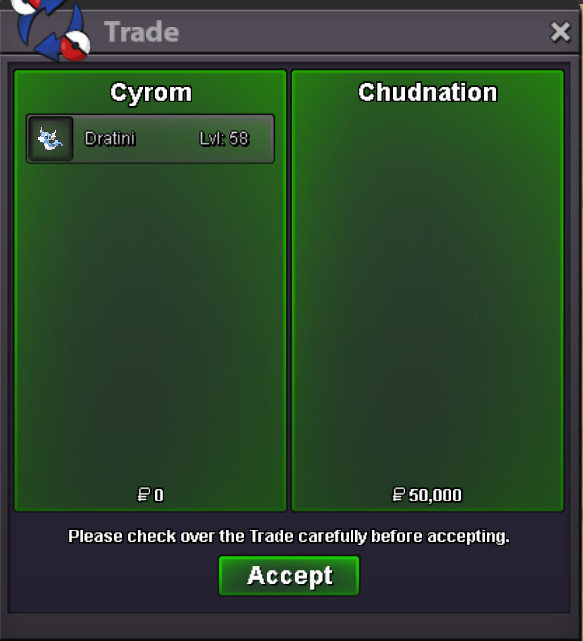
- Yesterday
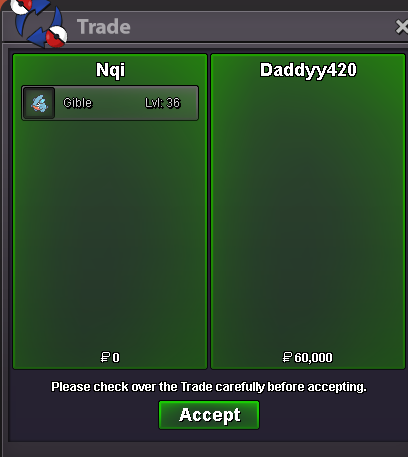
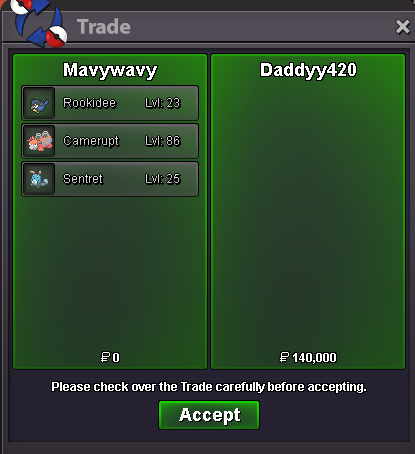
mankey sold.png.4e56d807378715d89eb970142d8abe84.png) hydreigon sold
hydreigon sold.png.40164f0e866db601fa70393fb87c90a3.png) 1m4 ninetales alolan
1m4 ninetales alolan





.png.4794dac027eca27228788d63b50b63a0.png)




.thumb.png.65ec3814f0dbaef639a5422a70380ad2.png)







Account
Navigation
Search
Configure browser push notifications
Chrome (Android)
- Tap the lock icon next to the address bar.
- Tap Permissions → Notifications.
- Adjust your preference.
Chrome (Desktop)
- Click the padlock icon in the address bar.
- Select Site settings.
- Find Notifications and adjust your preference.
Safari (iOS 16.4+)
- Ensure the site is installed via Add to Home Screen.
- Open Settings App → Notifications.
- Find your app name and adjust your preference.
Safari (macOS)
- Go to Safari → Preferences.
- Click the Websites tab.
- Select Notifications in the sidebar.
- Find this website and adjust your preference.
Edge (Android)
- Tap the lock icon next to the address bar.
- Tap Permissions.
- Find Notifications and adjust your preference.
Edge (Desktop)
- Click the padlock icon in the address bar.
- Click Permissions for this site.
- Find Notifications and adjust your preference.
Firefox (Android)
- Go to Settings → Site permissions.
- Tap Notifications.
- Find this site in the list and adjust your preference.
Firefox (Desktop)
- Open Firefox Settings.
- Search for Notifications.
- Find this site in the list and adjust your preference.