All Activity
- Past hour
-
The total of Full House is 26, just before the number 27. If you agree, feel good to buy it auction end 24 hours after first bid start offer 40k min raise 70 k aution on forum only cash only
-
5,25m
-
5.2m
-
5,15m
-
IGN: ShaqMate Timezone: CET
-
Shaqmate joined the community
-
5.1m
-
5,05m
-
M4rch0n joined the community
-
5m
-
aution is extended 15 mins from last bid as per auction rules
-
4,85
-
4.8m
-
4,,55m
-
Hi there! So, this auction was mishandled due to the 15 minute rule not being followed and if you read further I'll explain why. The 15 minute rule is as follows (you may also find it below here) - any bid received within the last 15 minutes of an auction will extend it further by another 15 minutes, with the auction only ending when said bid is held for 15 minutes. I'll explain what that looks for this auction. For this breakdown I'll be using GMT+1. The important things to note are that the auction started at 6:19 PM GMT+1 on the 28th of June 2026 and the auction was slated to end 24 hours after the first bid. The first bid was received by Megaking. Thus making the end point 6:19 PM GMT+1 on the 29th of June 2026. Midnightagony's bid at 6:13 PM GMT+1 29/06/26 extends the auction to 6:28 PM GMT+1. Sellyeb's bid at 6:18 PM GMT+1 extends the auction from 6:28 PM GMT+1 to 6:33 PM GMT+1. With finally Sefanne's bid at 6:26 PM GMT+1 both being valid and extending the auction to 6:41 PM (GMT+1). With no further bids, Sefanne's was held for 15 minutes and thus won the auction. Though that being said, we are unable to properly correct this situation without causing further harm to players who were not at fault, no matter which action we take someone will end up negatively affected. I can at least assure you that actions are being taken within accordance of our policies. I sincerely apologise for the inconvenience of this situation and that I can't offer anything further. Your understanding will be much appreciated. Warmest regards, Auroraveil
-
hey here it is it happened again on the second room the mistress of mane is not spawning after killing all the gardevoirs in the corners of the room this time i have taken the screenshot of the whole room . i have lost several runs due to this problem pls do something about it
.png.d8d156e4557bdbef132130e9b872285a.png)
.png.8103f8e002e1ae5a3917d17a1cde0ef7.png)
.png.191e44c00cd18e91d0831d8adac5e6d2.png)
.png.2ee3a951852479abaa6db69950c5508a.png)
.png.eda507a437744411952cf6f55912fbe9.png)
.png.b336212820899345f0efaf5cd03fe8f7.png)
.png.814a1358d64590dc1a6c707e4e102917.png)
-
Engelix changed their profile photo
-
400k
-
hi, messaged you on disc about some items
- Today
-
Thiccharizard joined the community
-
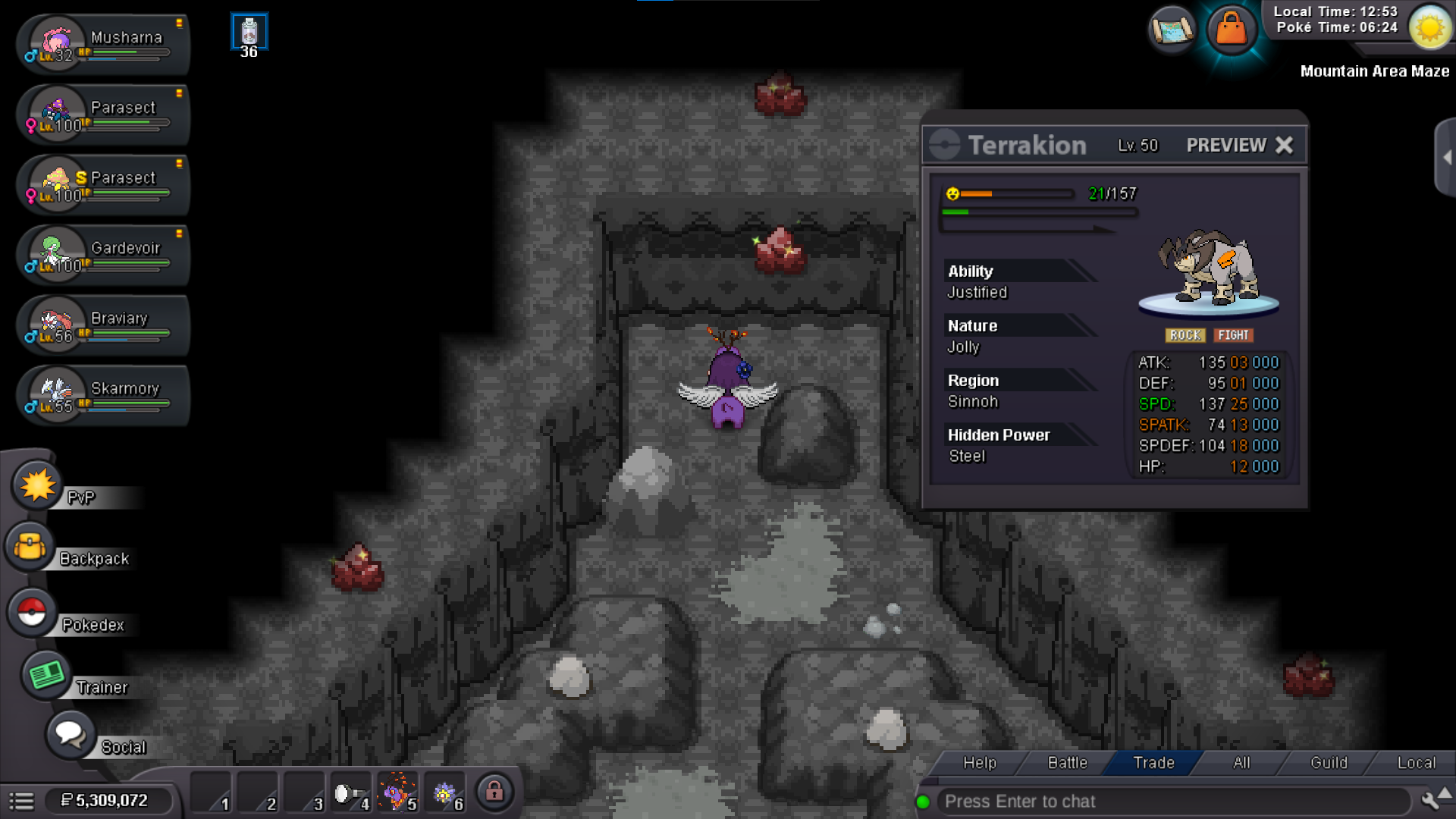
Hello Hallowglow, thanks very much for your answer. Yes, the bug was fixed i got my chance on Terrakion (and caught it). Thanks again for the support. Have a great day,
-
Crimsonhound2 joined the community
-
7m
-
1.7m clod
-
Maiskolben joined the communityBallszudeep joined the communityAuction Details: Start Price: 350k End Point: 48 hours (after start price is met) Insta Price: N/A Minimum Raise:100k Accepted Payments: Pokedollars
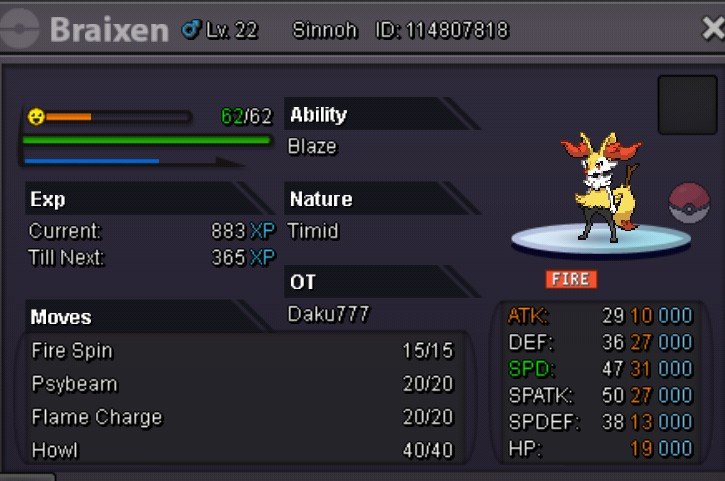 4.5mDaku777 joined the communityCongratulations! @Yayozama You won the auction. Please send me a message once you're online in the game so we can proceed. Thank you!Auction Details: Start Price: 10m End Point: 48 hours (after start price is met) Insta Price: 18m Minimum Raise: 200k Accepted Payments: Pokedollars, Coin Capsules (x1 Coin Capsule = 500k), IV Reroll Tickets (x1 IV Reroll Ticket = 750k)
 Kadabhi joined the communityGblears joined the communityManga77 joined the community4.2














.thumb.gif.9acc072195fed7e9e788846f3f8a632e.gif)