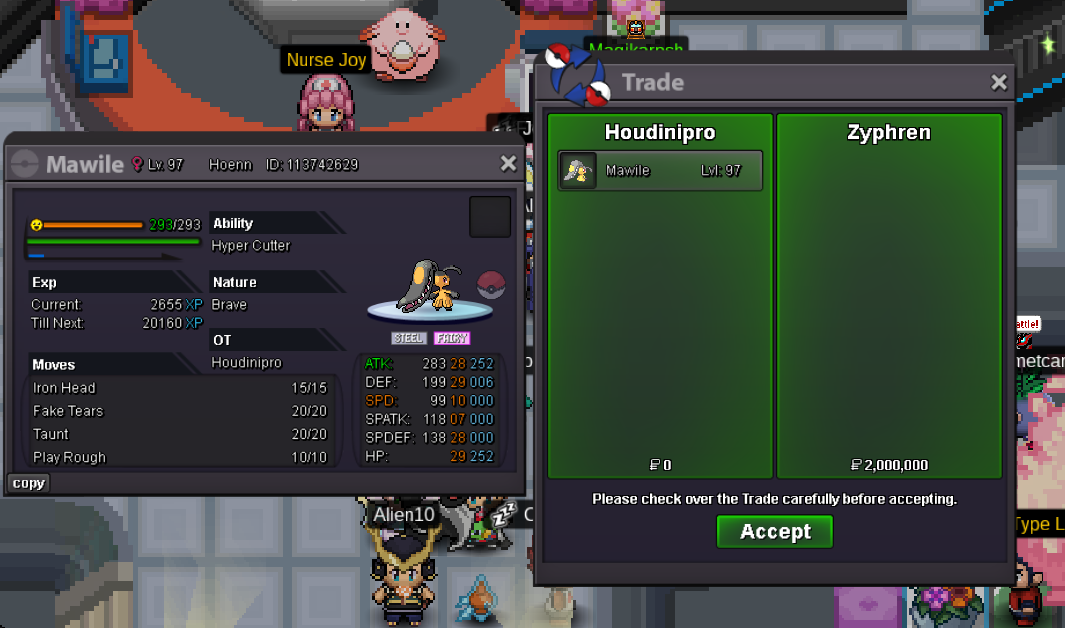
New Trade Zone
Trade Zone is now live
Use the new Trade Zone for auctions and instant-price trades so Pokemon and item offers are easy to find.

Houdiniprogod
Registered User
-
Joined
-
Last visited
-
-
-
-
Probably 2 months ago, I don't have the exact date
-
i am opening the game rn
-
1.6m
-
thank you i will wait
-
Hey, sorry for delay busy days i am from silver and the ign is houdinipro
-
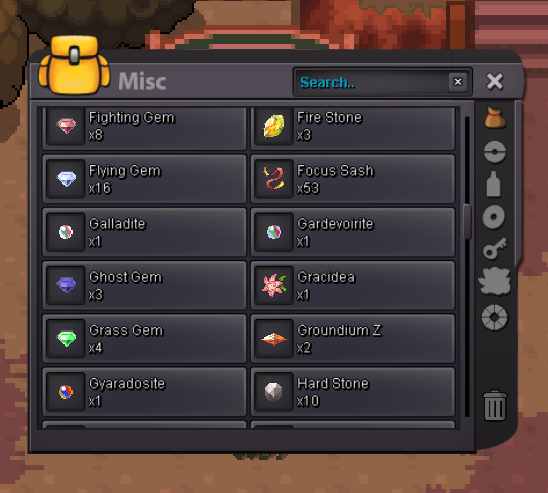
Hey i accidentaly bought 2 groundium z is there anyway i could get the 75 pve coins refund?
-
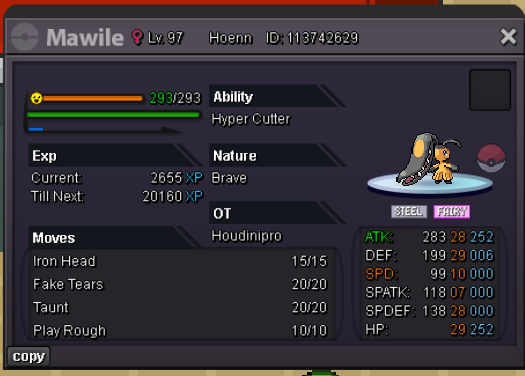
last 30 minbumpbumpS.O : 2M MIN : 200K NO INSTA 48 HOUR LEFT ( AFTER FIRST BID ) ( CC = 450K, RR IV = 680K ) Last 15minutes rule applies as always. IGN: Houdinipro
 fast and easy, dont need to worry about anything he just asks if he can login and after that job done