




All Activity
- Past hour
-
start from majonez22
-
Wizzyy28 joined the communityEndedTy xD ><
- Today
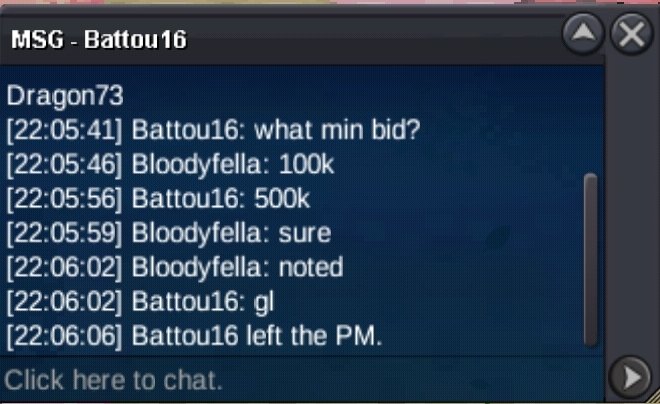
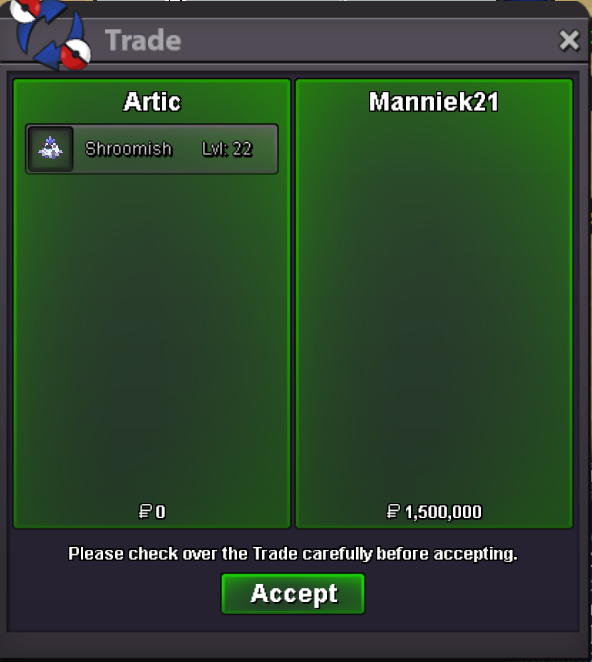
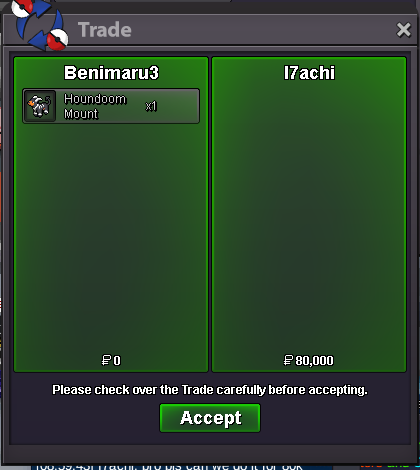
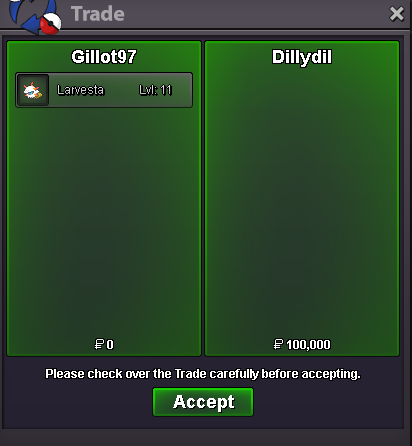
300K by Barumunk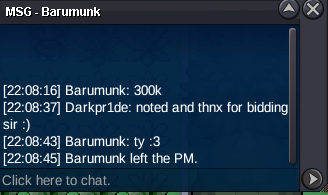 Fillchhh joined the communityAsifop80 joined the communitybump7.2mUpAlexgilbertx01 joined the communityMarshal29 joined the community@Hizukii is it possible to force it?@Ferocityy can we ask for mods for a trade because i can't open my account6hLewnidas1998 joined the communityBumpstartAutonomy joined the communityS.o:2m Insta :7m Min bid :50k Auction time :24hrs after 1st bid.
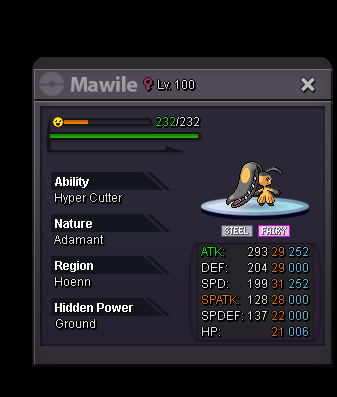 Lopunnyissohot joined the communityTdh26td joined the communityomg thats whyy lol i never saw that gardevoir there. THANK YOU1.7 milHello! I'm glad to hear that you were able to catch Terrakion.. Since the issue has been resolved, I will proceed to close this thread. If you need any further assistance in the future, please don't hesitate to create a new thread. I sincerely apologize once again for all the inconvenience. Kind regards. Hallowglow.Let me know when u are available for trade

.thumb.gif.5ca2bb8ab27bad84c457676cd94efcb7.gif)

.thumb.gif.d5c2d1245a53d4c256935ddc3001f921.gif)













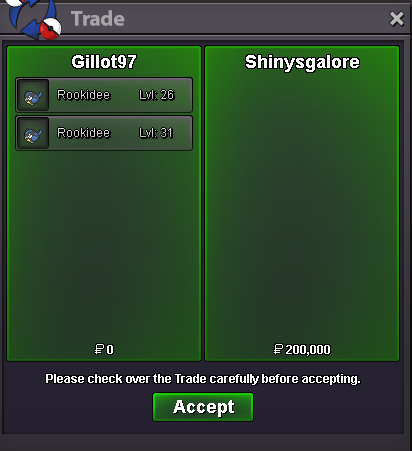
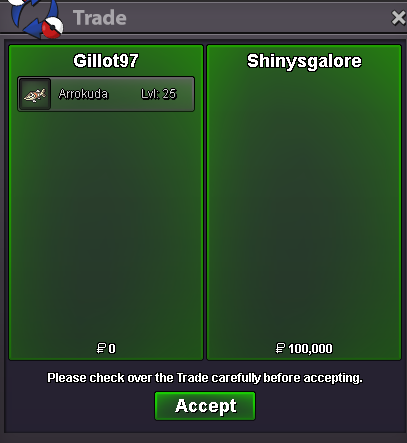





.thumb.png.65ec3814f0dbaef639a5422a70380ad2.png)





Account
Navigation
Search
Configure browser push notifications
Chrome (Android)
- Tap the lock icon next to the address bar.
- Tap Permissions → Notifications.
- Adjust your preference.
Chrome (Desktop)
- Click the padlock icon in the address bar.
- Select Site settings.
- Find Notifications and adjust your preference.
Safari (iOS 16.4+)
- Ensure the site is installed via Add to Home Screen.
- Open Settings App → Notifications.
- Find your app name and adjust your preference.
Safari (macOS)
- Go to Safari → Preferences.
- Click the Websites tab.
- Select Notifications in the sidebar.
- Find this website and adjust your preference.
Edge (Android)
- Tap the lock icon next to the address bar.
- Tap Permissions.
- Find Notifications and adjust your preference.
Edge (Desktop)
- Click the padlock icon in the address bar.
- Click Permissions for this site.
- Find Notifications and adjust your preference.
Firefox (Android)
- Go to Settings → Site permissions.
- Tap Notifications.
- Find this site in the list and adjust your preference.
Firefox (Desktop)
- Open Firefox Settings.
- Search for Notifications.
- Find this site in the list and adjust your preference.