New Trade Zone
Trade Zone is now live
Use the new Trade Zone for auctions and instant-price trades so Pokemon and item offers are easy to find.
Leaderboard
-

Hallowglow
Community Coordinator2Points293Posts -
Acaiberry
Game Master1Points5071Posts -
Omenrl
Registered User1Points781Posts -

Kimew
Trade Moderator1Points2104Posts



Popular Content
Showing content with the highest reputation on 07/29/26 in Posts
-
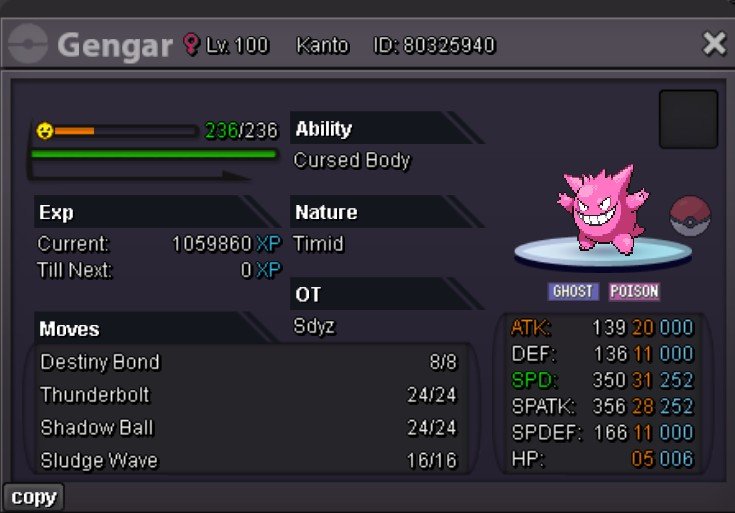
1 pointBeen wanting to make this post for a little bit, so here it is. After about a year and a half of searching (and an insane amount of money), I have completed a collection of form gengar’s, all timid 31 speed and PvPable. Now of course I’m missing a shadow Gengar. However, after asking around different dungeon circles and people who know a lot about what’s been caught, I’ve never been shown one and no one seems to know of one that exists. So if you have it - hit me up! Maybe I will buy it 😃
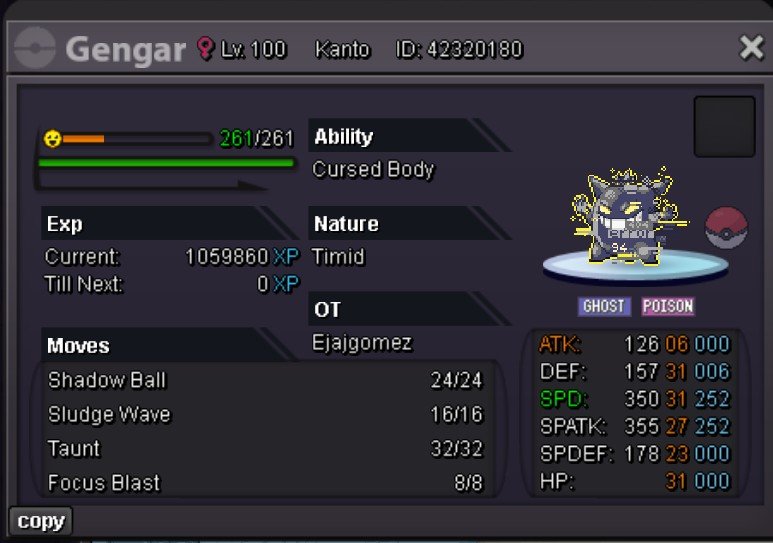
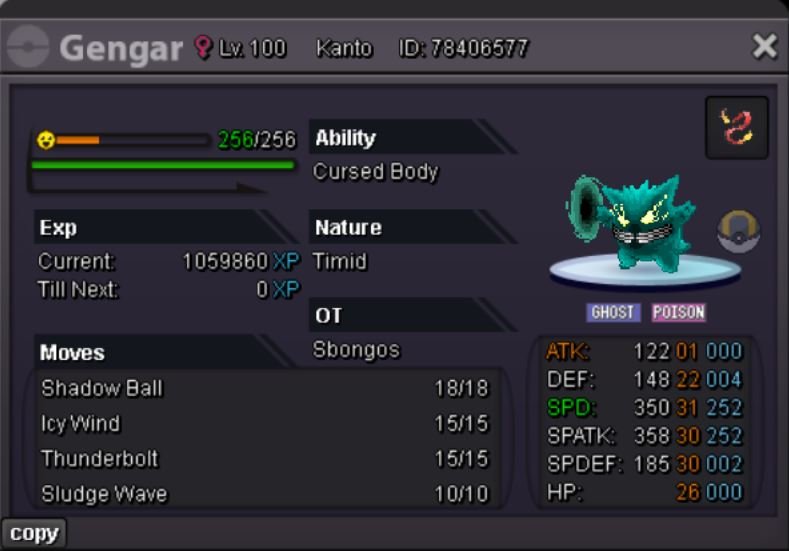
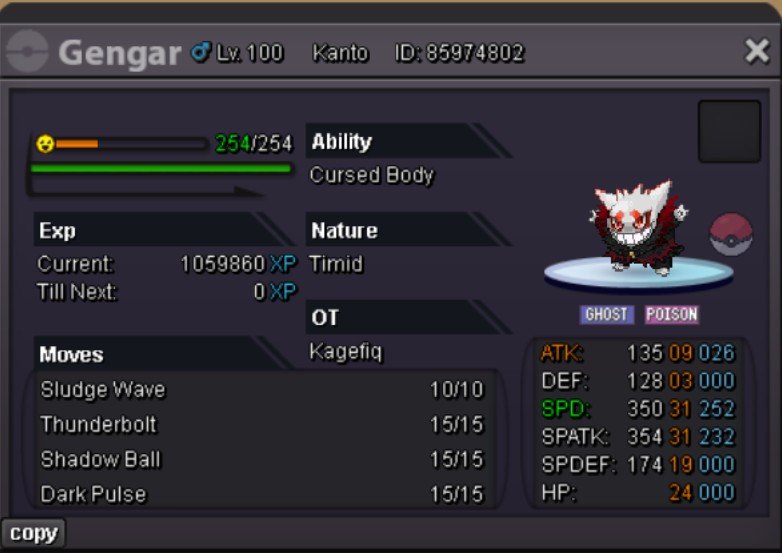
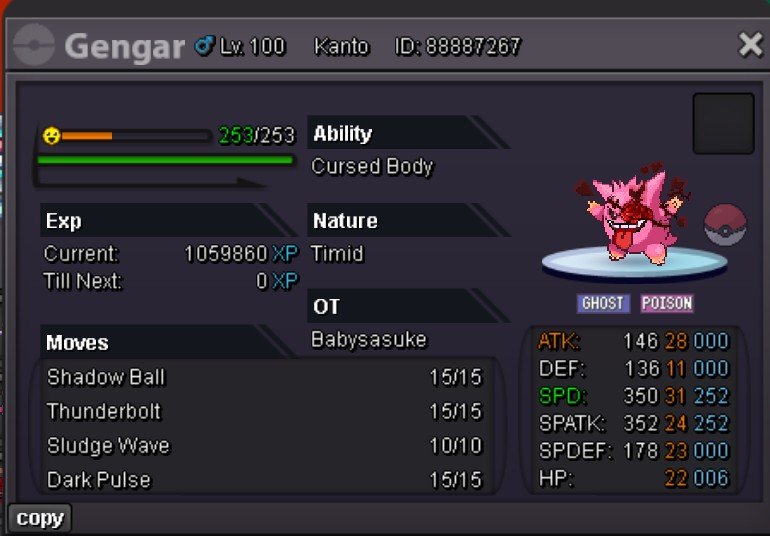
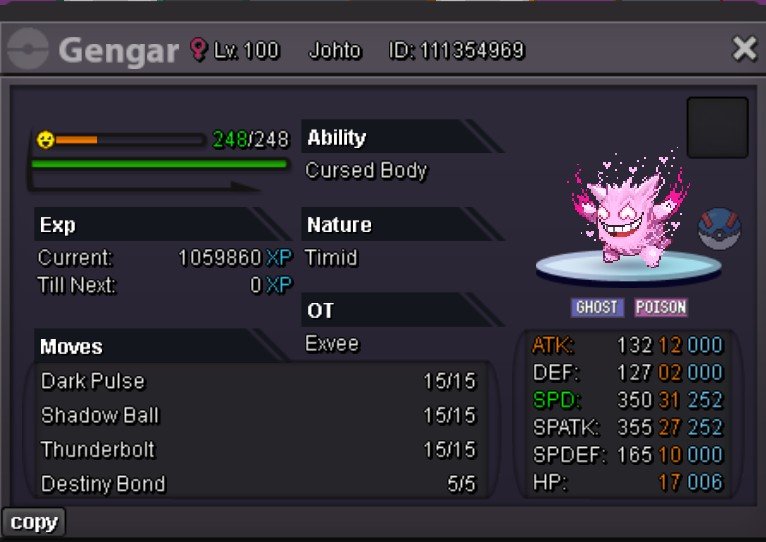
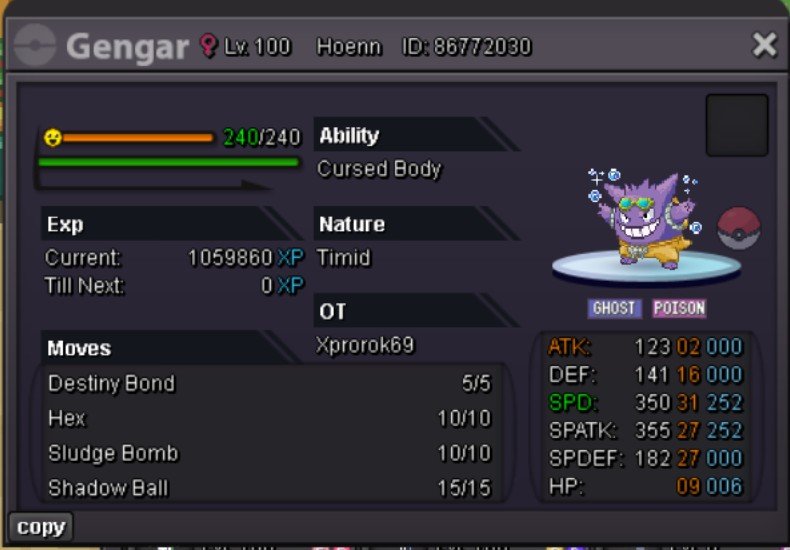
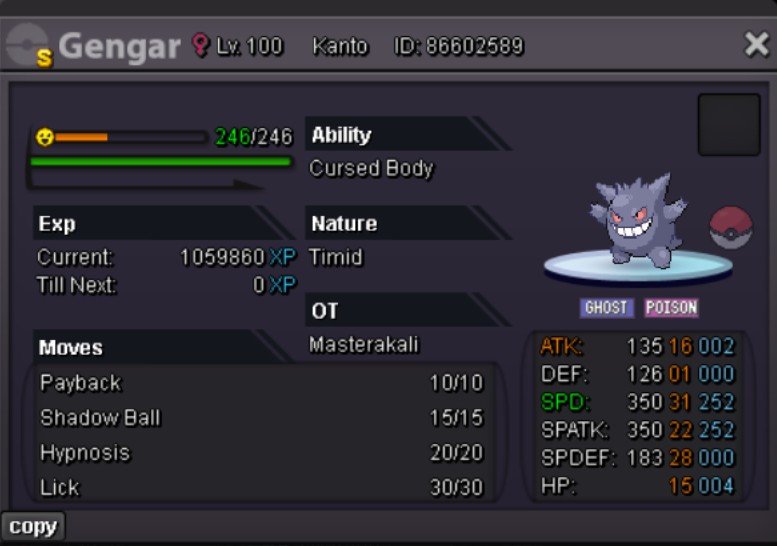
 1 point
 -
Hello! I have forwarded the issue to the appropriate team for further investigation. We appreciate your patience and understanding while this is being reviewed. We understand that situations like this can be frustrating, and I apologize once again for the inconvenience caused. Kind regards. Hallowglow.1 point
-
1 pointHello! Your Pokémon has now been restored. For future restoration requests, please use the Restore Pokémon Megathread on the forum or #requestChat on Discord. Kind regards. Hallowglow.1 point
-