




New Trade Zone
Trade Zone is now live
Use the new Trade Zone for auctions and instant-price trades so Pokemon and item offers are easy to find.
Leaderboard
-
1villain
Registered User1Points229Posts -
Kottontail
Registered User1Points4Posts -
Bitterblade
Community Coordinator1Points1038Posts -
Choicebanned
Moderator1Points458Posts



Popular Content
Showing content with the highest reputation on 09/04/26 in Posts
-
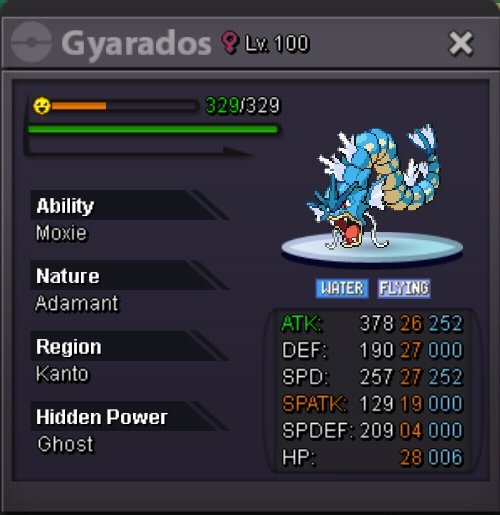
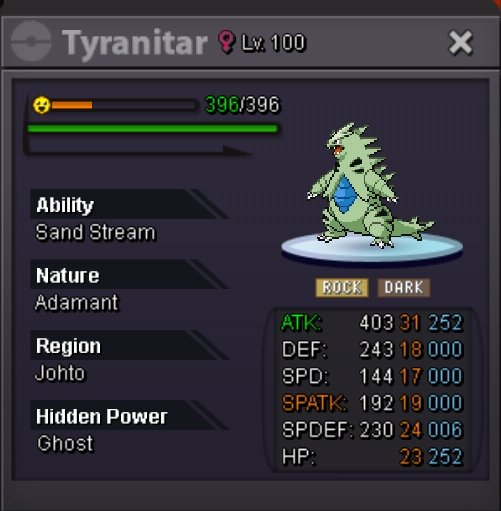
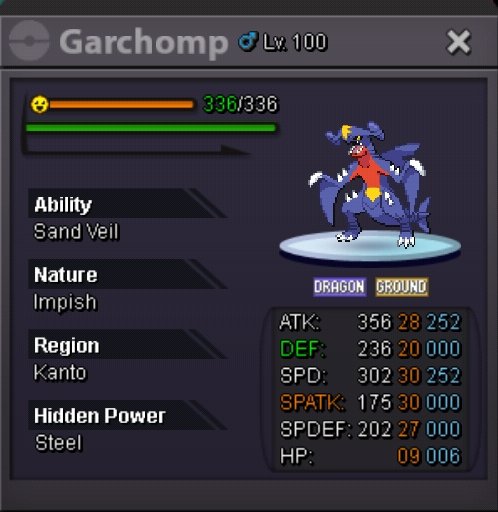
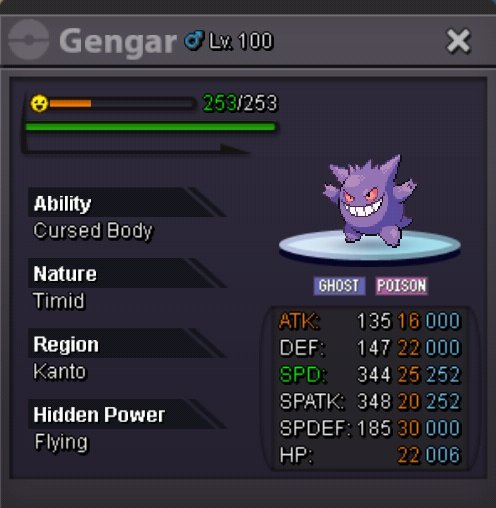
1 pointSOME NEW POKEMONS ADDED IN MY SHOP PLEASE CHEK OUT GUYS 🖤 @1villain @Osman10k Owner ;D 300k (can be nego) 350k titar 600k 500k 250k 450k 600k 200k
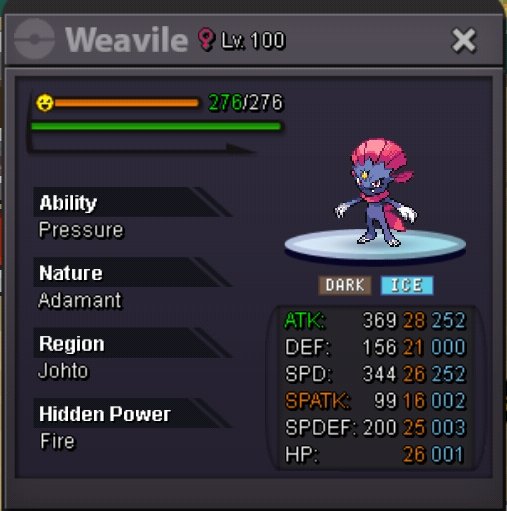
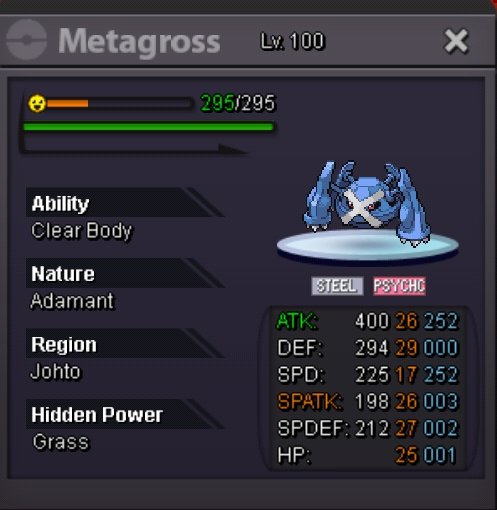
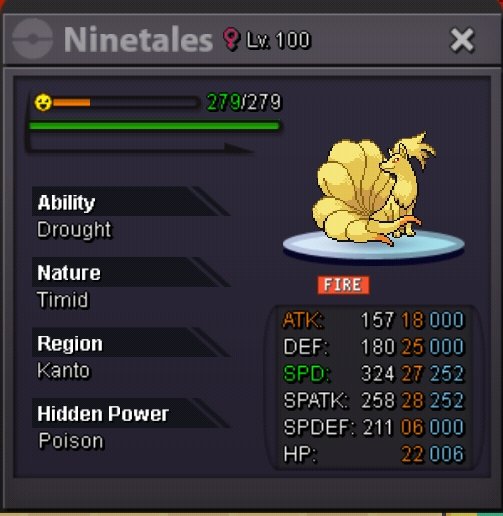
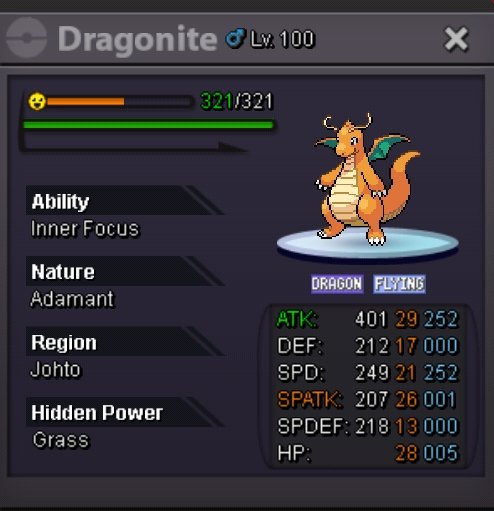
 1 point
 -
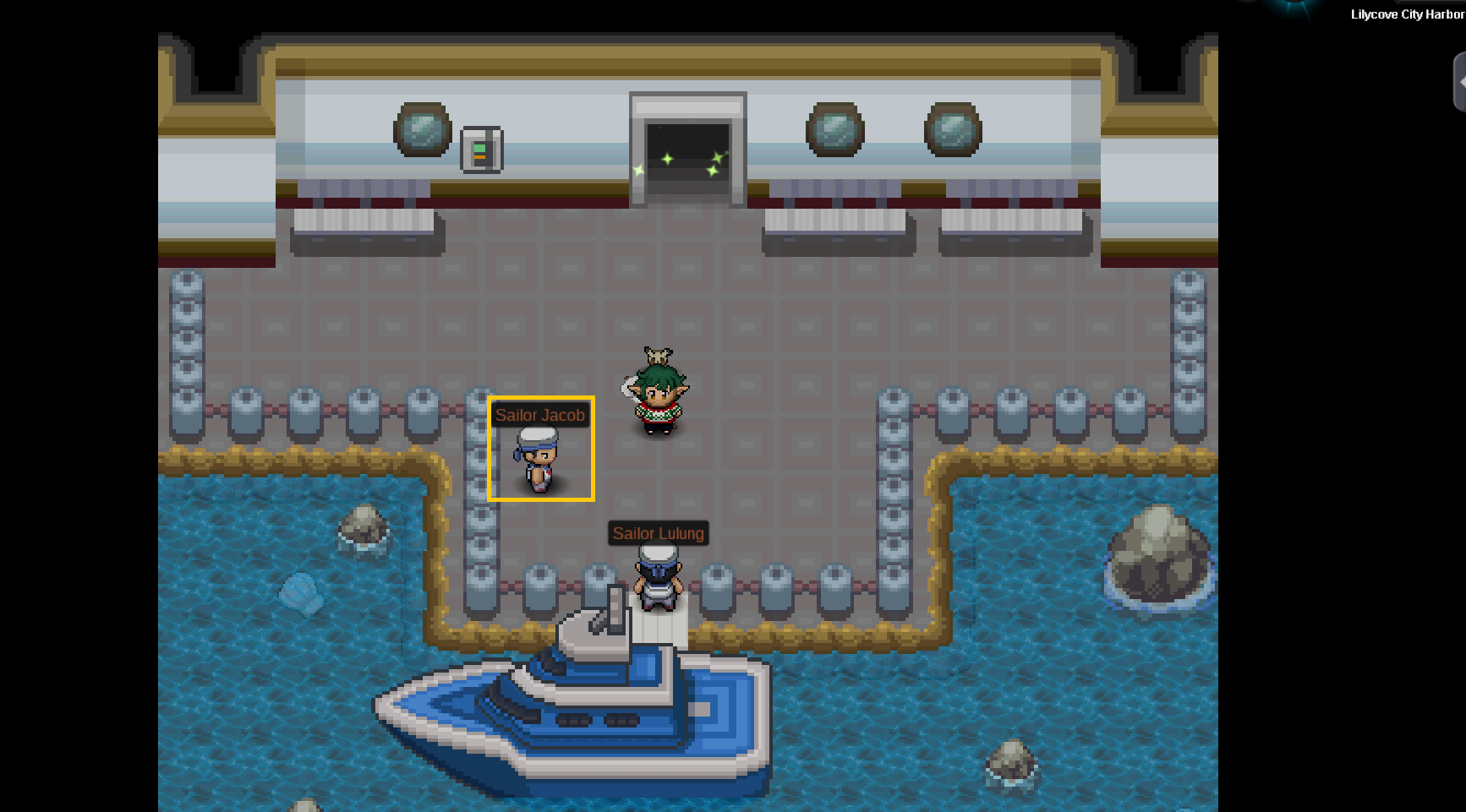
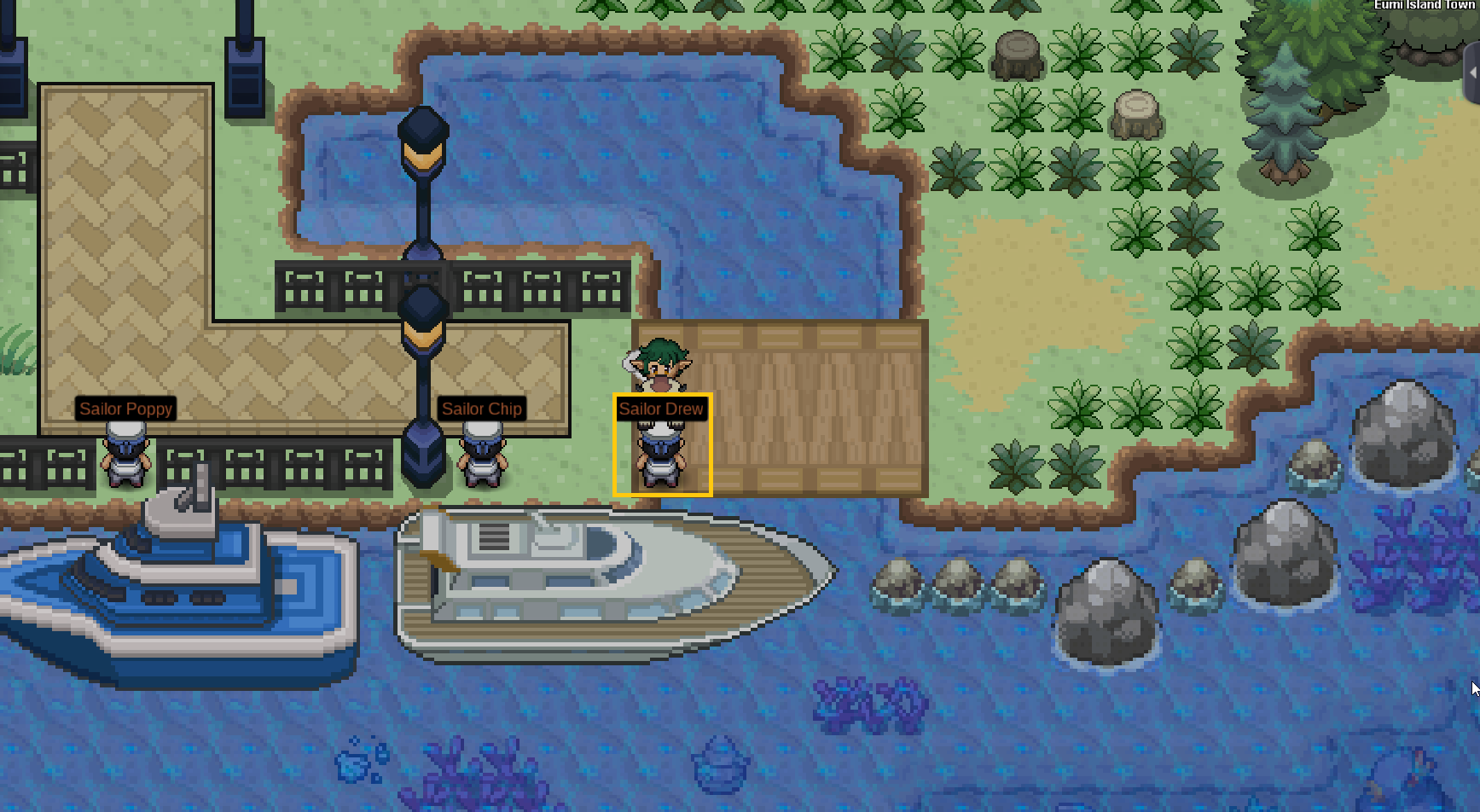
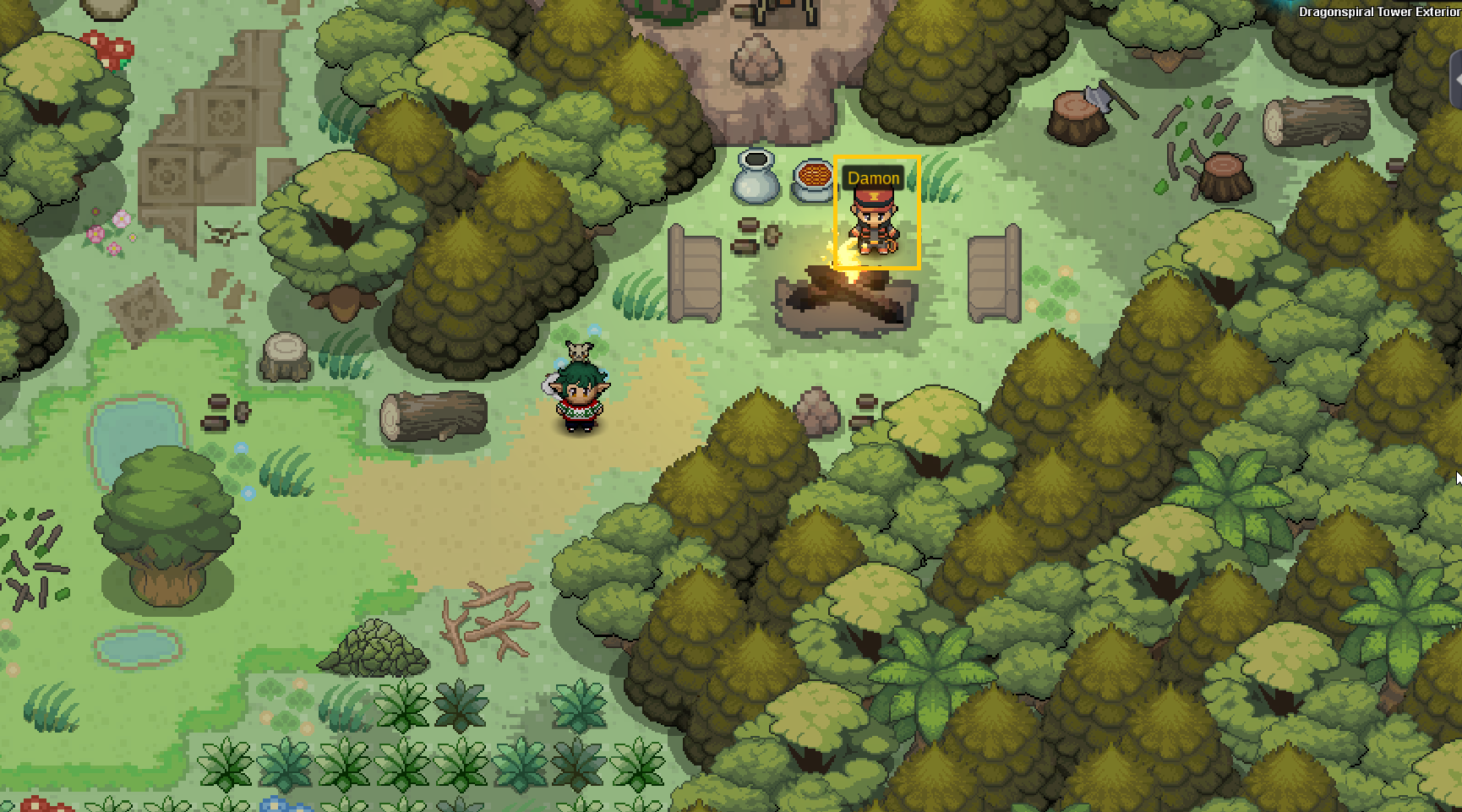
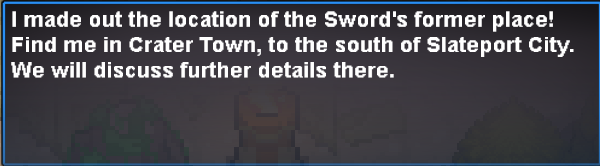
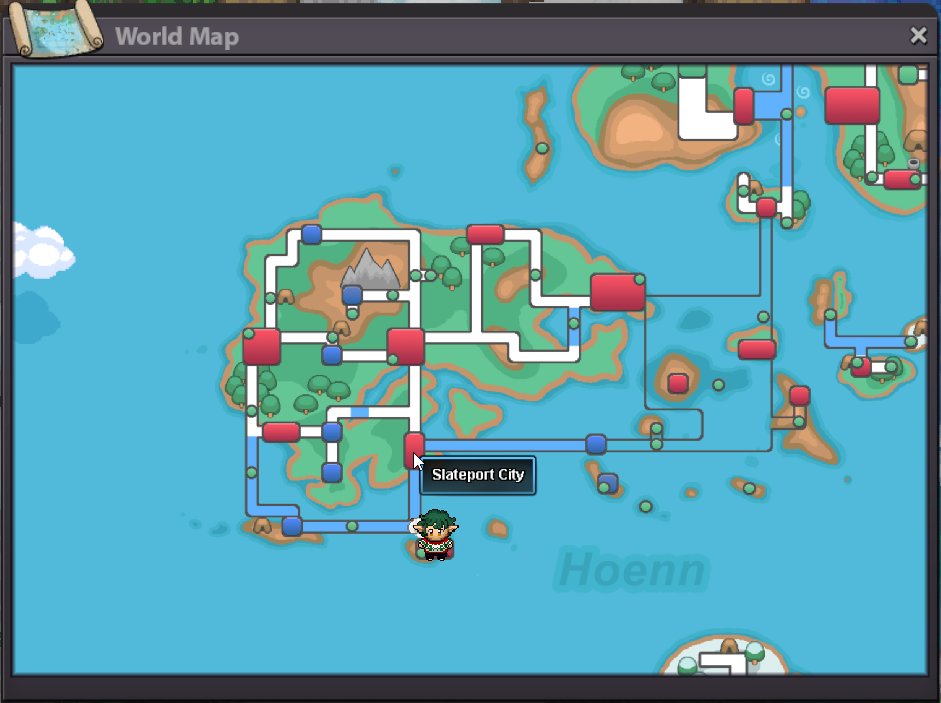
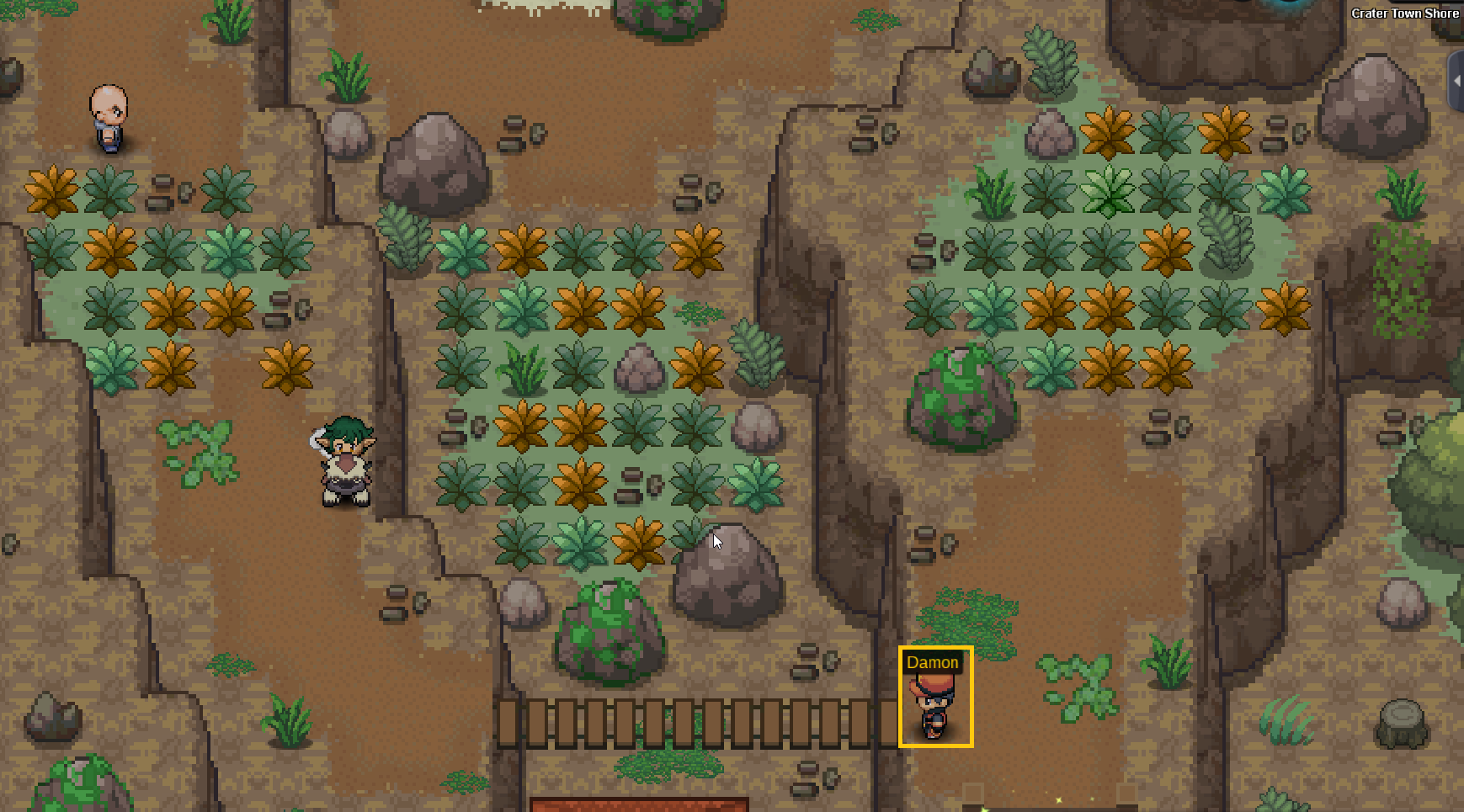
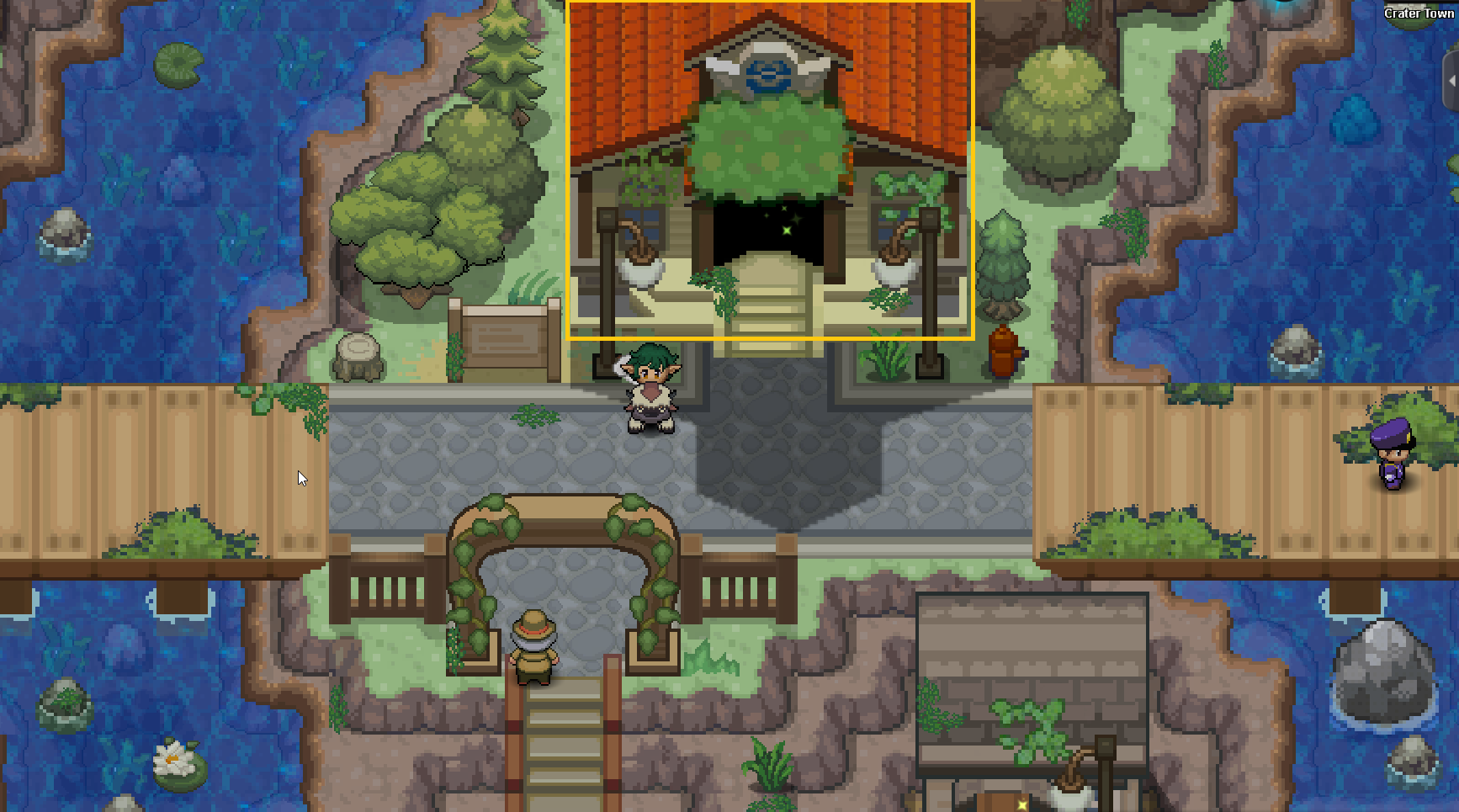
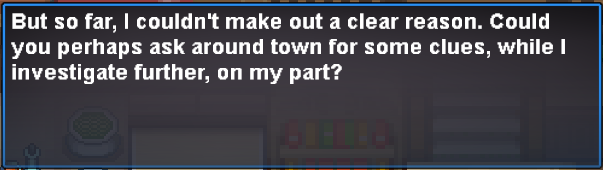
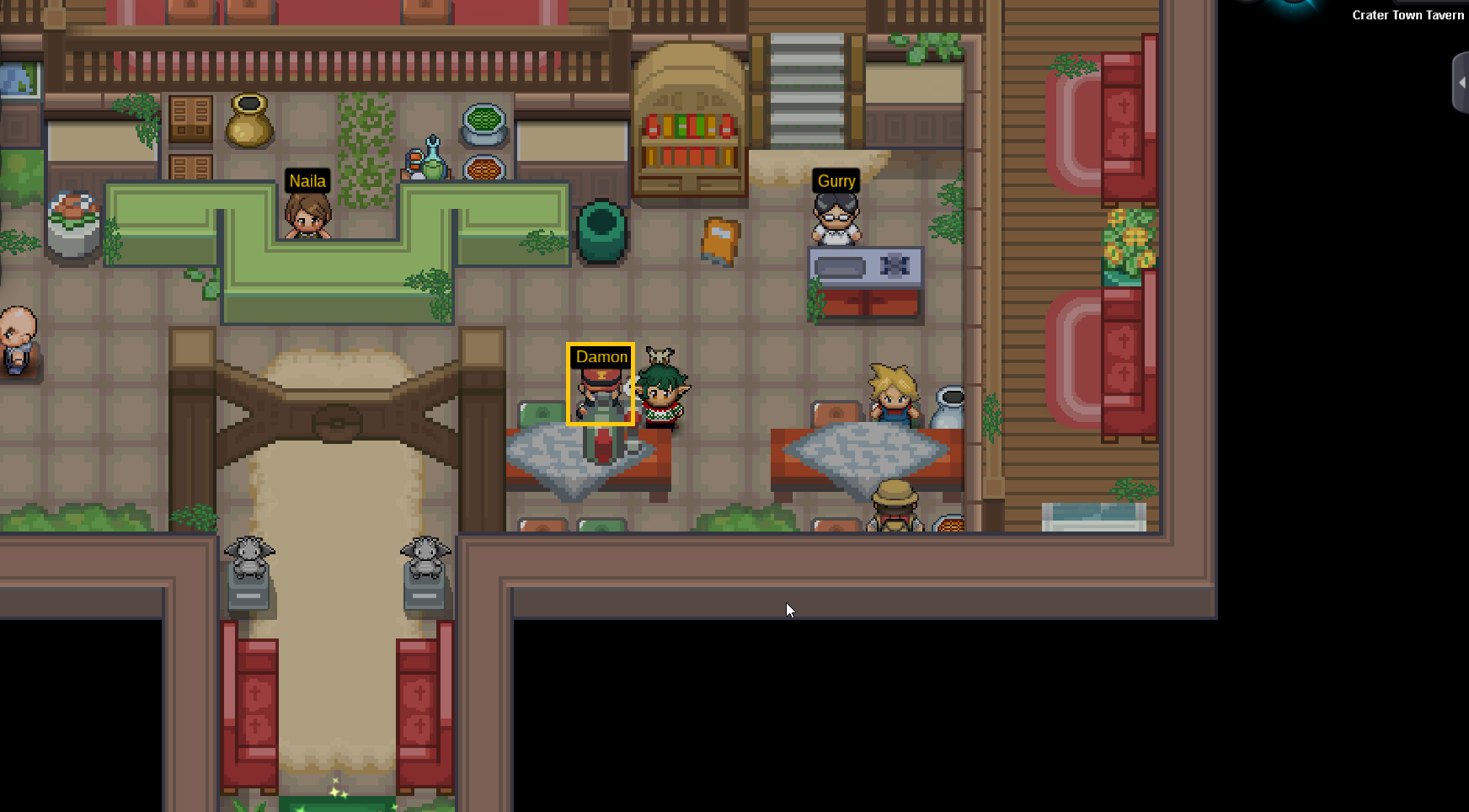
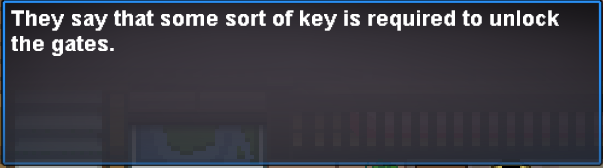
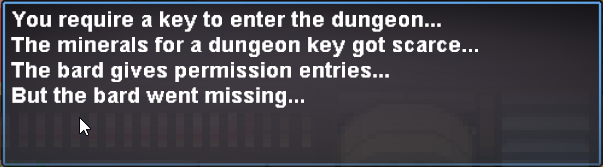
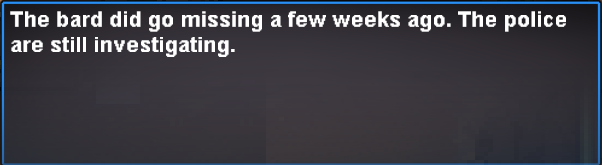
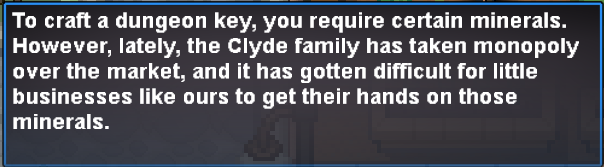
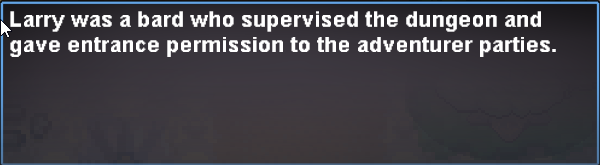
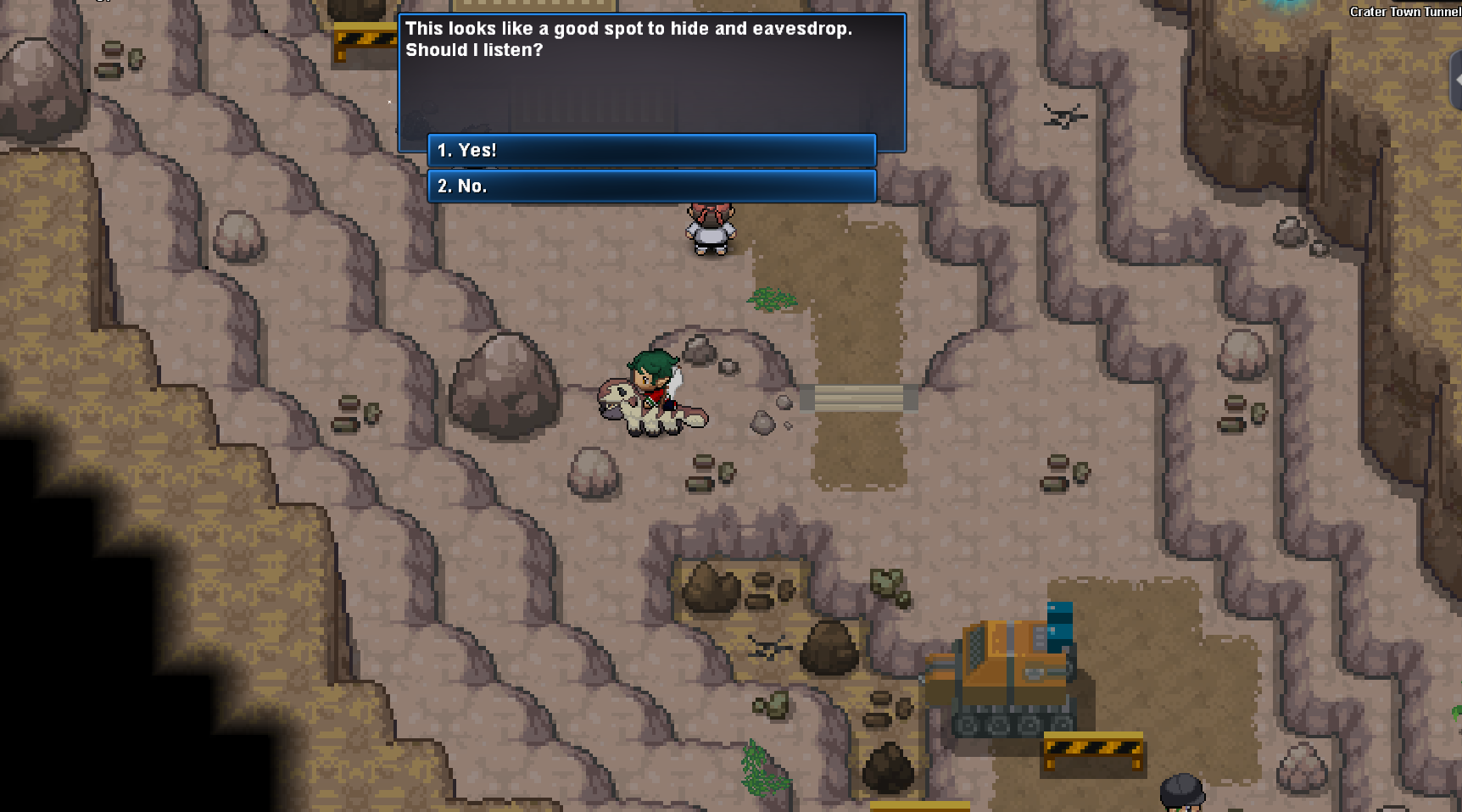
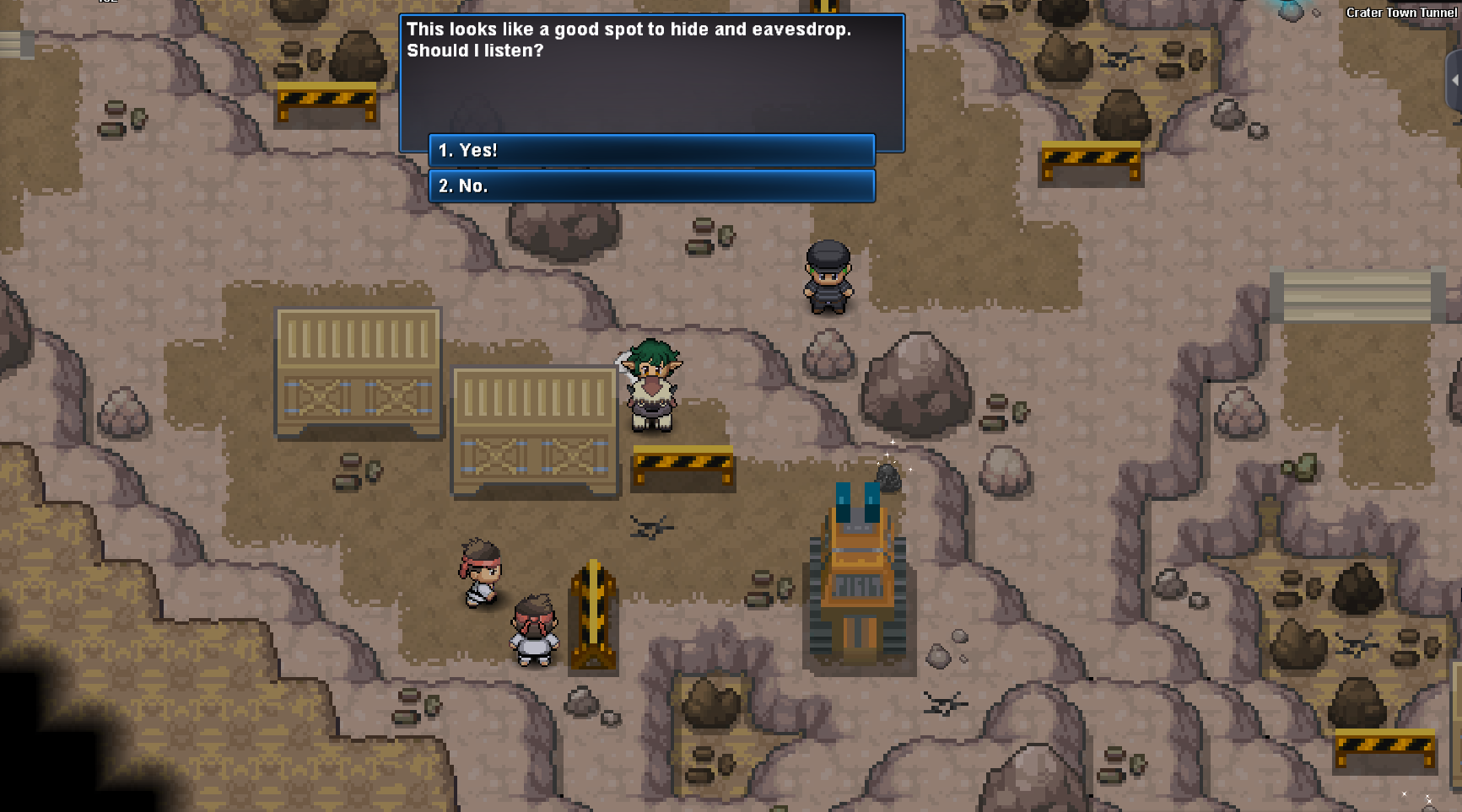
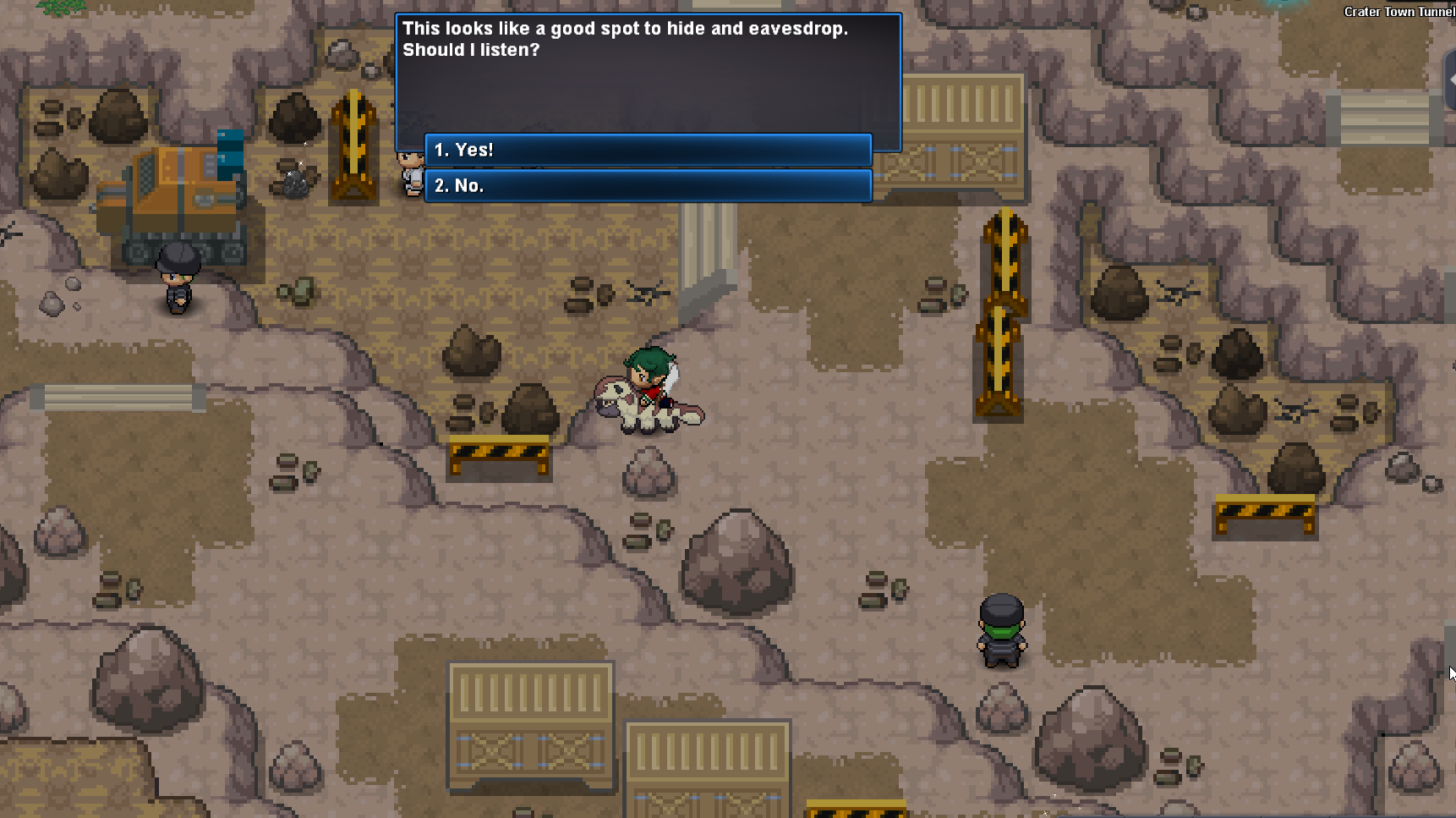
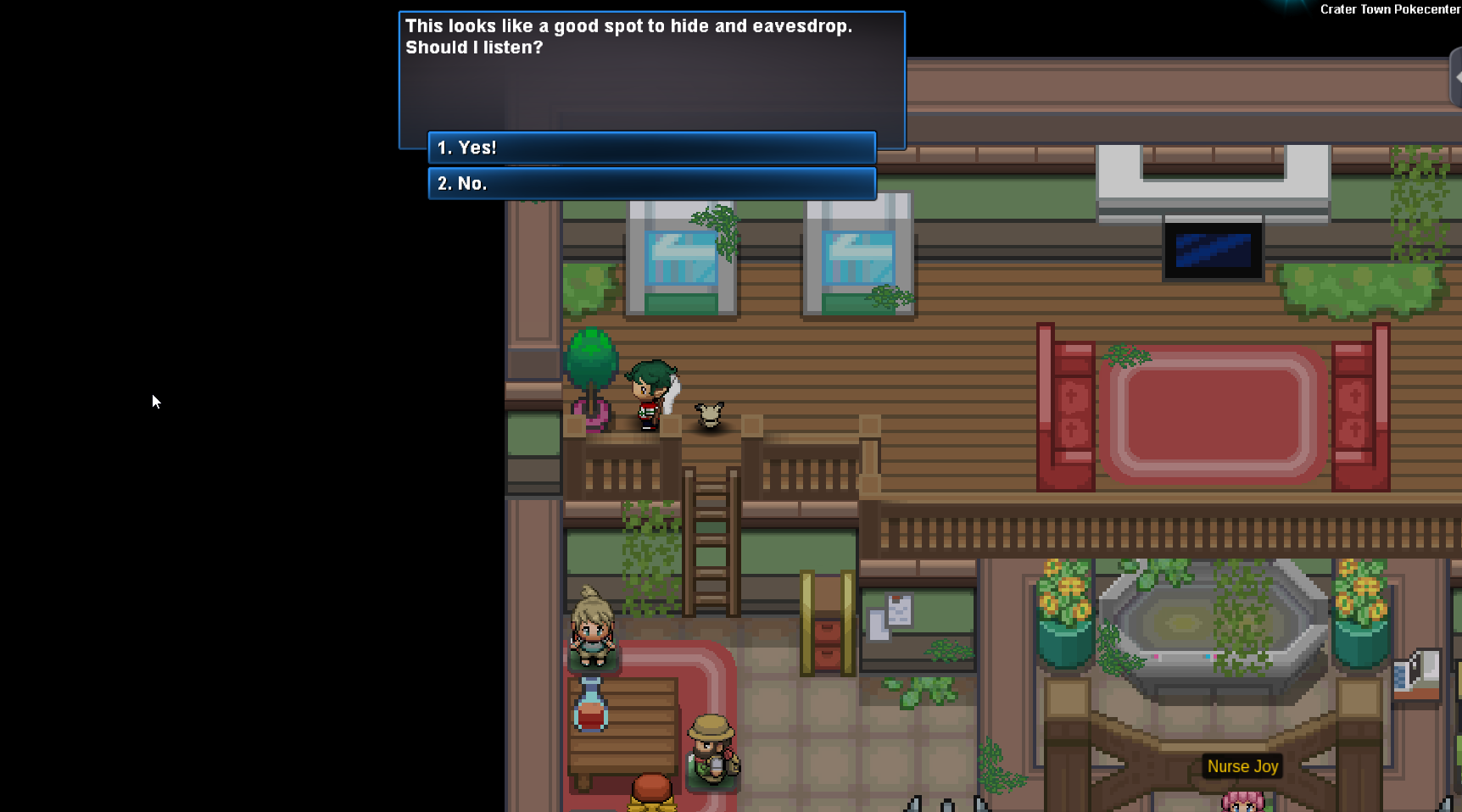
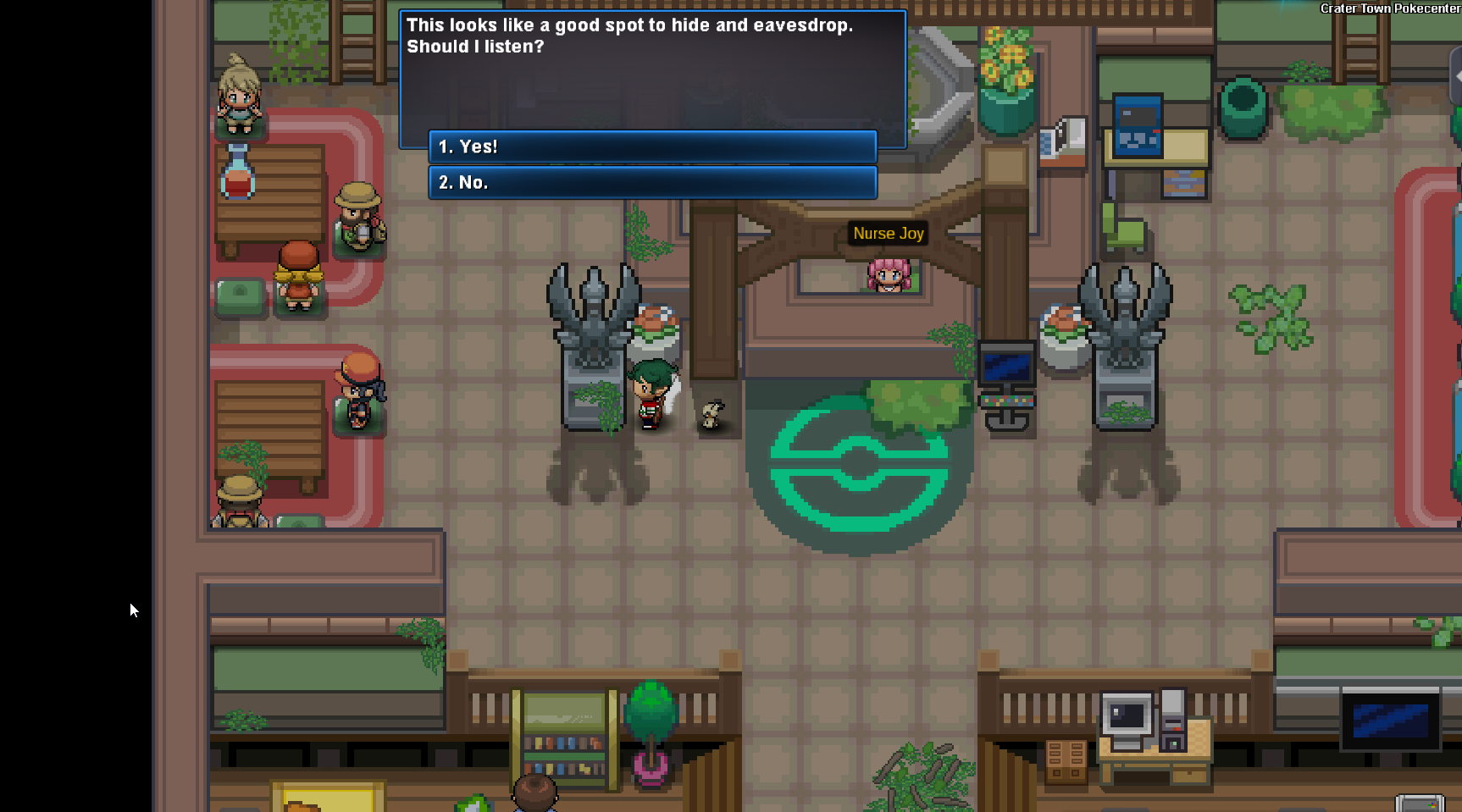
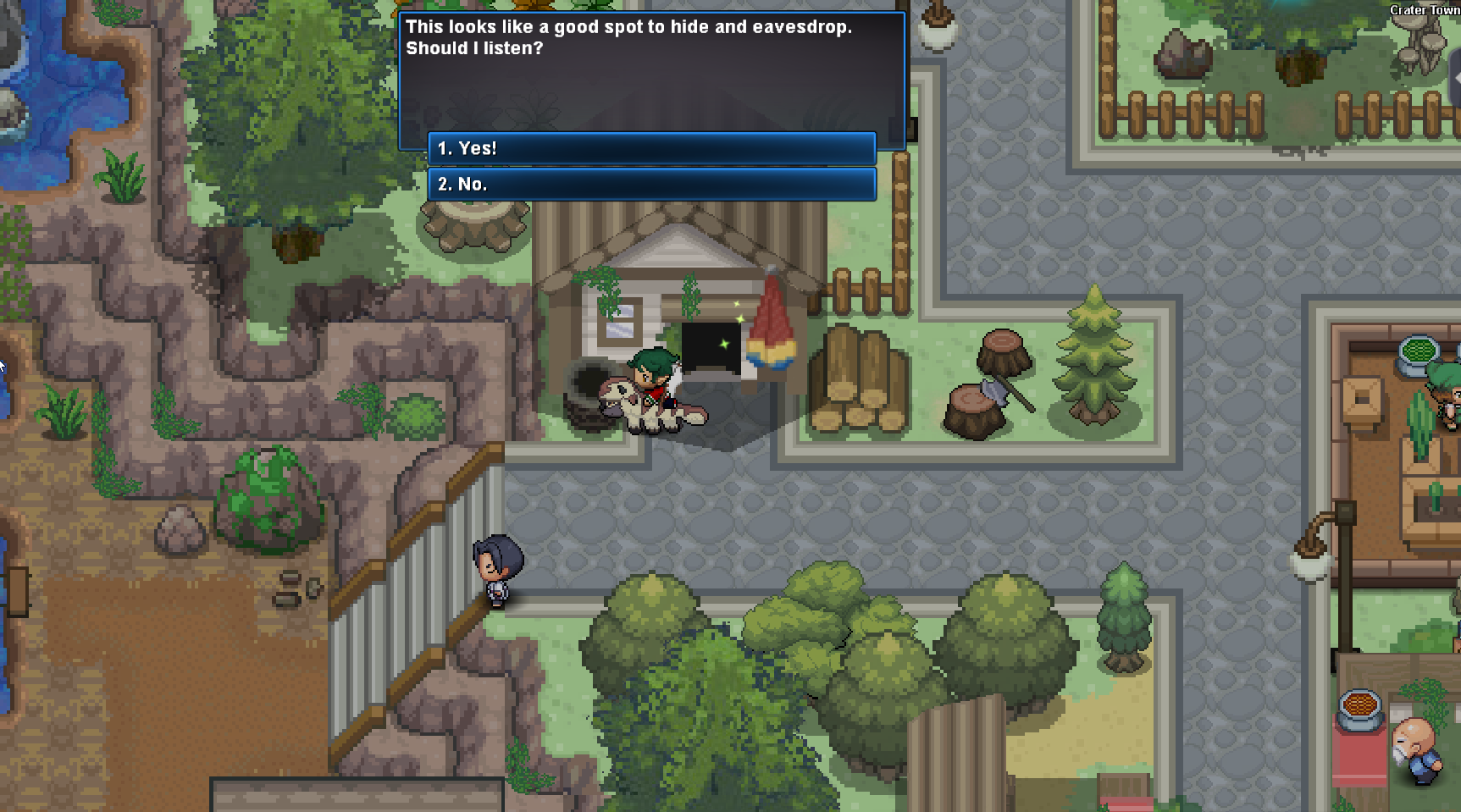
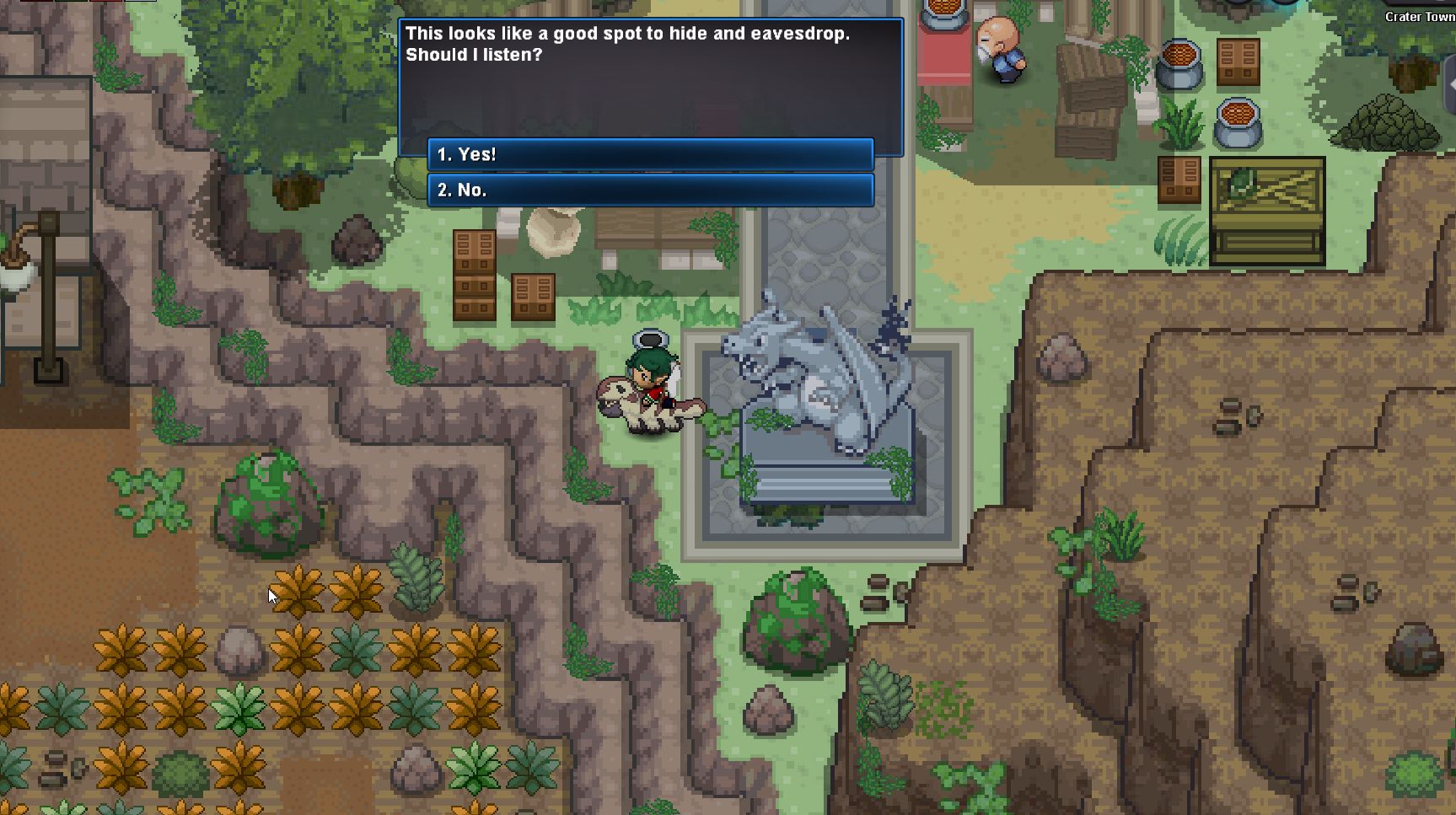
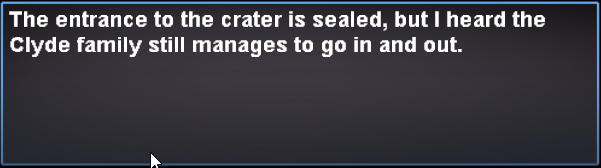
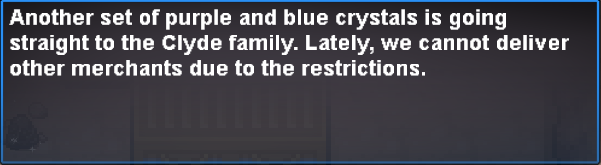
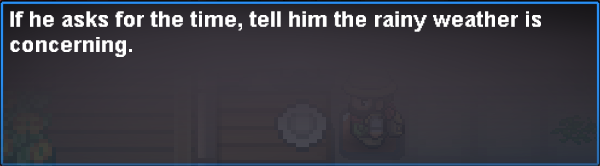
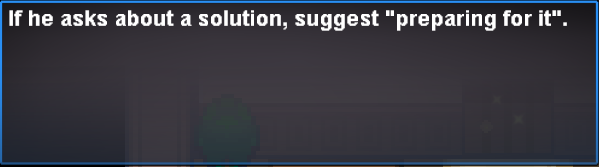
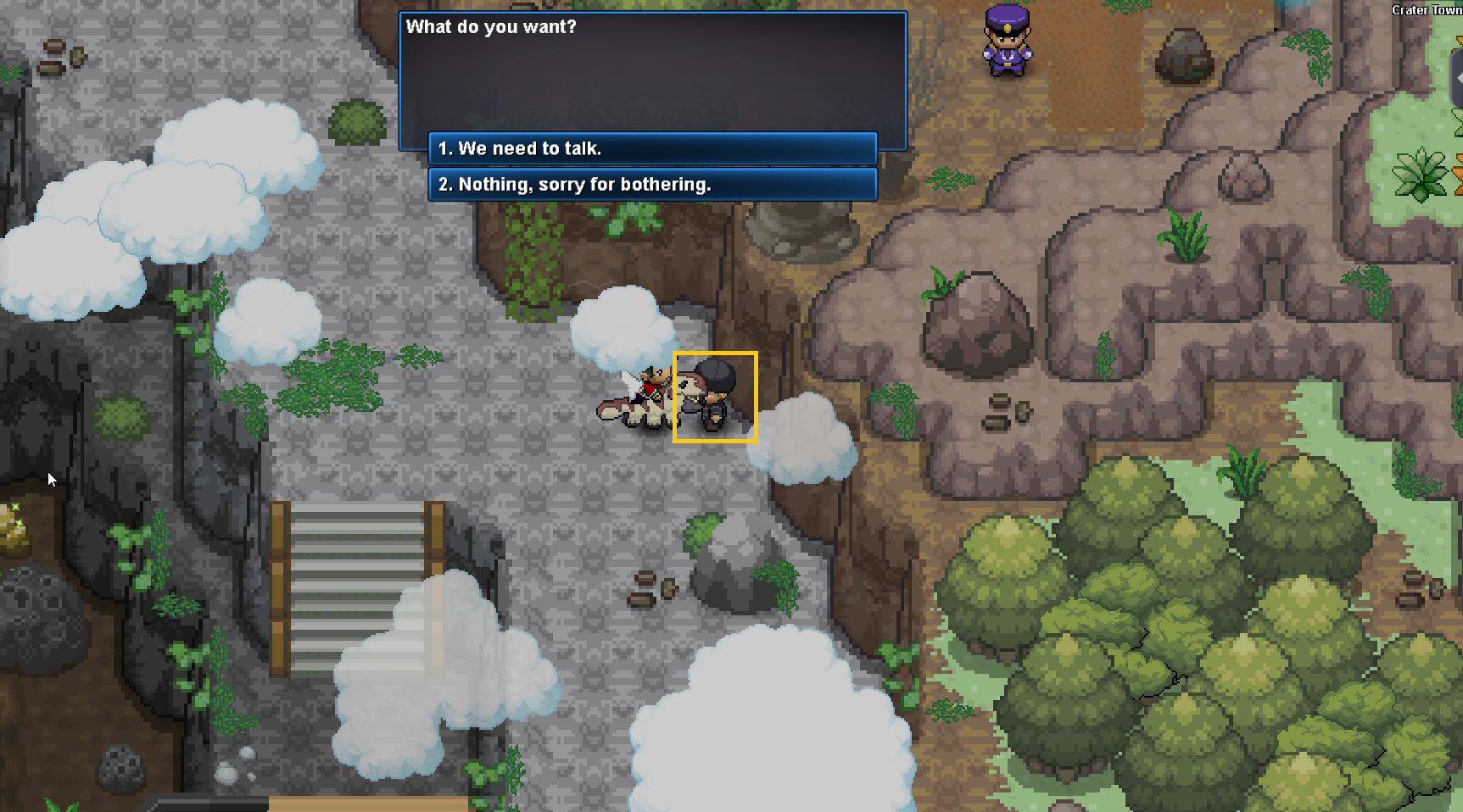
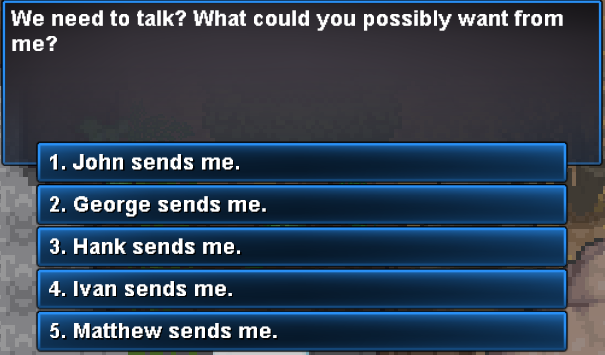
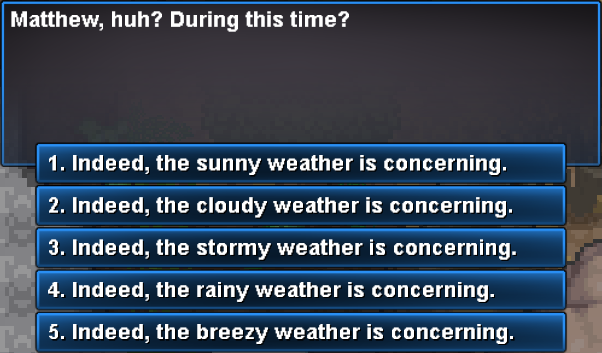
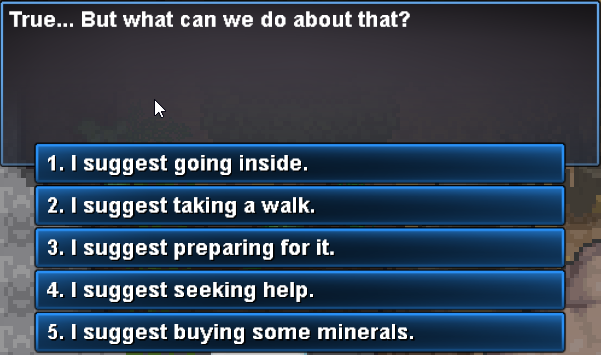
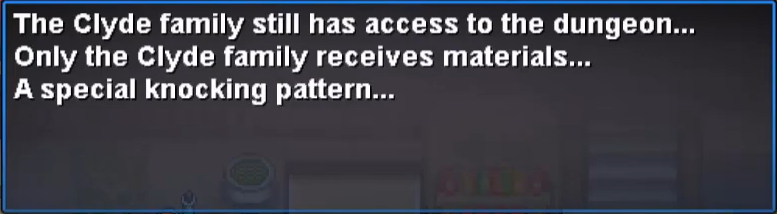
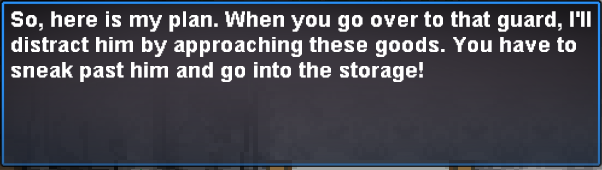
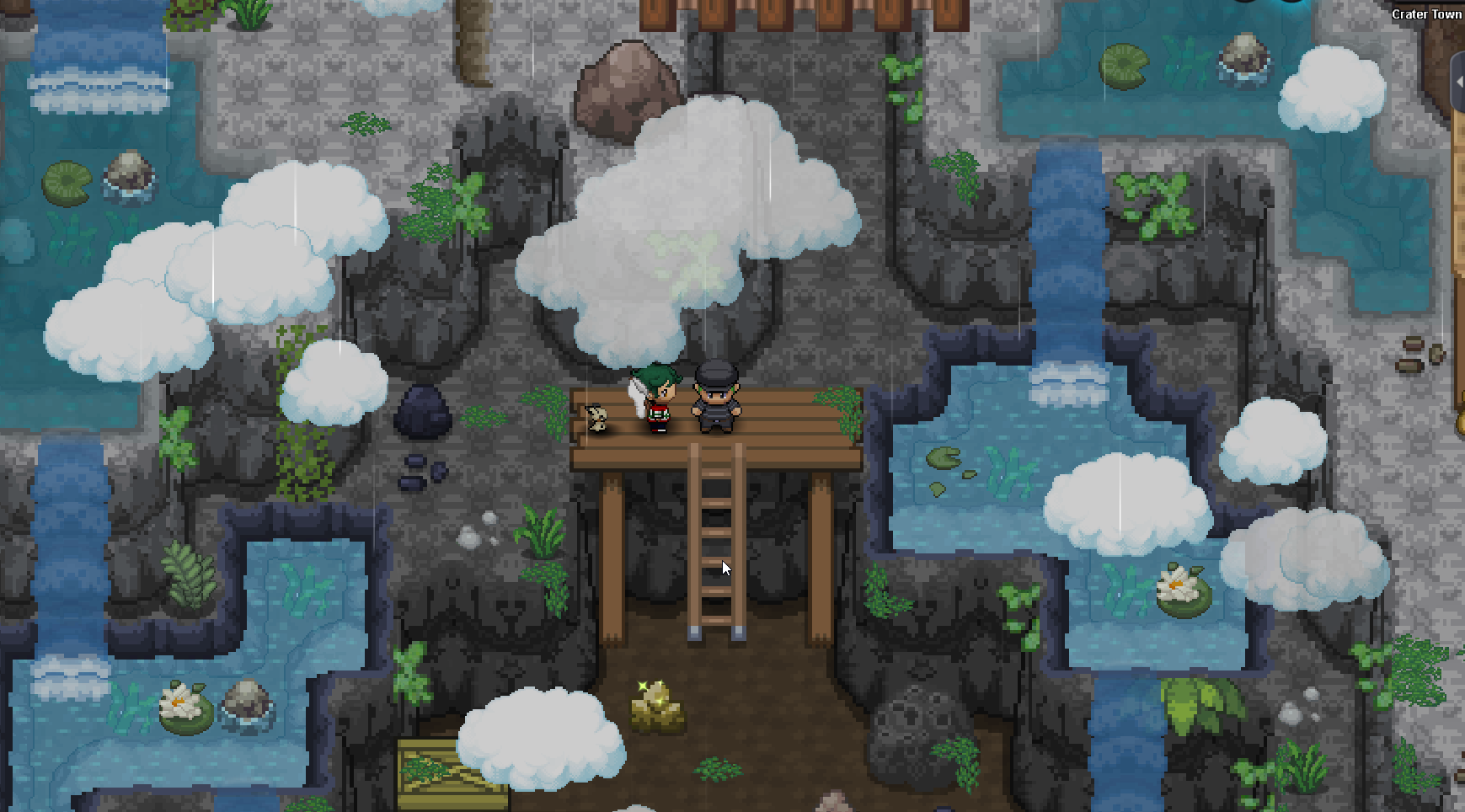
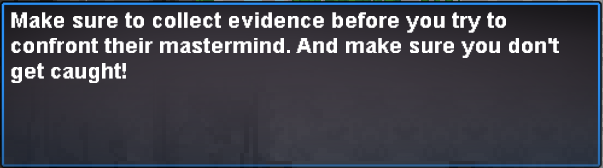
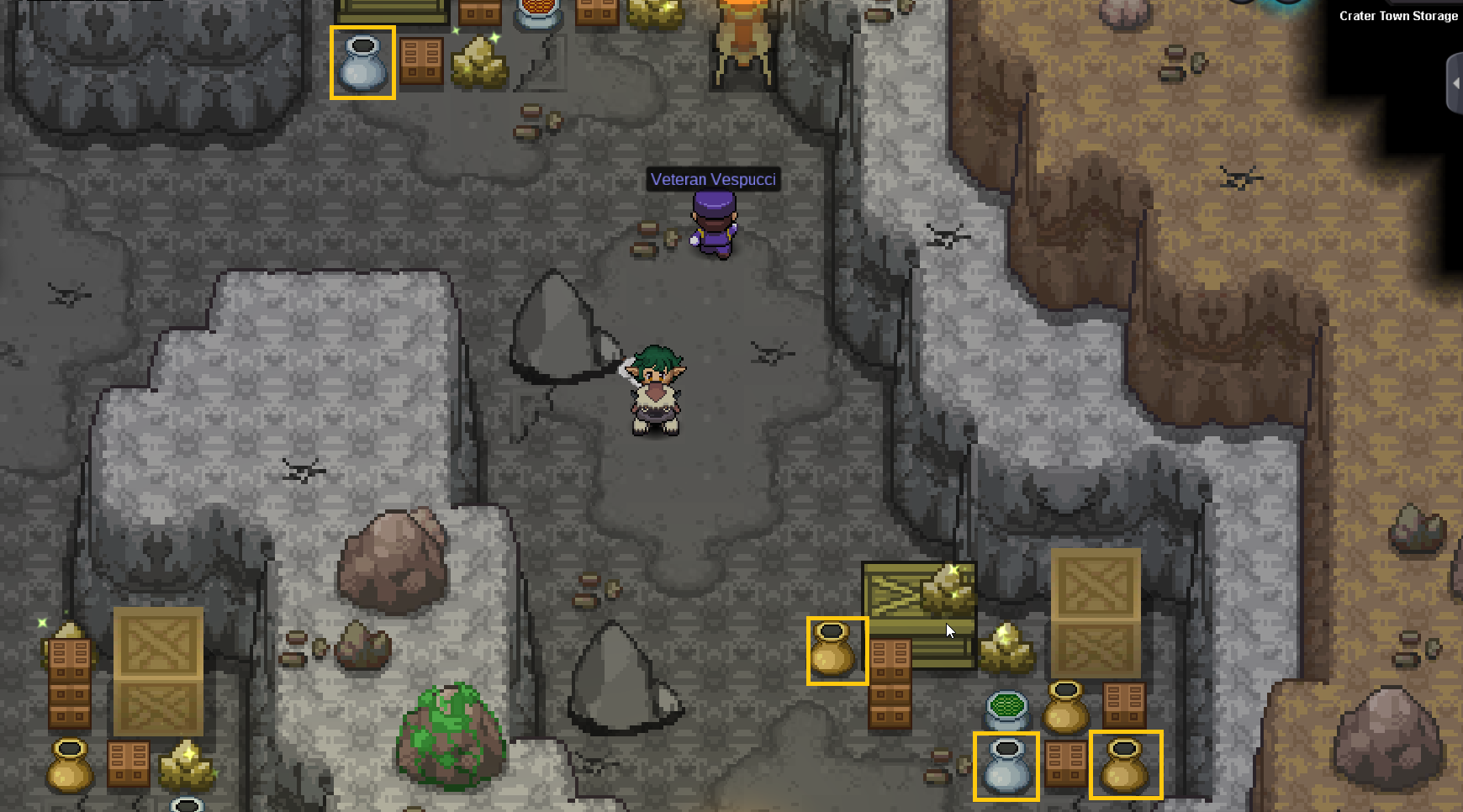
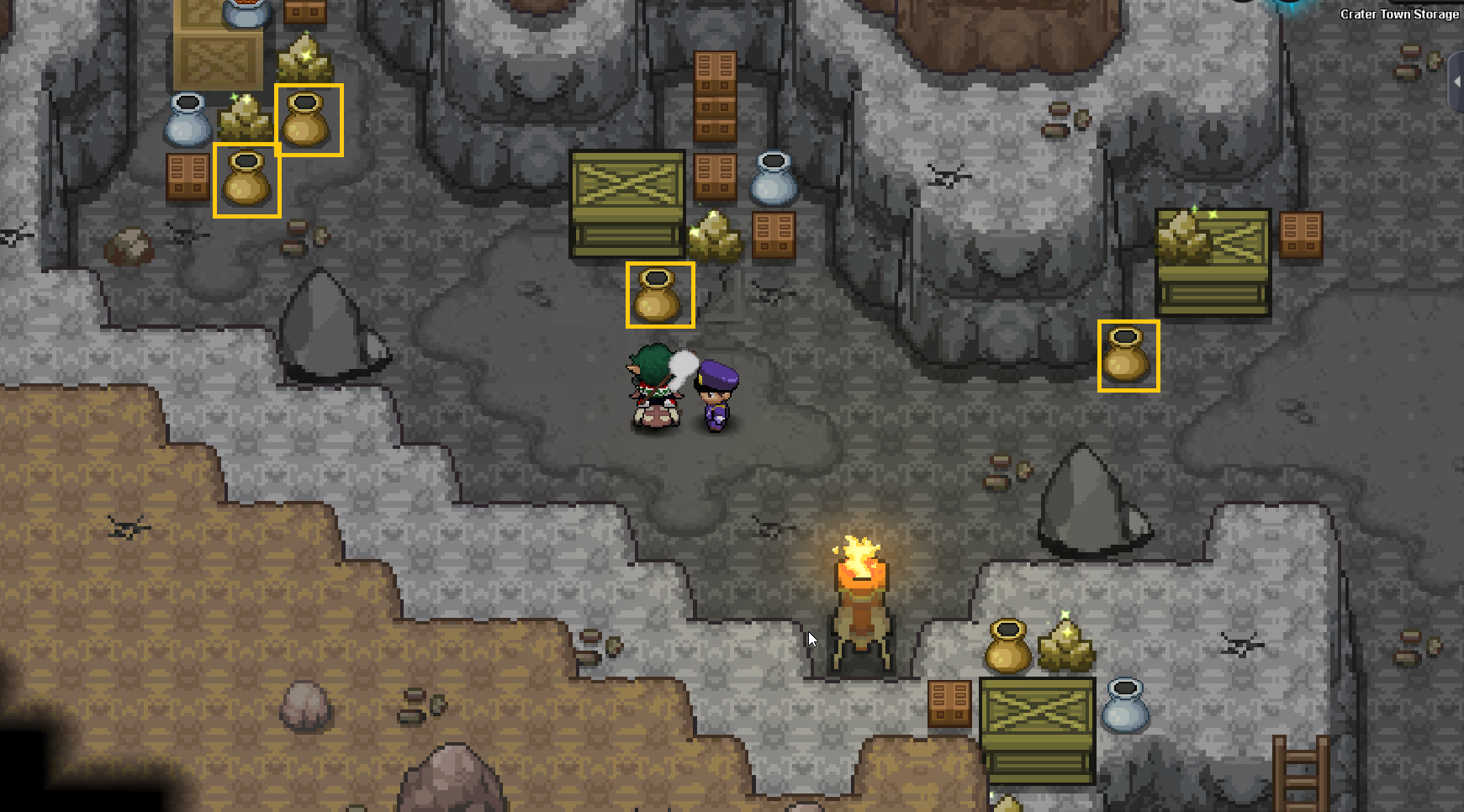
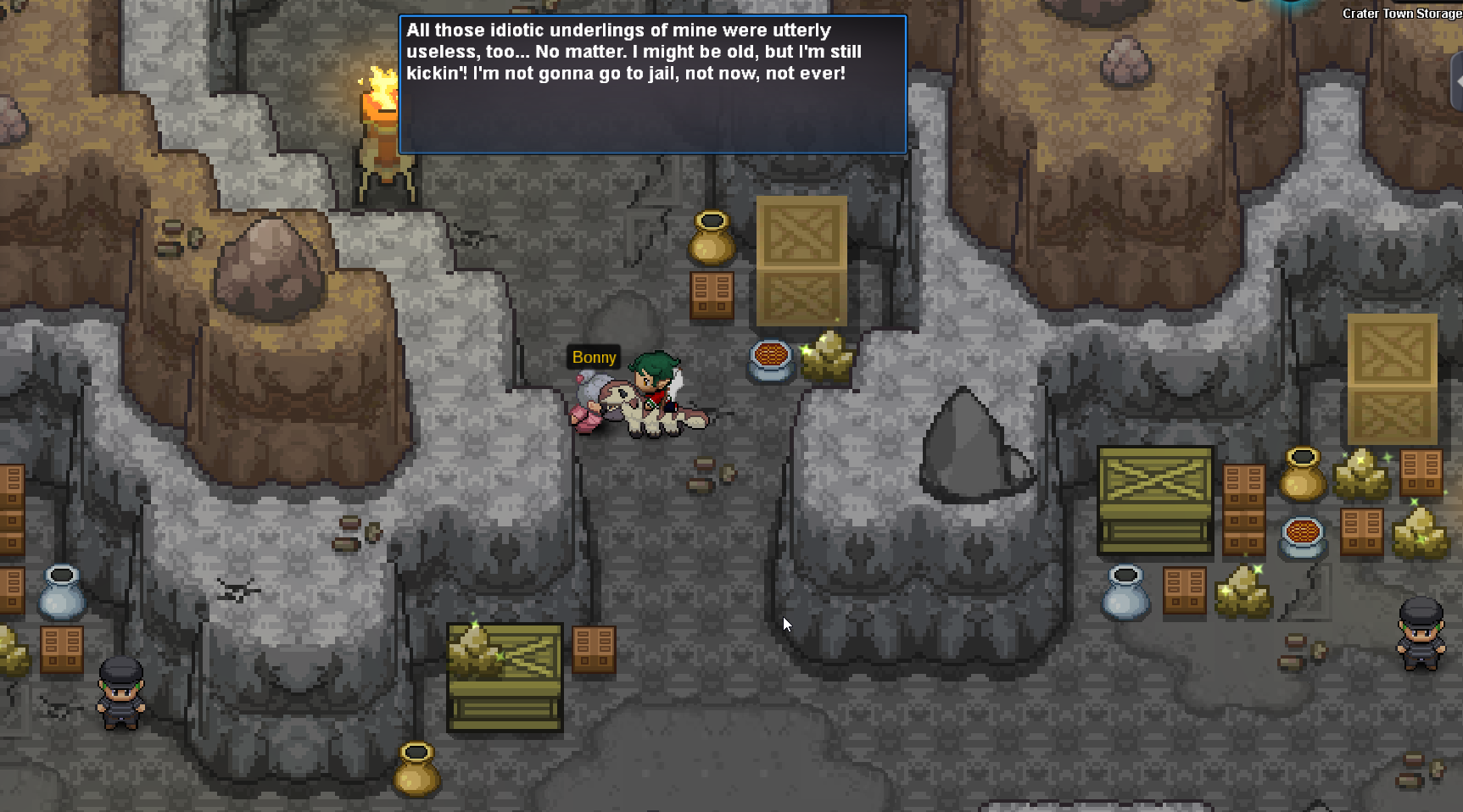
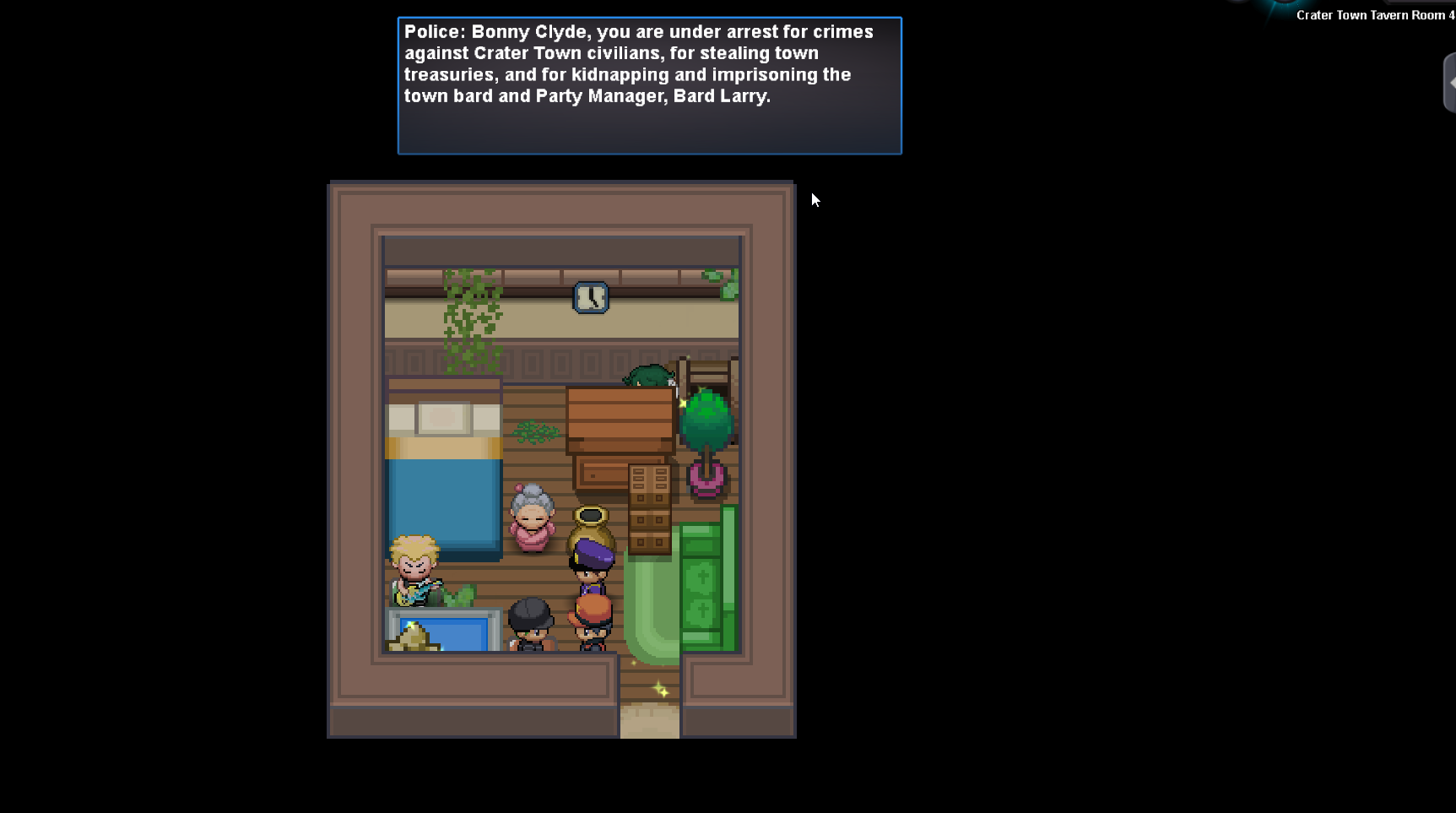
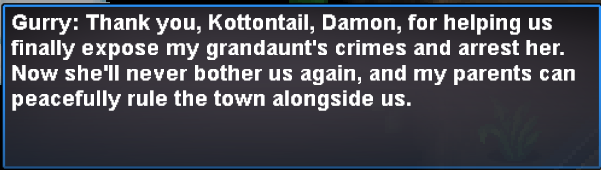
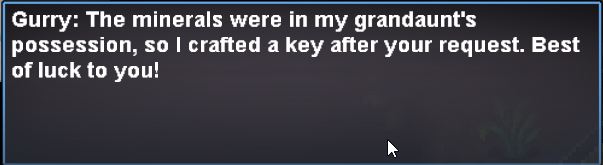
'Ello, everyone! I’ve put together this detailed guide to help you unlock the Ruins of the Vale dungeon. I hope this will make your adventure a bit easier and more fun! Let's dive in: What You Need First Before heading to Crater Town, there are a few things you’ll need to have ready: Zekrom and Kyurem Quest Completed (You can do this on Eindoak Island). 91 Evolution Data. Seen Data for the Gen 5 Pokédex (excluding Legendaries). Once these requirements are checked off, you're ready to go! Part I: Getting to Crater Town Part II: Crater Town Quest The End! I hope this guide helps you on your journey! Good luck, and enjoy your adventure!
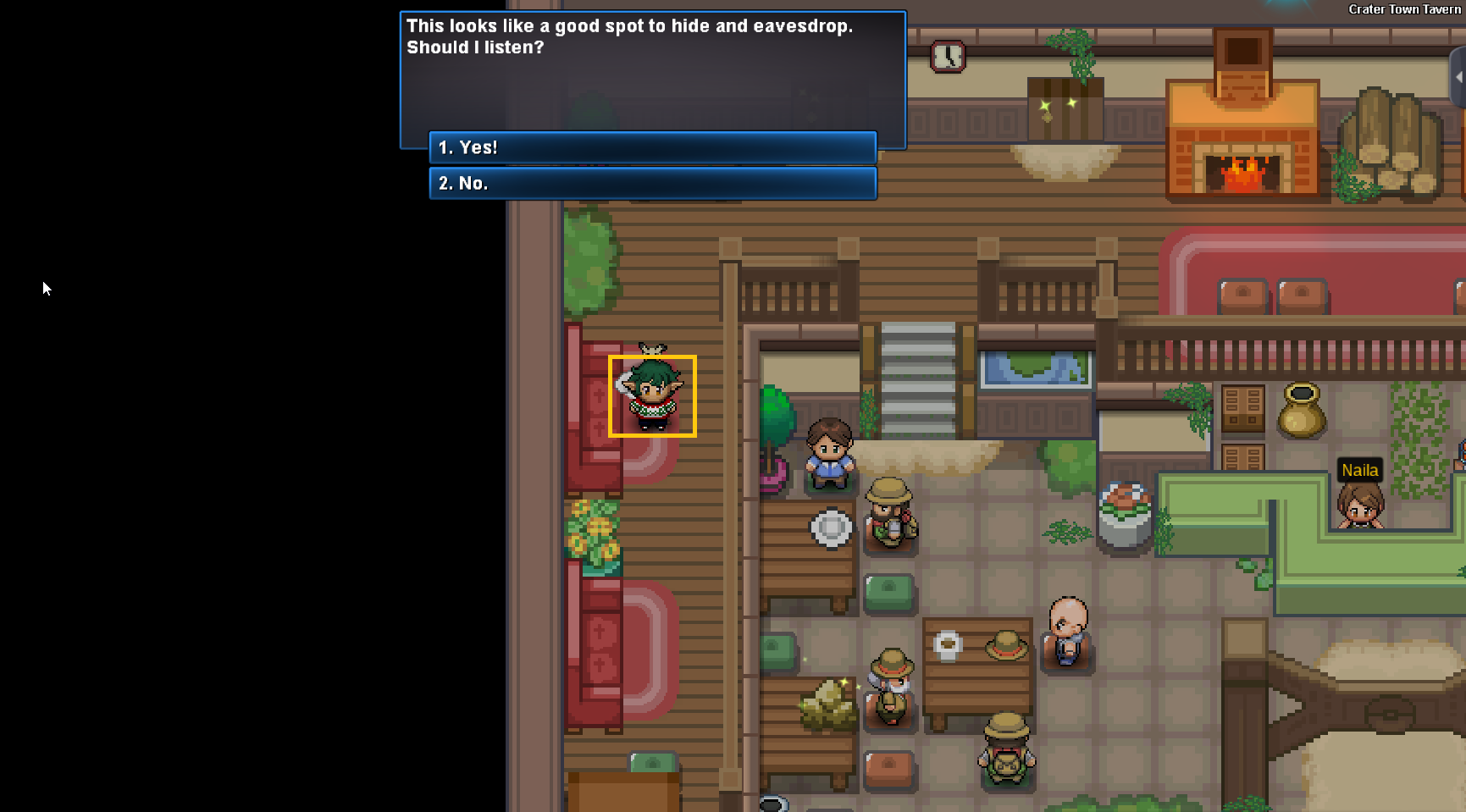
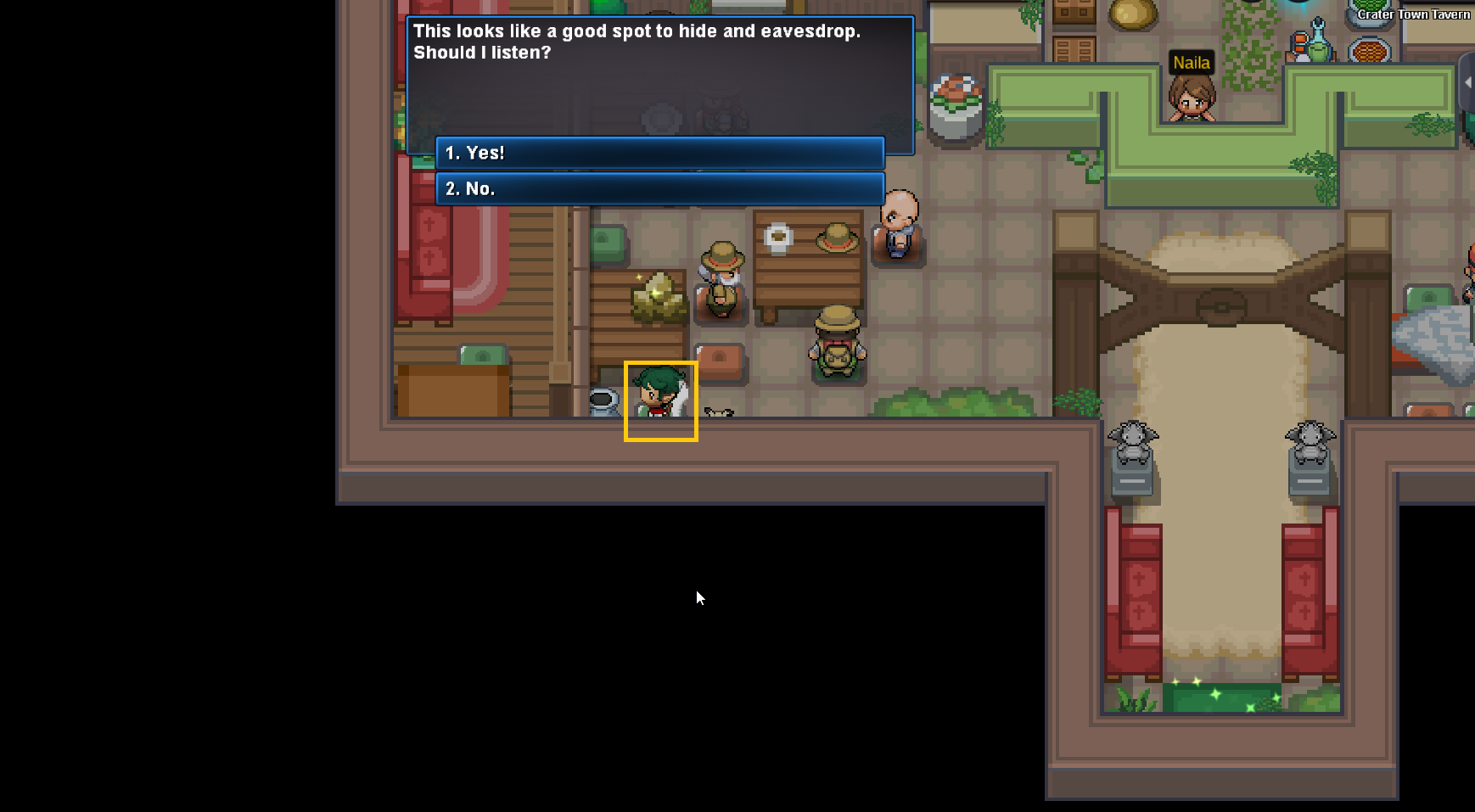
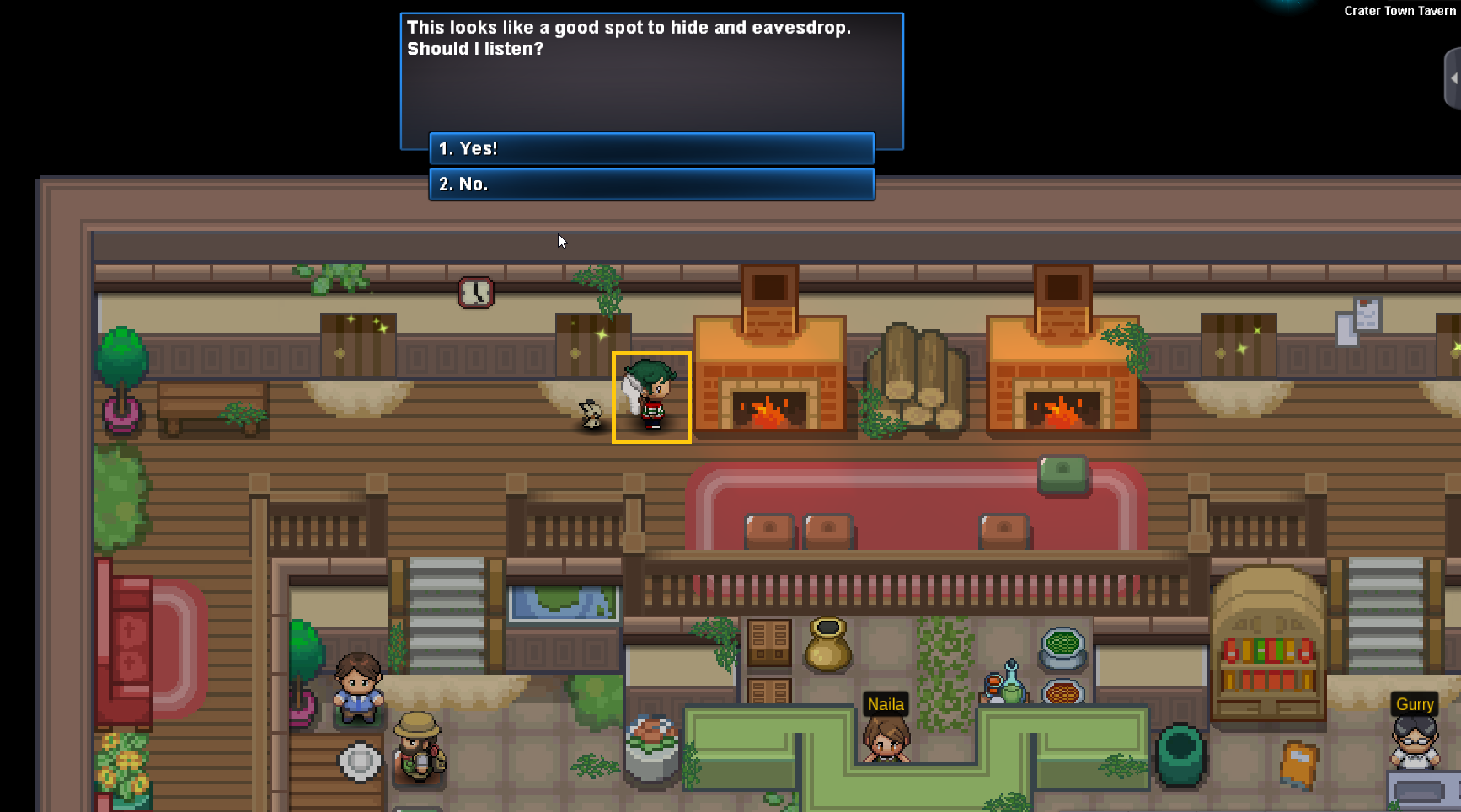
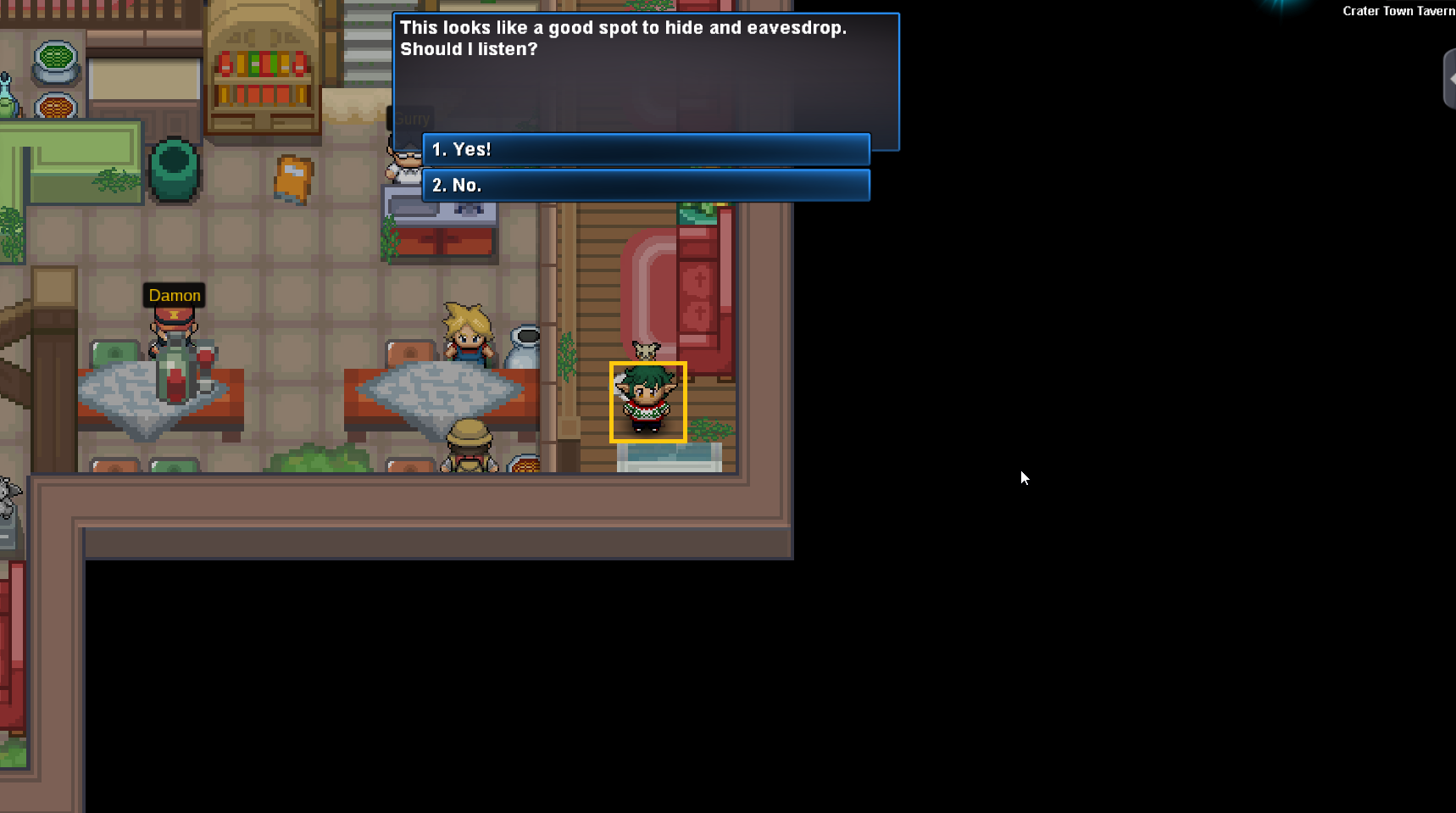



 1 point
 -
0 pointsDawg u gotta fill out an application, we are maxed out on ppl atm so we have to be very strict on who we recruit bc it would mean we would have to kick people. Since I know you and you are a previous member it will give you better odds of joining but you have to make an application with good details if you are truly interested.0 points
-
0 pointsI want to buy your Victini Dungeon service. Please contact Ingame: quangdtq Discord name: quangdtq Or we can set up a time with your time zone. I will meet you ingame Just let me know. Thank you!0 points

