New Trade Zone
Trade Zone is now live
Use the new Trade Zone for auctions and instant-price trades so Pokemon and item offers are easy to find.


Mattsw
Registered User
-
Joined
-
Last visited
Everything posted by Mattsw
-
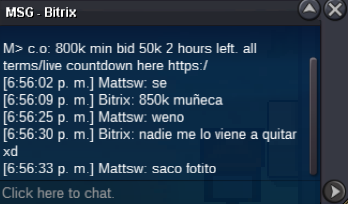
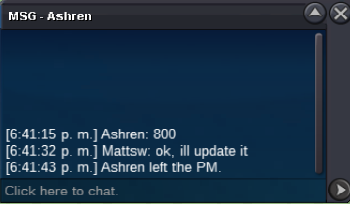
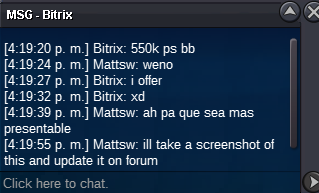
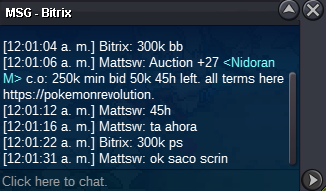
Hi, i want to auction this: Winner: 2.6M Maytal. End Point: Live Countdown (ill try to update per hour the current timer). Plus Pokedollars, accept Payments as: 1- 400k 2- 300k 3- 7rc= 50k 4- 600k Rules: I only accept multiples of 5 for avoid confusions and tricky bids (for example: 50k, 100k, 150k...) - i don't accept any other form of payment - Timer countdown start after first bid (48h auction) - i'll update the status of current bid and hours left many times as i can - If a bid is received in the final 15 minutes of the auction, the end point will be delayed by 15 minutes from that bid, and will be delayed by 15 minutes for each new bid thereafter, until the current offer has been held for a full 15 minutes. If you have some question just ask me here, ingame: Mattsw or Discord: Mattsw#5874.
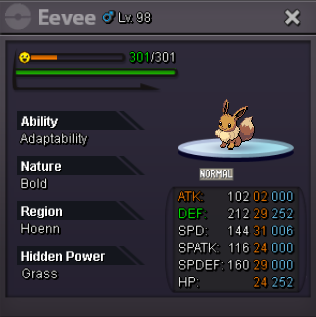



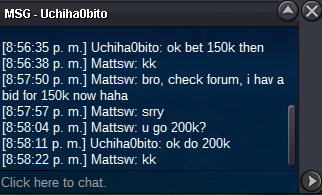
 This auction for: already finish with Pandarkenciel as winner with 1.4m. Thank you all 🙂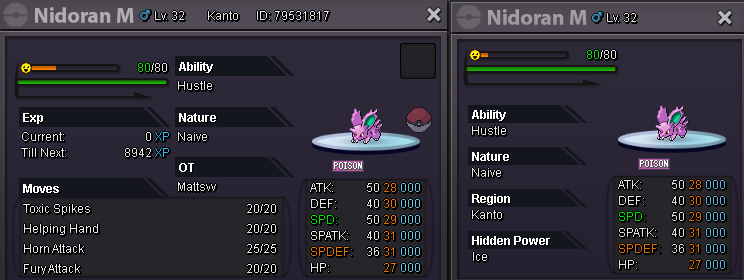
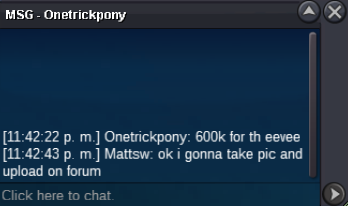
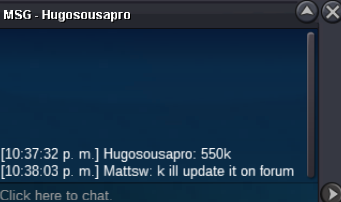
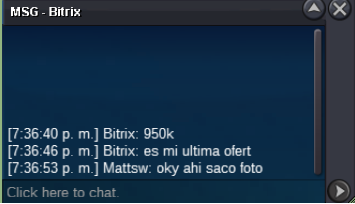
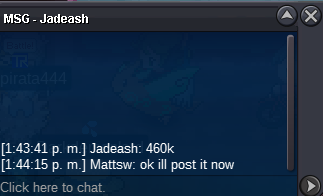
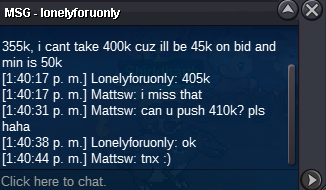
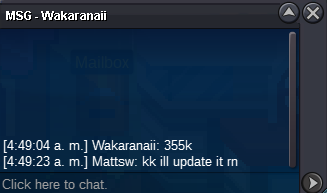
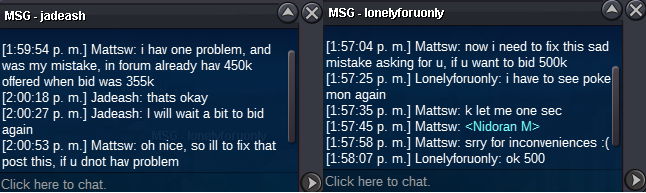
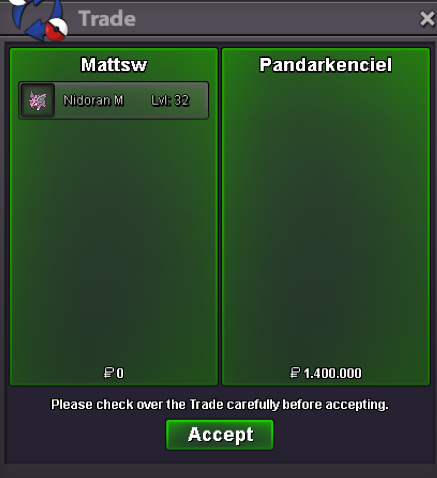 As i see i do one mistake pass over 450k bid offered when c.o was 355k. I ask for people envolved after this mistake 460k offered for Jadeash was retired and now i hav one offer of 500k from Lonelyforuonly, so that bid ill be the current now. Sorry for inconveniences . ill be more careful.
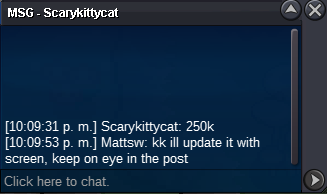
 Hi, i want to auction this : Current Bid: 1.4M Pandarkenciel. Min. Raise: 50k End Point: Live Countdown Finish (ill try to update per hour the current timer) Plus Pokedollars, accept Payments as: 300k 7rc= 50k 600k 400k Rules: Avoid False Bids, i don't accept any other form of payment - Timer countdown start after first bid (48h auction) - i'll update the status of current bid and hours left many times as i can - If a bid is received in the final 15 minutes of the auction, the end point will be delayed by 15 minutes from that bid, and will be delayed by 15 minutes for each new bid thereafter, until the current offer has been held for a full 15 minutes. If you have some question just ask me here, ingame: Mattsw or Discord: Mattsw#5874.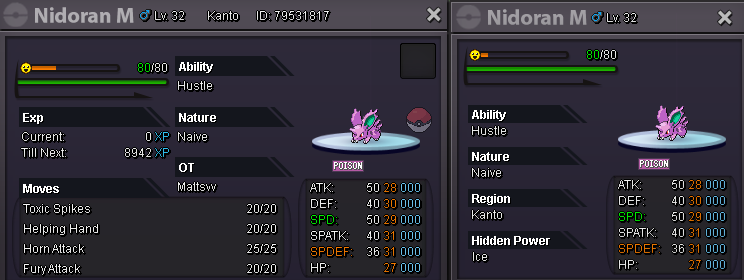



 buy this
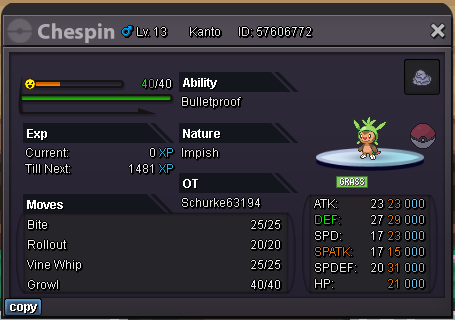 buy this
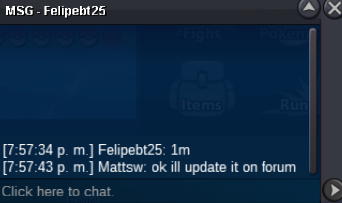
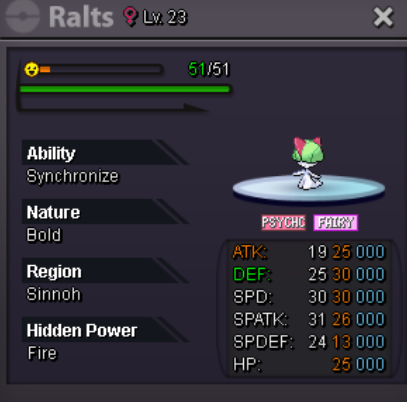 hi, i want to buy ur rotom-wash if still available1mArmaldo and Garchomp sold ty.
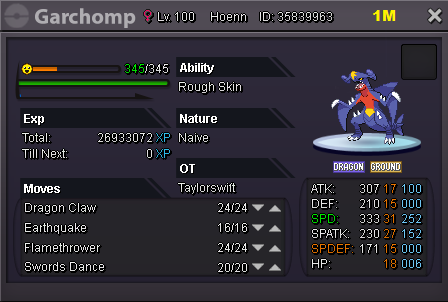 Sold ty and sorry for inconveniences :)
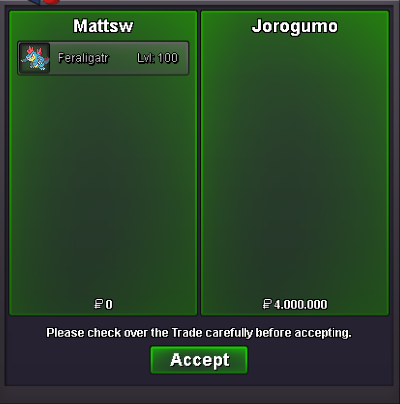 Sold ty.
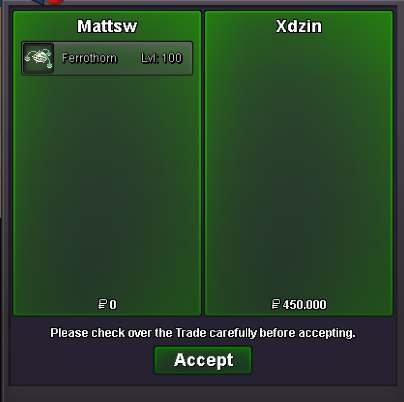 Can 2.2 if u still interesed.
Account
Navigation
Search
Configure browser push notifications
Chrome (Android)
- Tap the lock icon next to the address bar.
- Tap Permissions → Notifications.
- Adjust your preference.
Chrome (Desktop)
- Click the padlock icon in the address bar.
- Select Site settings.
- Find Notifications and adjust your preference.
Safari (iOS 16.4+)
- Ensure the site is installed via Add to Home Screen.
- Open Settings App → Notifications.
- Find your app name and adjust your preference.
Safari (macOS)
- Go to Safari → Preferences.
- Click the Websites tab.
- Select Notifications in the sidebar.
- Find this website and adjust your preference.
Edge (Android)
- Tap the lock icon next to the address bar.
- Tap Permissions.
- Find Notifications and adjust your preference.
Edge (Desktop)
- Click the padlock icon in the address bar.
- Click Permissions for this site.
- Find Notifications and adjust your preference.
Firefox (Android)
- Go to Settings → Site permissions.
- Tap Notifications.
- Find this site in the list and adjust your preference.
Firefox (Desktop)
- Open Firefox Settings.
- Search for Notifications.
- Find this site in the list and adjust your preference.