New Trade Zone
Trade Zone is now live
Use the new Trade Zone for auctions and instant-price trades so Pokemon and item offers are easy to find.

Shashankhebbar
Registered User
-
Joined
-
Last visited
-
I'm on right now @Midsommar
-
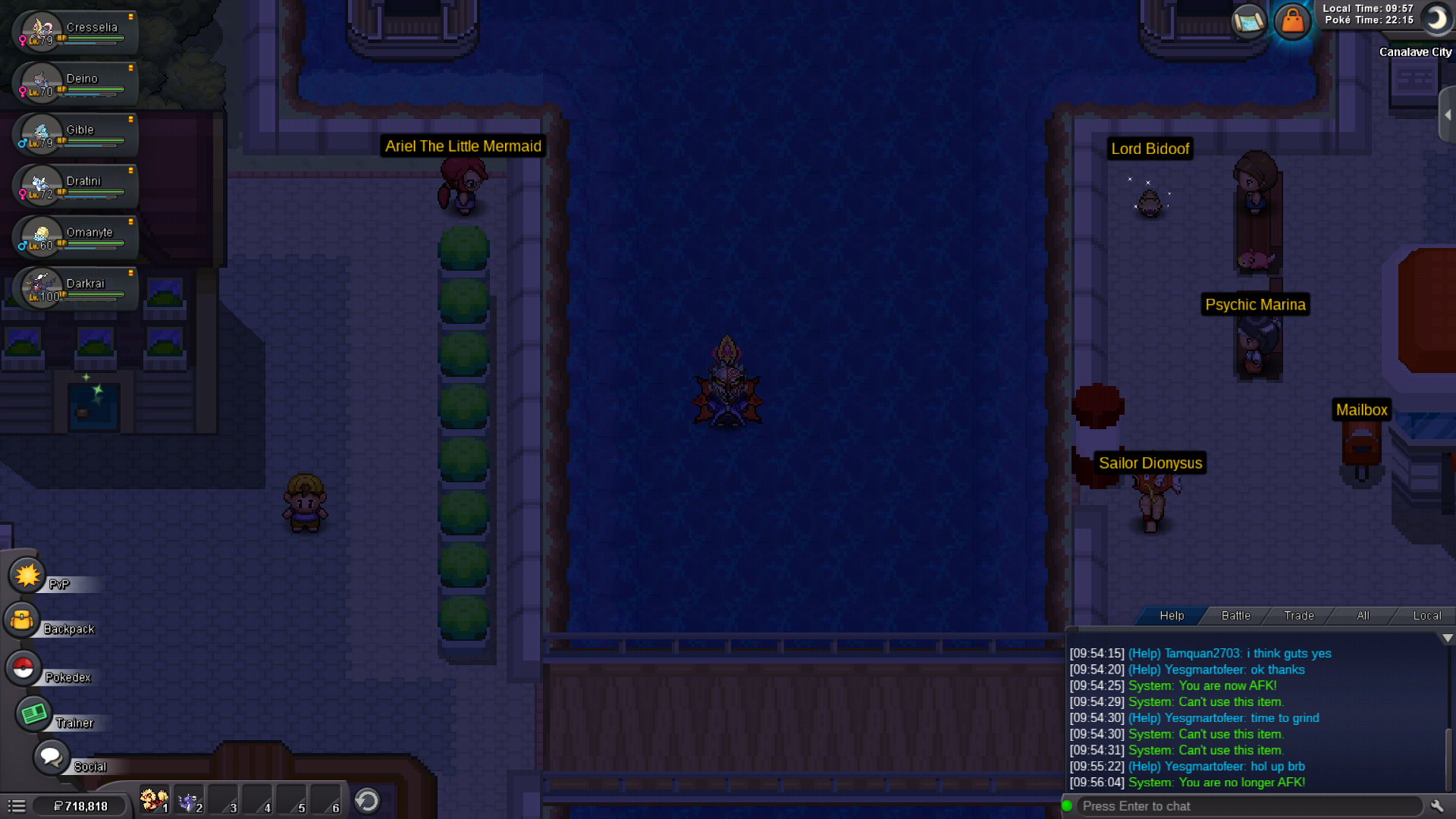
I was at darkrai event island n I used the cruise to get back to canalave but now I'm stuck. I even used escape rope but I got teleported back to the same PC.
-
I'm stuck at canalave city
-
I'm not able to submit my frillish
-
IGN : Shashankhebbar Server : silver
-
If u r recruiting then I'll leave
-
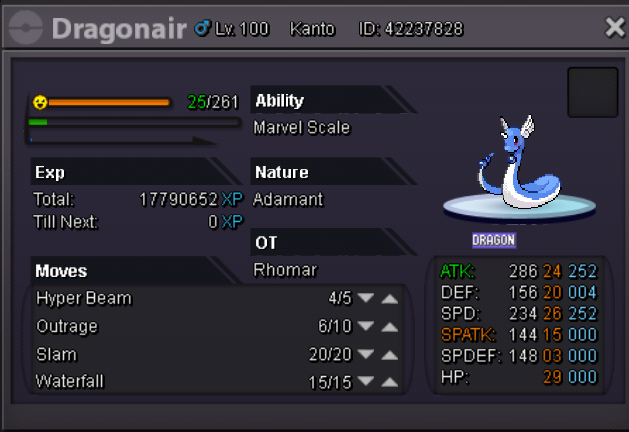
1. What's your Player name (IGN)? Shashankhebbar 2. Number of hours played?520hrs 3. What's your favorite Pokemon? Dragonite 4. What country are you from? India, Karnataka 5. How old are you?21 6. When's your Birthday? 6 Dec 1998
-
What's your Name/IGN? ShashankHebbar ● How old are you?21 ● Are you active in Discord?yes ● Where are you from?India,Karantaka ● What's your playtime?/How often do you play PRO?504 hrs/2-3 hours a day ● What's your goal in PRO? I play for fun and I like Pokemon ● Why do you want to be part of Chaos?I found your guild interesting ● What's your favorite Pokemon and why? Dragonite cause it suits my character ● What's your favorite animal and why?rhino because it's kinda beast
-
I was battling Battling Shamac on Thursday that time the servers went down due to merge I think, after I logged in I had lost to him can you please restore it.Thank you